How to Register for Laymans
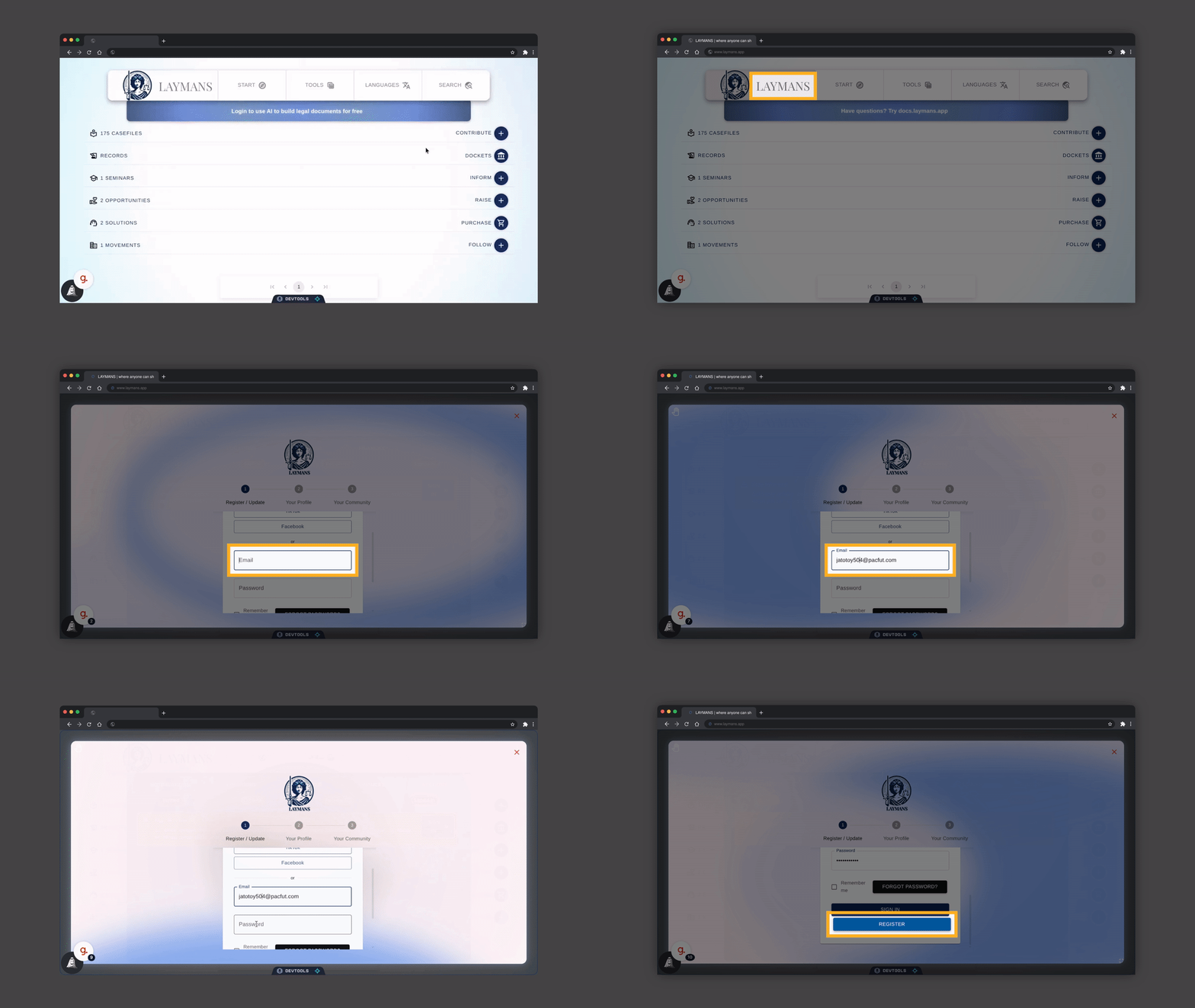
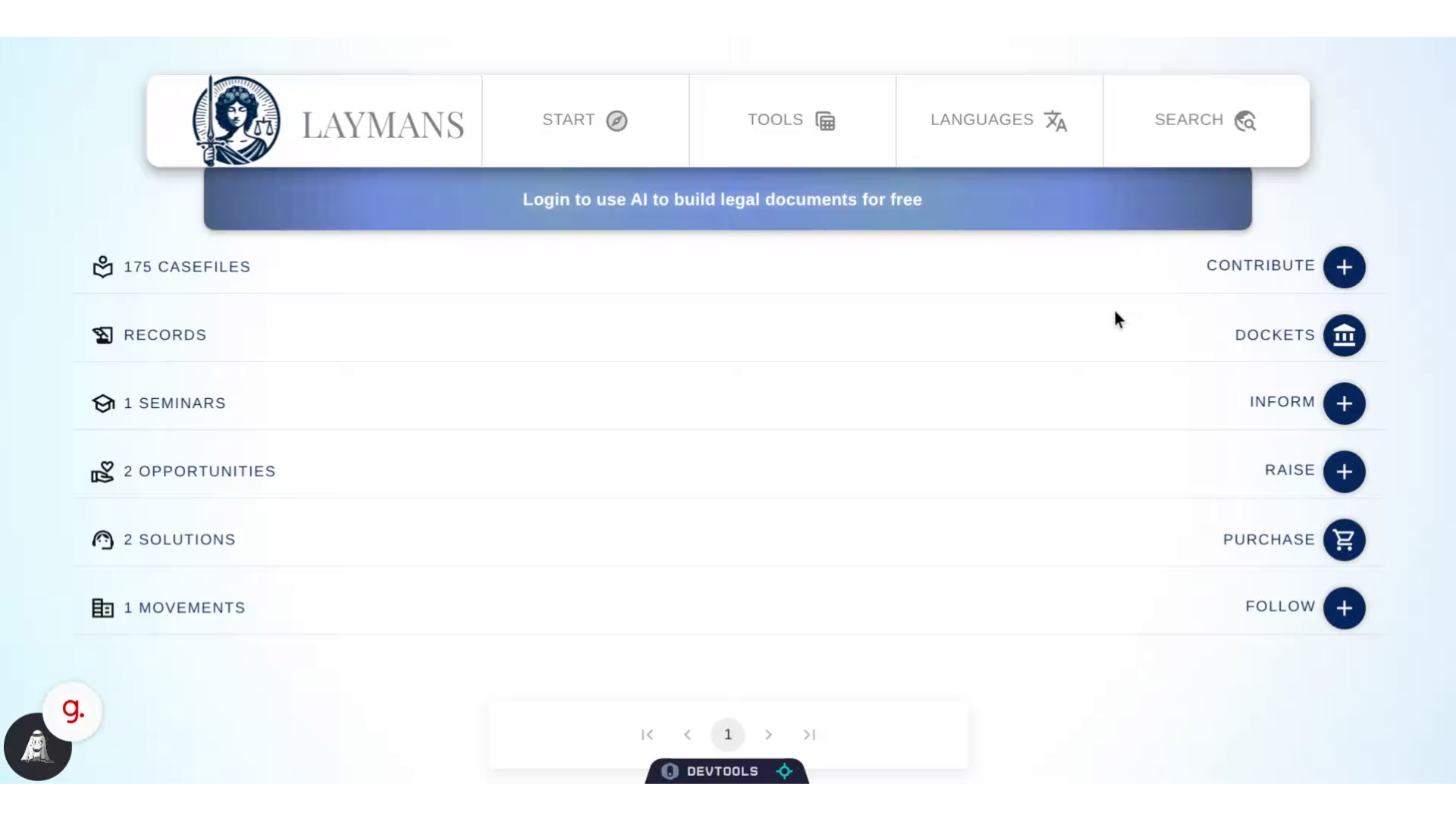
Go to www.laymans.app
1. Introduction
You can register for Laymans using an email and password of your choice. Laymans will also support social login - using your google, linkedin, or facebook accounts - and eventually your phone, for privacy.
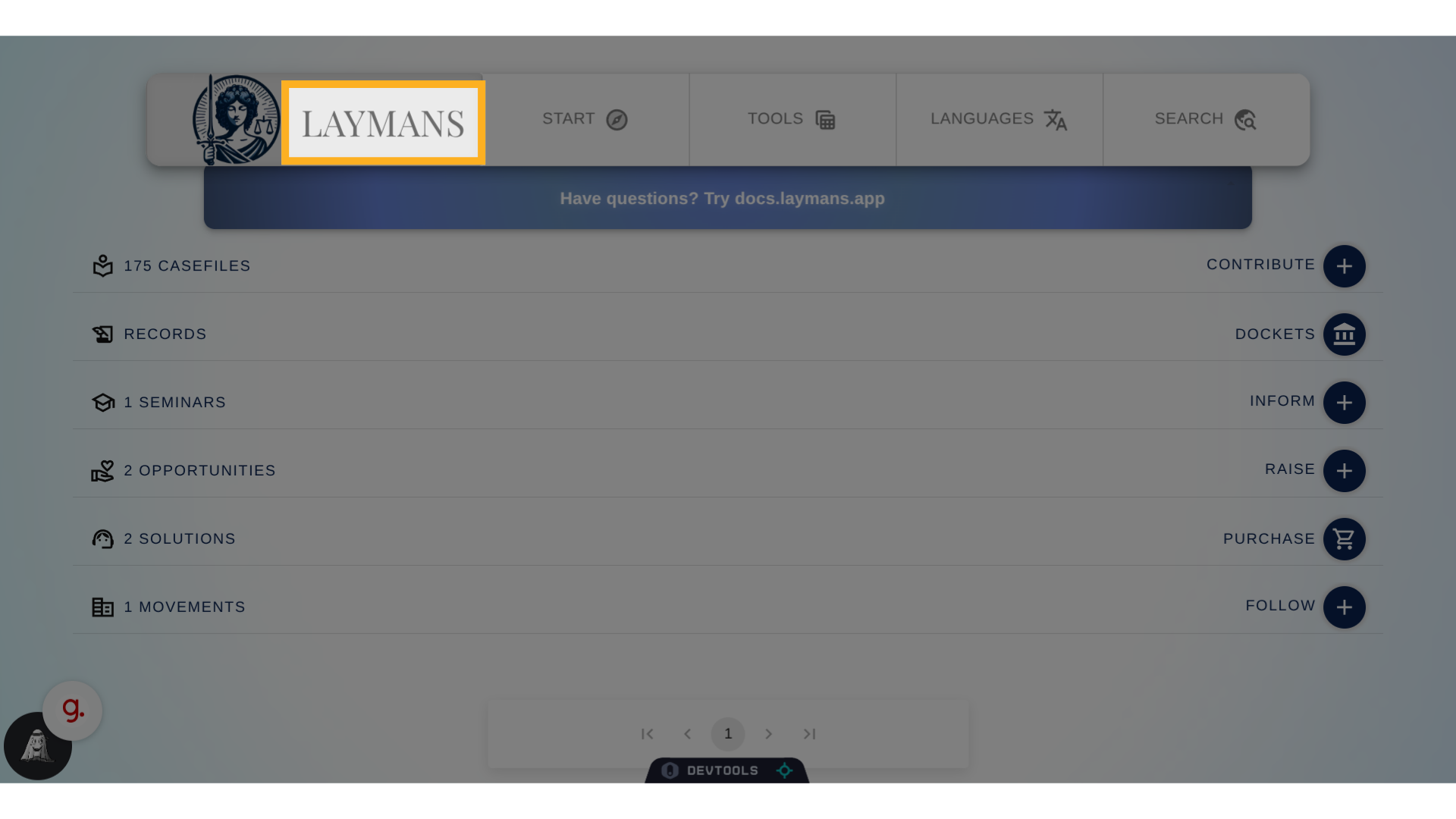
2. Click "LAYMANS"
Let's get started. When you get on the home page click on "Laymans". This top bar is the "Power Bar" and will be available on every page
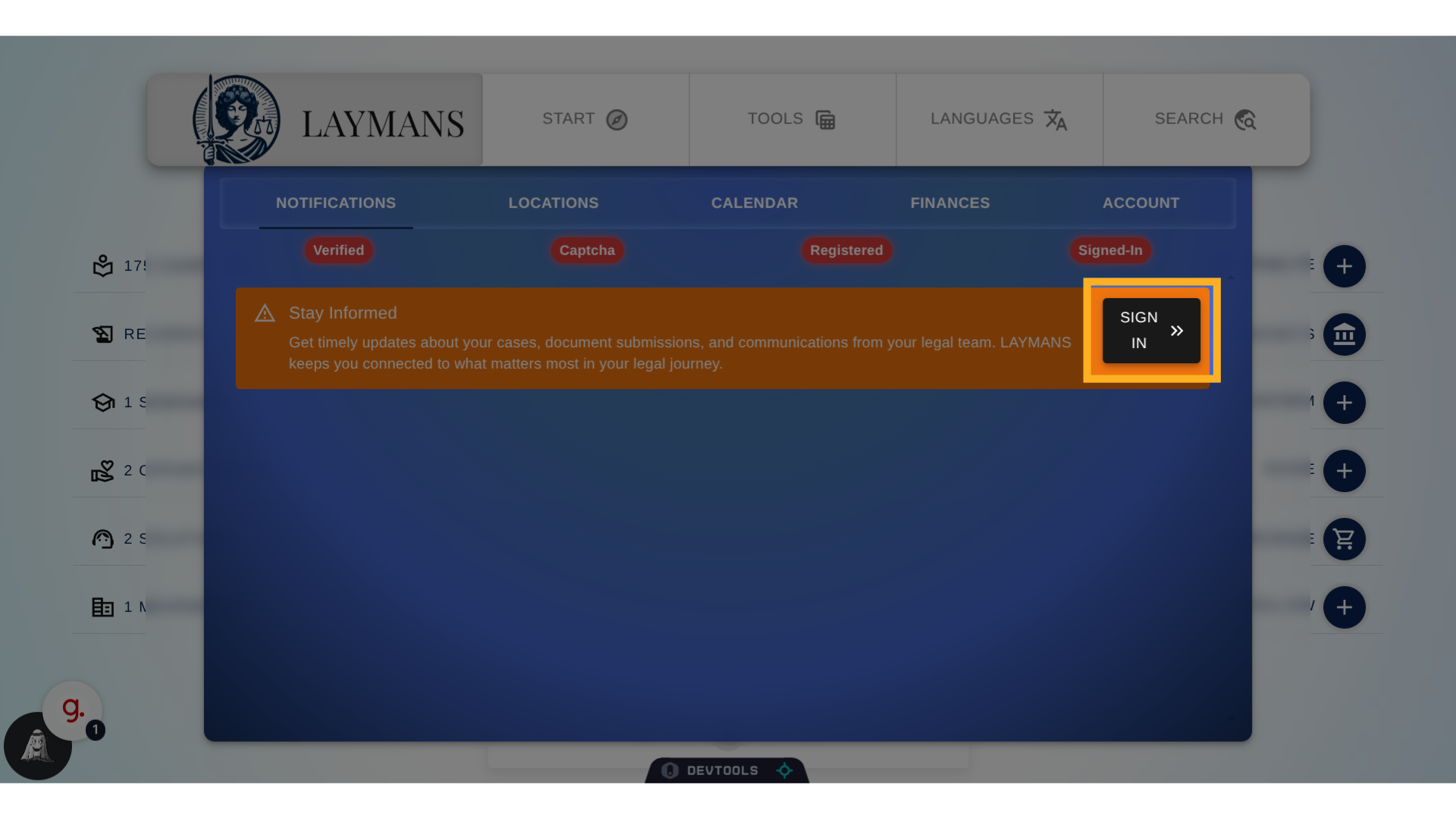
3. Click "SIGN IN"
If you're not signed in the first thing you will see is the sign in button. However, you can go to the "Account" tab if you already are to edit your profile or logout.
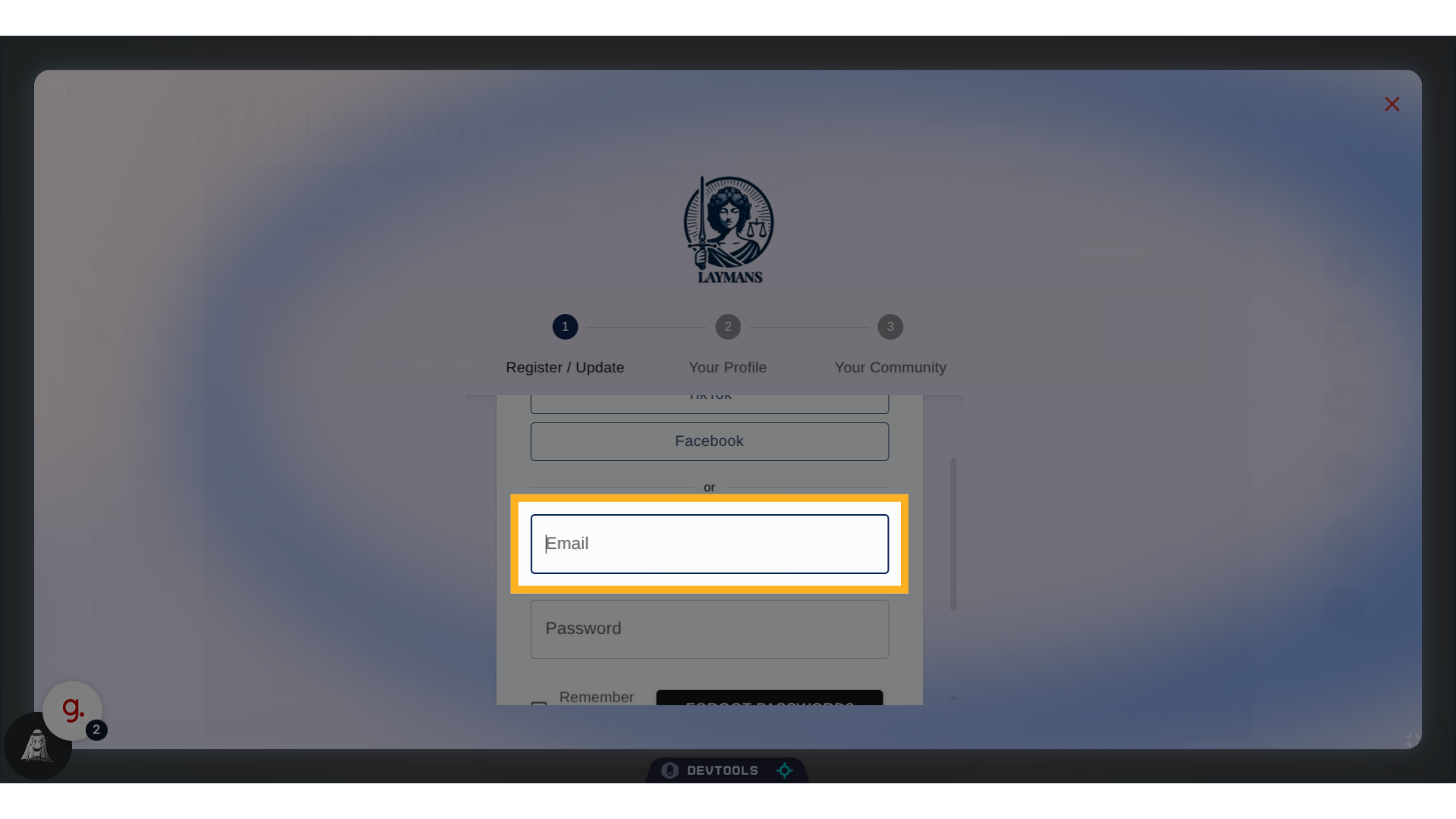
4. Click "Email"
Scroll down to pick your login options, you will see Social Options, Phone, and finally...email.
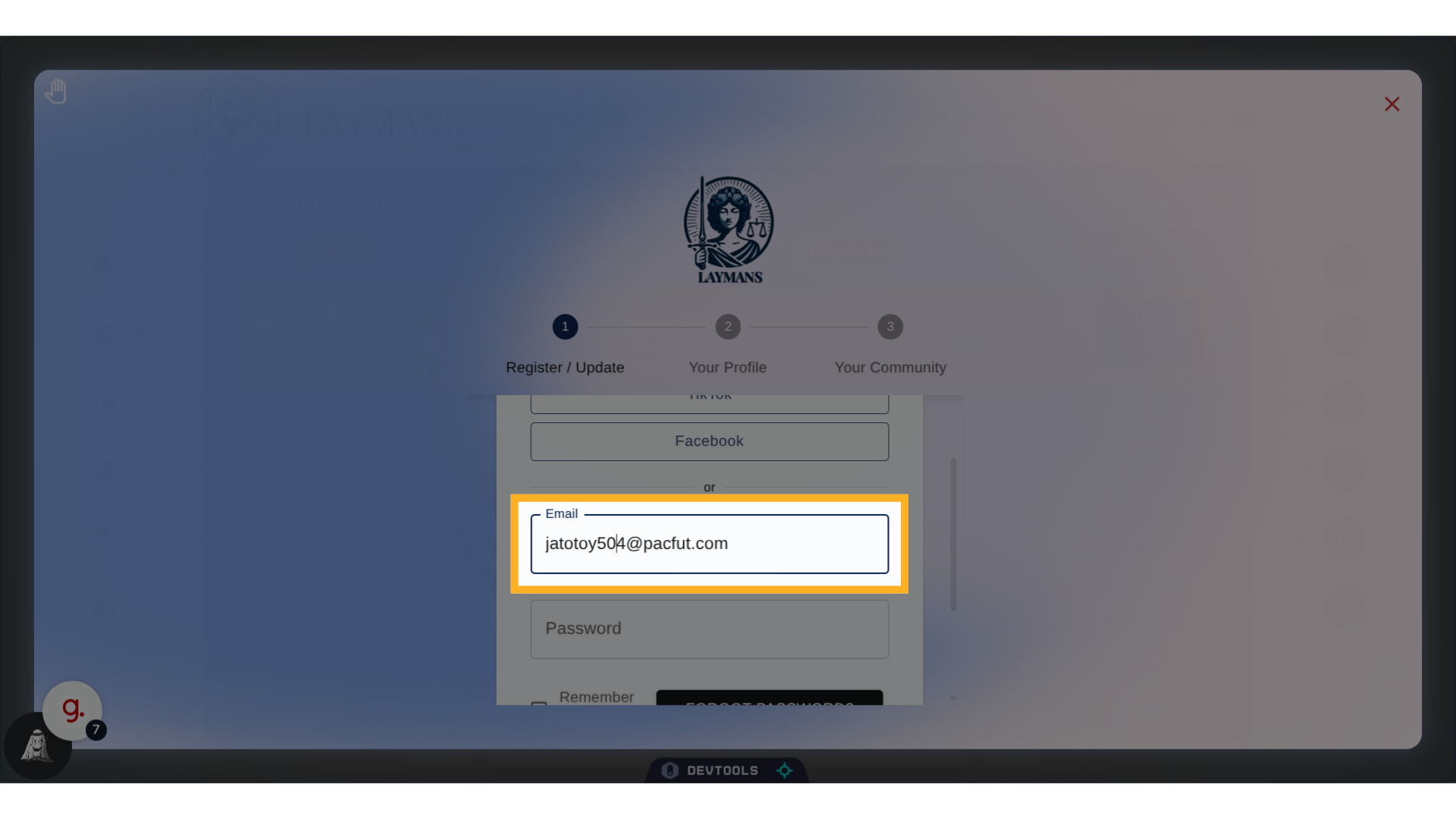
5. Click "Email"
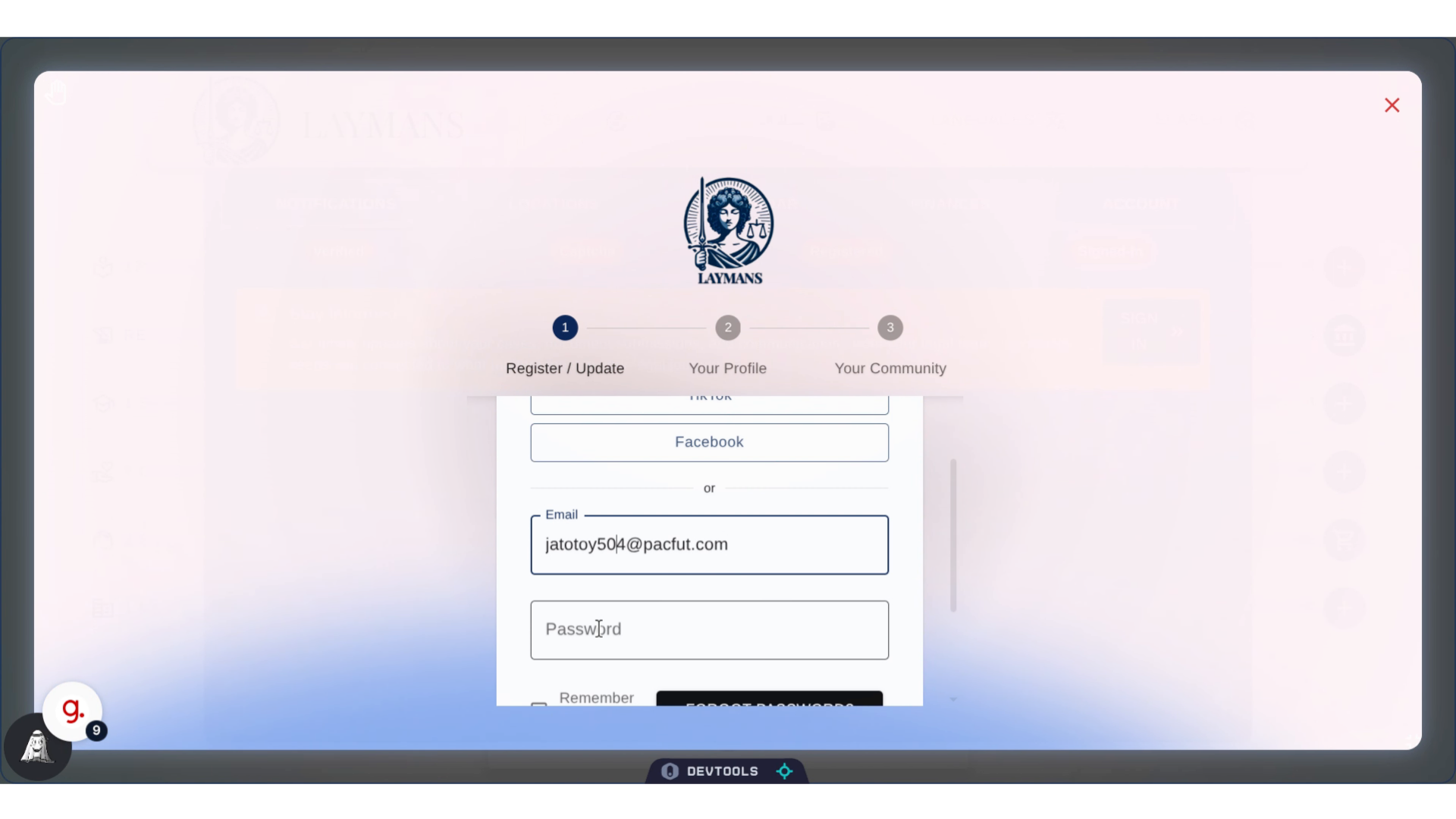
Type your email address. I'm using a temporary one, but make sure to use an email address you feel safe getting legal updates from...
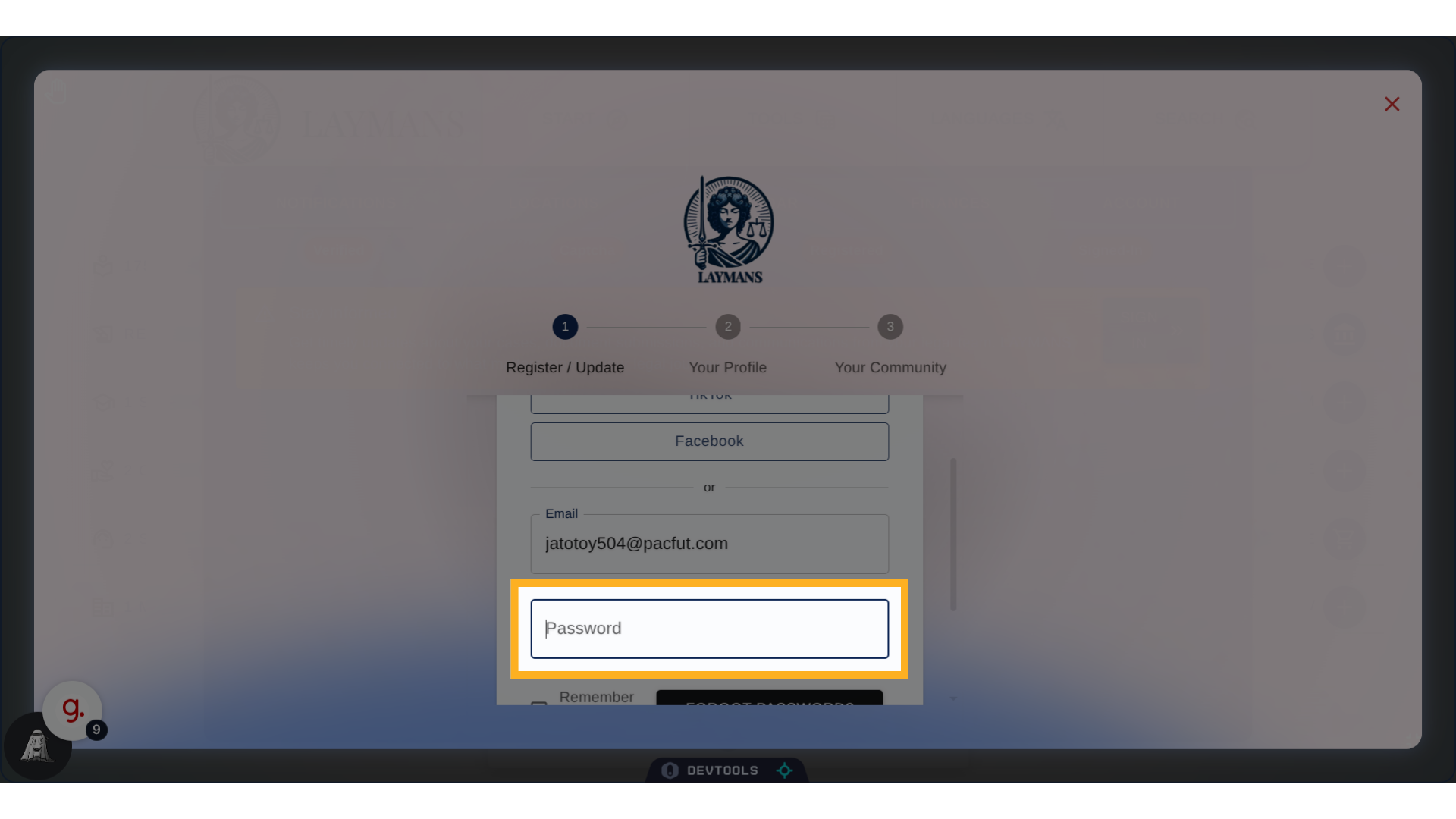
6. Click "Password"
Create a password you will remember for your account, this is just one layer of LAYMANS security, but its pretty important.
7. Fill "●●●●●●●●"
If you are registered via an invitation or a magic link you will more than likely have to specify a password of your own. Even if your contact and display name is handled for you. Pick something strong that you will remember.
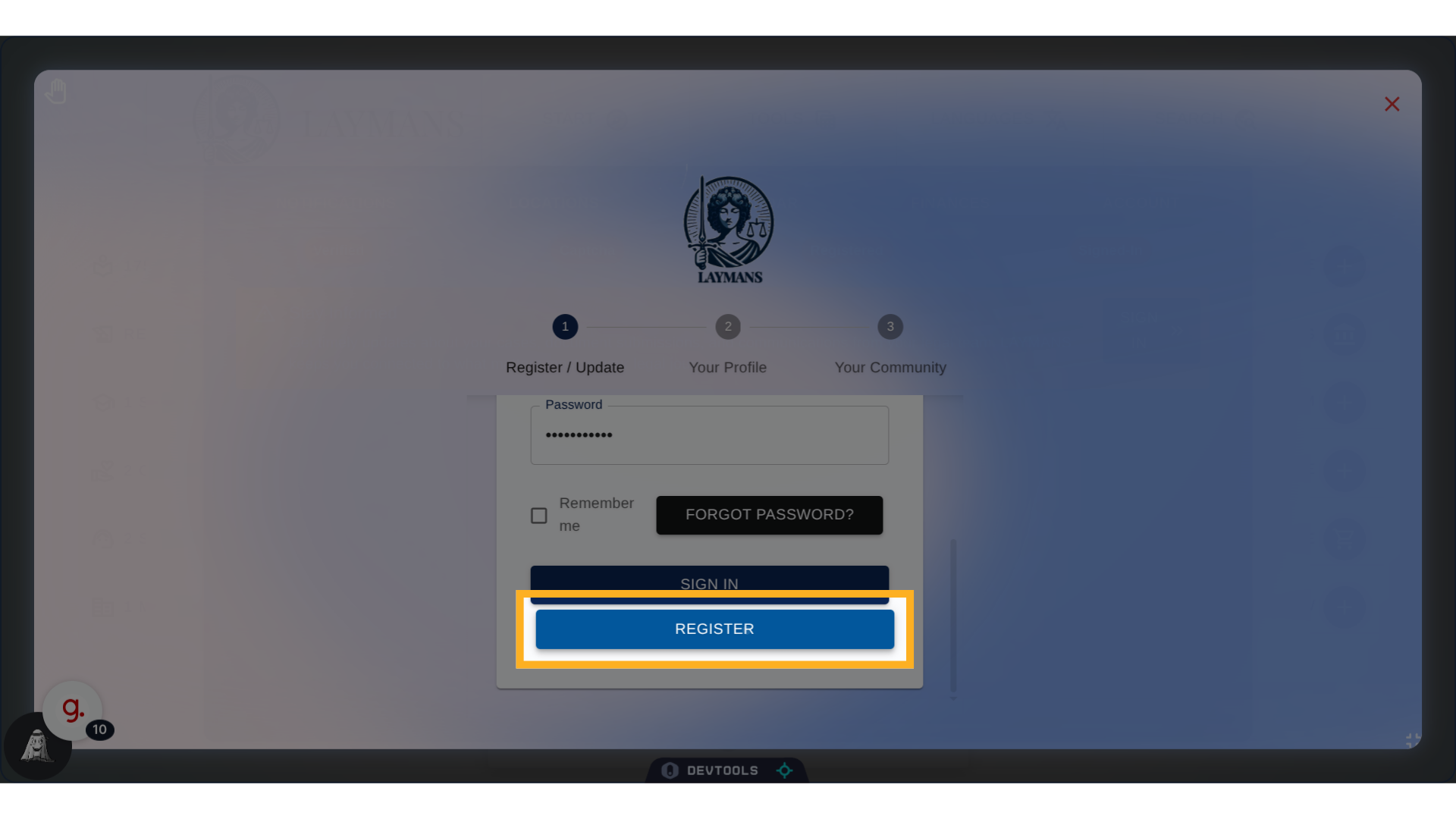
8. Click "Register"
Click Register to begin the registration process. Once done you'll receive an email at the address you specified, or a text to your number. Please click the magic link to come back and set up your profile. Thats it for now, see you soon!