How to Create a Seminar
Go to www.laymans.app
1. Introduction
Welcome back, it's time to go back to school! Seminars are a method for arranging casefiles into educational content using the "4MAT" system. Today, we will be covering just one of the ways you can create Seminars using the home page.
2. Click "Inform"
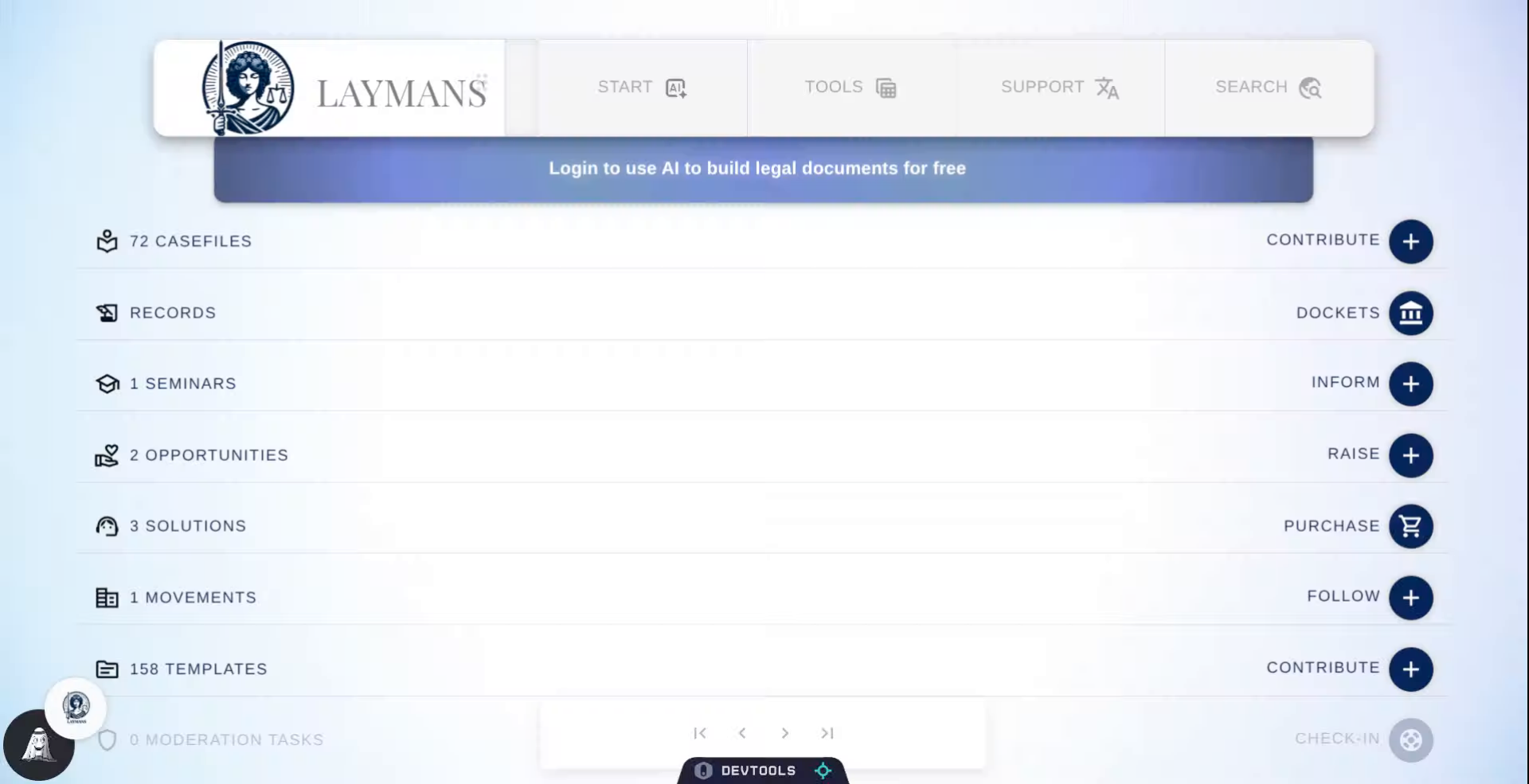
On the home page, we will click "Inform" to get started. However, you can also make a bunch of seminars at once using your Bookmarks page (/bookmarks). Or, you can ask me, LAYLA, to arrange a Seminar from your bookmarks for you. Just by going to Start > Co-Create > "Seminars" on the powerbar. But, first, let me teach you how to do it yourself:
3. Click "Next" when you're ready
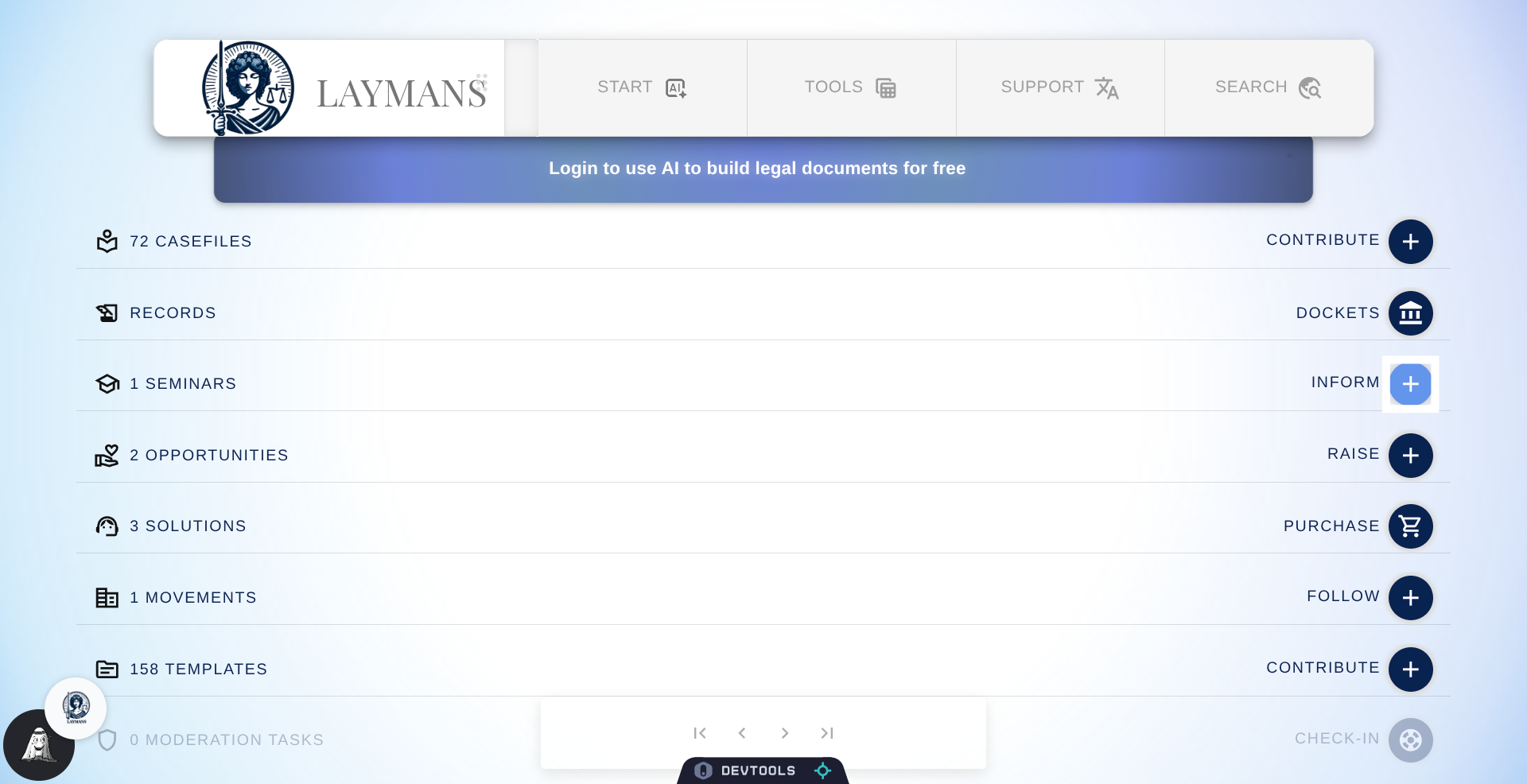
A Seminar is an arrangement of casefiles meant to empower other Laypeople to take on legal actions. For instance, You can dive deep into the contours and intracacies of judicial deference, or you can tell people how to get the correct clerk at the local courthouse. The key to seminars is to break down anything someone may face, into no more than eight actionable steps and host continued discussions about experience.
4. Enter a name for the Seminar
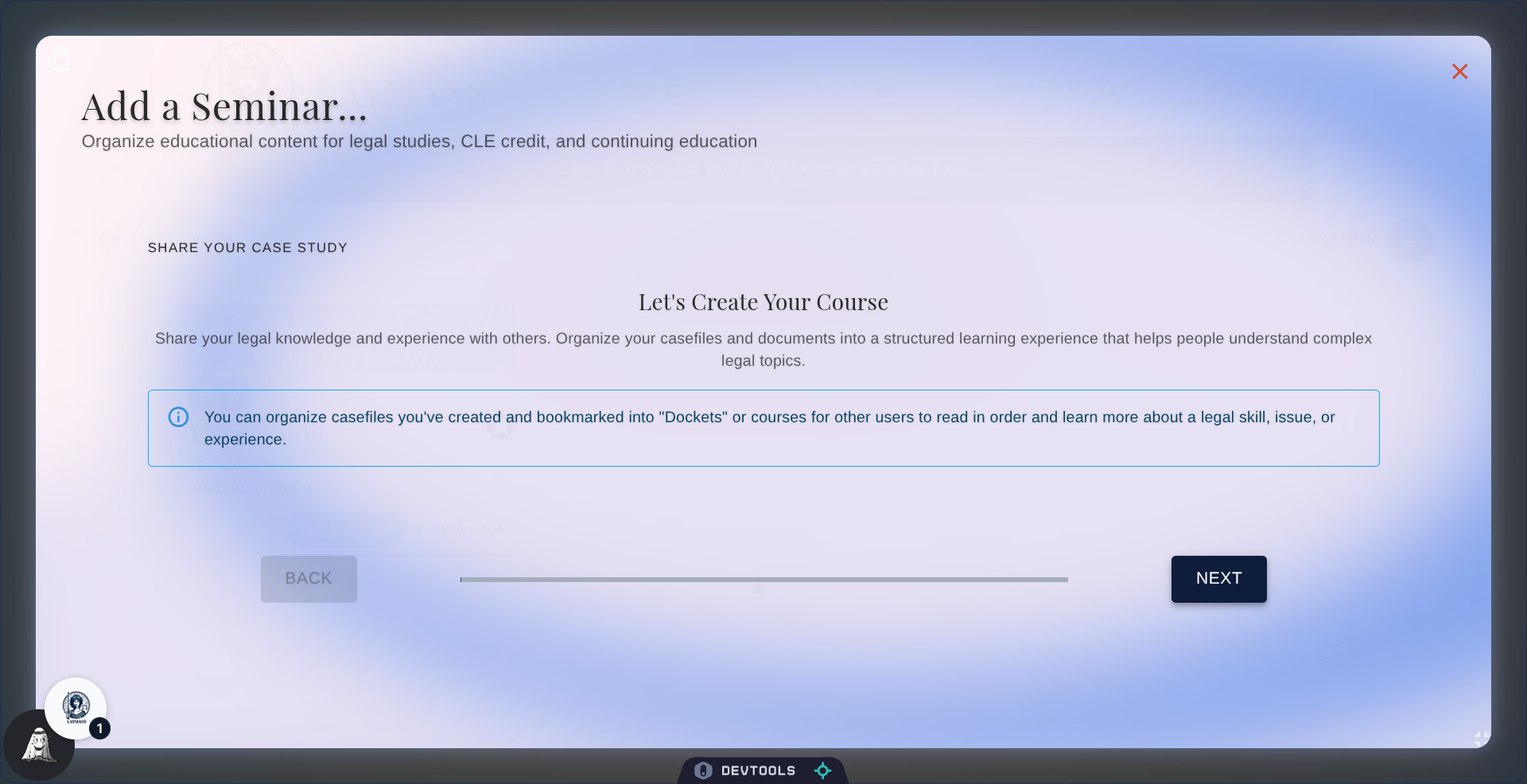
First, add a catchy and memorable title to your Seminar. You'll also be given the option to select public or private for your Seminar. Public Seminars are shared and suggested to everyone relevant, however, private Seminars are only visible to your organization, teammates, and those you explicitly share it with -- like in a Briefcase or Mass Action. Have a legal clinic or union you want to share your Seminar with? Private is the option you want.
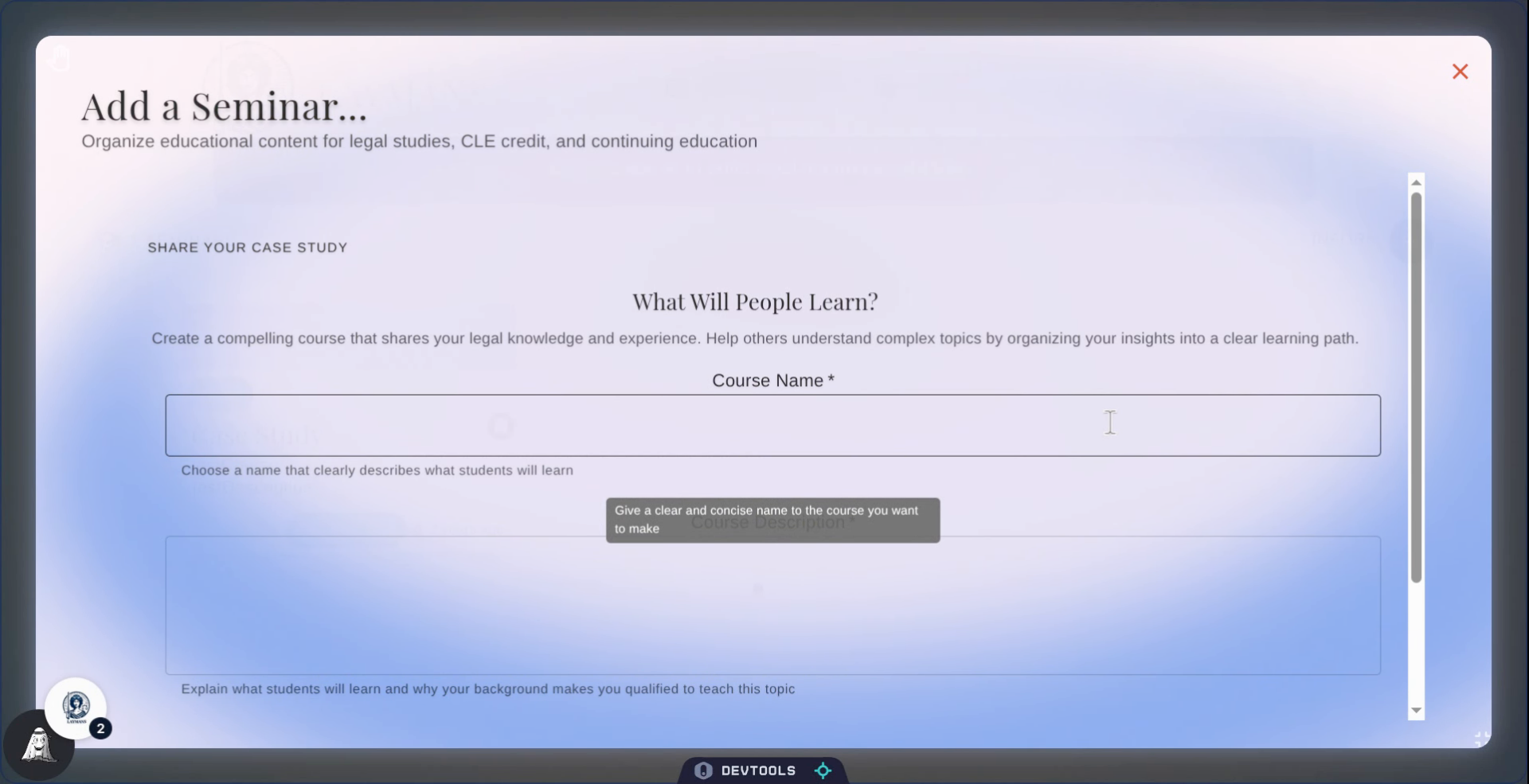
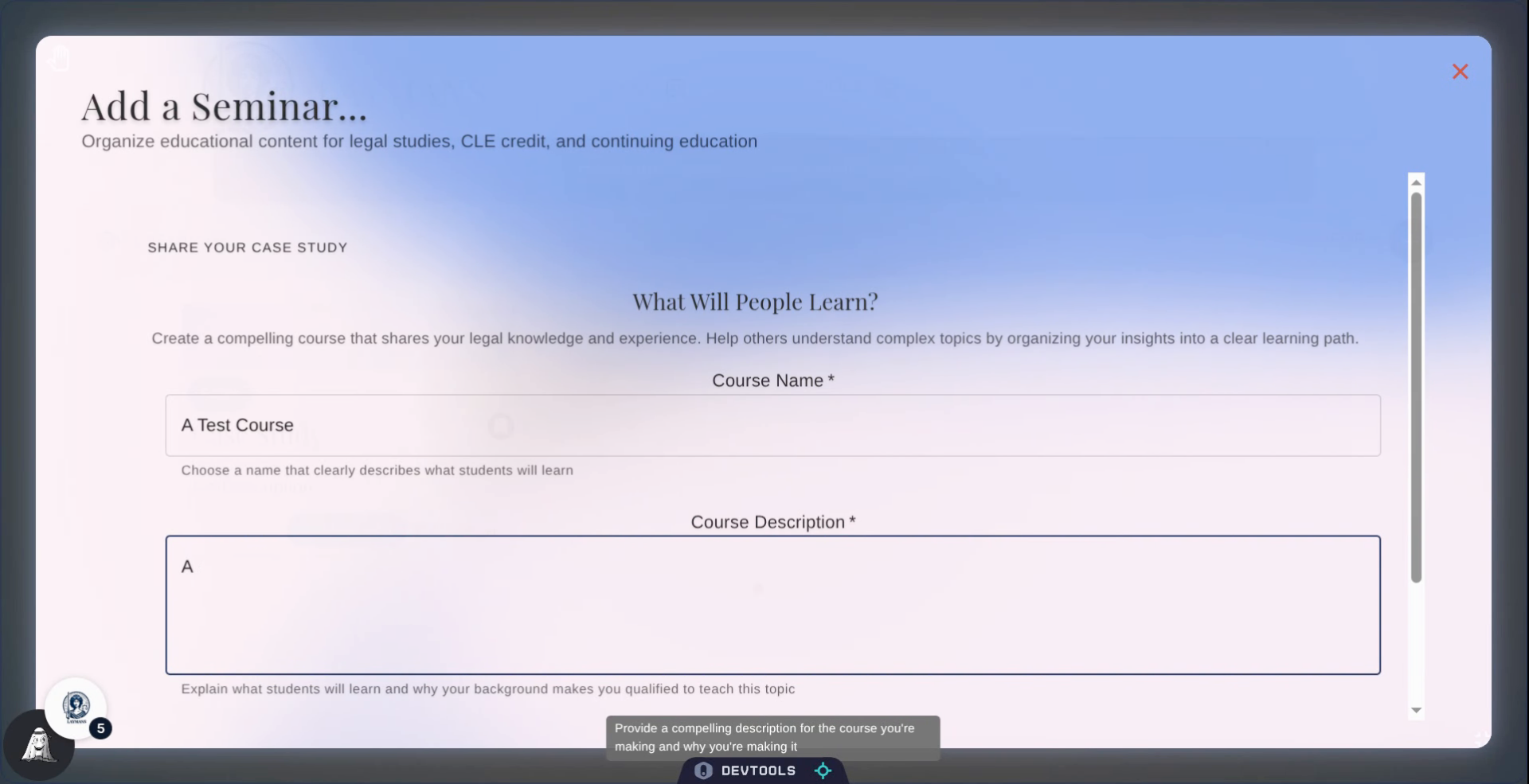
5. Add a description
Introduce your Seminar, if your Seminar has a prerequisite then you can toggle the switch below. But, always, describe what people are learning, why they should learn it, and why are you sharing it.
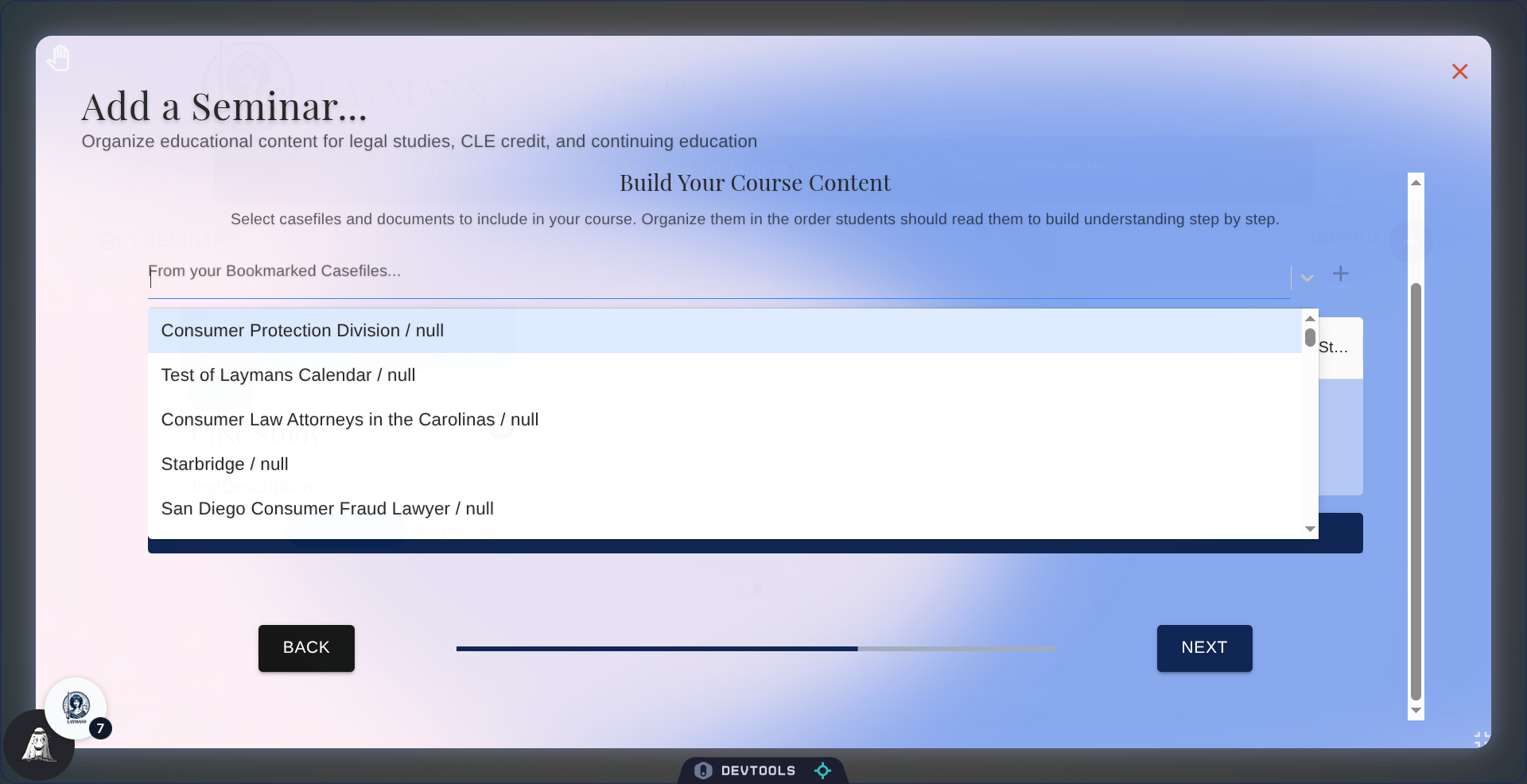
6. Adding Casefiles
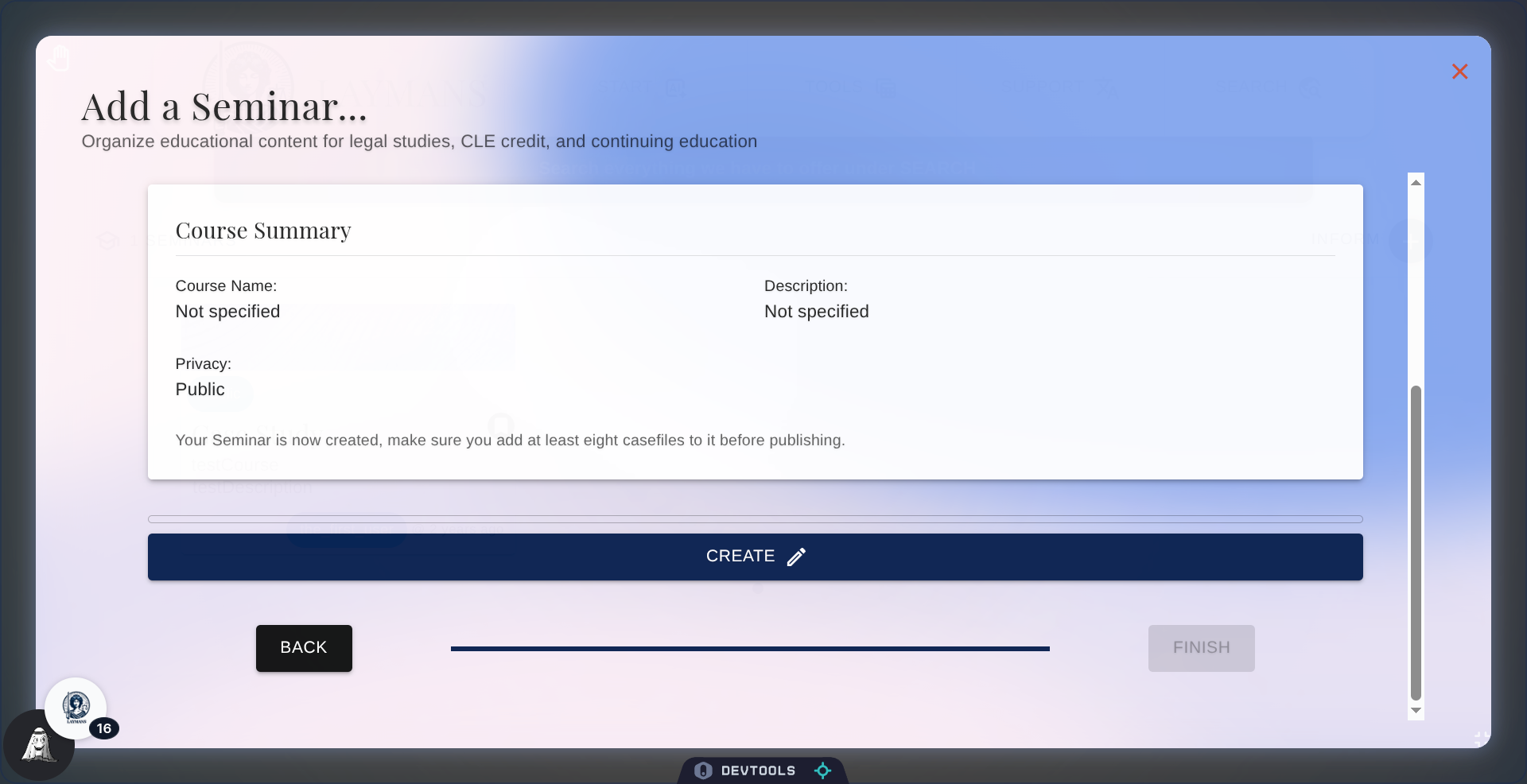
Seminars are a collection of casefiles, so, of course, on the next page you'll be offered a list of the casefiles you've made or bookmarked to select into your Seminar.
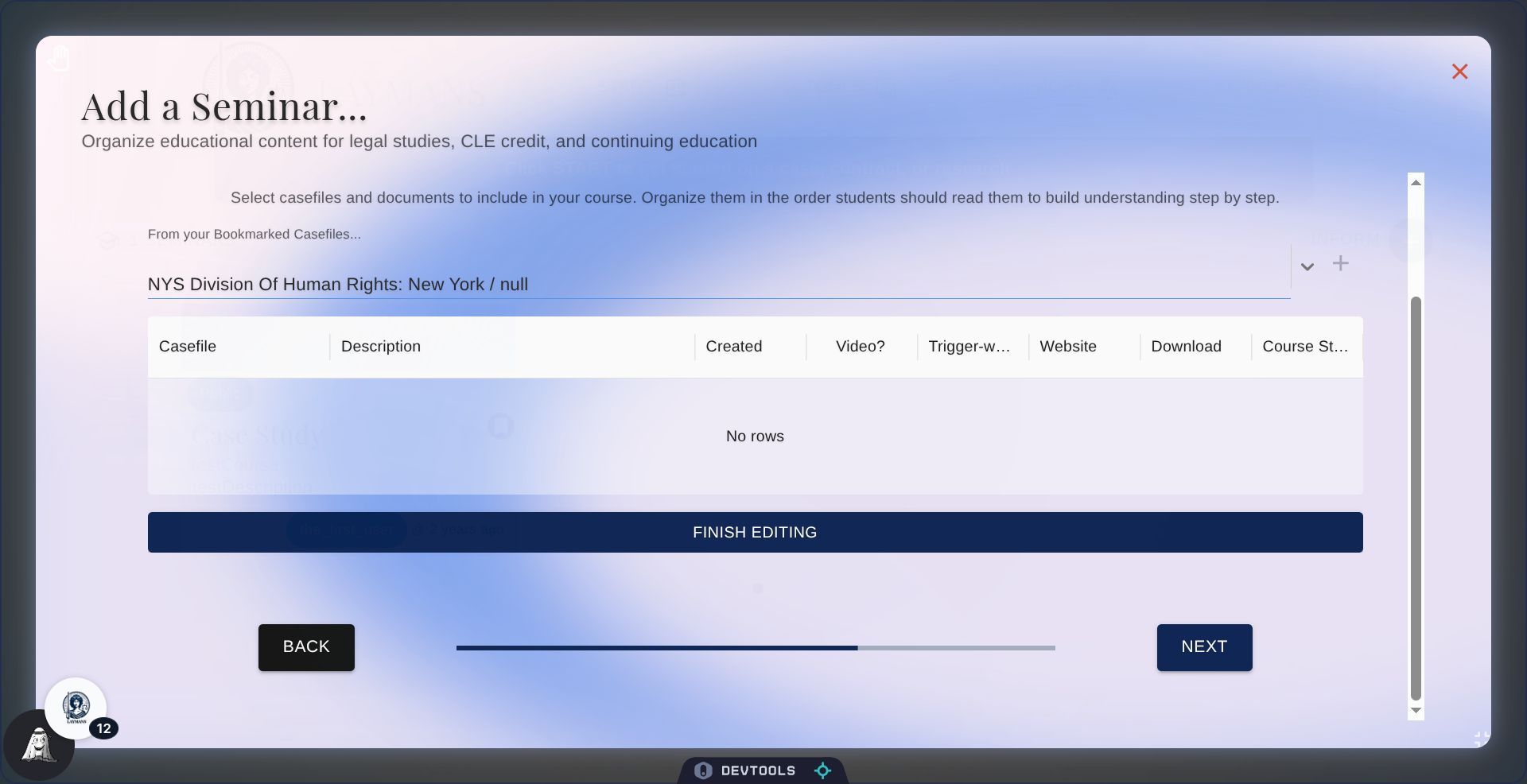
7. Ordering them
So, you don't order your casefiles once you add them. We do. We use the 4MAT system and AI categorization to put them in an order that organizes resources from exploration to practice.
8. So, that's it?
Or, is it? While making Seminars is quite automatic and easy on LAYMANS the true magic comes from managing them. In the "What is a Seminar" guide, you can learn how laypeople can come together in chatrooms to discuss your Seminar and deepen their knowledge. Thank you for your contribution