How to finalize and export your Case on Laymans
Go to www.laymans.app
1. Introduction
If you're here, I assume you've created your case, and built it out using our AI, text editor, and resources -- and, now you're ready to send it out into the world. If not, I recommend you review those guide. But if so, Great job! Let me help you put your work out there:
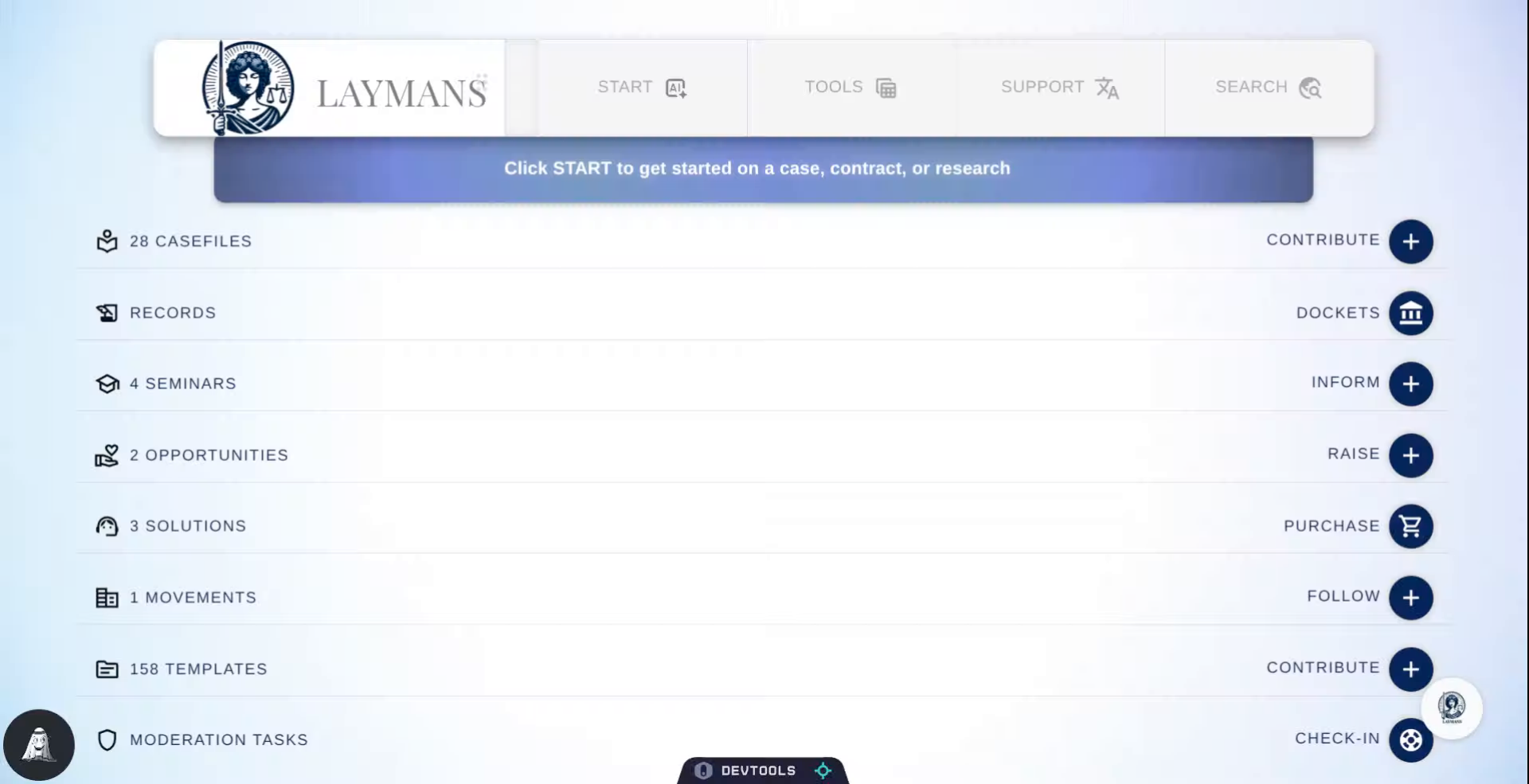
2. Click Start Button
So we're going to click Start to work on our Case's context, even when we're ending things.
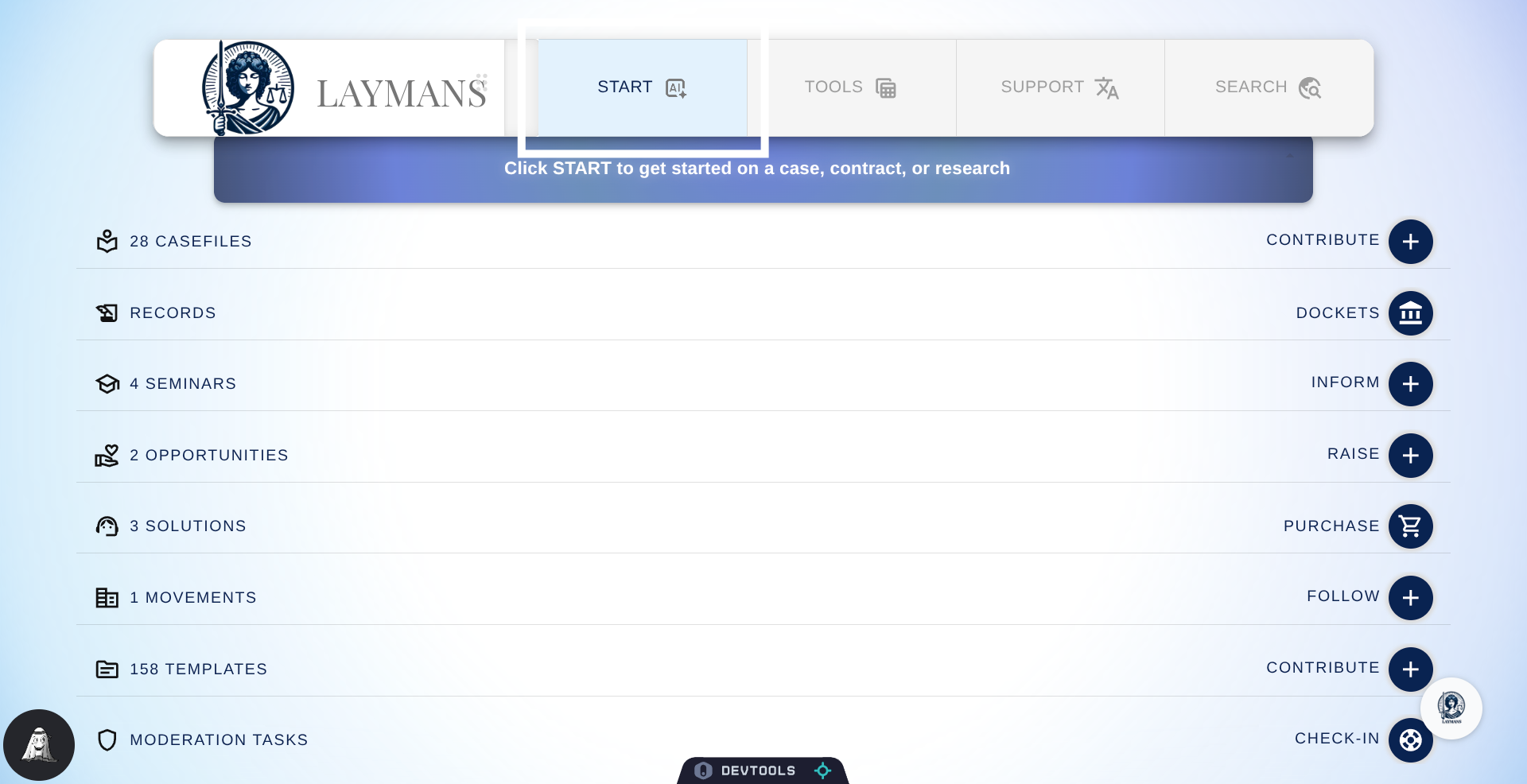
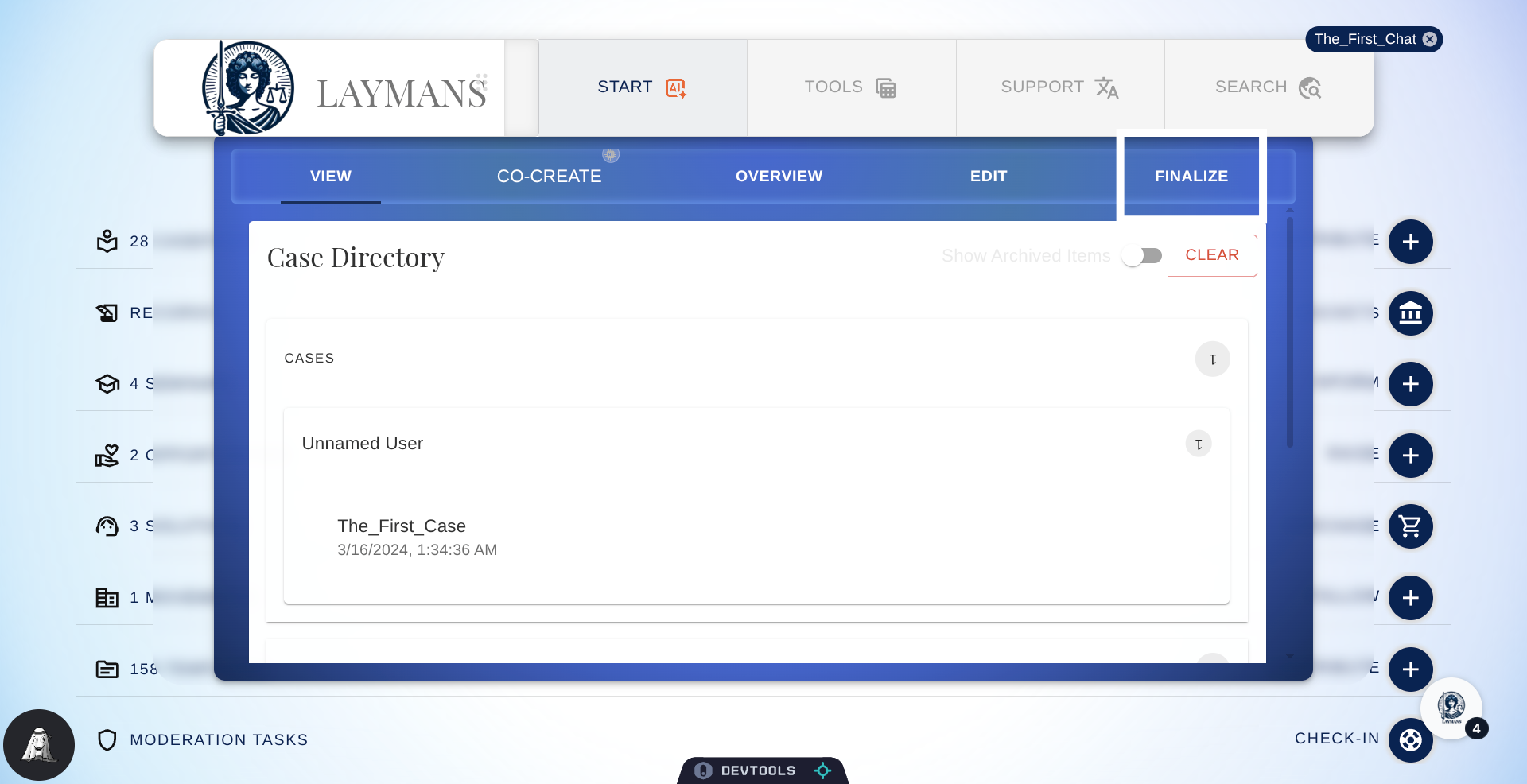
3. Click the Case you wish to Export
Select the case you wish to export in Case Directory under Start in the Power Bar.
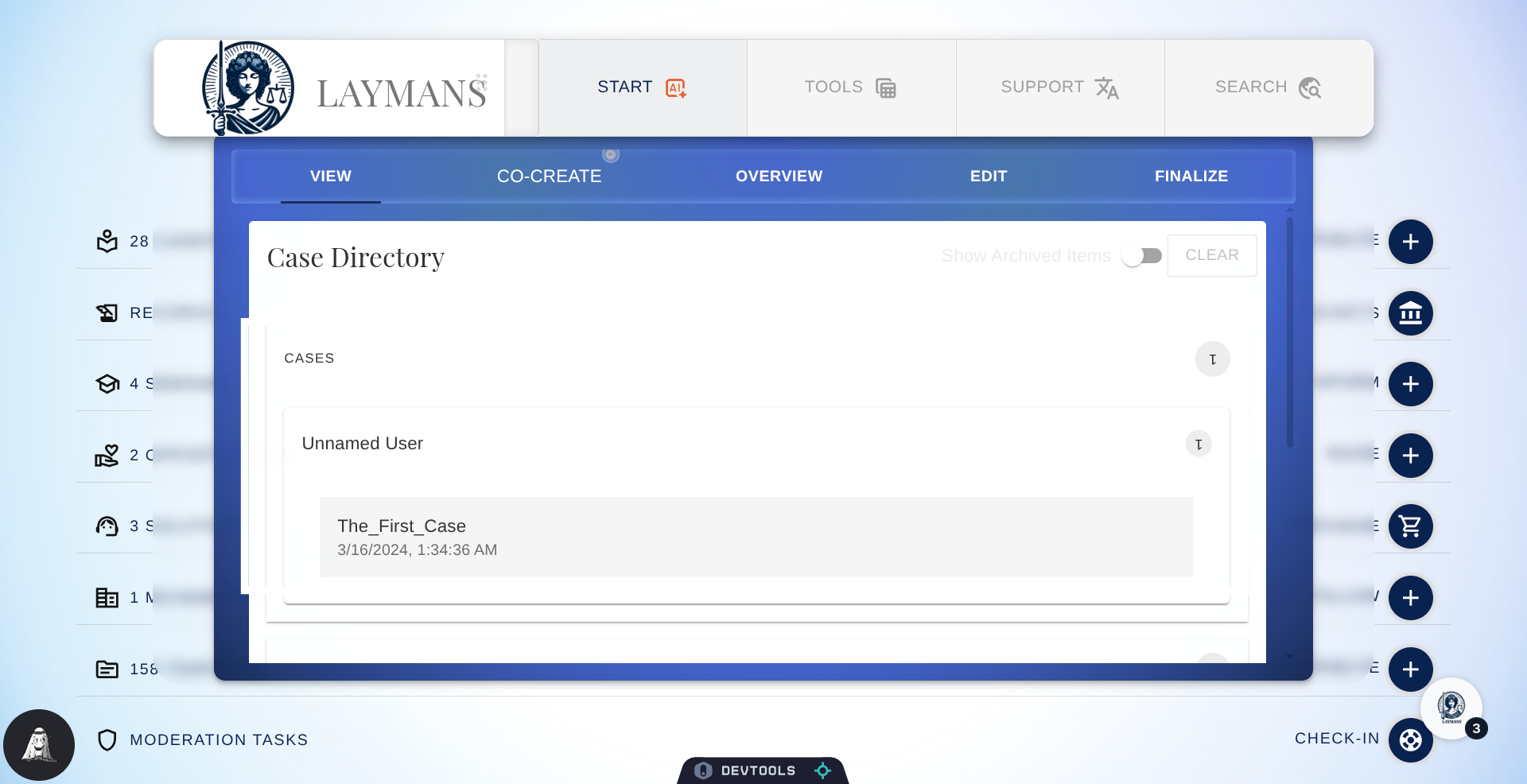
4. Click Finalize
Click Finalize to see your finalization and export options for your Layman's Product.
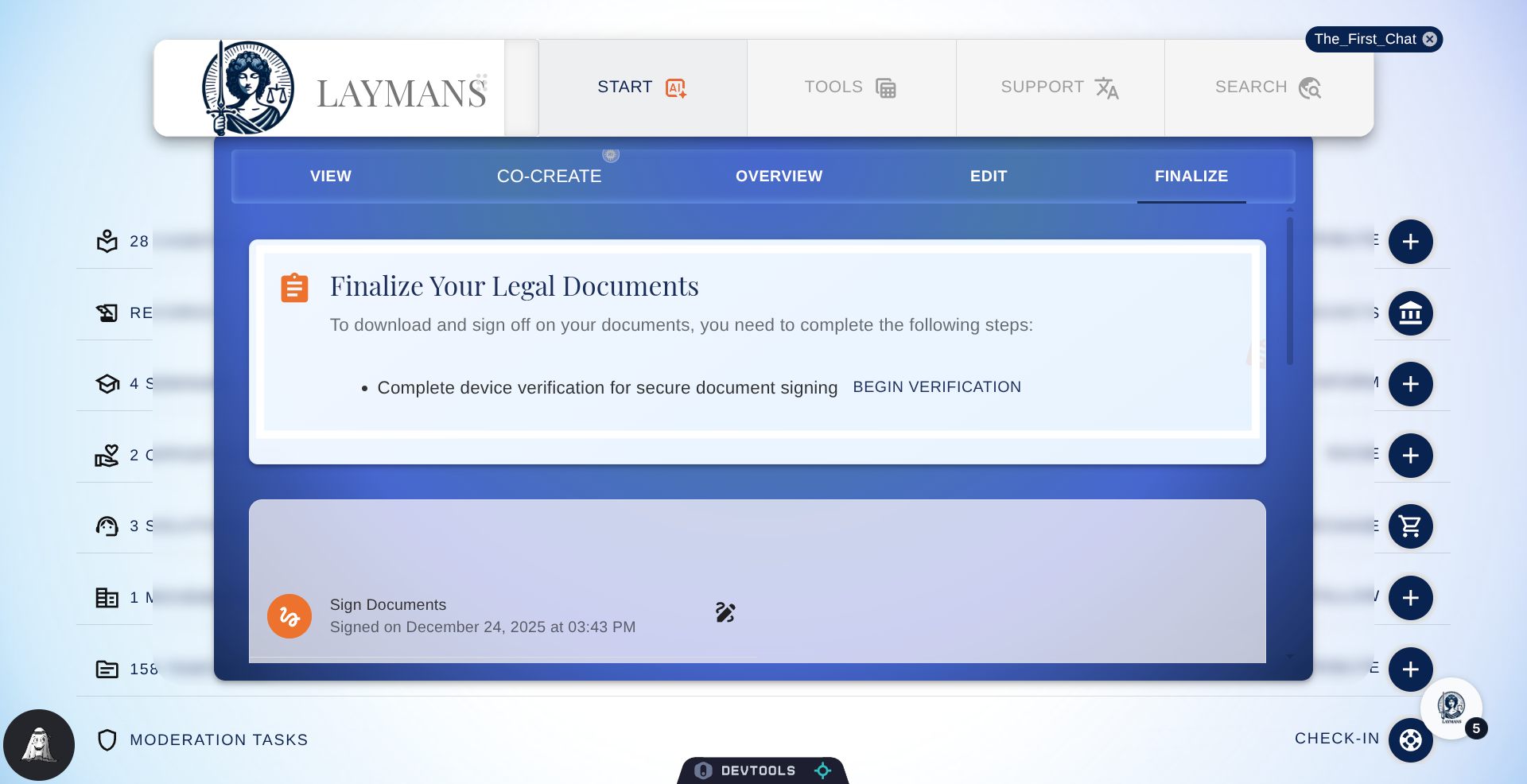
5. Device Verification is Required.
To take out a formal copy of your Laymans Document -- i.e. protected with audit trails, originality certificates, and our validation --you have to first be verified. Don't worry its literally a two minute process, click "Begin Verification" to start, or review the How to Verify my Device guide
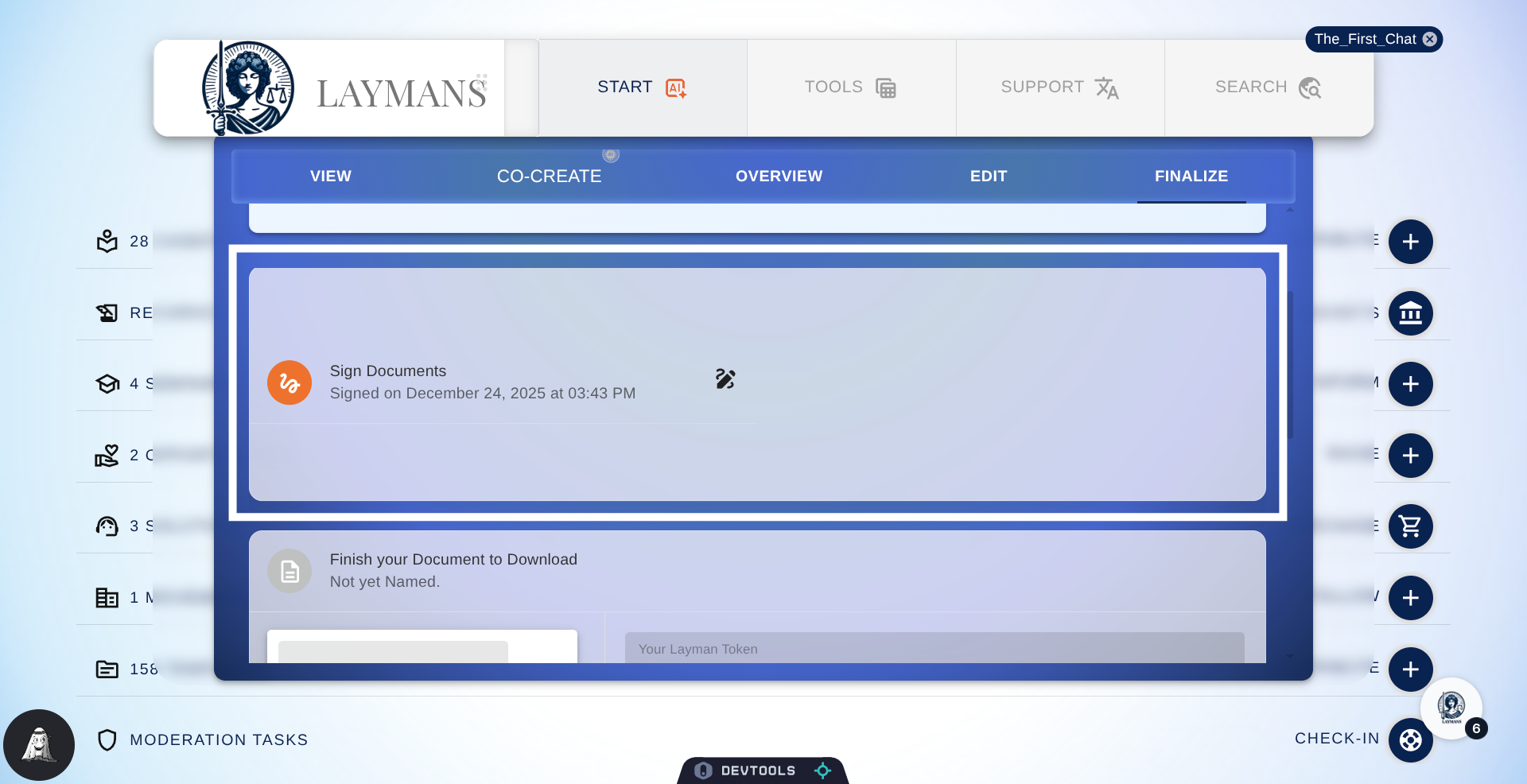
6. Click "Sign Documents"
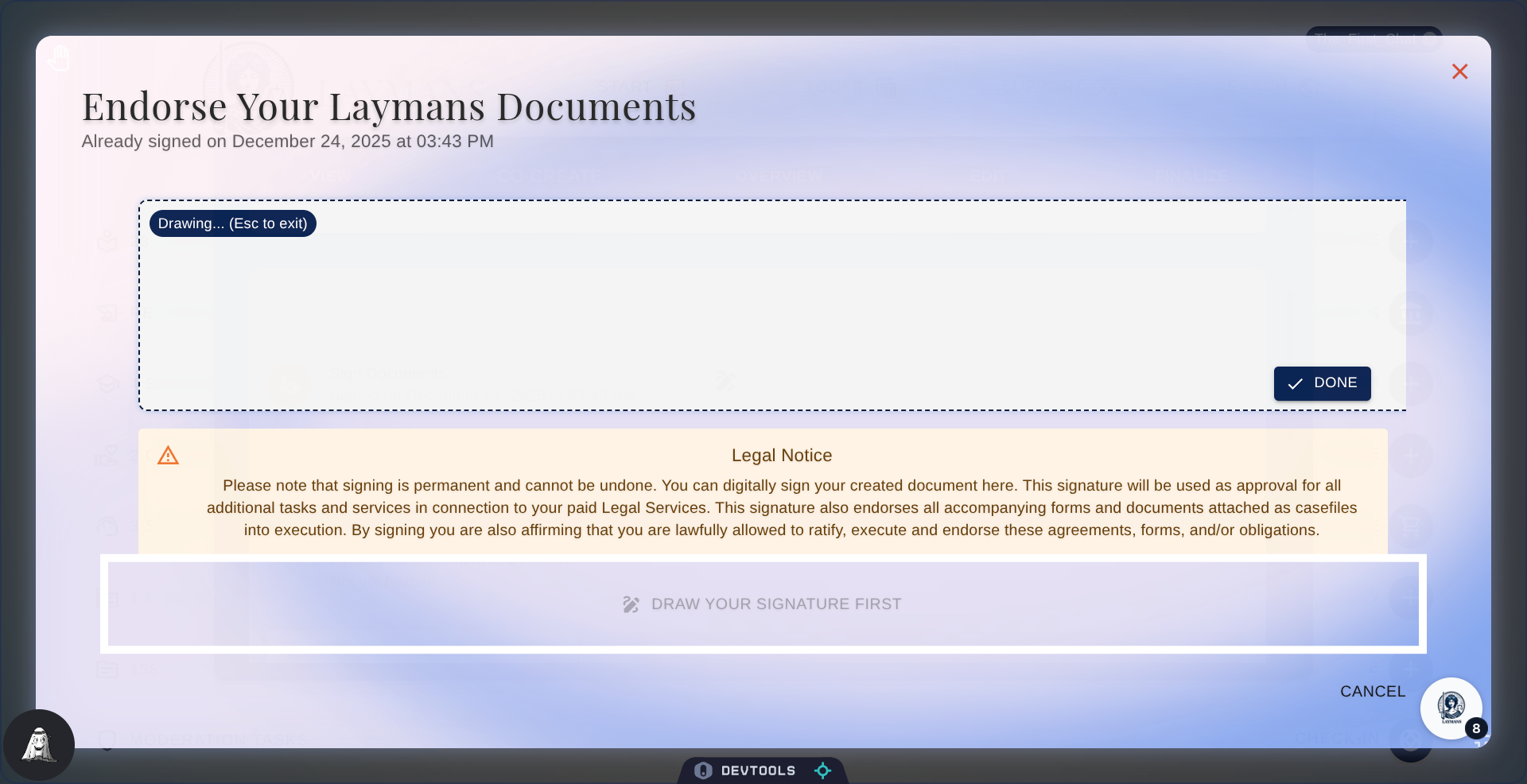
So at Laymans we also handle signing, just like DocuSign and other paid services, for free. When you sign here, I -- Laymans AI -- will attempt to update your work product with your signature everywhere it's relevant.
7. Endorse Documents
But note that your endorsement is necessary to receive your documents in an official, non-draft capacity. While much of Laymans is caveat emptor, we strive to be secure, supportive, authentic, and credible as a matter of custom. This endorsement is your agreement to help us do that. By signing, you're expressing responsibility over this work product, a dedication to good faith, and a dedication to the security of this system as a whole. Remember, every document you create with us is yours—the words are considered your words, the arguments are considered your arguments, and the impact is considered your impact. We just organized them and reminded you of how great you really are.
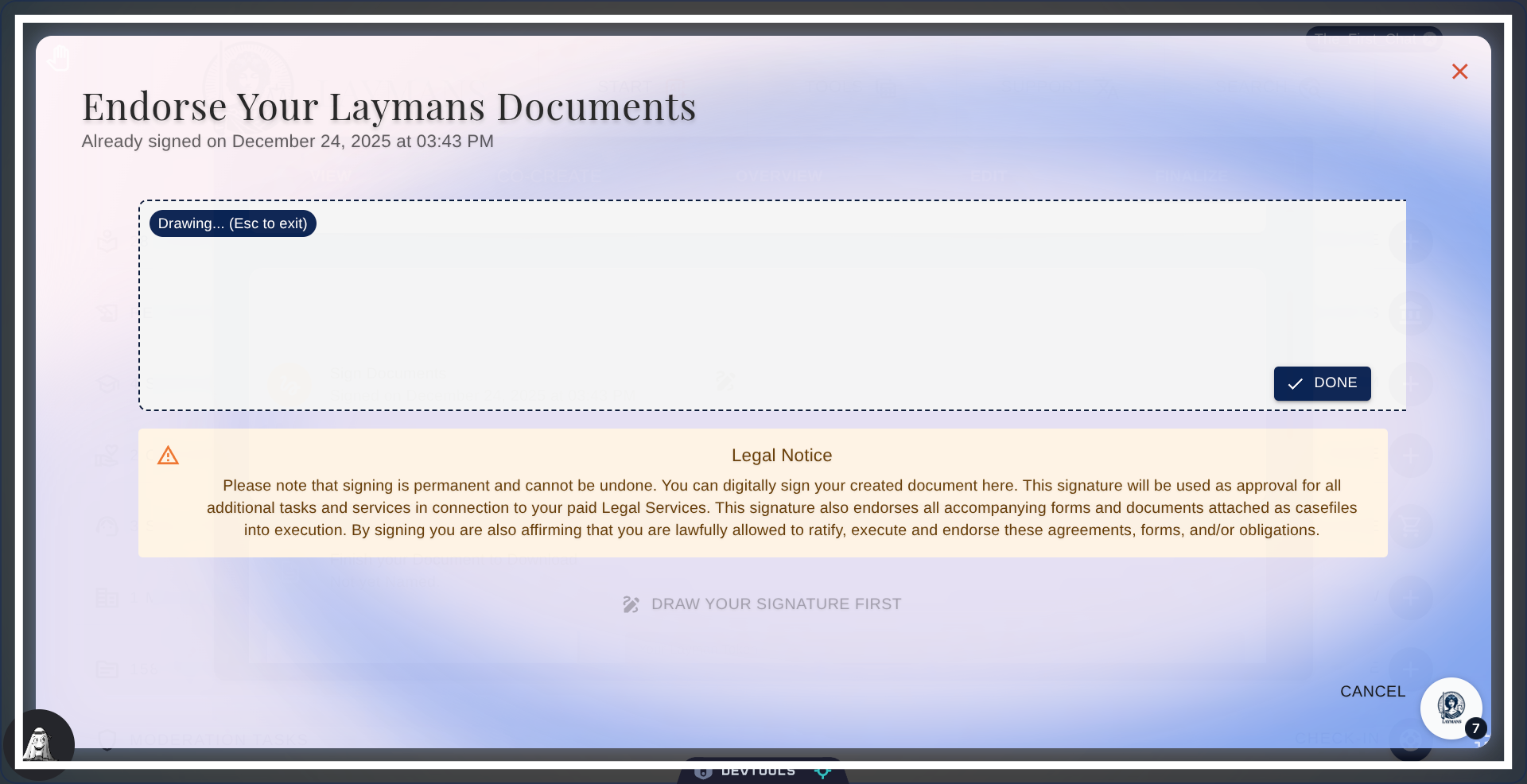
8. Click Submit
Click "Submit" to continue, however you must draw a signature first with your mouse or finger.
9. About the Download Card
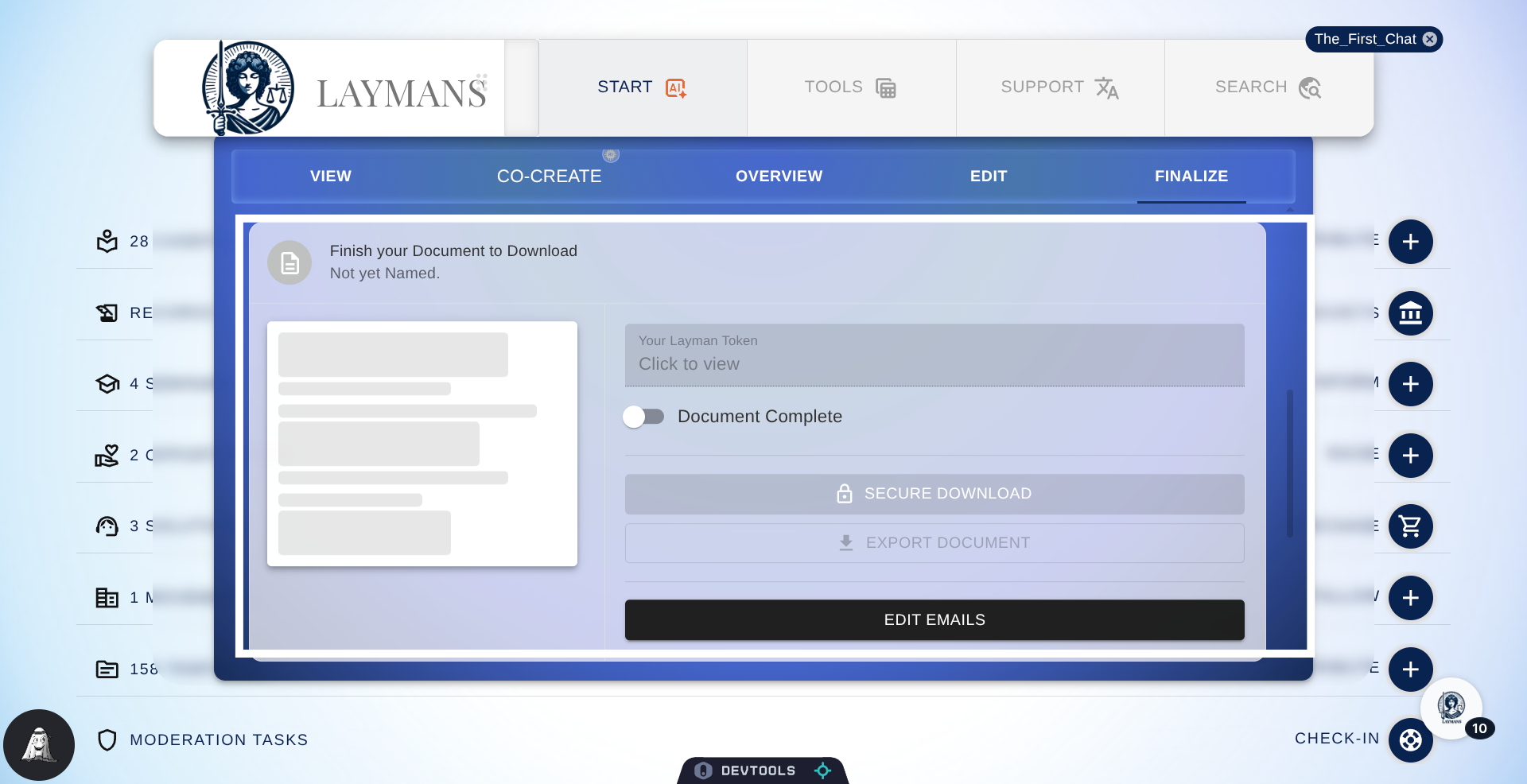
Next you can securely download your document from here. You have two export options: Secure Download -- downloads a password-protected PDF of your document; to open it, the viewer needs your Layman's Token (above) as the password. We recommend this for people who are not your representatives or team. Then you have the download draft which returns a Microsoft Word file of your document. The former requires your document to be complete. This is something I usually signal—but you can flip the switch here. But, the latter can be downloaded at any time if you're on a verified device.
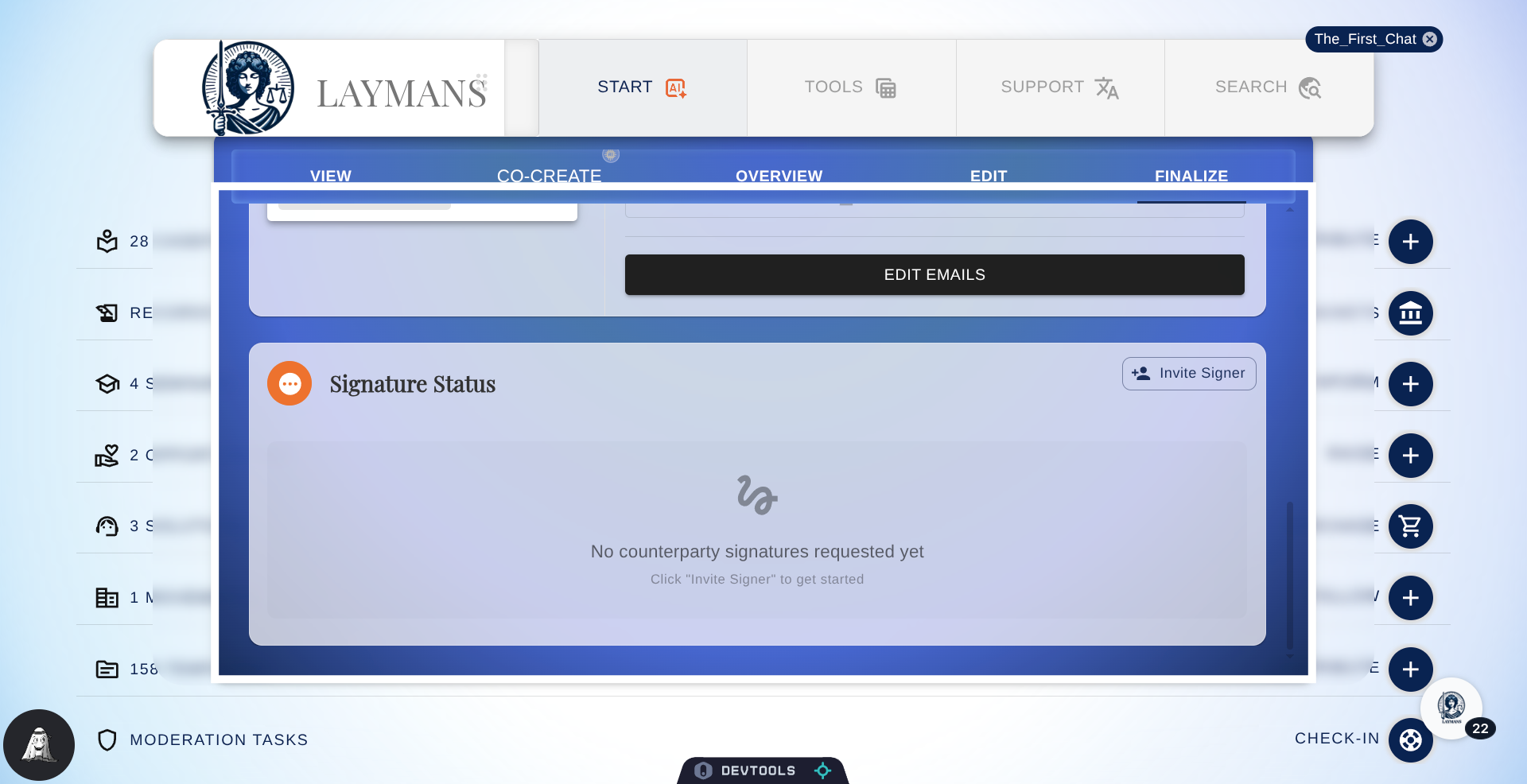
10. Click Edit Emails
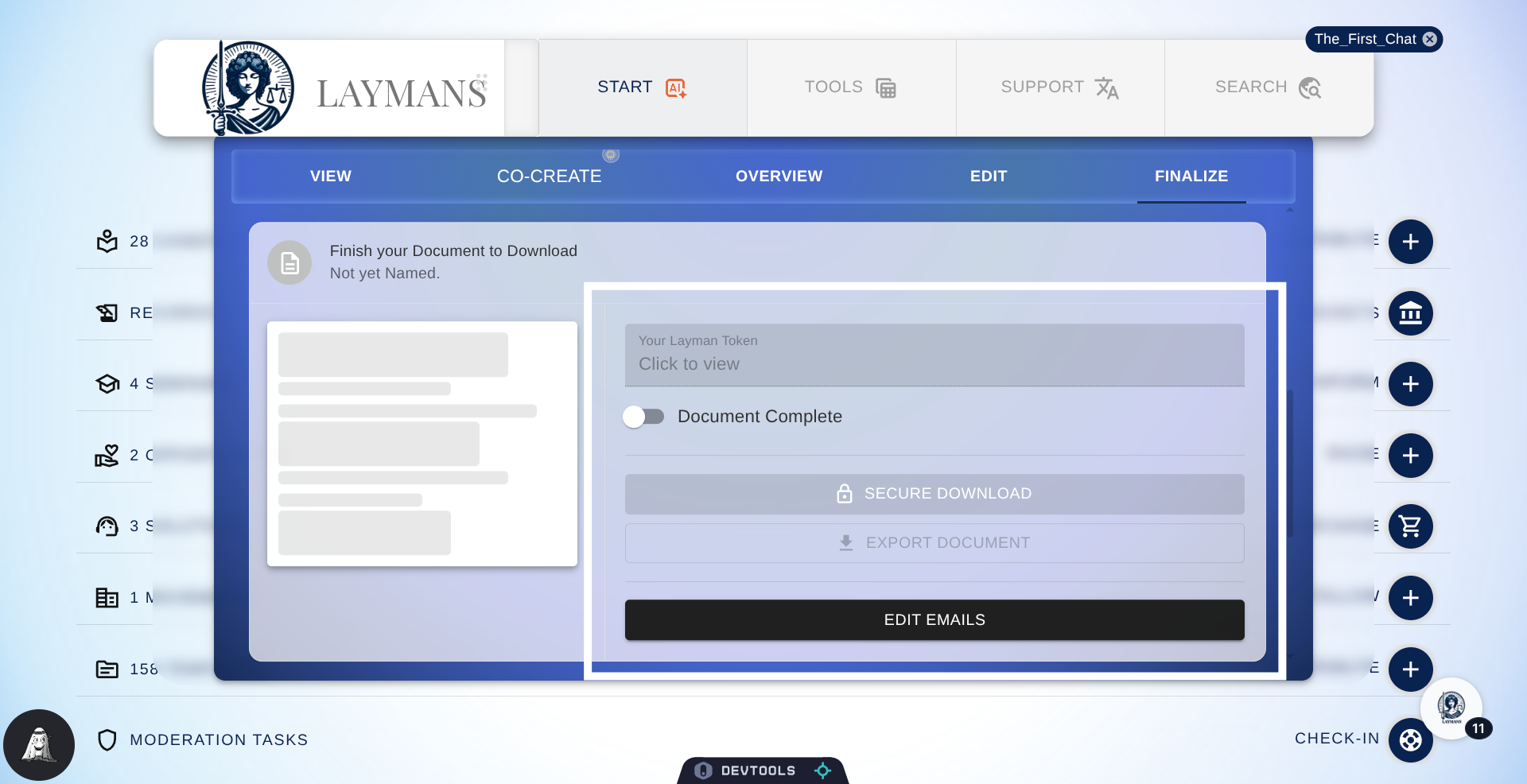
Finally, you can choose which email addresses the final export PDF will be shared with upon completion. By default, it will go to you, your representatives, and your servicers, but if you have other parties, you can include them in email edits to receive a read-only PDF copy.
11. Invite Signers
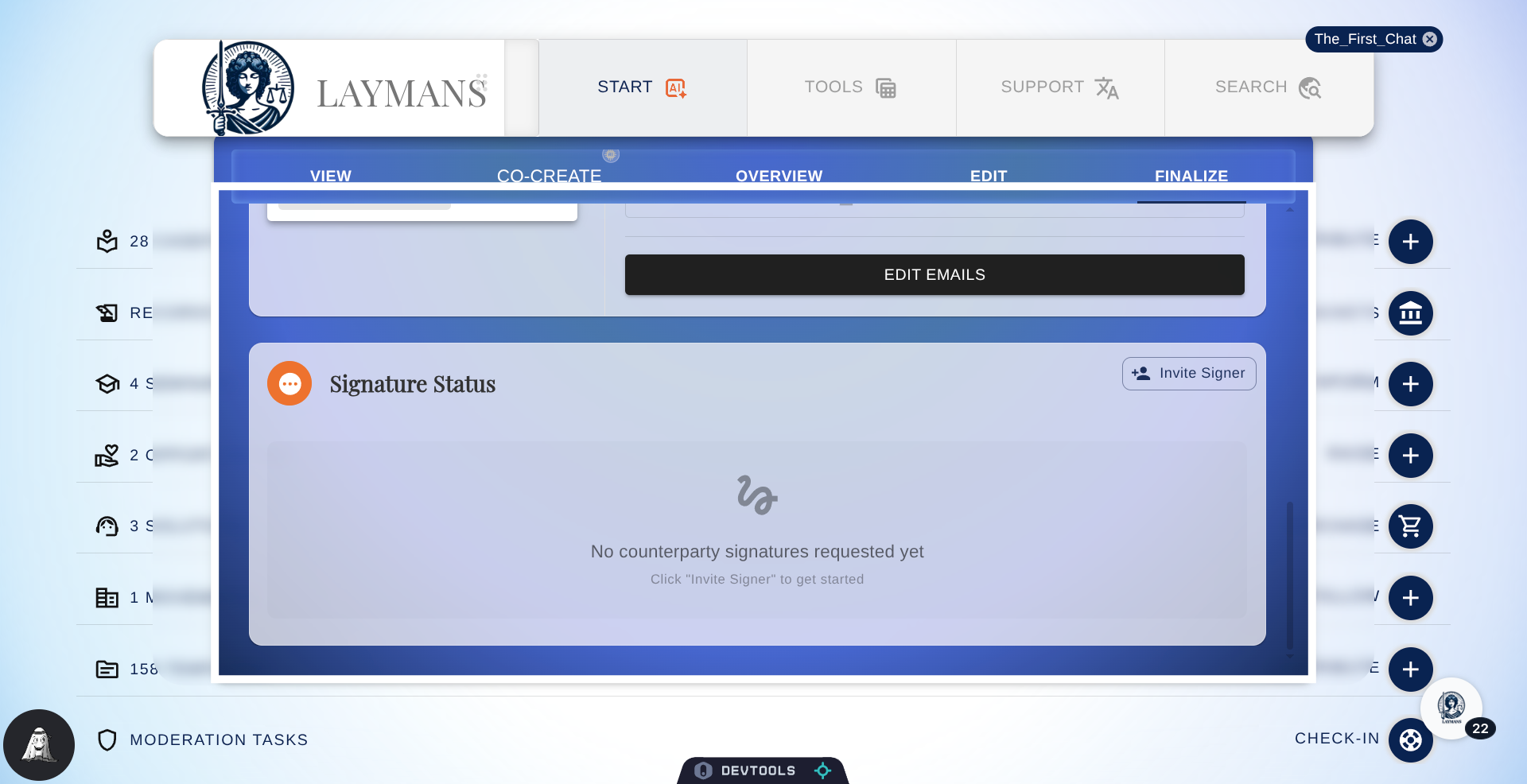
Lastly, if your document is a contract --remember that document type question you answered at the beginning -- you'll be given the option to send out your Layman's Case for signing. You can specify signers separate from those notified above to counter-sign your document, and you will get updates on it here. You can learn more in the How to Share and Sign Contracts on Laymans guide.
12. Conclusion
If you've made it this far, congratulations. You're one step closer to bettering your life using the Law, and we're so grateful you trusted us at LAYMANS. Now, what happens next? Laymans, unlike other document automation and research platforms, also handles case management—meaning, we understand that printing out that document is only the first step of your journey to taking control. From this point on you'll get updates from us, like relevant educational materials, invitations into private support groups, check-ins on your case with support for any appeals or answers, and recommendations for legal services to help you escalate your impact. To be direct, you didn't just make a motion; you've contributed to a movement for a fairer world—and we're so happy to have you with us.