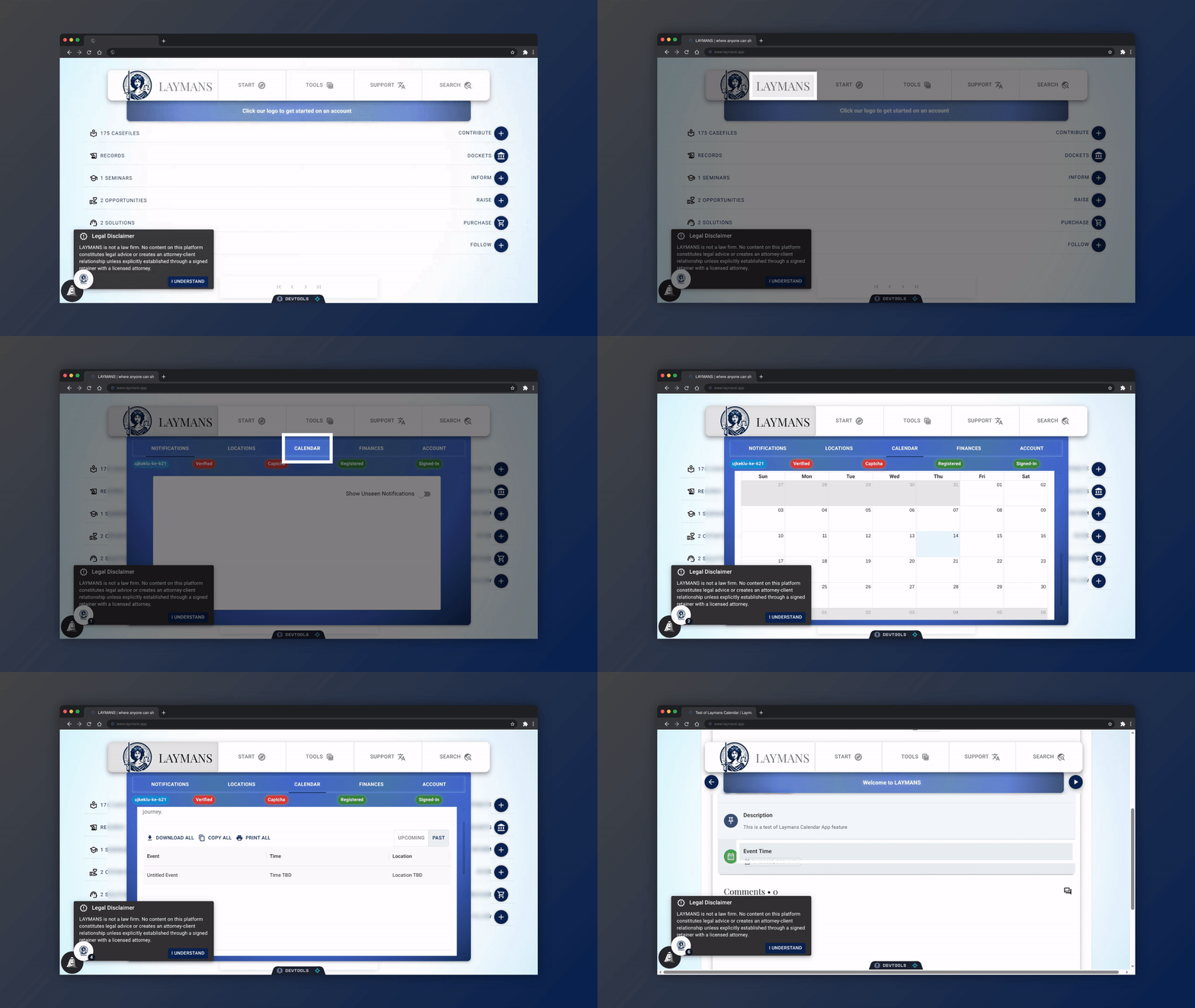
How to manage your Legal Appointments with LAYMANS
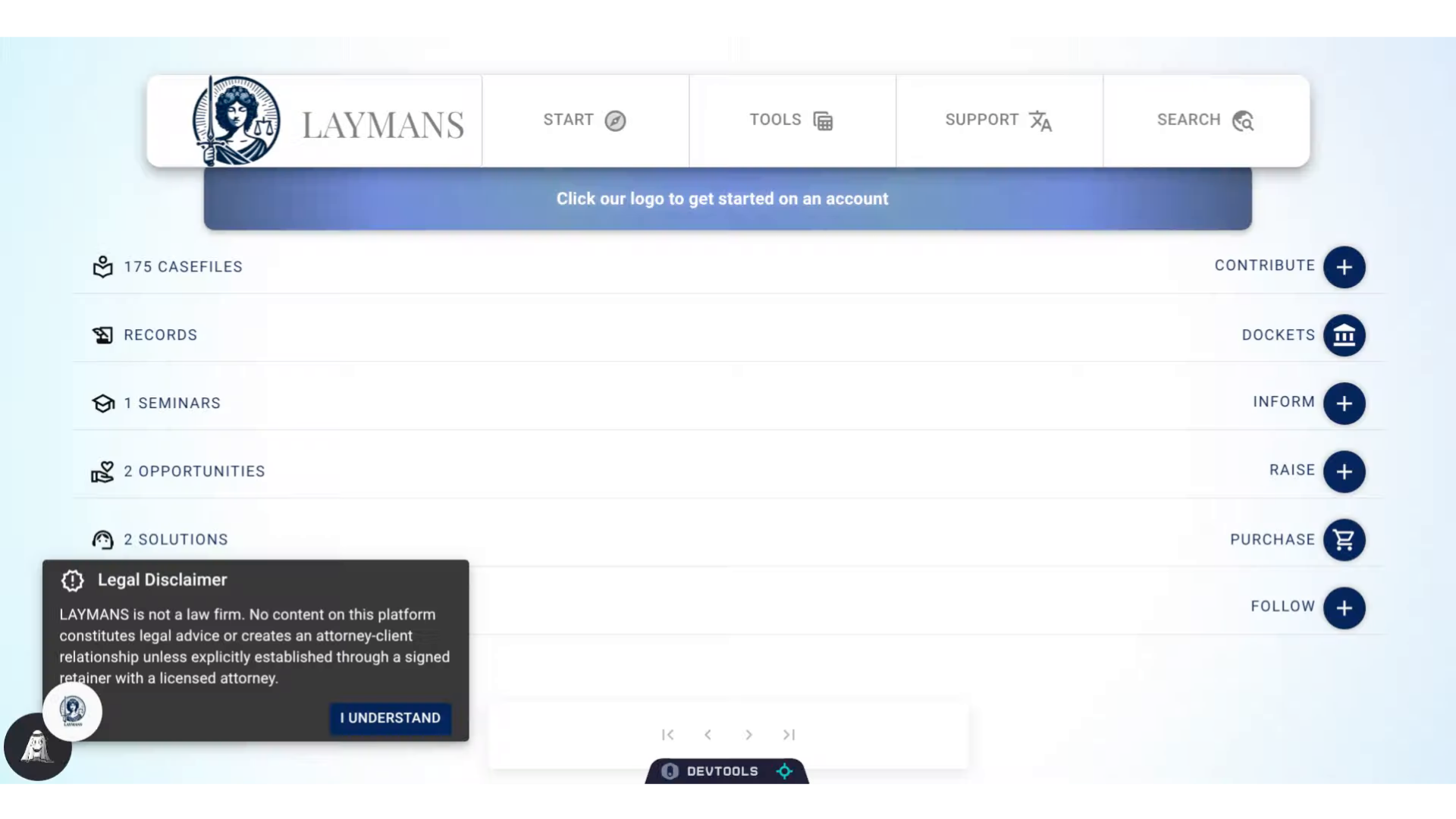
Go to www.laymans.app
1. Introduction
So, you're trying to figure out what's the time of that intake meeting your Lawyer sent you. No problem, managing your events is easy on LAYMANS
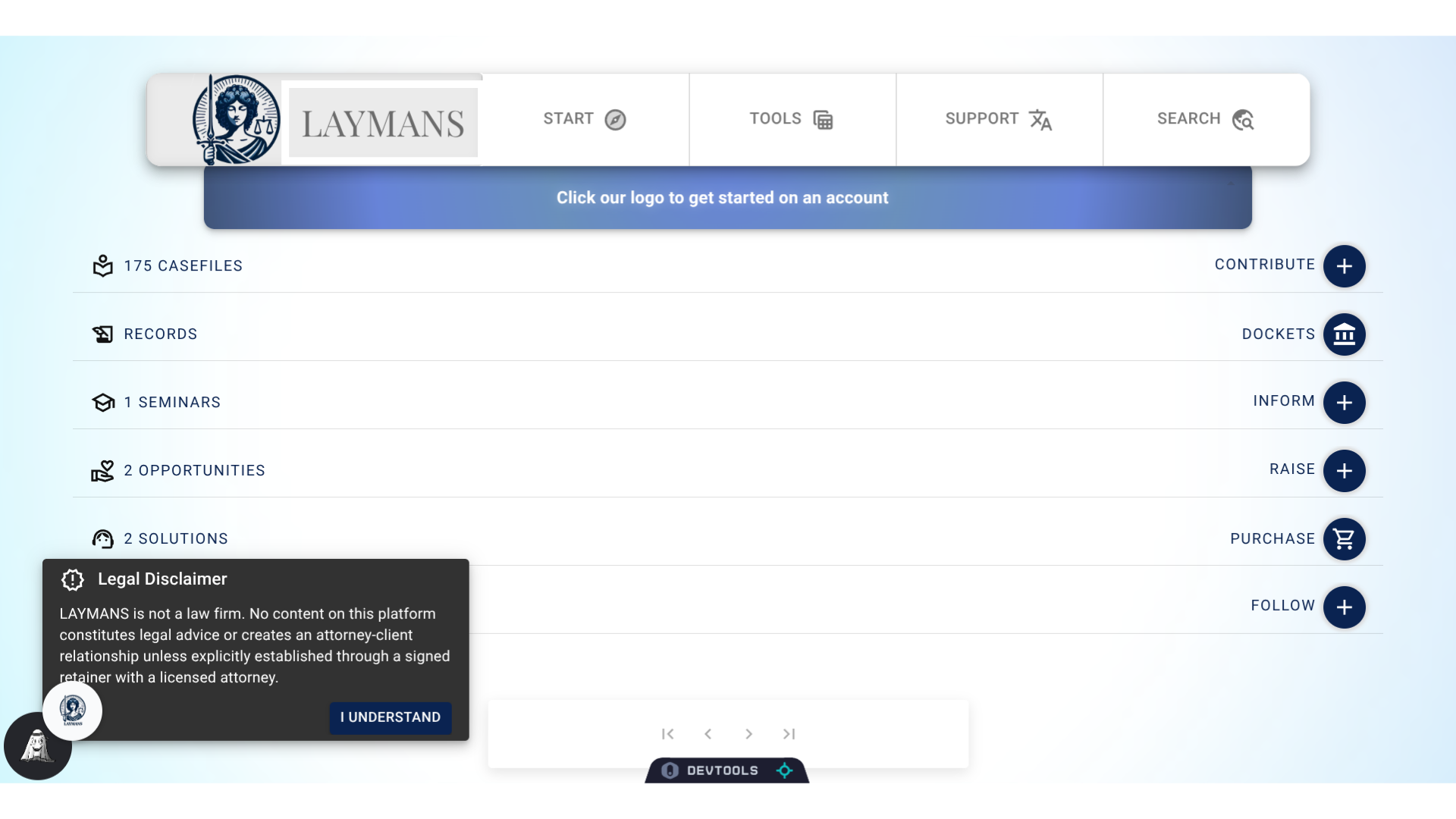
2. Click "LAYMANS"
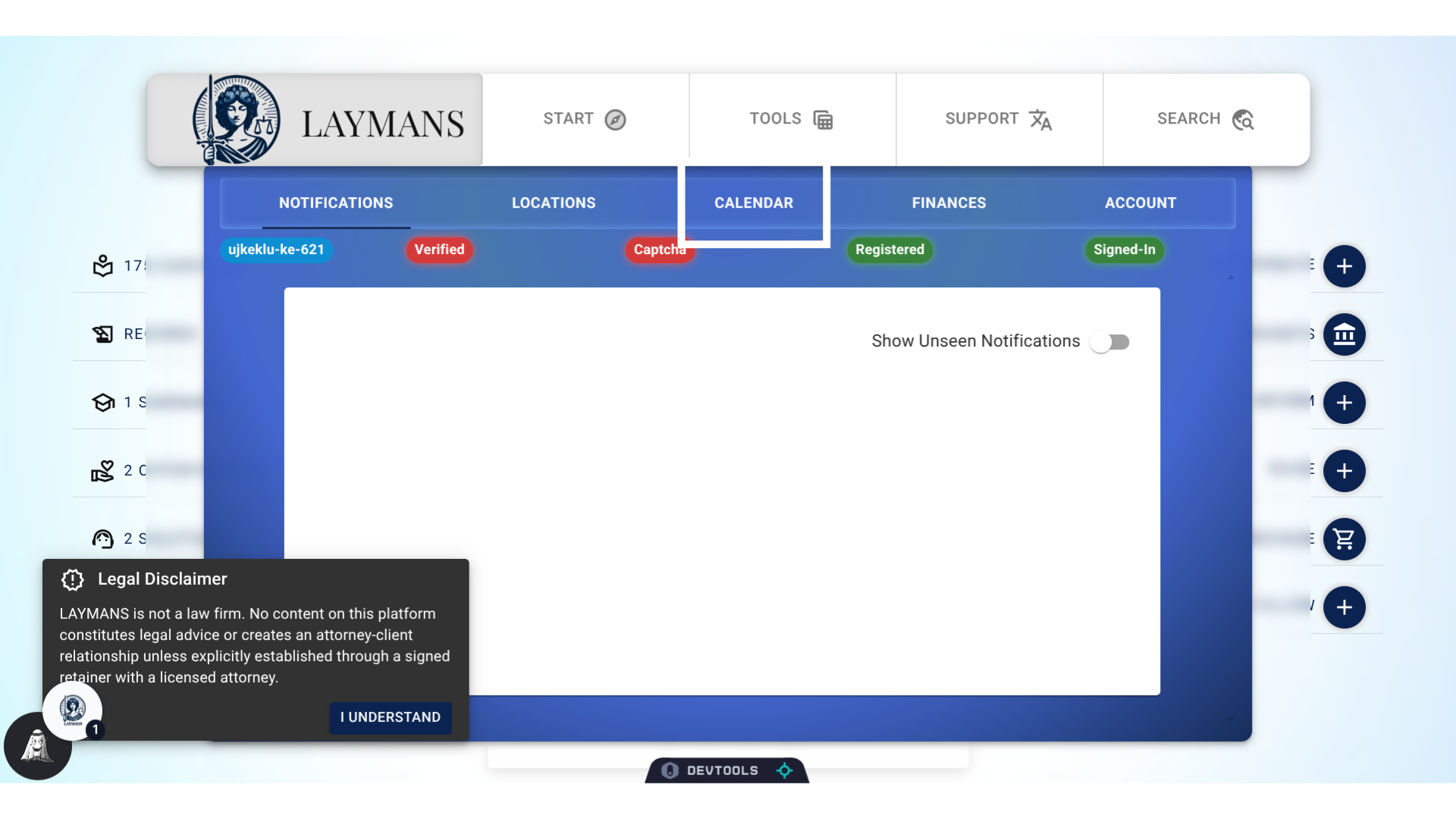
To get to your account-wide services like your calendar, directions, and transactions, just click LAYMANS on the "PowerBar."
3. Click "CALENDAR"
We want to go to the Calendar tab of this section to view our events...
4. About Calendar
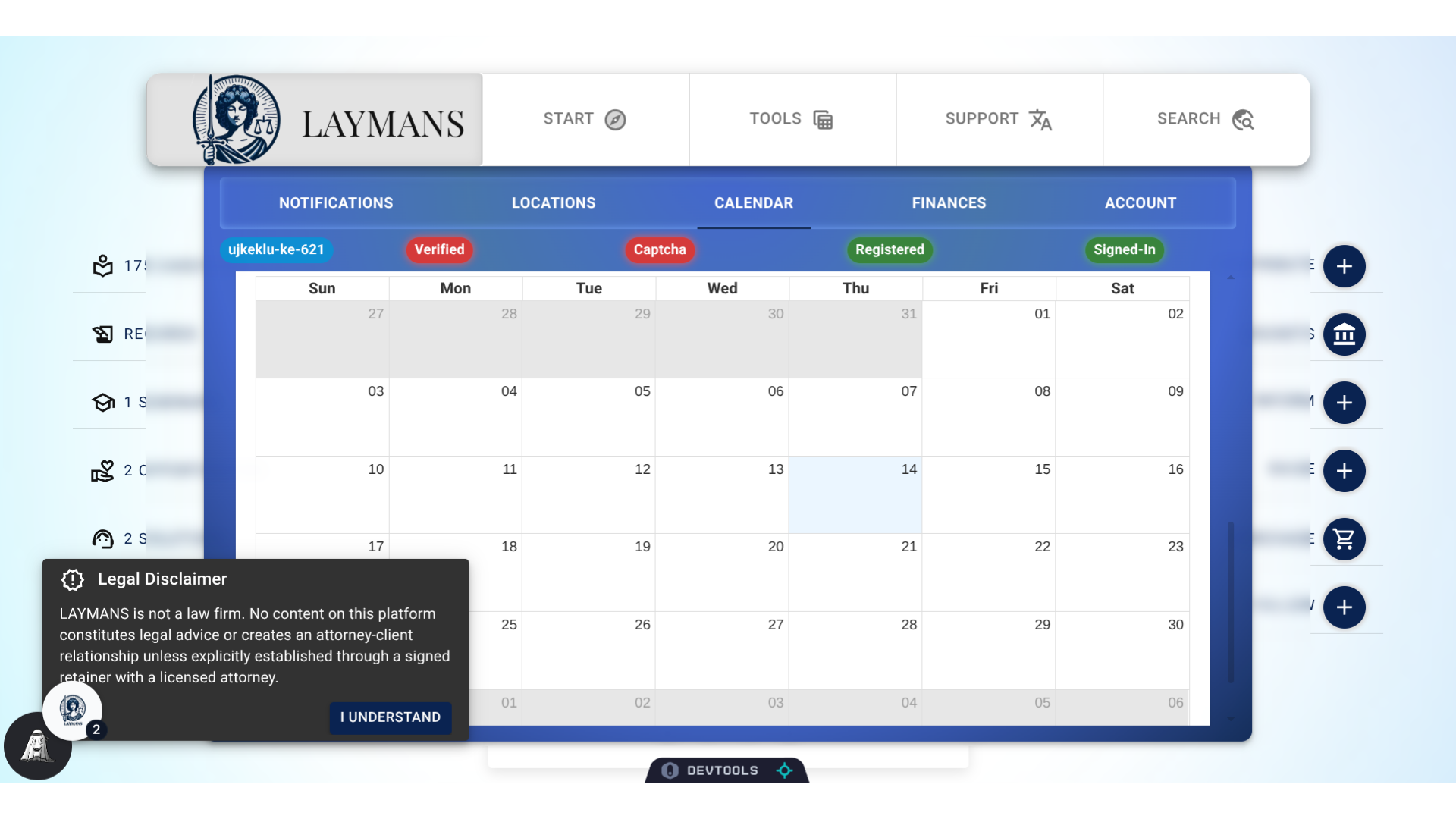
Laymans features a full fledged calendar based on the casefiles you saved. You can create casefiles that include time and location, that will show up on your calendar. For instance, you can create a "Court Date," private casefile that will show up on your calendar and on your locations tab: telling you when and where to go!
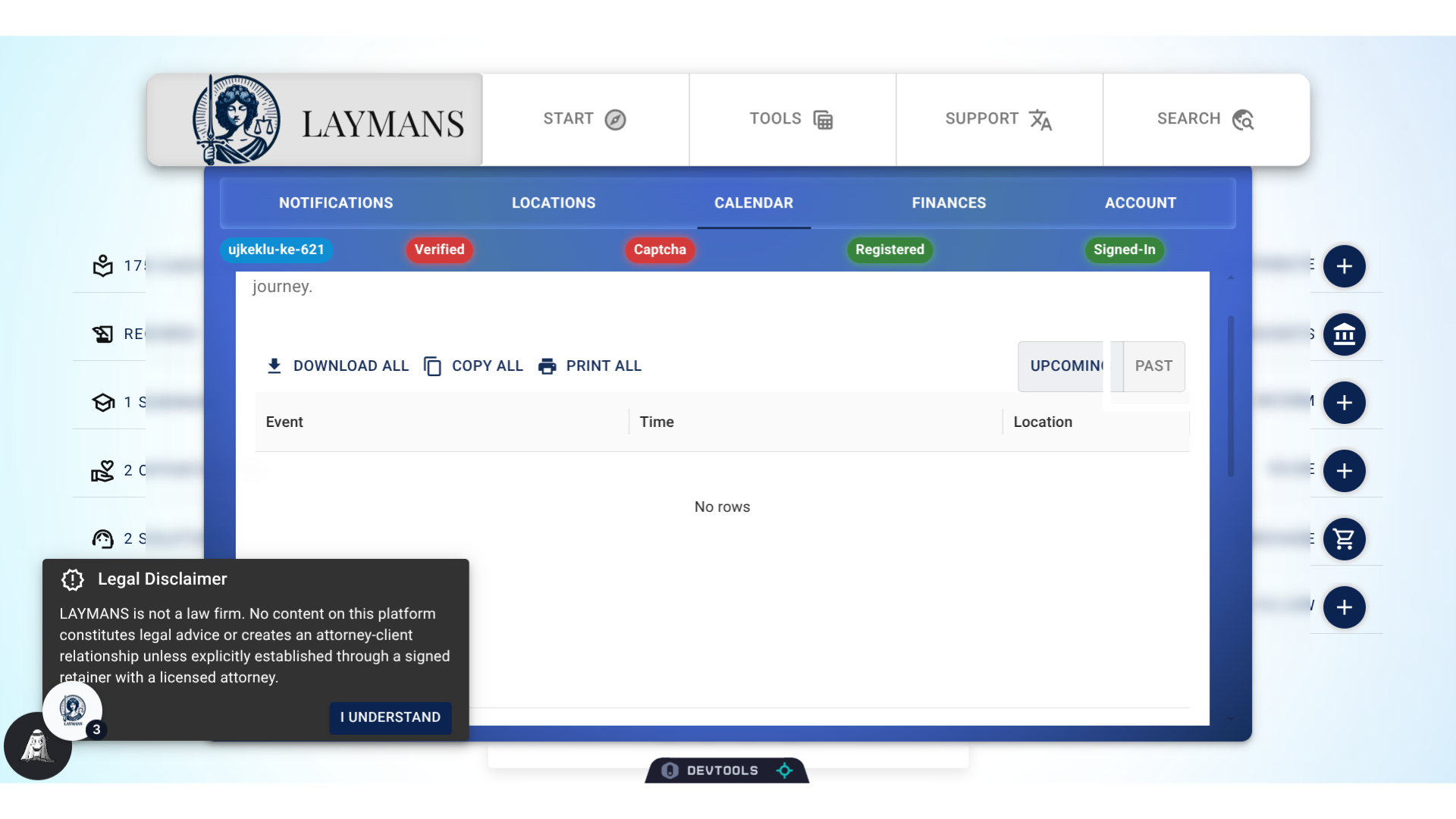
5. Past & Upcoming Filter
By default, Laymans only shows you events that are coming up, but you can use the filter at the top right to show past events. You can also easily download, print, and copy off your events.
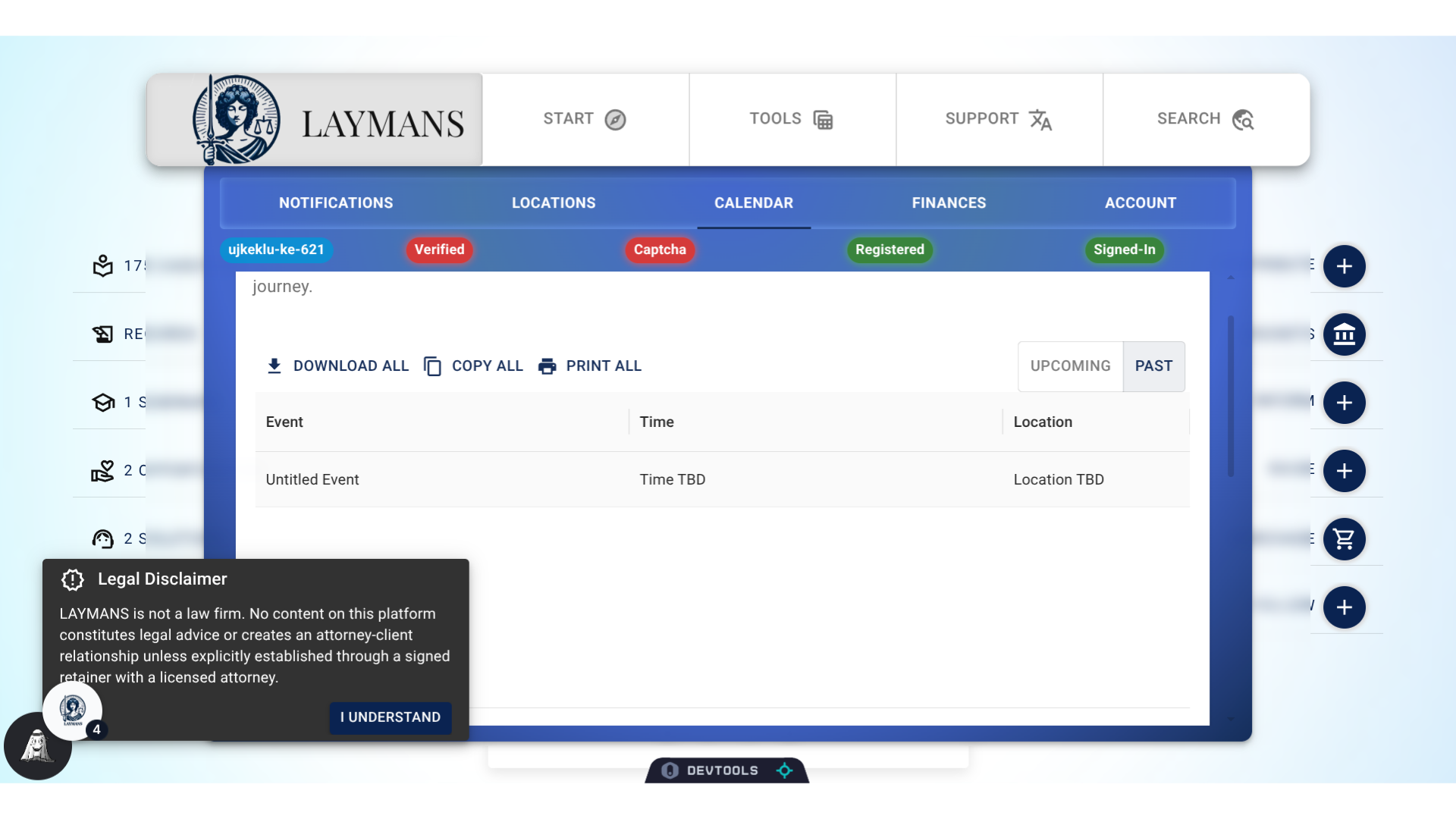
6. Event Display
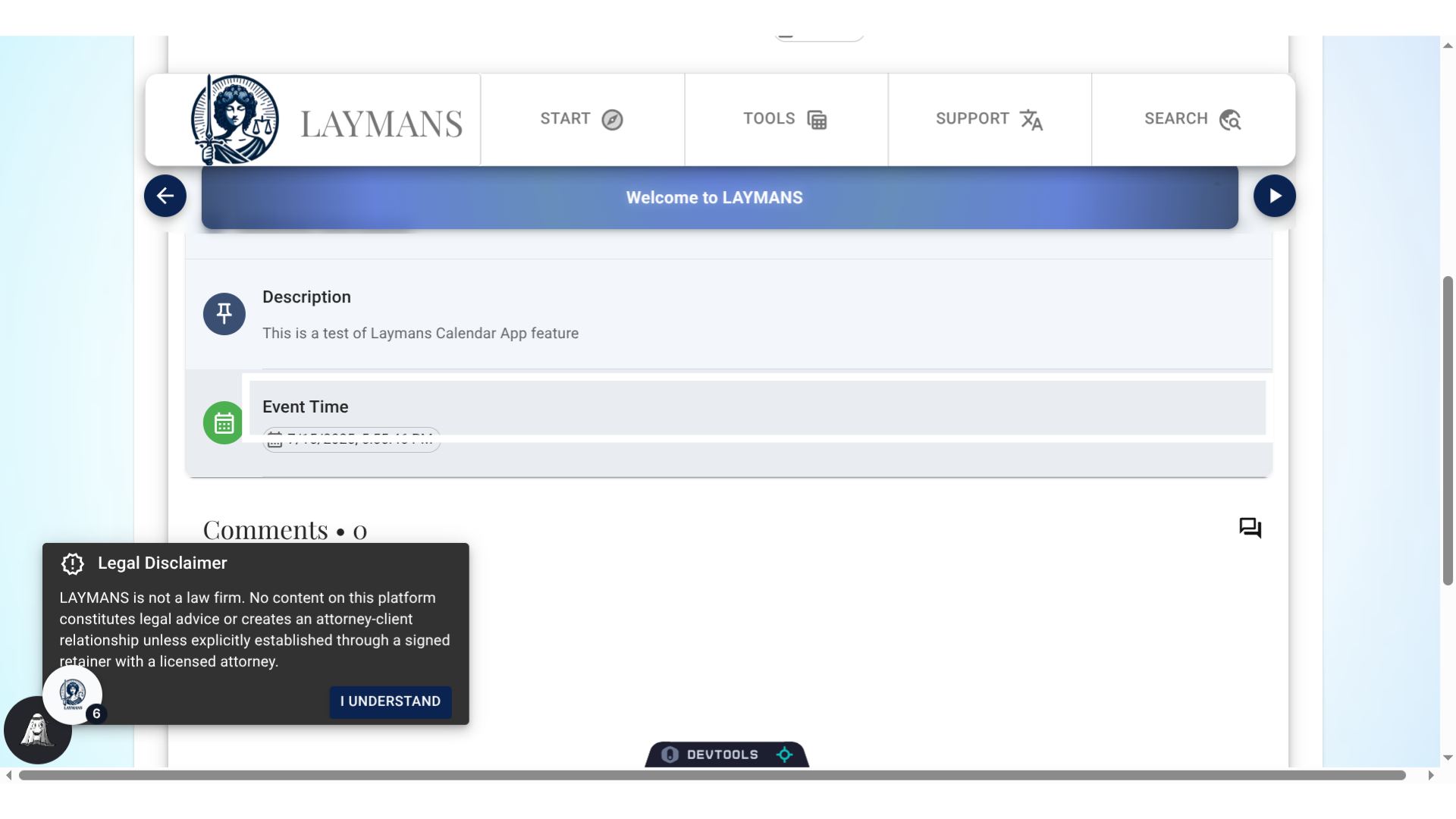
Let's click a record to learn more about the event...
7. Click "Event Time"
This navigates us to the matching casefile, where I can click "Event Time" to download my appointment to my calendar. If the casefile happens to be a video conference, a matching video conference drawer will pop up here. Now, Good luck with your meetings!