How to pledge money to Litigation Fundraisers on Laymans
Go to www.laymans.app
1. Introduction
Laypeople can support other laypeople on Laymans by pledging money to their current or future litigation. We believe that money should never be a barrier to legal services. So, in addition to advertising pro bono services and litigation financing, you can raise campaigns and pledge money to each each other. Let's begin:
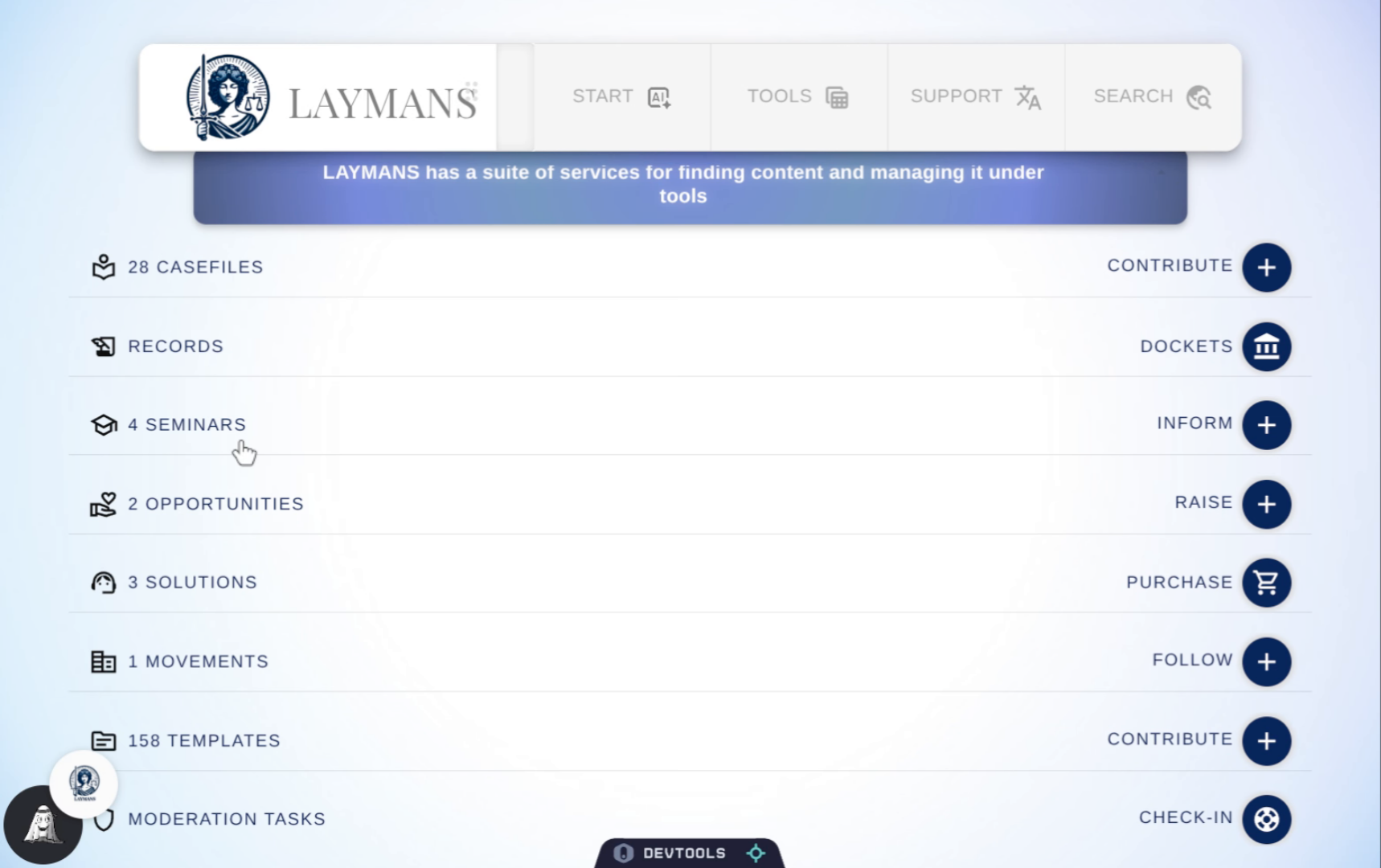
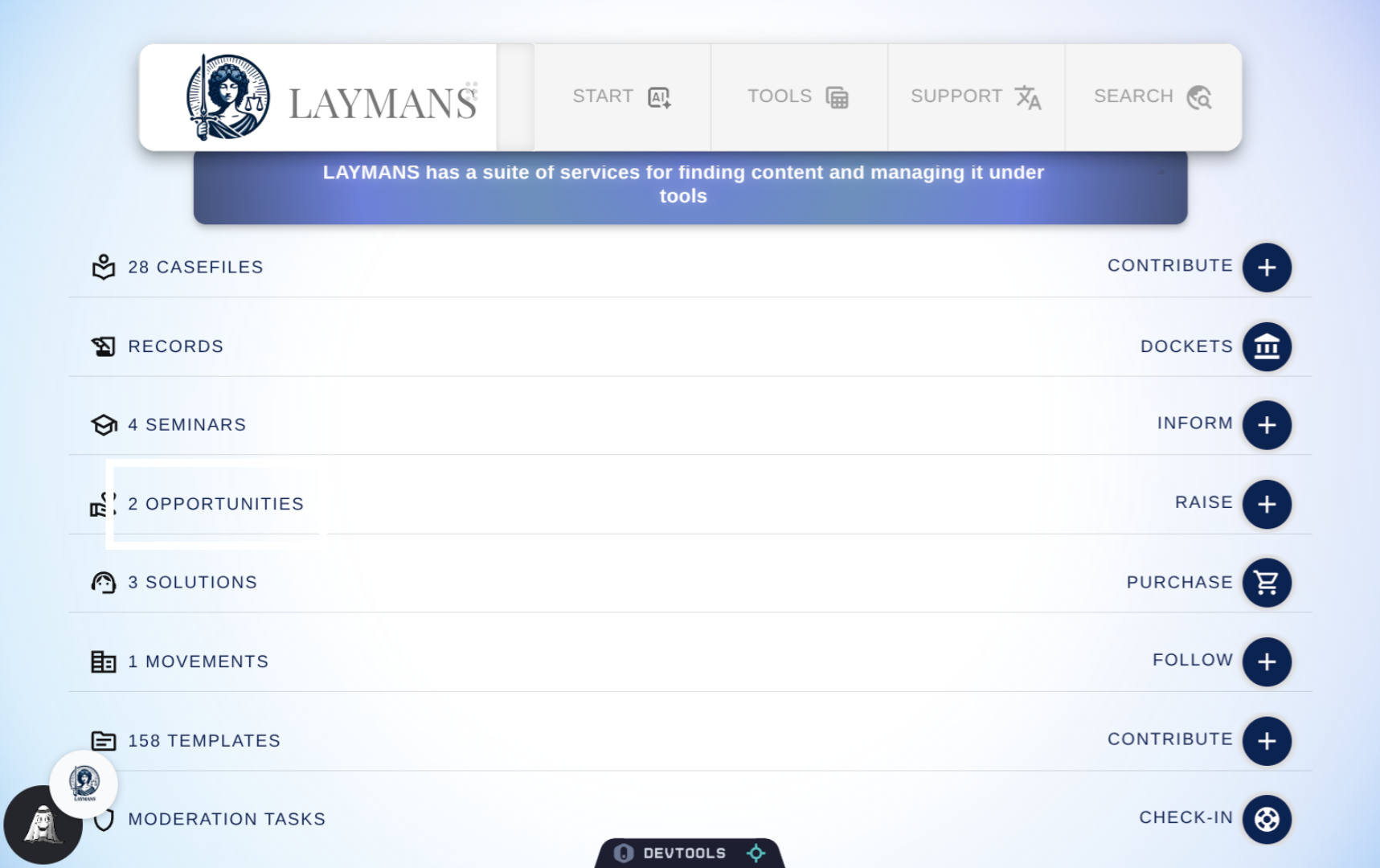
2. Click "Opportunities" on the Homepage.
You can access campaigns by going to the campaign's URL, their user profile, or from the homepage.
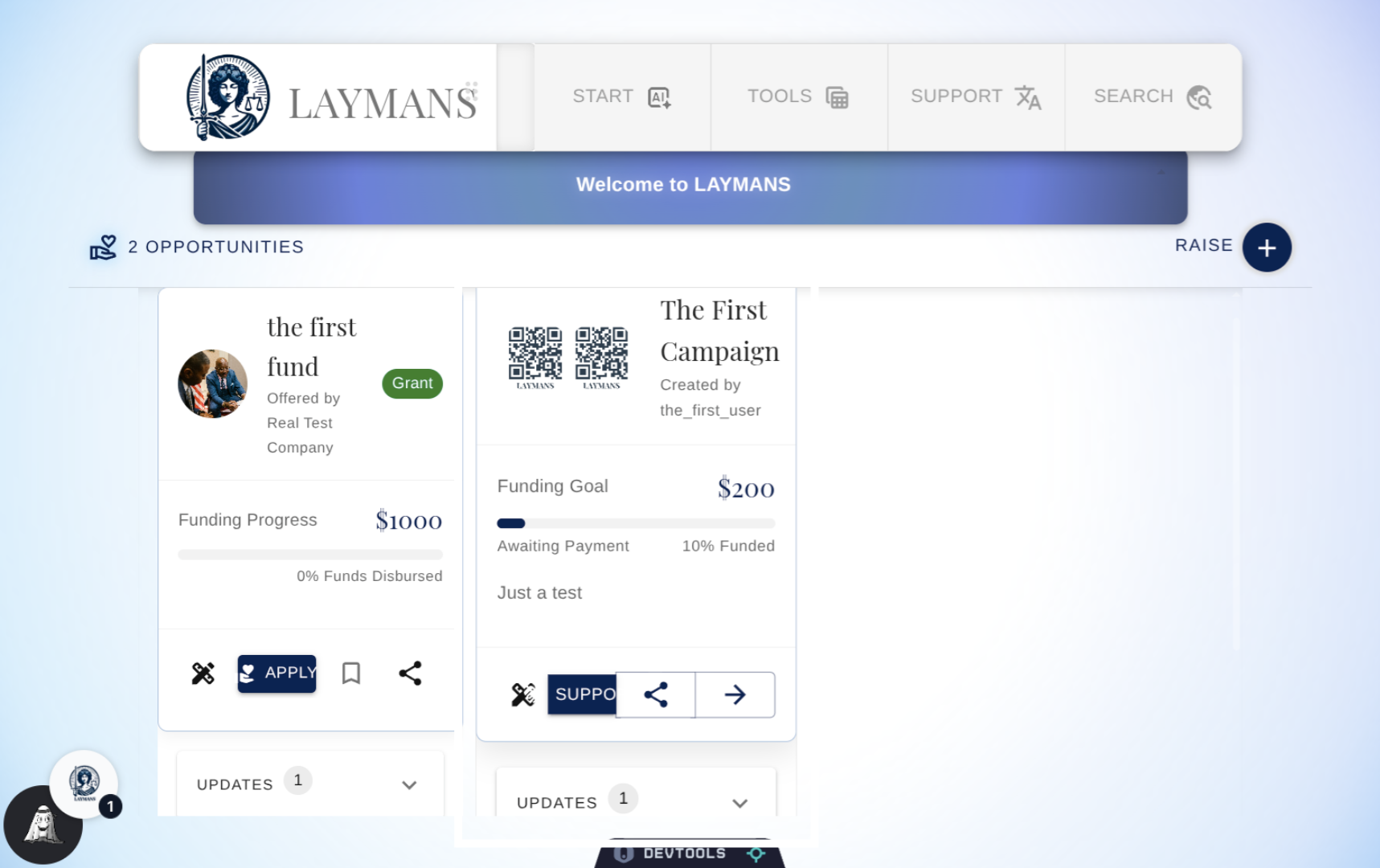
3. Select a Campaign
Under the Opportunities Section of the homepage, you can find opportunities for receiving funding and supporting campaigns. Supporting campaigns doesn't just help the layperson out -- you can contribute towards cases that promote your beliefs and make the world a better place. You can click support from here, but I'm going to navigate to the campaigns page.
4. Open Campaign Details
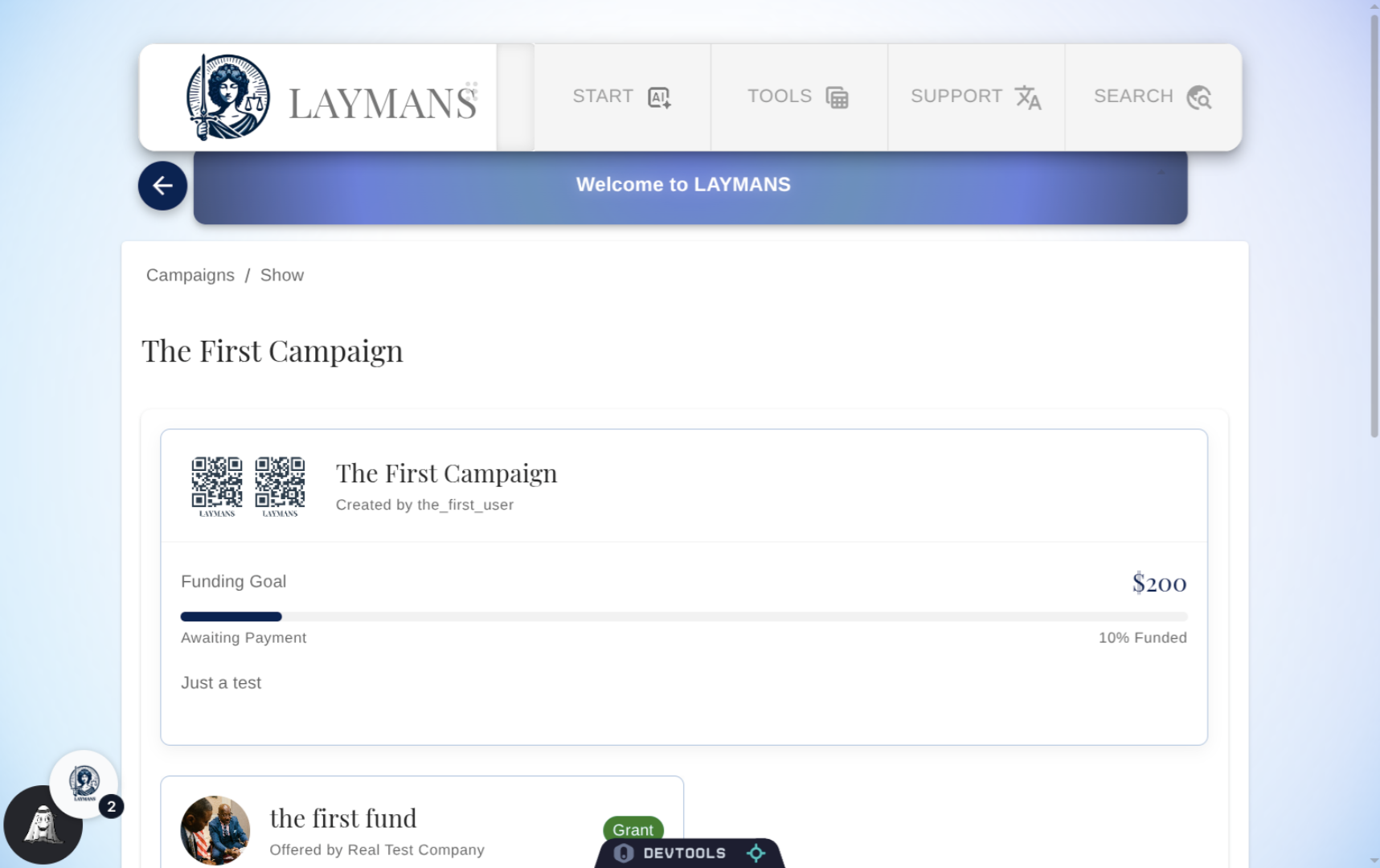
To get most information about an ongoing campaign you should go directly to the campaign page. Here you will find a summary, how much has been raised, and their goal amount.
5. About Funds
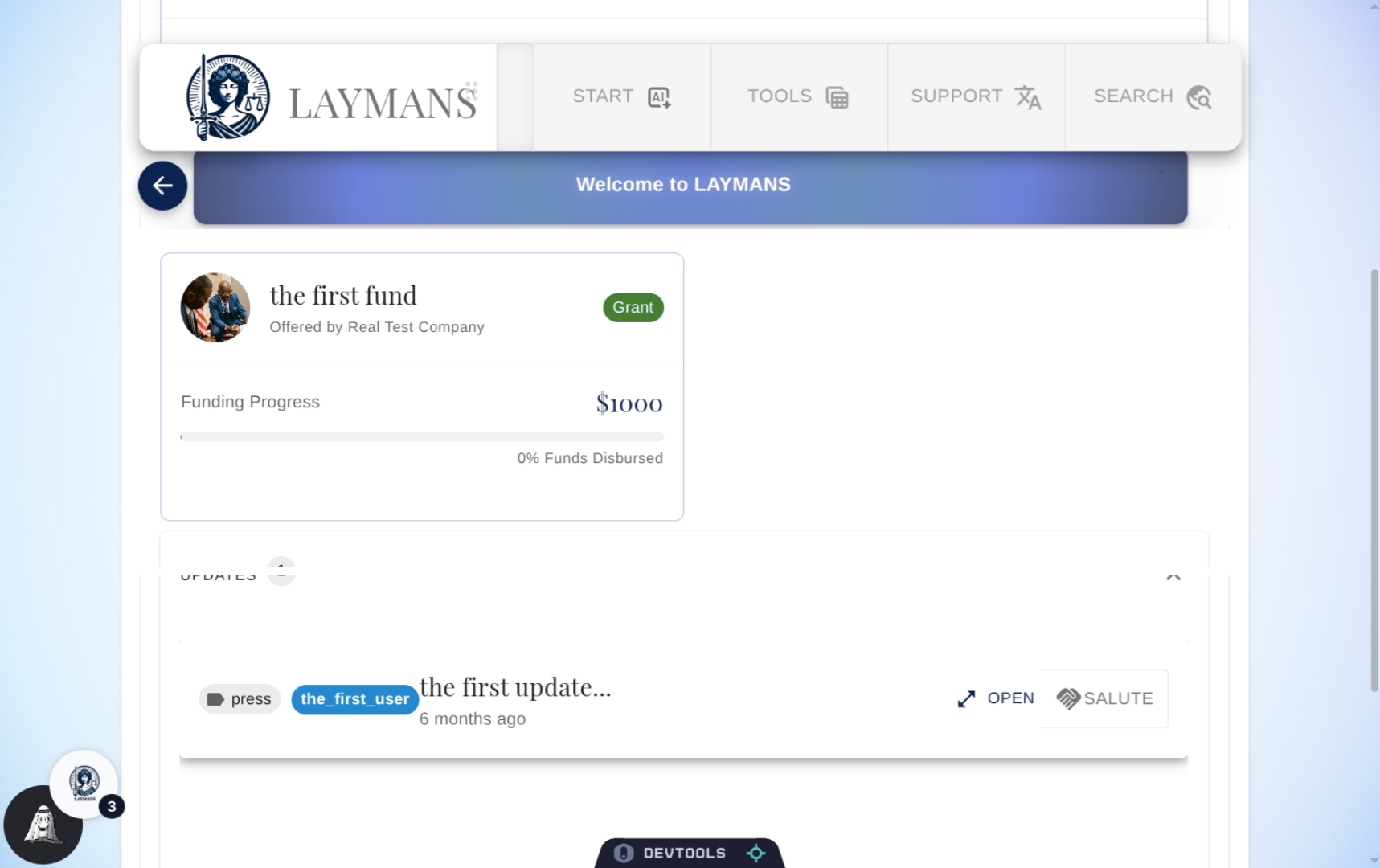
You can also see any funds contributing to the campaign already, these funds may be relevant to your own litigation or you may just want to support so click them to learn more.
6. About Updates
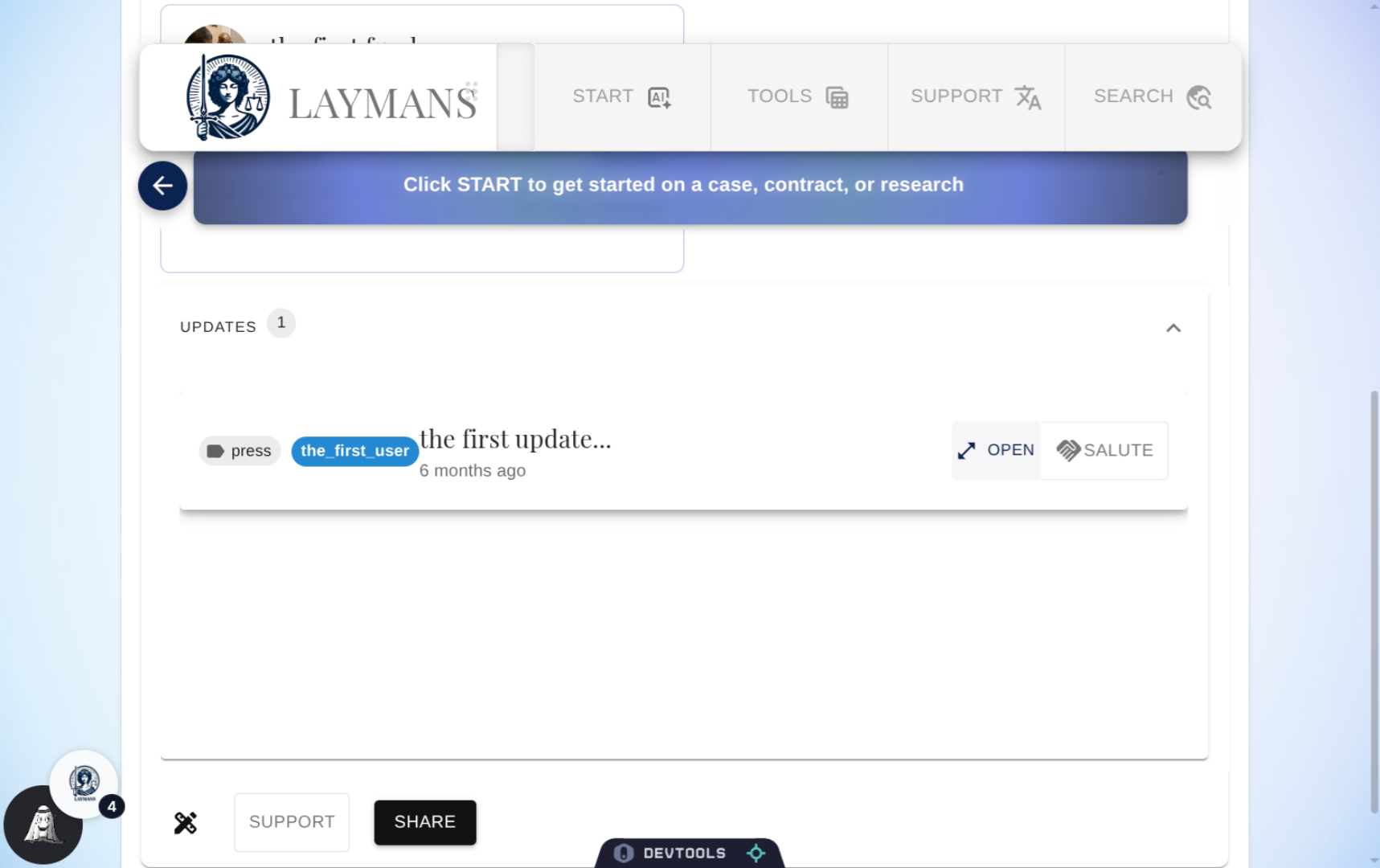
Click on an Update to learn more about what's happening in the layperson's campaign. Don't hesitate to dive in and learn more about the Campaign you're pledging to.
7. Viewing an Update
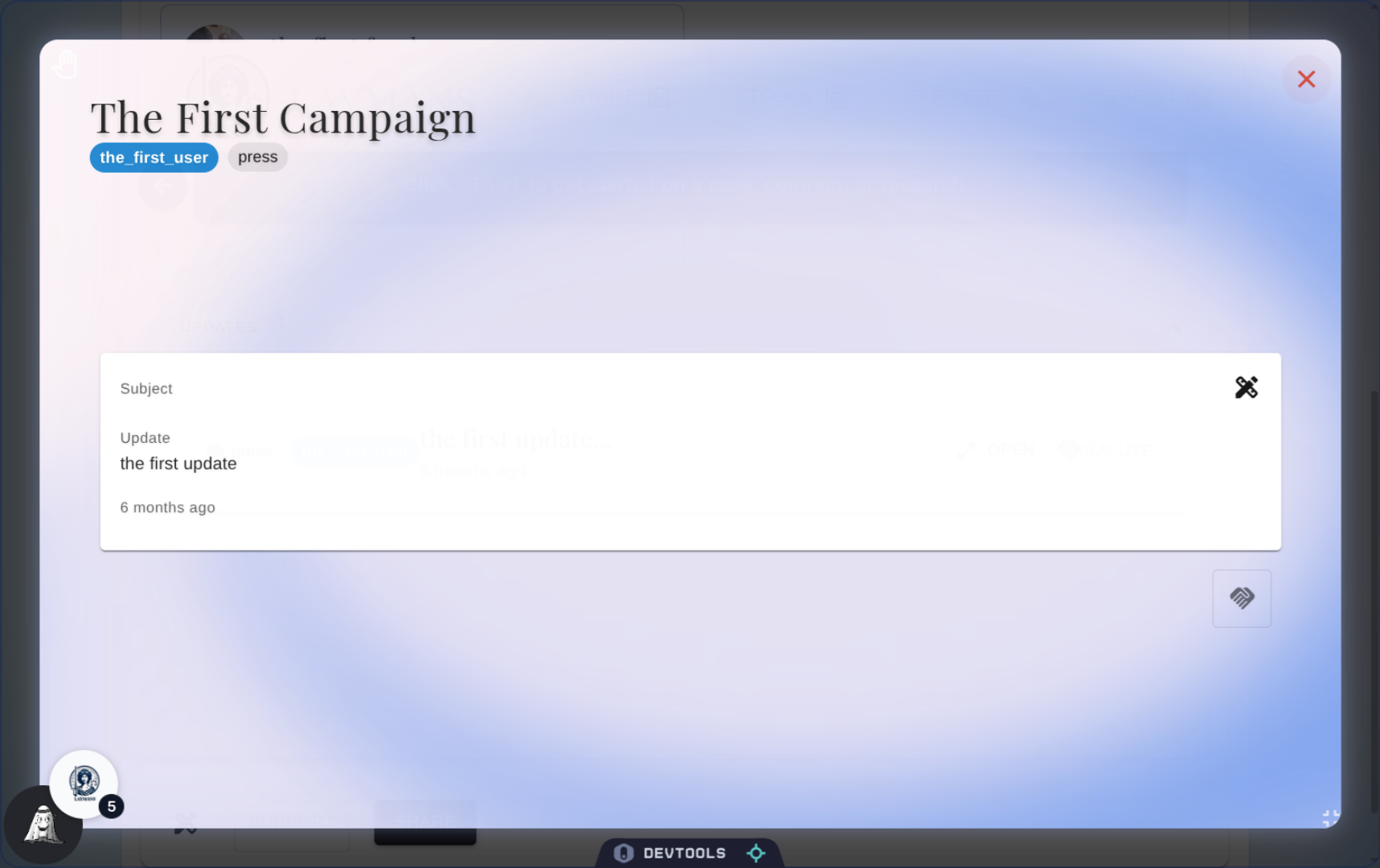
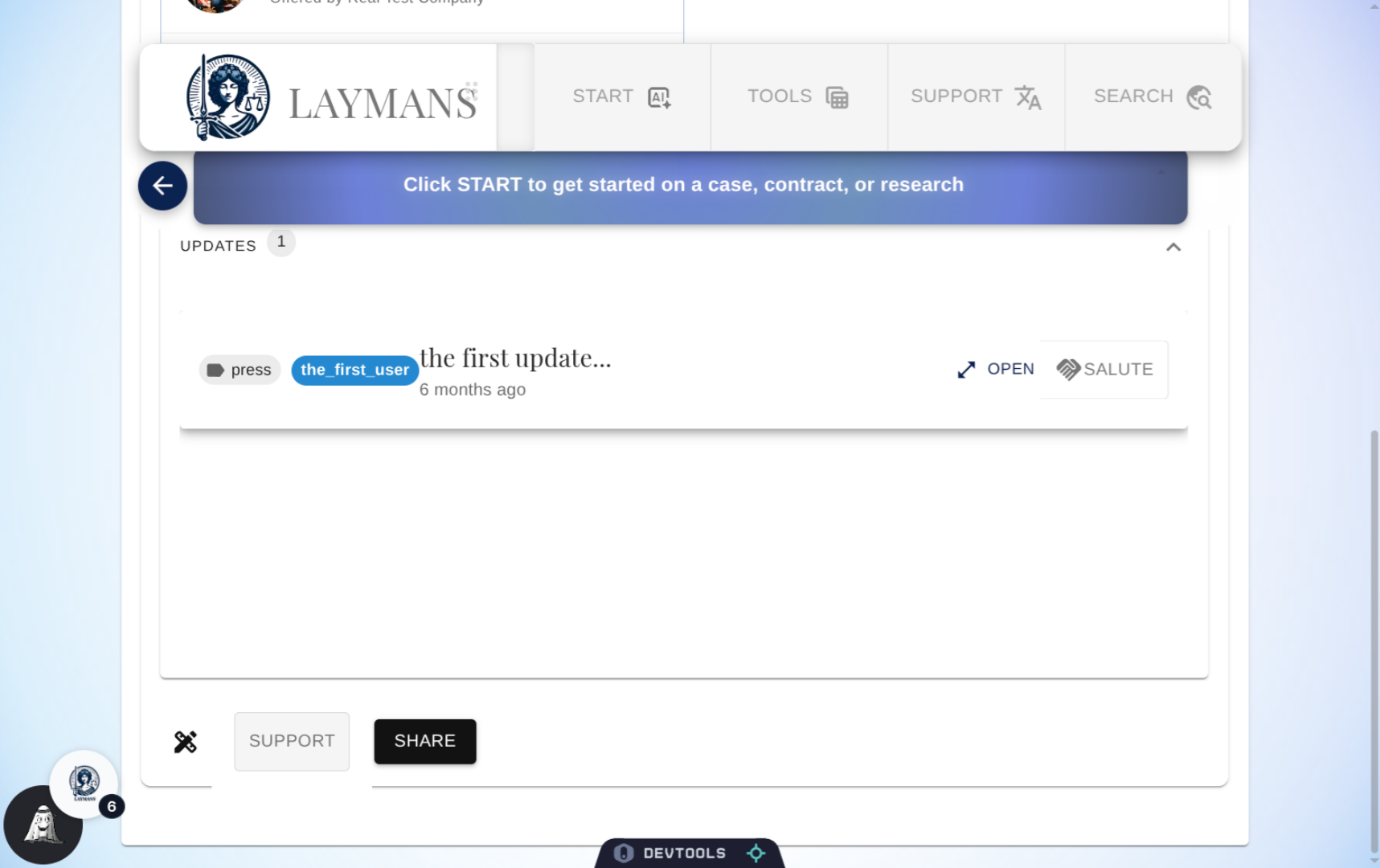
Laypeople can leave updates about their wins and losses of their case. This is a rather short update, normally you would find documents, news articles, images, videos, or just text about what going on. We can salute them here, but let's exit out to use the main page to pledge money.
8. Select Support Option
The button to open the form to support a Layperson is at the bottom, that's if you didn't use the interface on the Homepage or on the Update's Dialog.
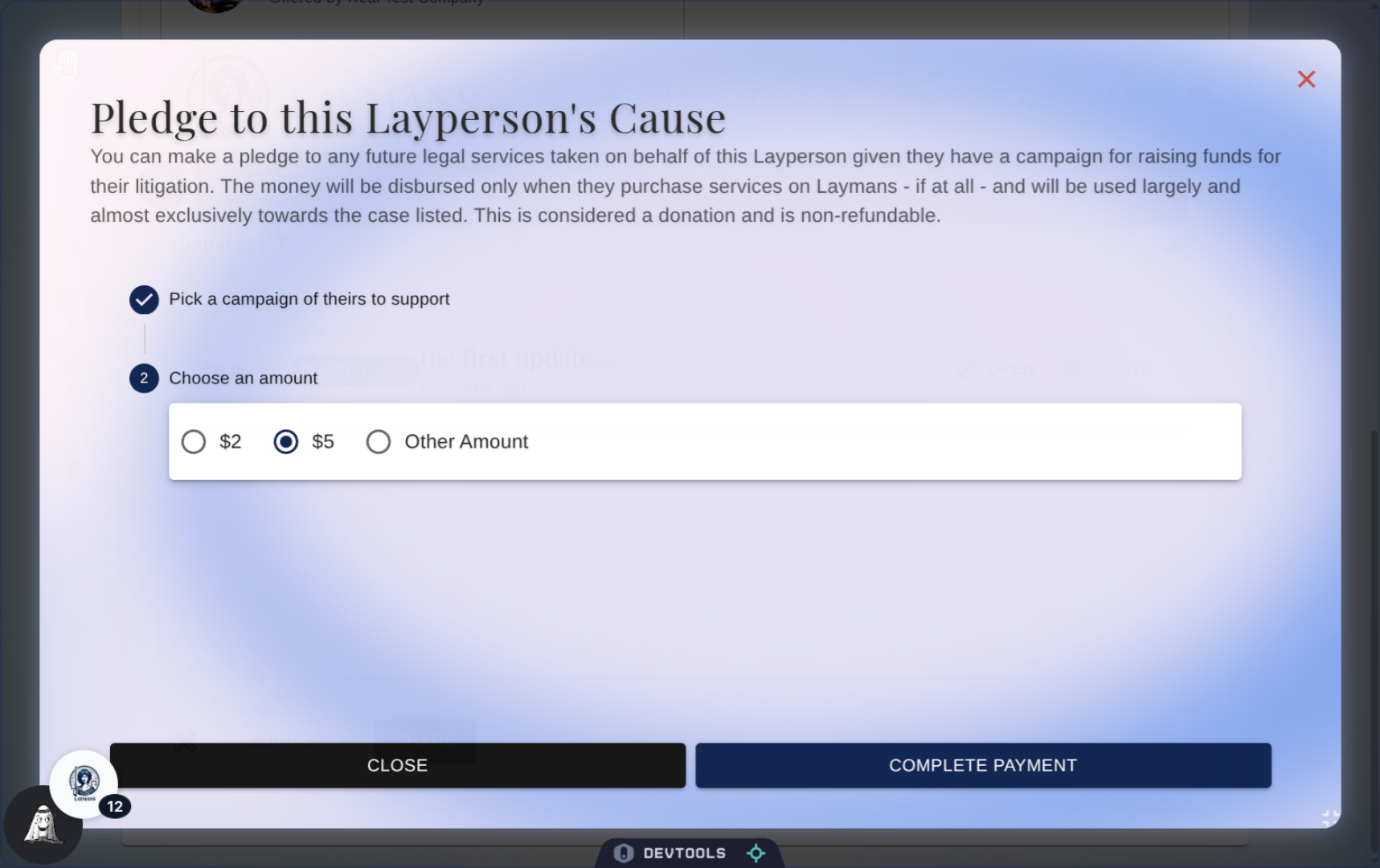
9. The Pledge Dialog
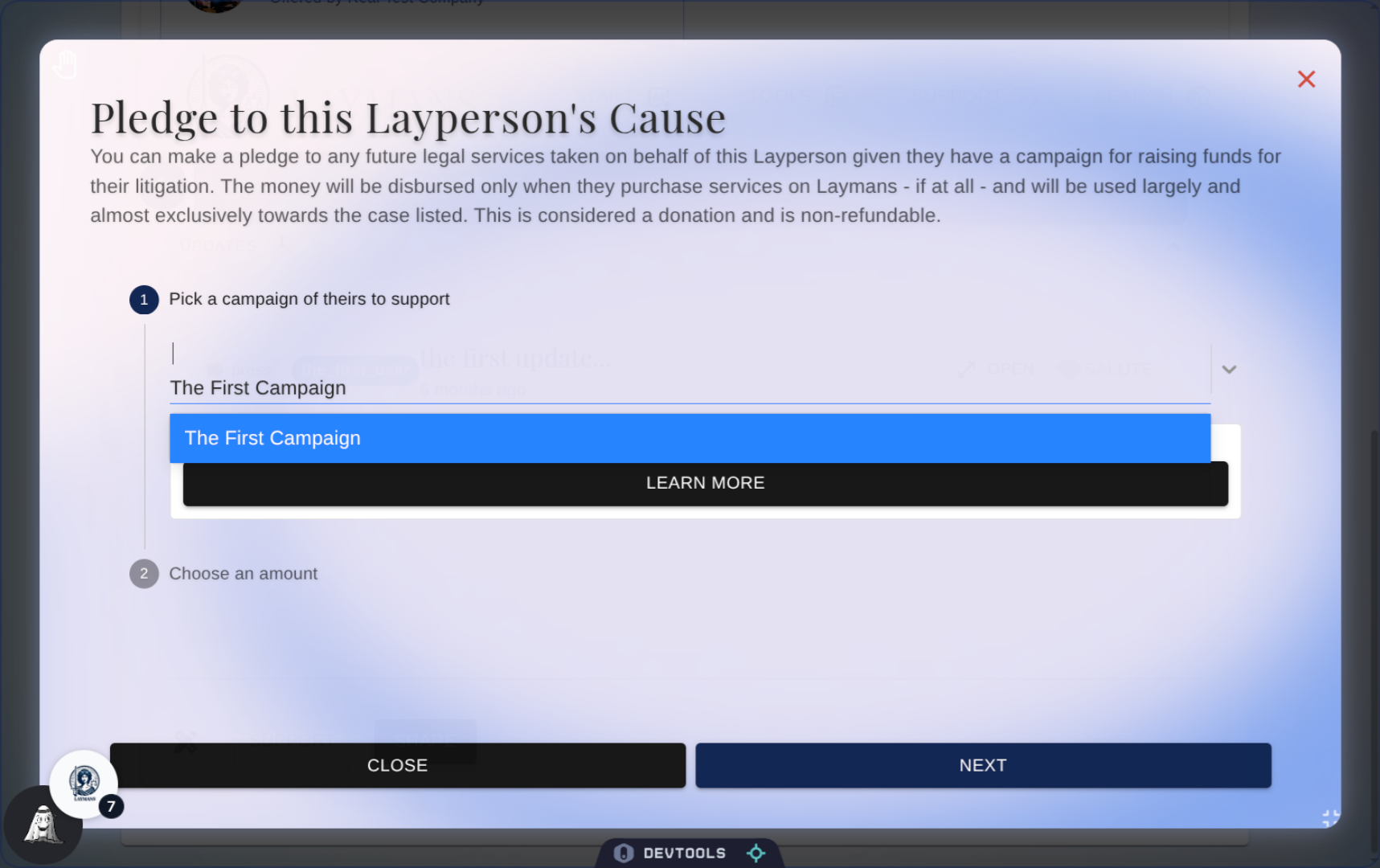
First off, choose a campaign of the Laypersons to support. Usually, laypeople can only have one campaign active at a time - so the one you're currently viewing will be the first selected.
10. Enter Custom Amount
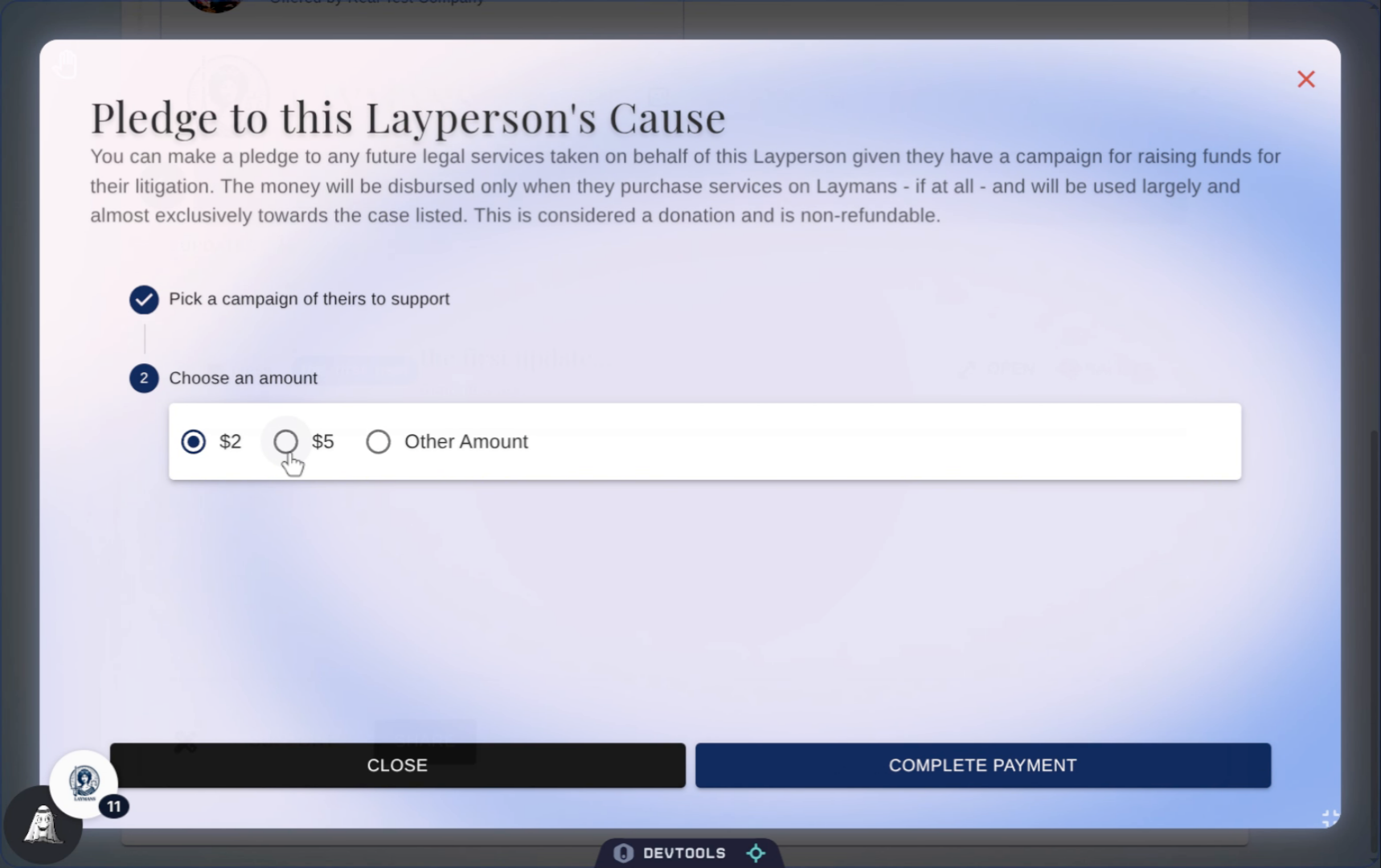
Now, let's choose an amount we're gonna give -- cases can cost a minimum of twenty-five hundred dollars to an average of twenty-thousand so be generous.
11. Click "Payment" button
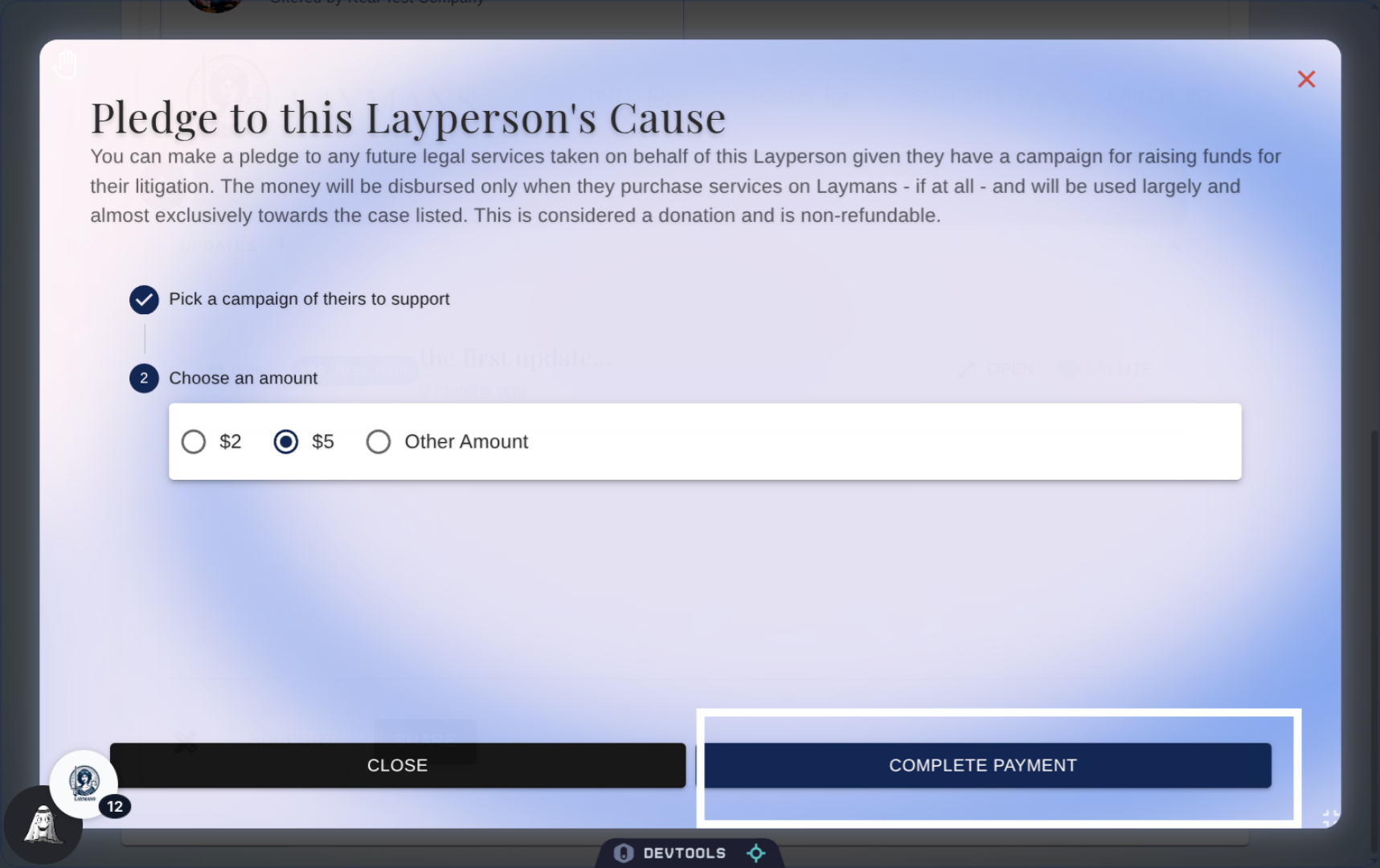
Okay, let's click the Payment button at the bottom to start heading over to stripe. This will be the final step on Laymans before going to Stripe to securely handle your payment details.
12. Complete Payment
So what now? Pledges are actually not charged on creation, your pledge is stored until the layperson in question actually purchases legal services which, then, its used as a part of that transaction. If you don't have the money available the campaigning layperson has to make up the difference, if they overraise for the amount needed -- great! You get your money back. Because Laymans never stores real money. As time goes on you can add more pledges, or remove them, and you can follow the campaign for updates about how your money is being used. The pledge system is just another way Laymans facilitates access-to-justice.