IMPORTANT - Read Before Starting
You must have your primary device available to complete this process. The primary device will generate a one-time password to validate the secondary device.
- Only ONE primary device per account
- Secondary devices cannot validate other devices
- Keep your mnemonic password secure—it's a potential attack vector if exposed
Encrypting a Secondary Device
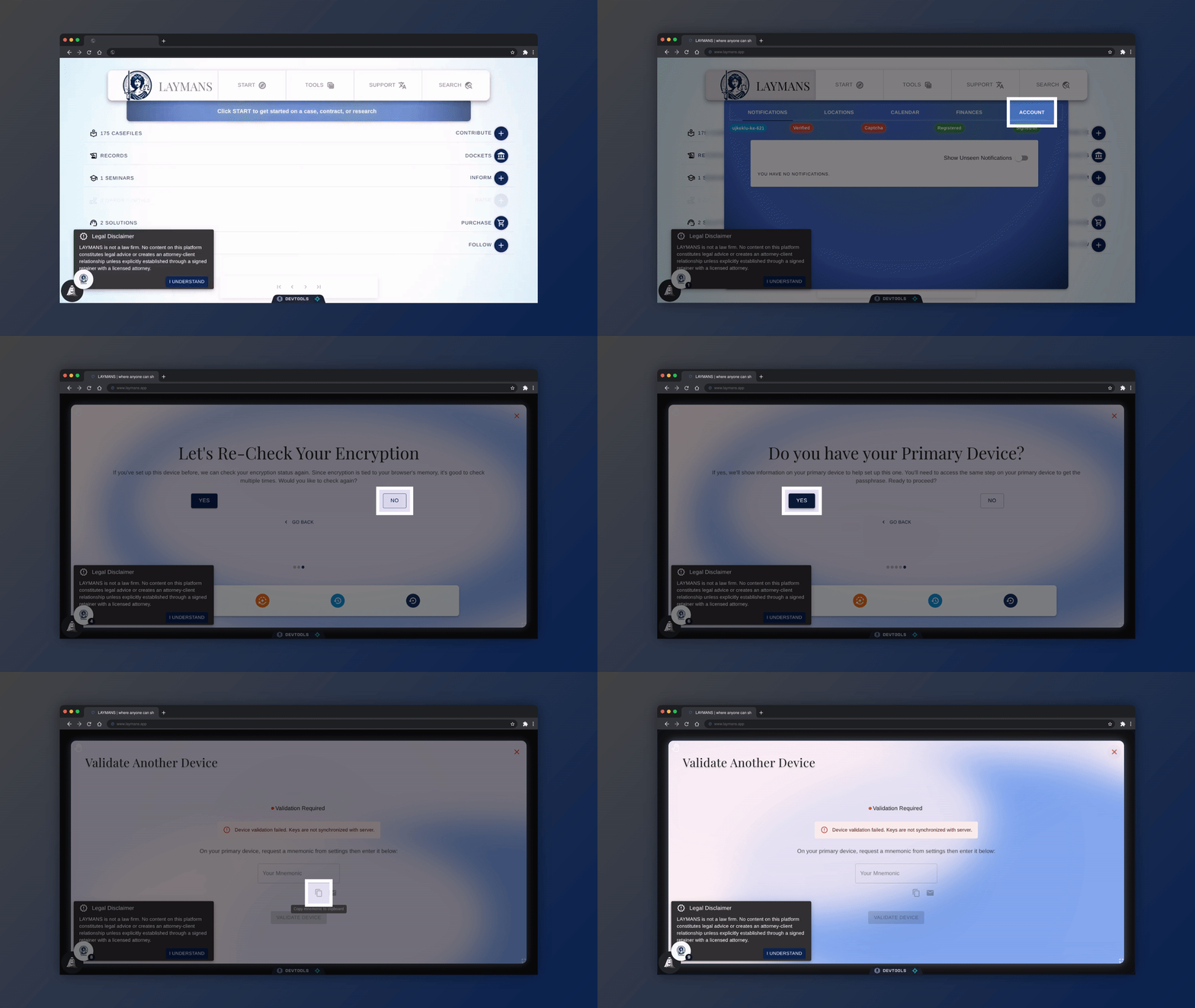
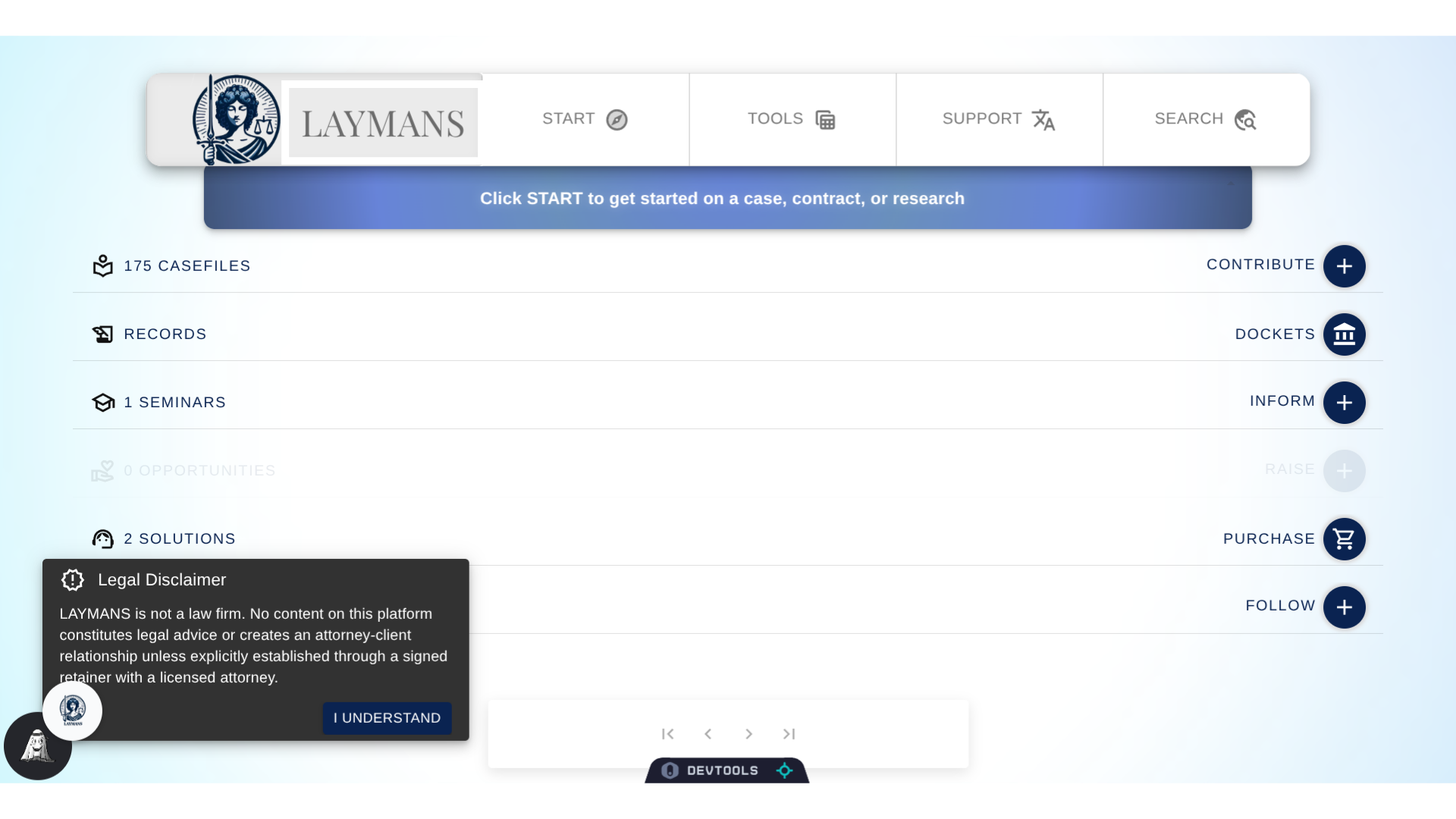
Go to www.laymans.app
1. Introduction
Do you have a primary device with Laymans encryption, like a computer, and now want to access the same protected materials on your phone? No problem, let's use the Encryption Wizard to encrypt a "Secondary Device!"
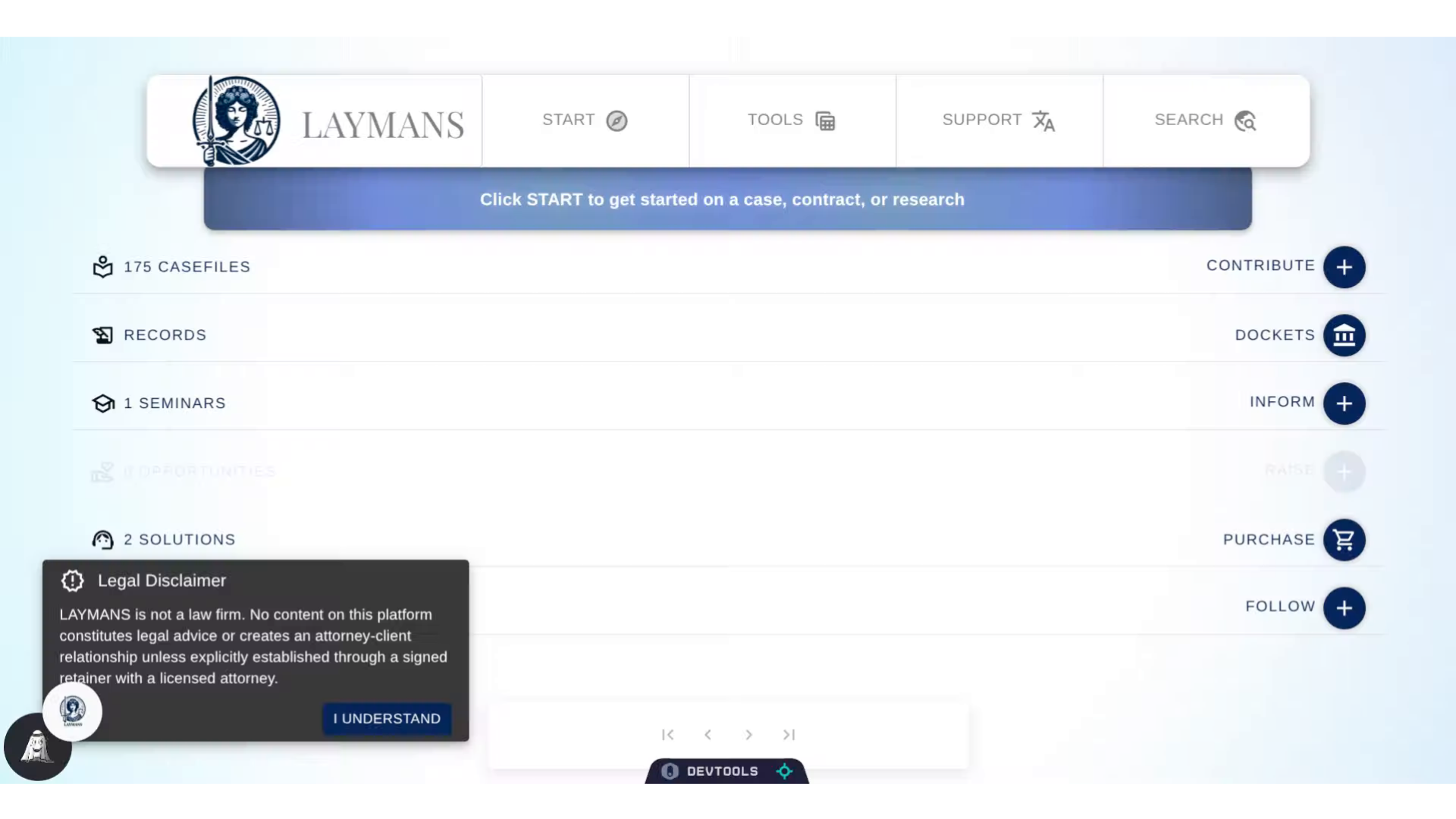
2. Click "LAYMANS"
As always, we'll start with "Laymans." The home for all account-wide services.
3. Click "ACCOUNT"
The encryption wizard is found under "Account" whenever needed.
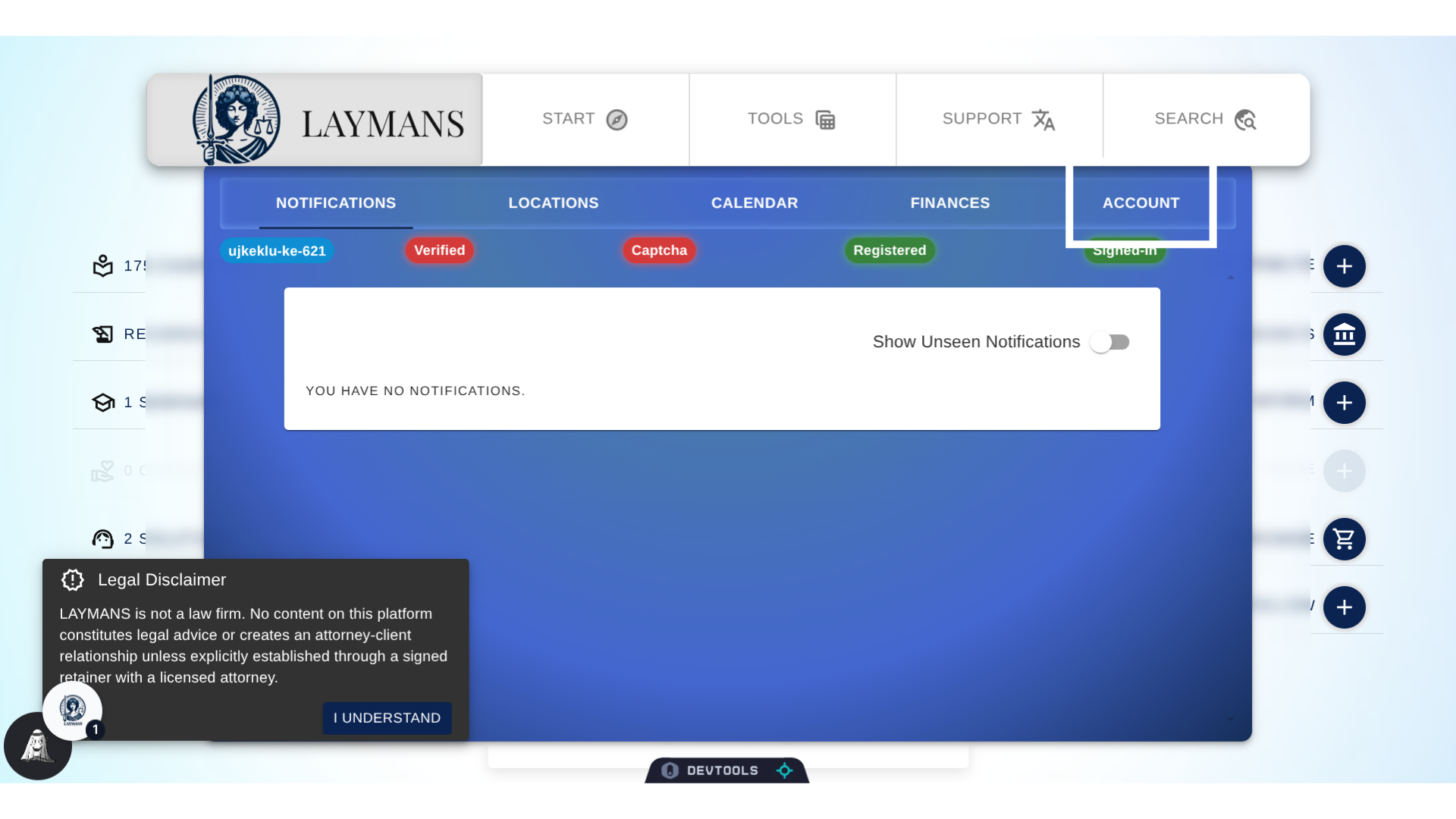
4. Click "Yes"
Welcome back to the encryption Wizard, this wizard will help us figure out which Encryption Service we need. Let's quickly click through:
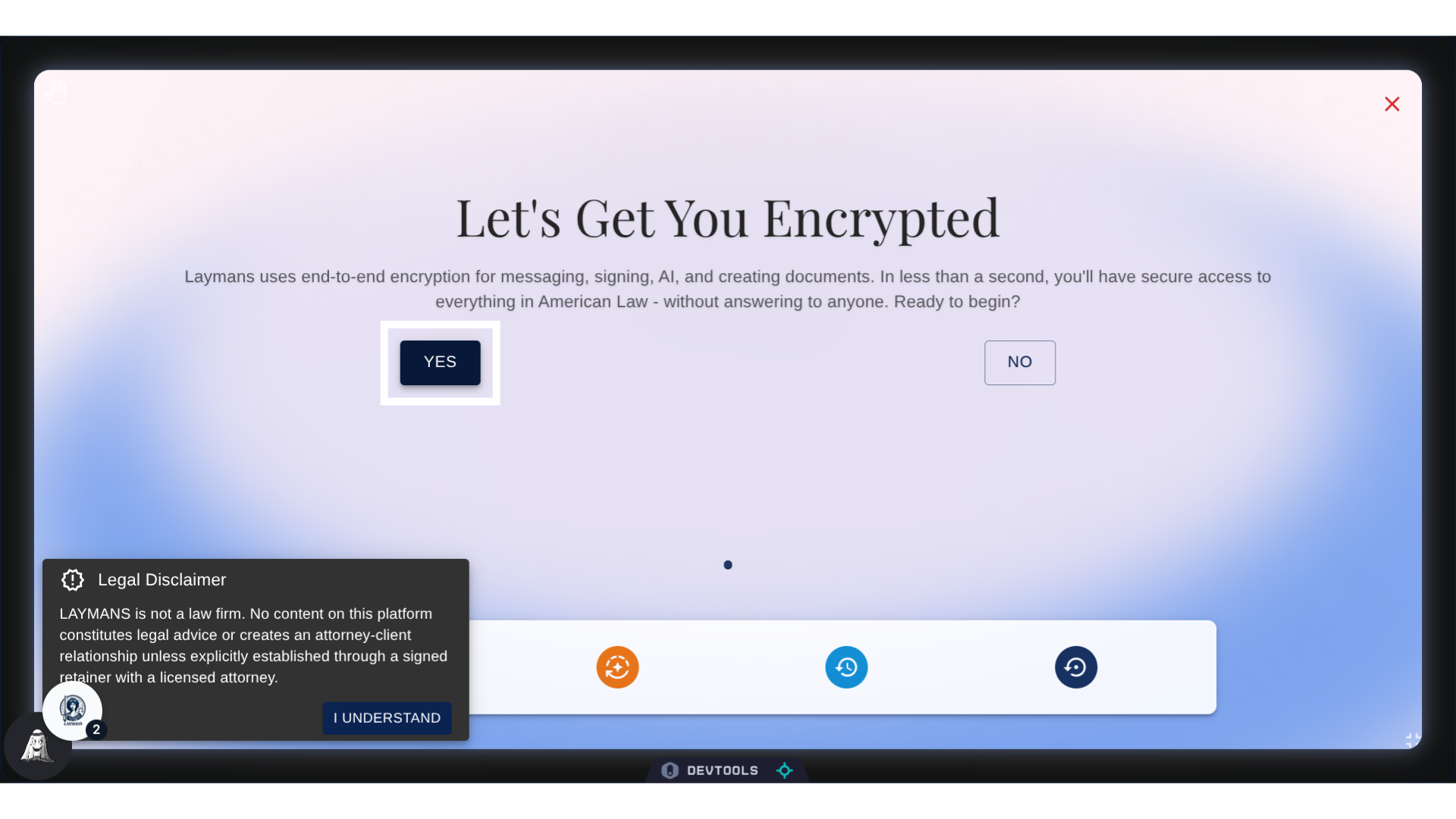
5. Click "No"
First, click "no:" this is not our first time using Laymans. Meaning, we've encrypted adevice on here before.
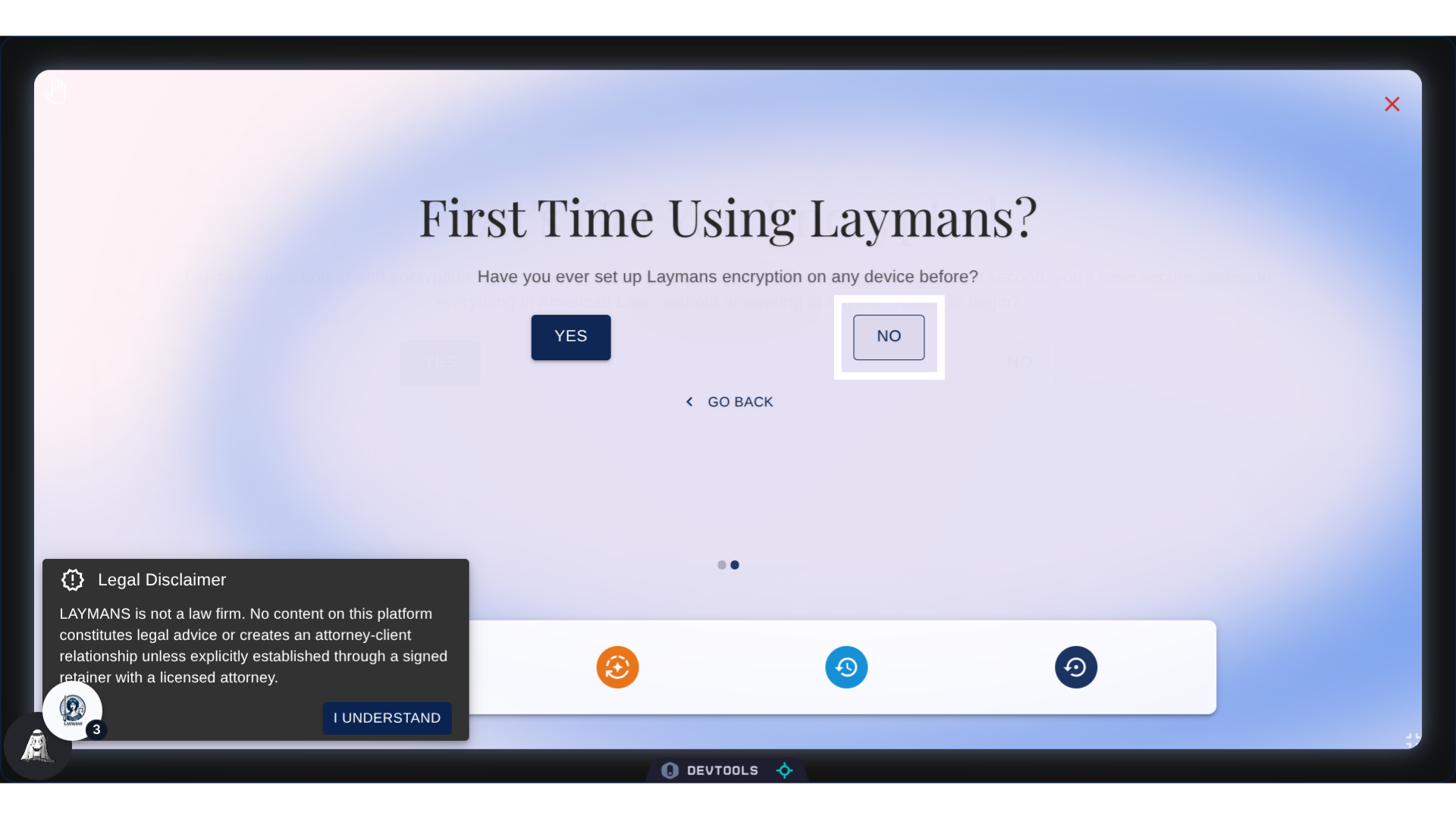
6. Click "No"
No, again, as we do NOT want to recheck our encryption. We already know our secondary device is not encrypted.
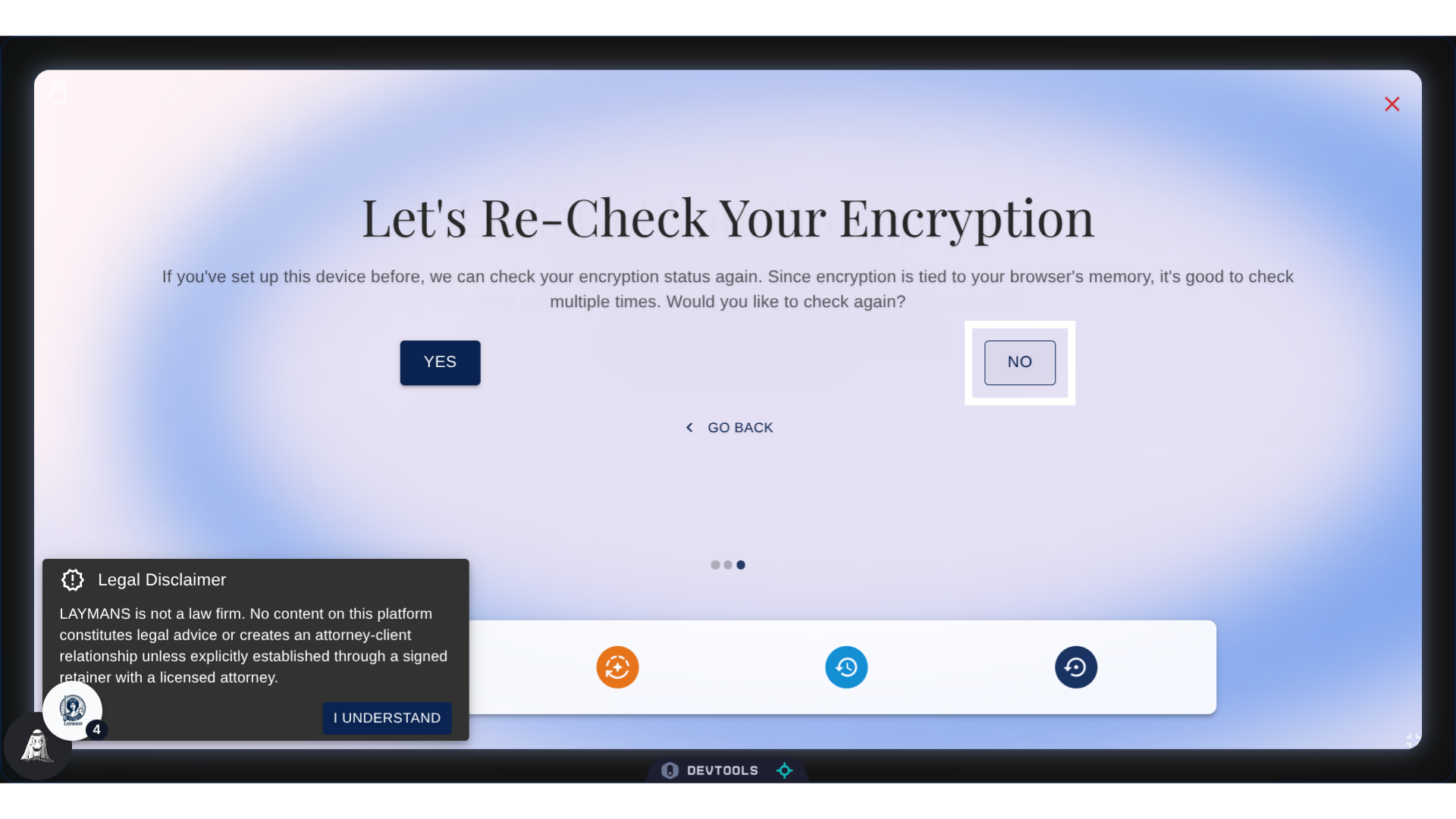
7. Click "Yes"
Now we'll hit YES to secure the secondary device I currently have on me.
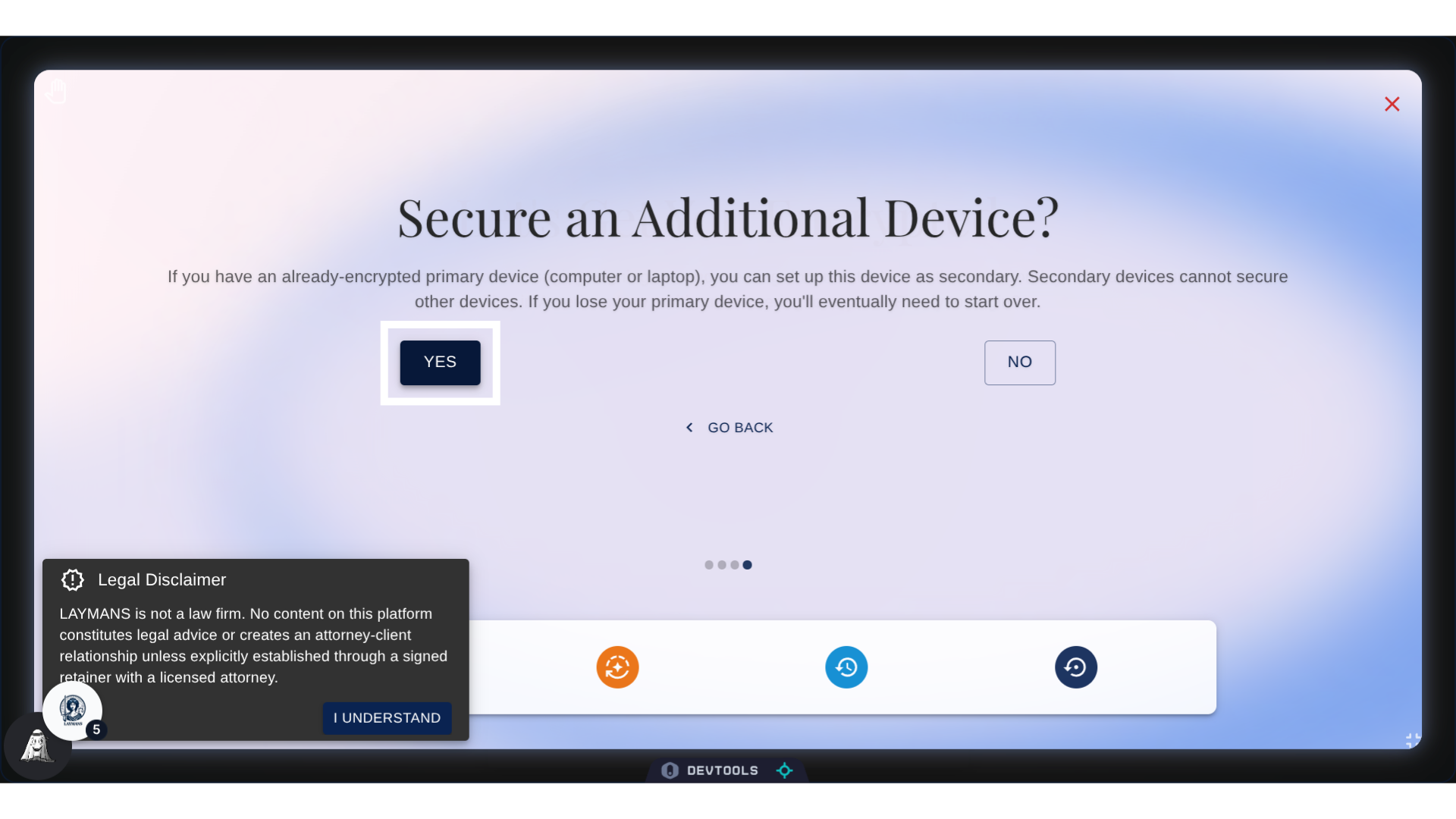
8. Click "Yes"
The wizard is going to check-in, and make sure we actually have our primary device on us. We need it open, logged in, and on the same page of the wizard - as we are now - to share the generated password.
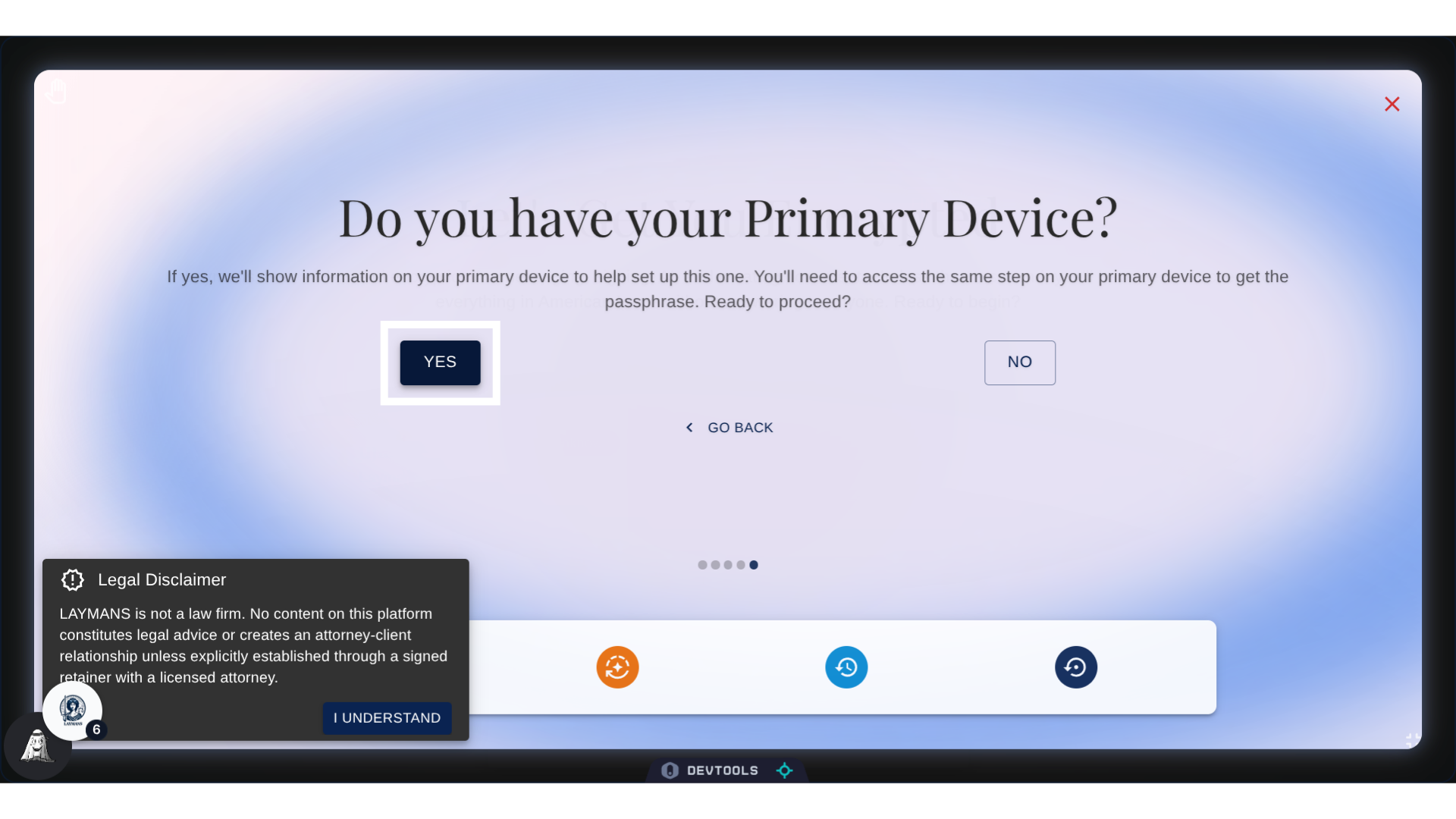
9. Click "Set Up Secondary Device"
Let's confirm!
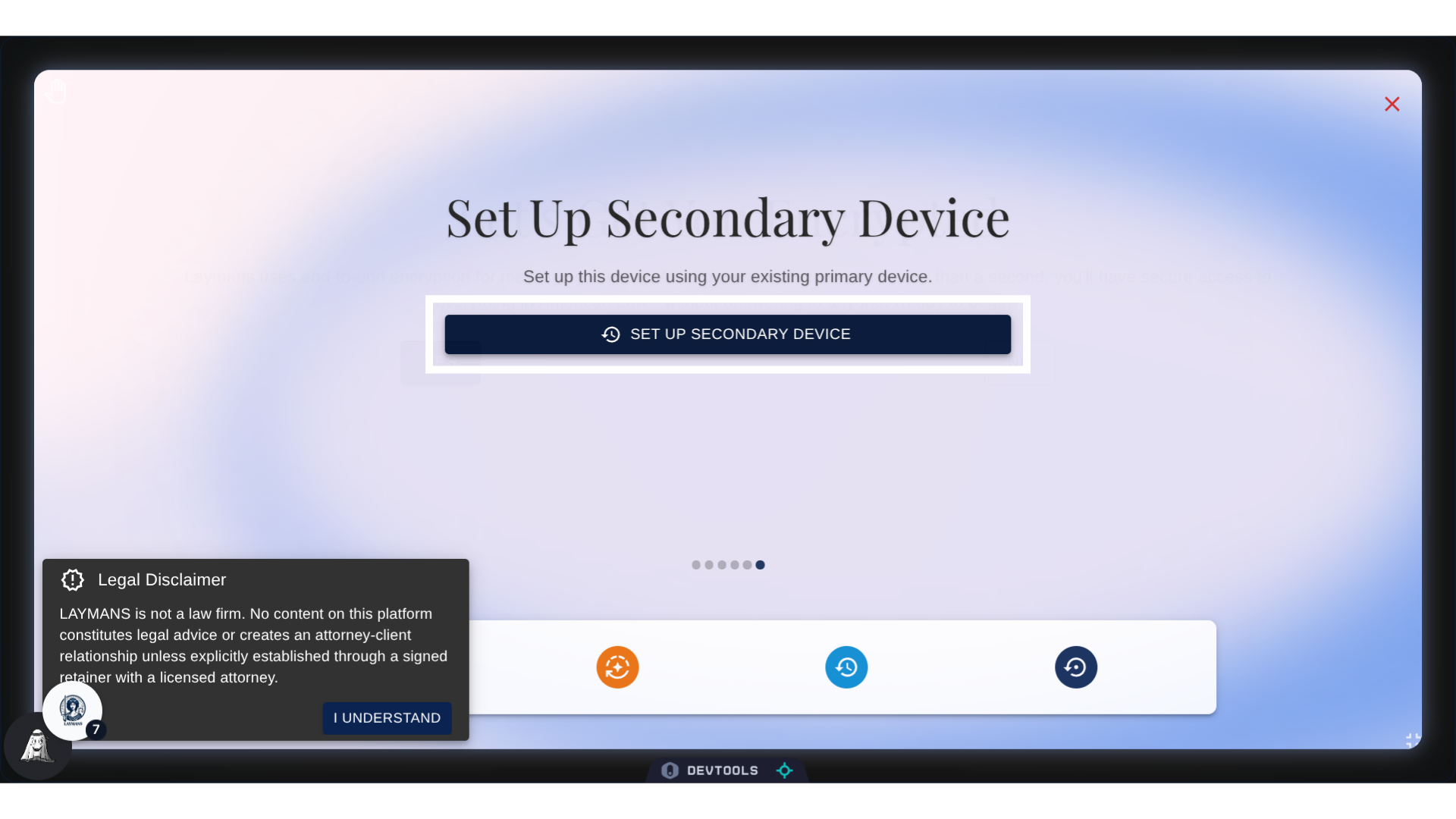
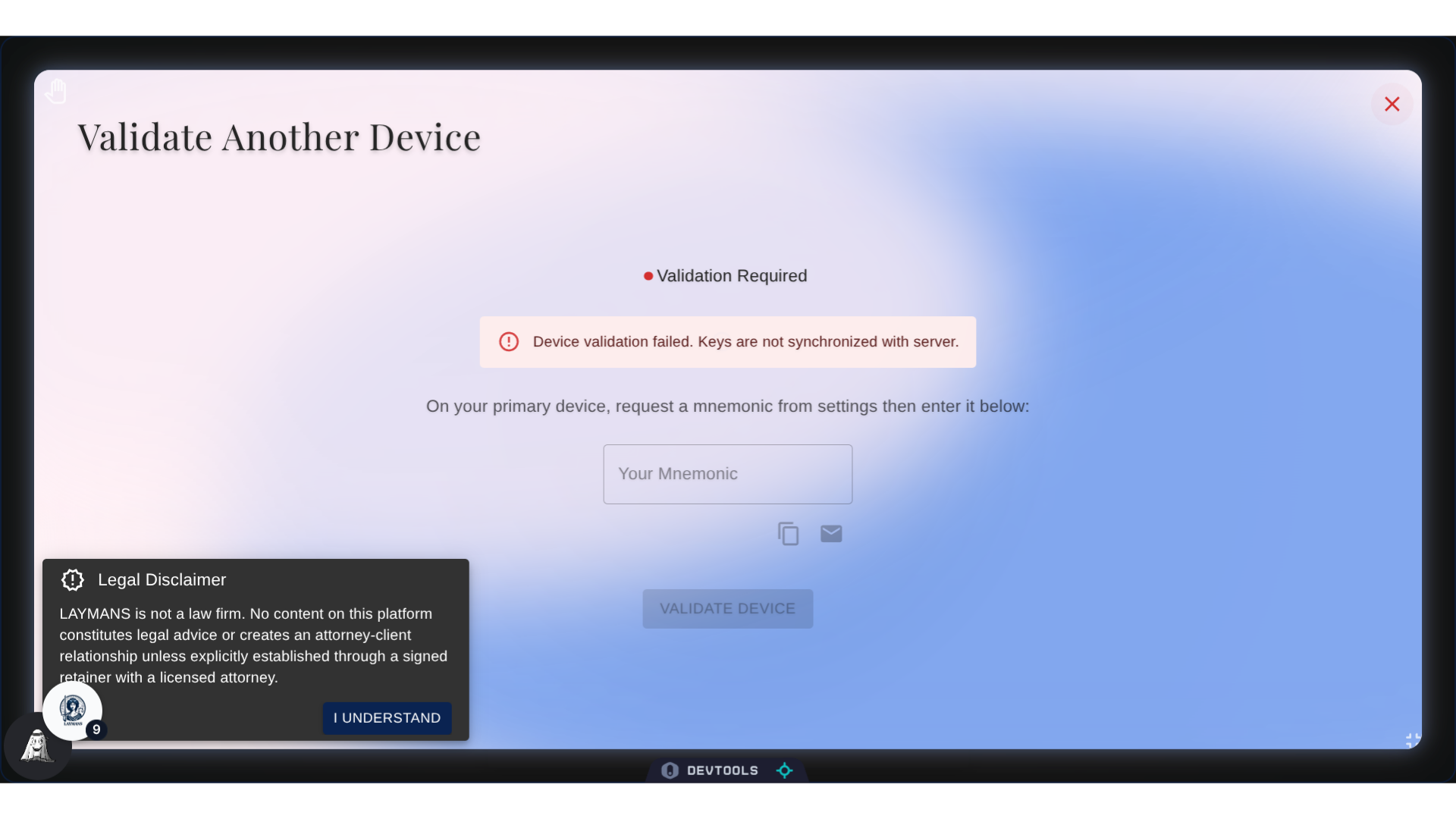
10. Device Validation Screen
Okay, great, we're here. On my secondary device, I have to fill in this text field, but on the same page on my primary device -- where the validation succeeded -- a line of text will pop up. This is the password that will validate this device. So, now, I just need to transfer it!
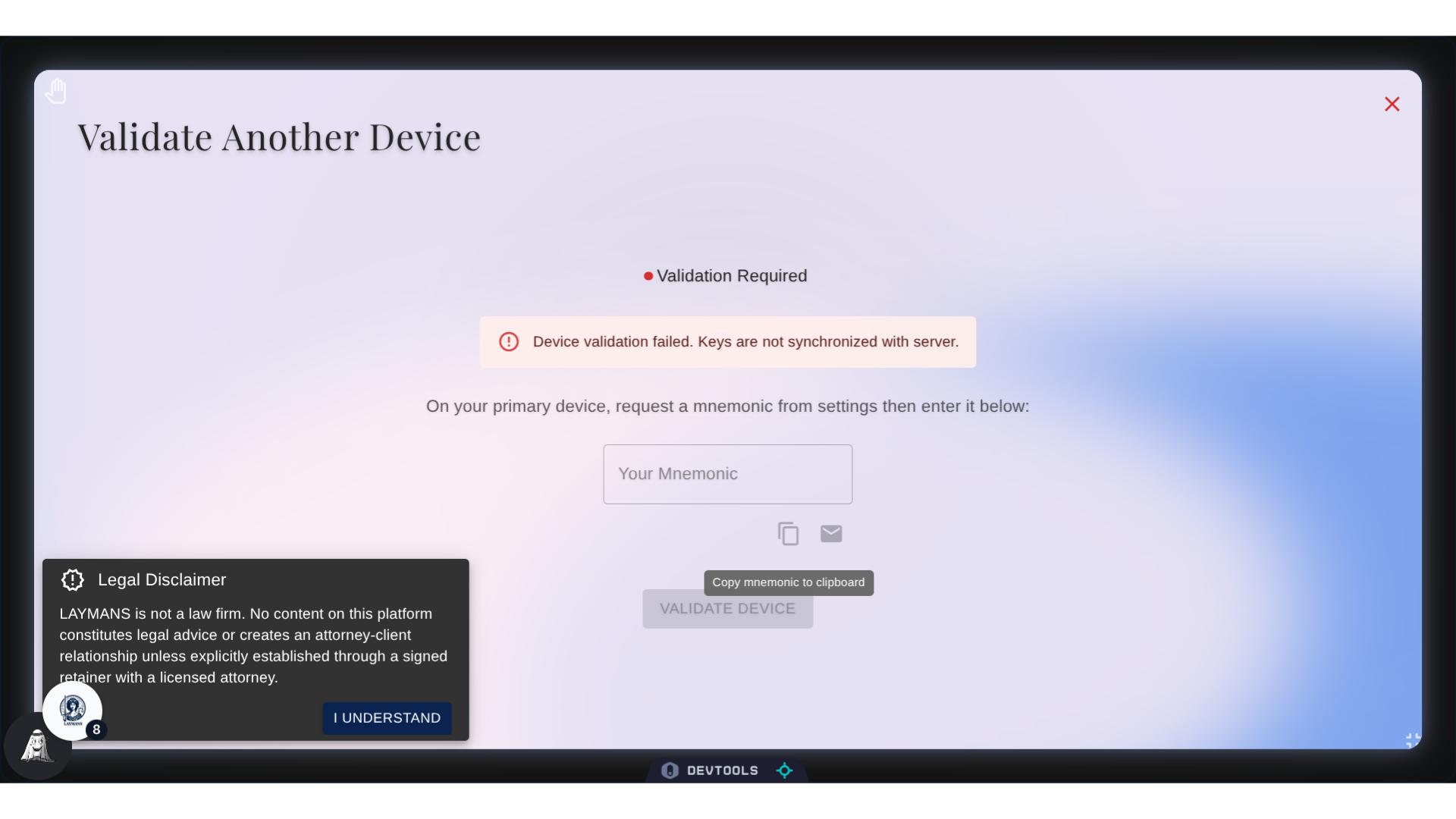
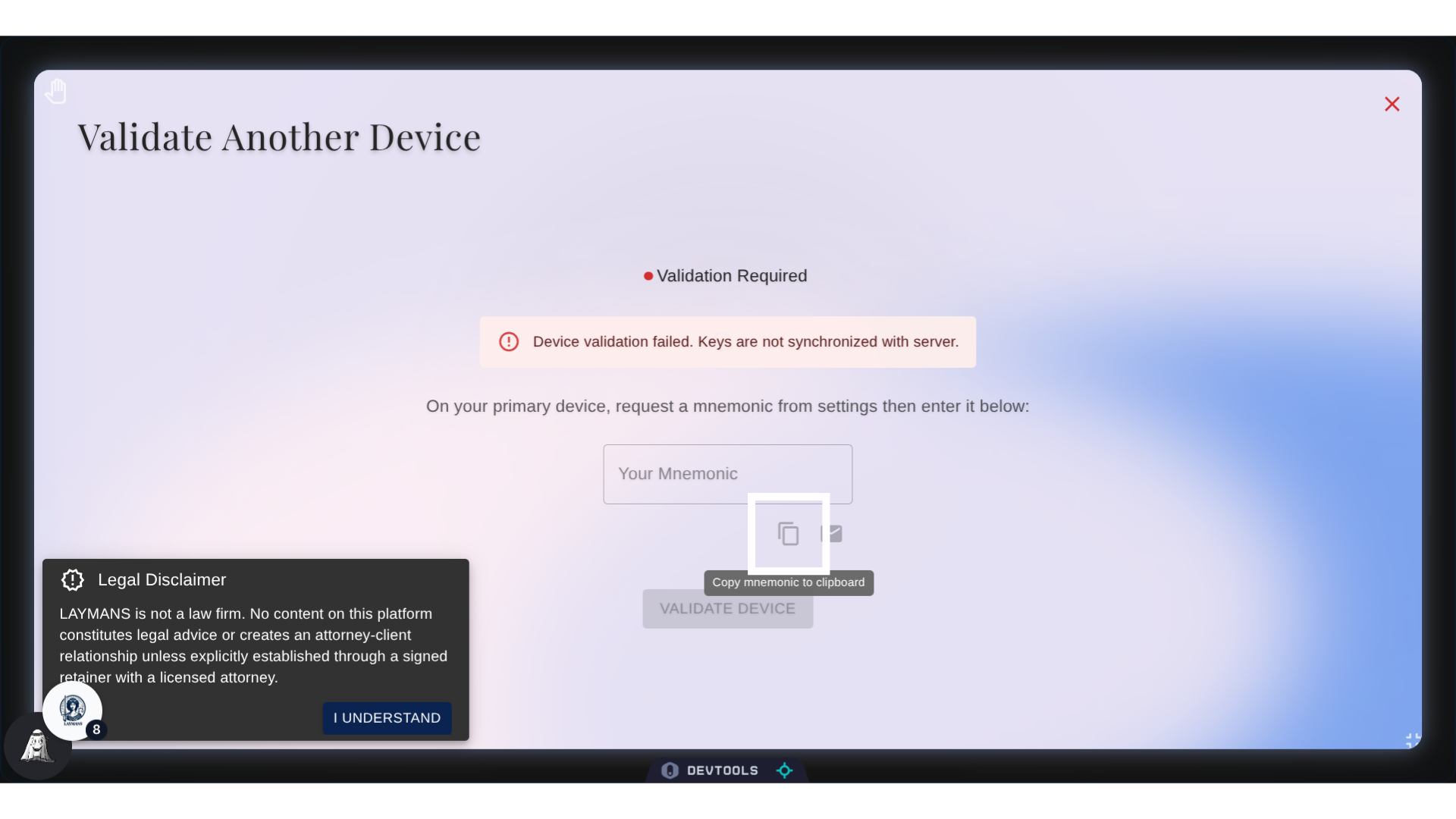
11. Copying the Password
I can use this button to copy the password to my clipboard, from there I can send it in a email or write it on a document.
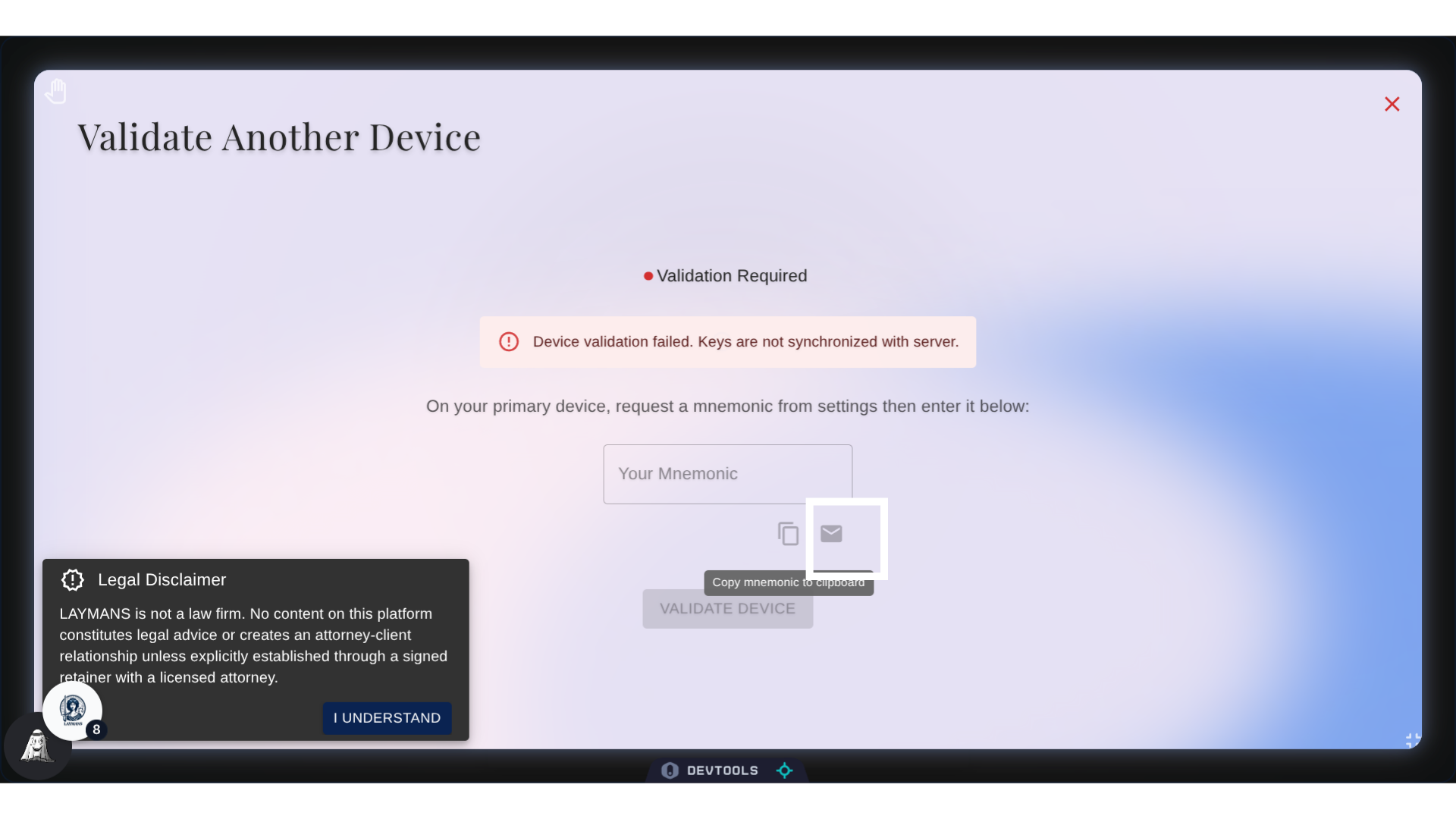
12. Sending an Email
Or, just to make things a little easier, we could just click here to send it as an email.
13. Final Thoughts
As always, be careful with encryption: You should only have ONE primary device. Then with any other devices you use, this workflow will validate them as secondary devices. Secondary devices cannot validate other devices, so make sure you don't lose the primary device. Lastly, you should be careful with your mnemonic password. If you lose it, attackers now have one more thing they can use to access your documents. Your account is only as secure as you are. Let's talk about encrypting from a key file next.