How to purchase legal services through Laymans
Go to www.laymans.app
1. Introduction
While Laymans empowers everyone to go it alone, we also make it so you don't have to. Between communities, movements, seminars, and support groups, there are many free elements to bring people together. And, with our Marketplace, there are paid options too.
2. Choose Solutions on the Homepage
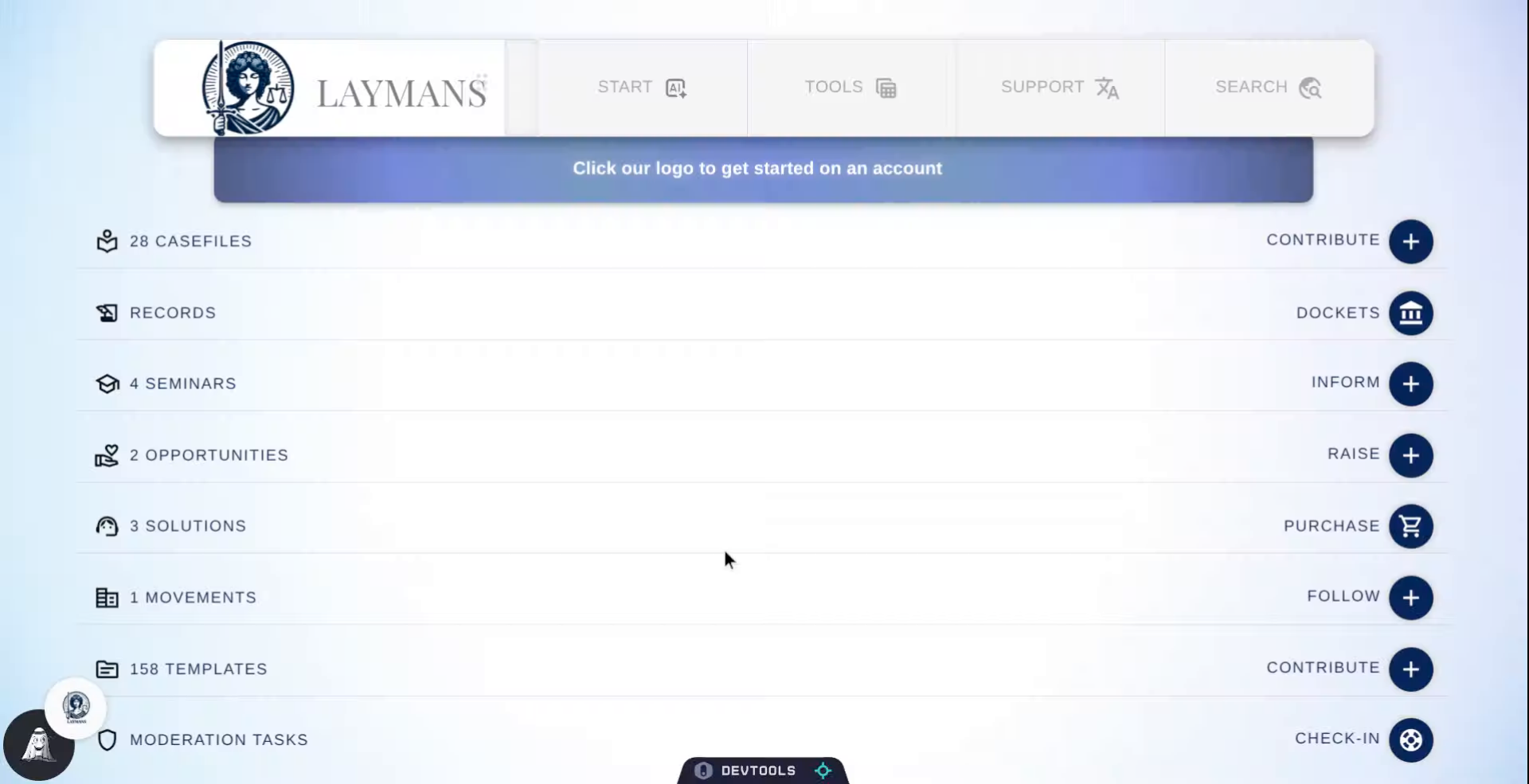
To find services on Laymans, you can either talk with me, Layla Laymans' AI, in Co-Create under Start in the "Power Bar" above. Or, click "Solutions" on the home page.
3. The Laymans Marketplace
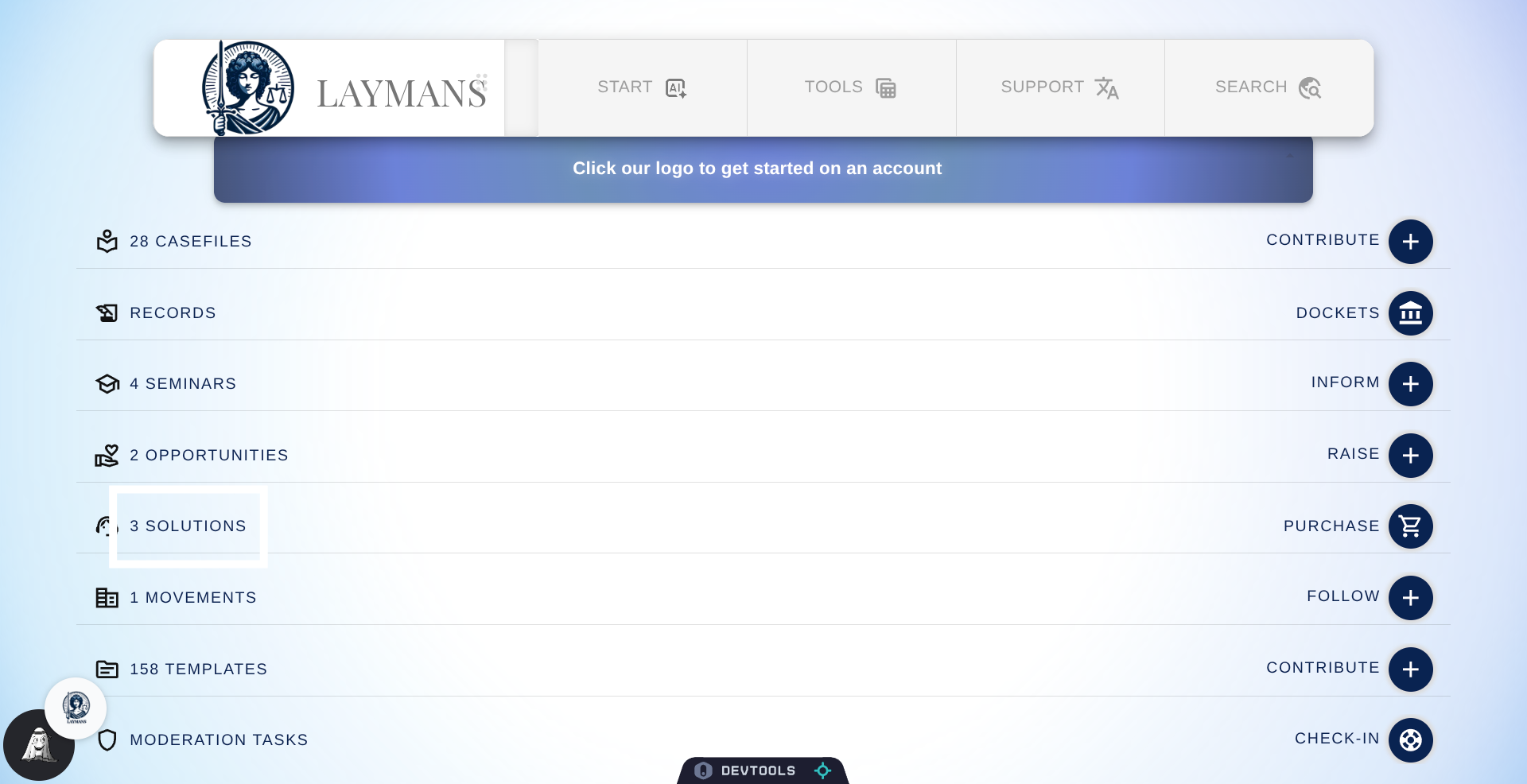
Laymans curates a marketplace of low-cost, high-quality, unbundled legal services and clerical services to support your case. In the marketplace, you can find not only lawyer-prepared services like document review, drafting, legal consulting, and representation but also the additional clerical services that make law work. Such as e-filing, service of process, expert testimony, private investigation, virtual notaries, translators, and court observers. So that even if you still can't afford an attorney, at least you can purchase the services that make you official.
4. Service Stats
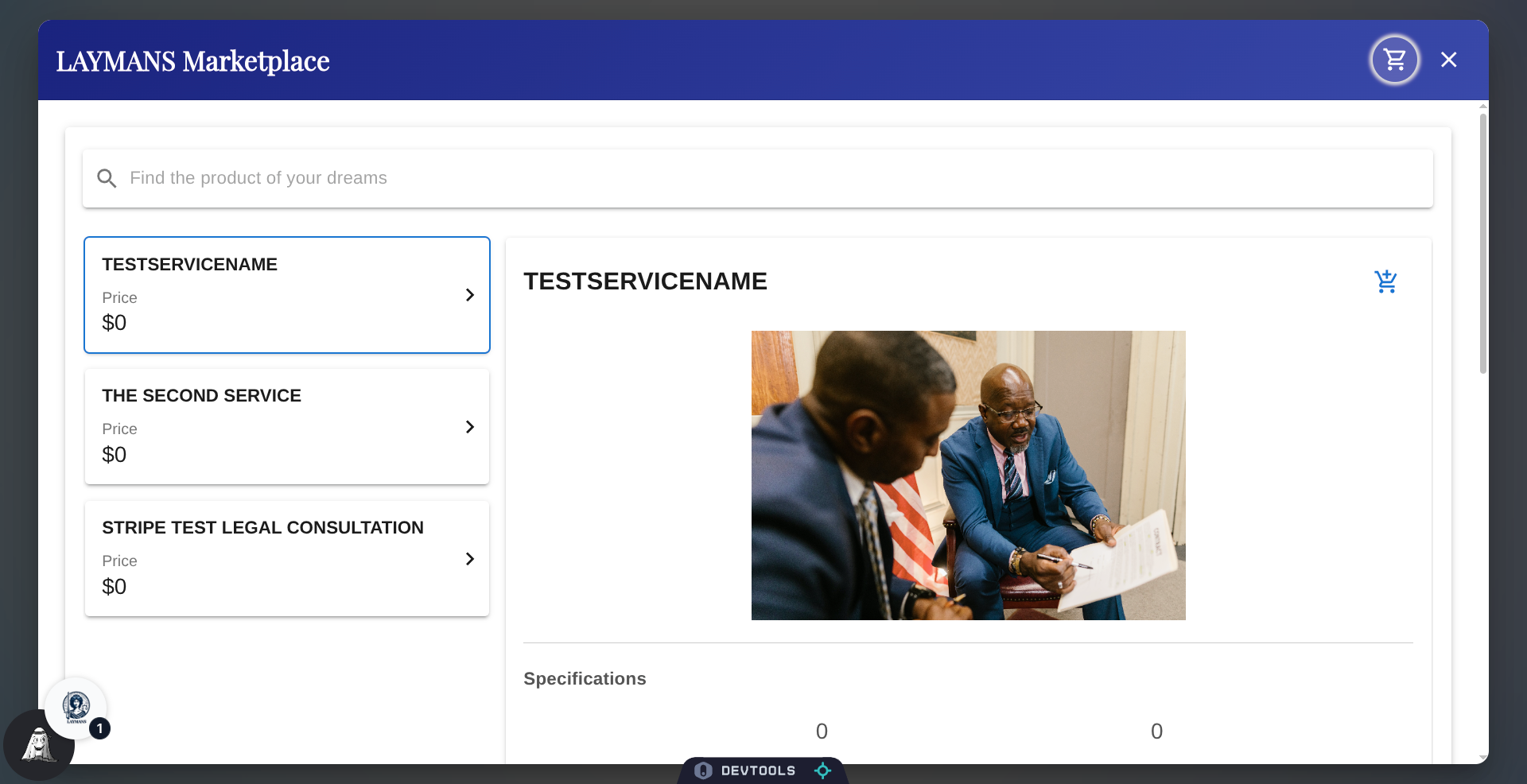
After selecting a service, the stats below will update: Laymans monitors legal service by service rendered, allowing you to compare firms based on the overall firm experience and the service experience. You can see how often they've been reviewed, their focus, and so on. You can find even more on their company page.
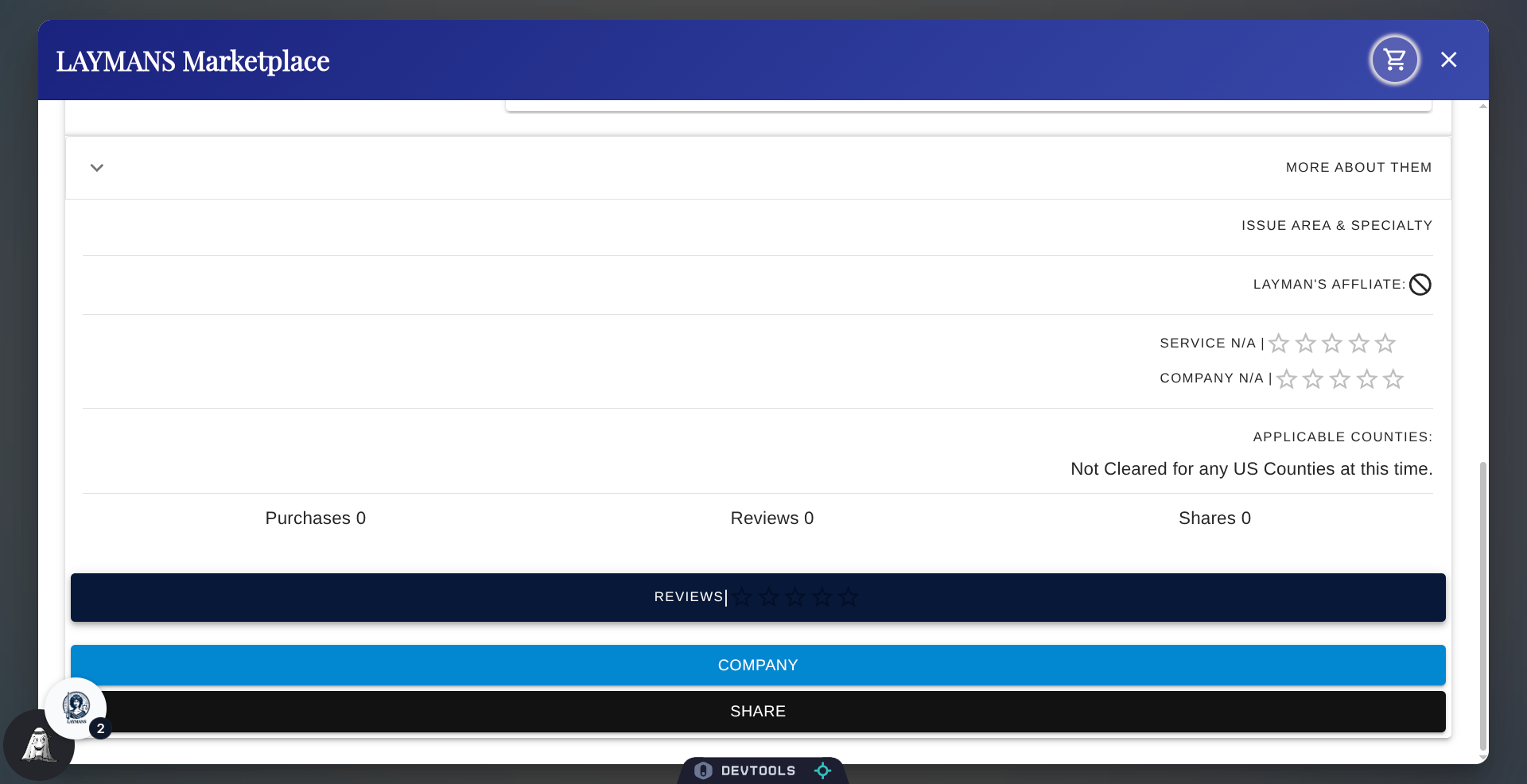
5. Click "Reviews" to see Service Details
To go in-depth on a Service and see the Reviews verbatim click "Reviews.
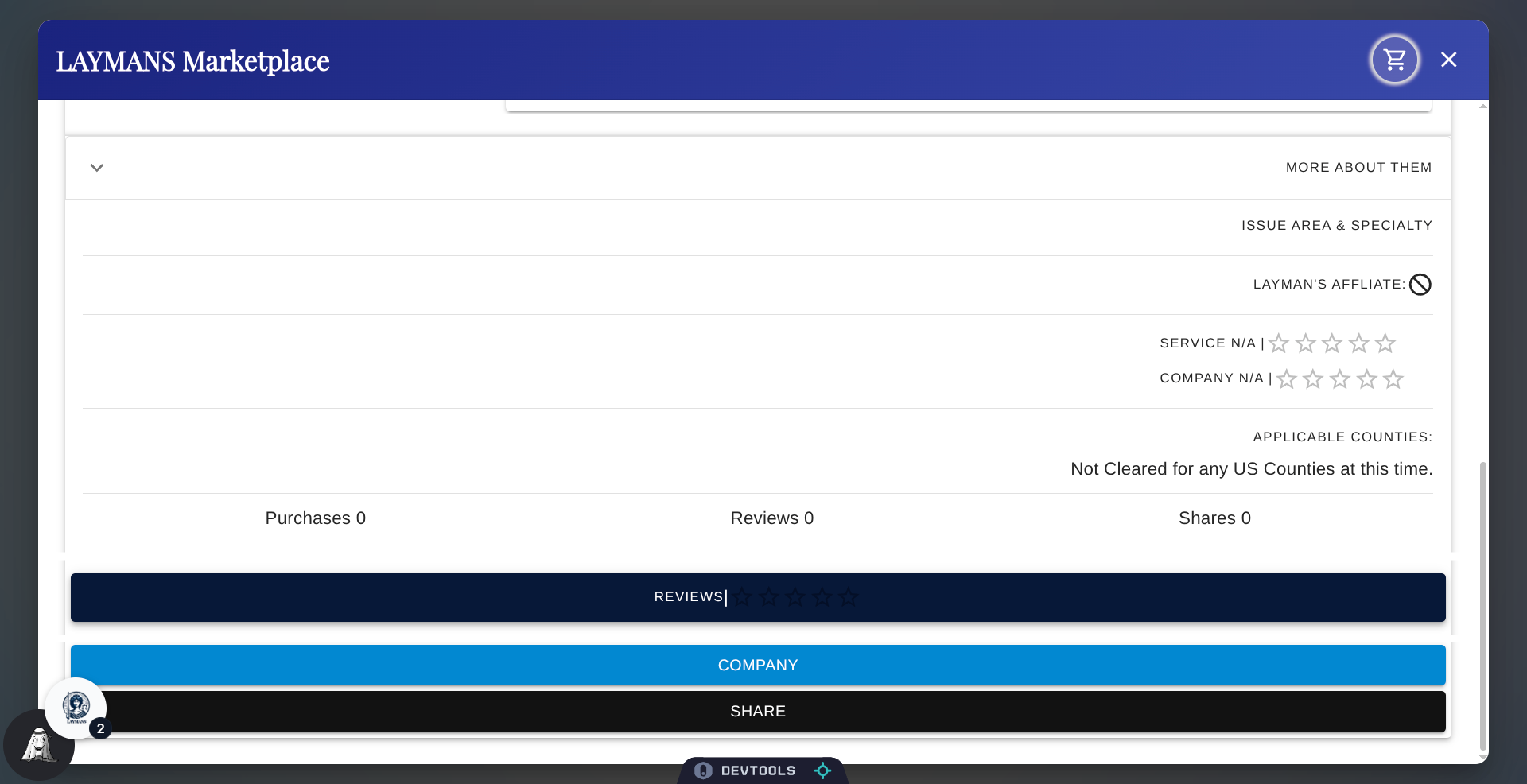
6. The Service Details Page
So here you will find the service details page! From here you can navigate to the company's social page or simply review more information about them.
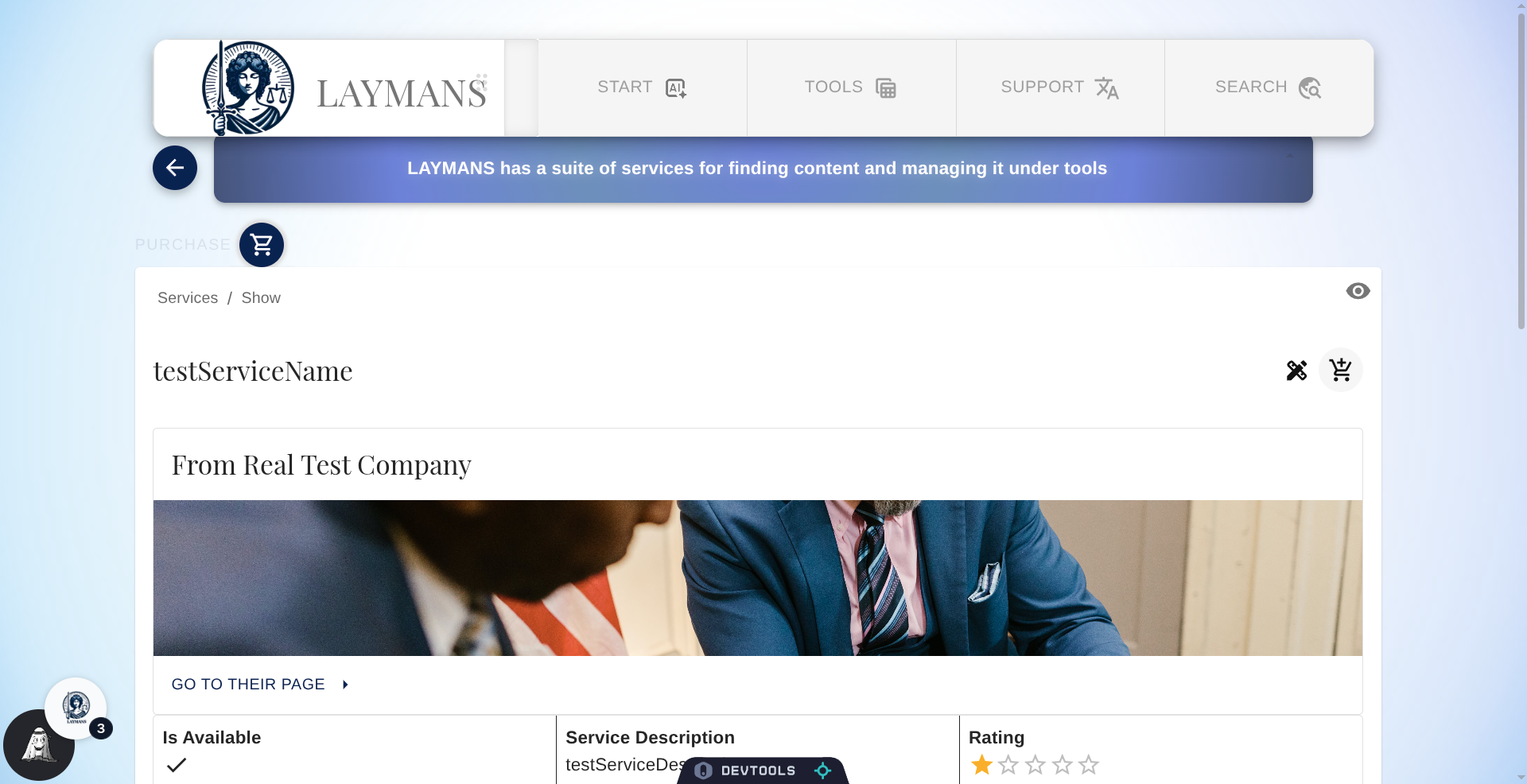
7. View Provider Background
One thing to draw your attention to is the "Layman's Affiliate" status. This is a special status given to government departments and organizations that have a native connection with Laymans. That means that they'll get started on your request almost immediately after purchase and will probably use the app exclusively to respond. If you're looking for speedy, almost-automatic services—like extending your case to an automated divorce tool—this is what to look for.
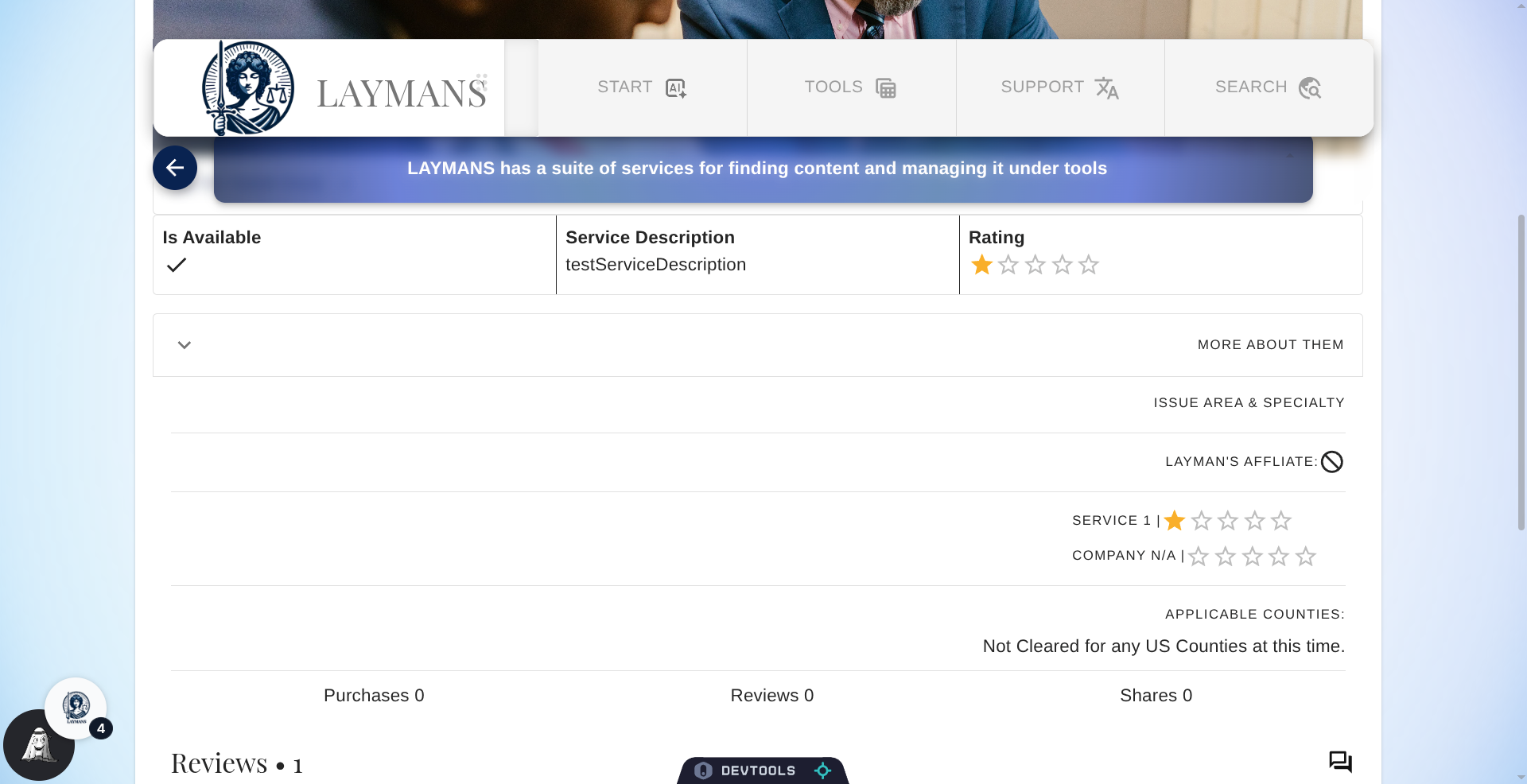
8. The Review Secion on the Service's Detail PAge
Finally, at the bottom you will find the Review section. Laypeople are freely allowed to make reviews on a servicer to help other laypeople; reviews, like casefiles' comments, are moderated by independent laypeople-moderators so that you can get an honest read.
9. Click "Add to Cart"
So now, let's click here to add to cart from the Service Page. If you didnt do so already from the Marketplace.
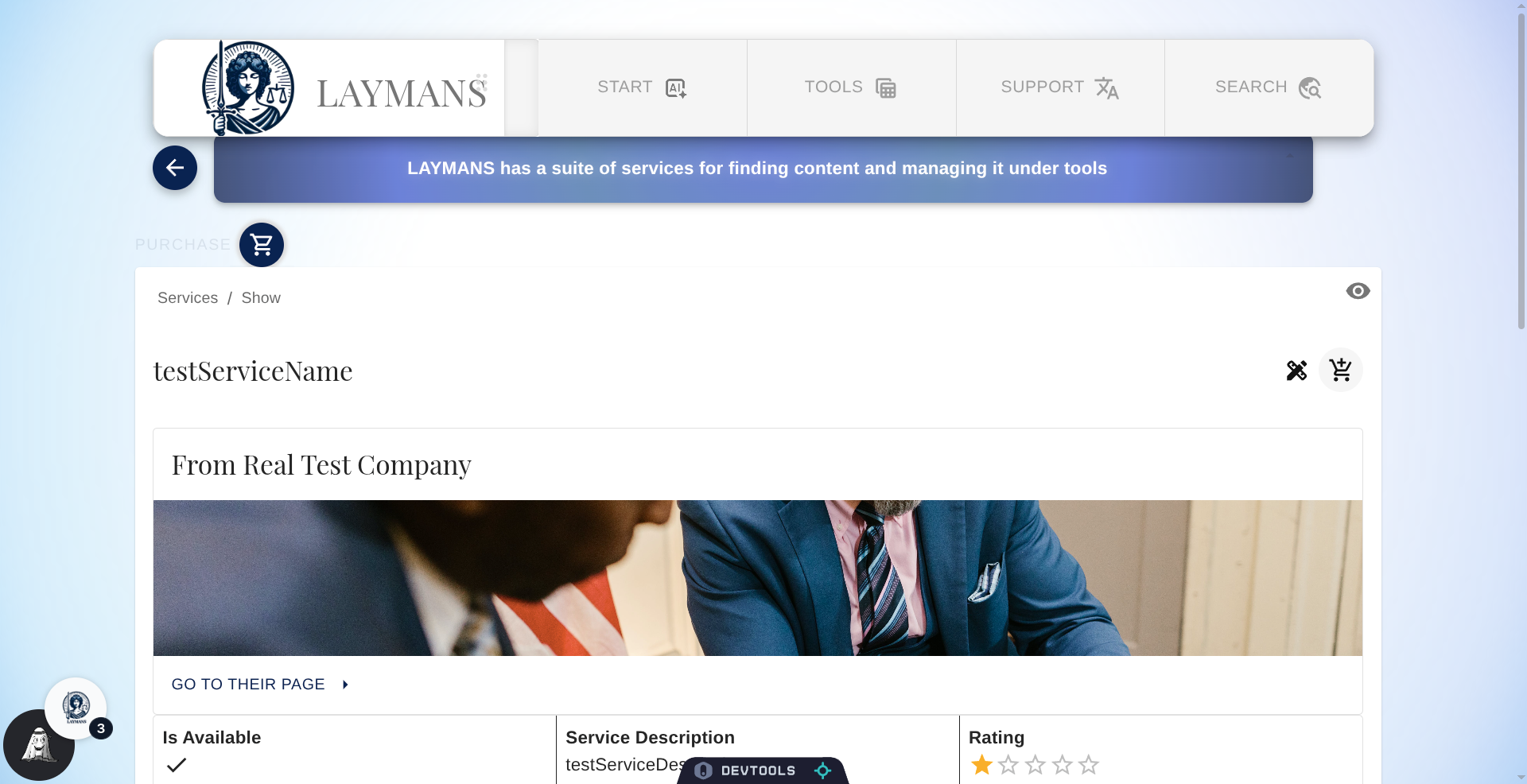
10. Click "Purchase"
Then click the Purchase button to show the Checkout screen
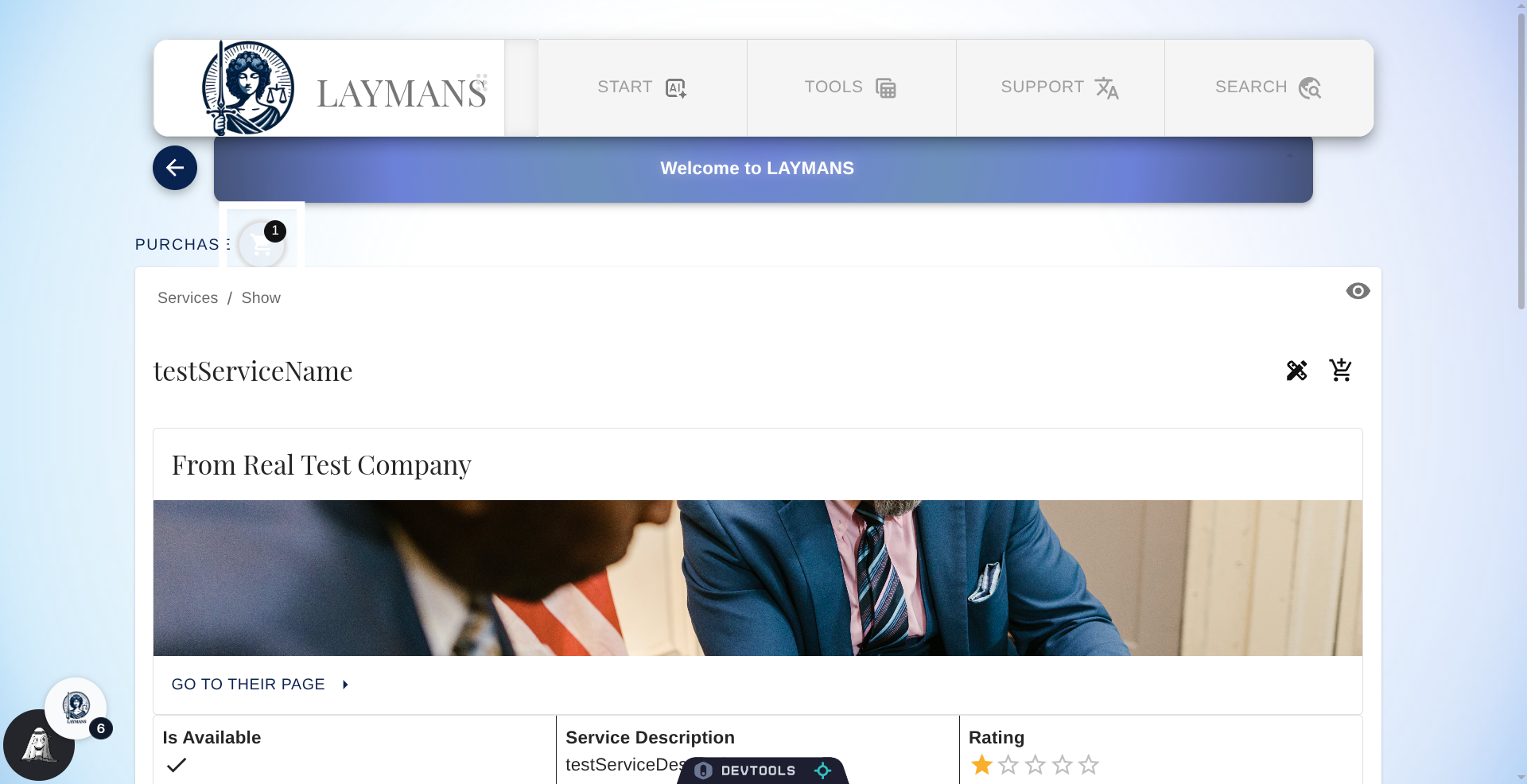
11. Checkout Dialog
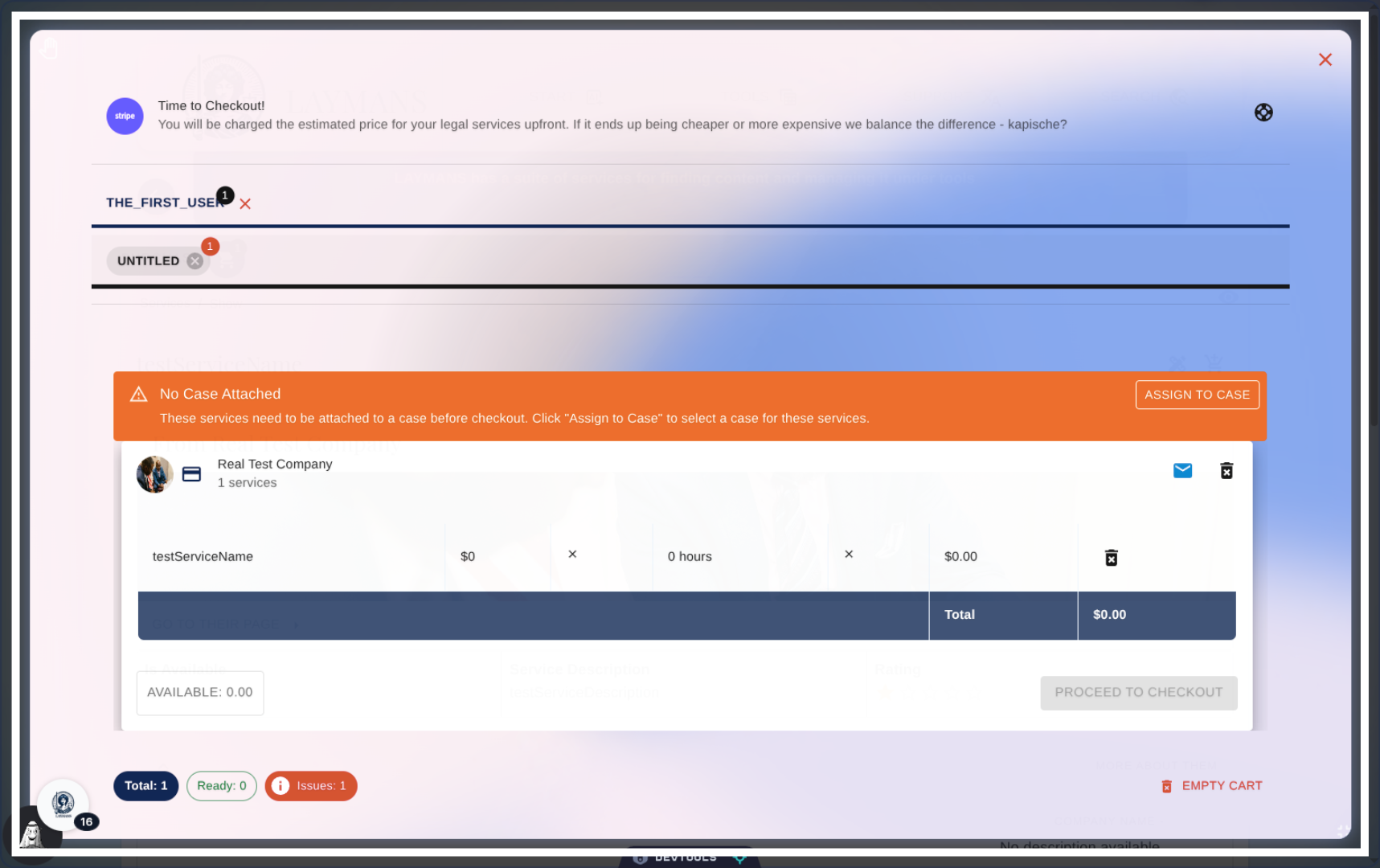
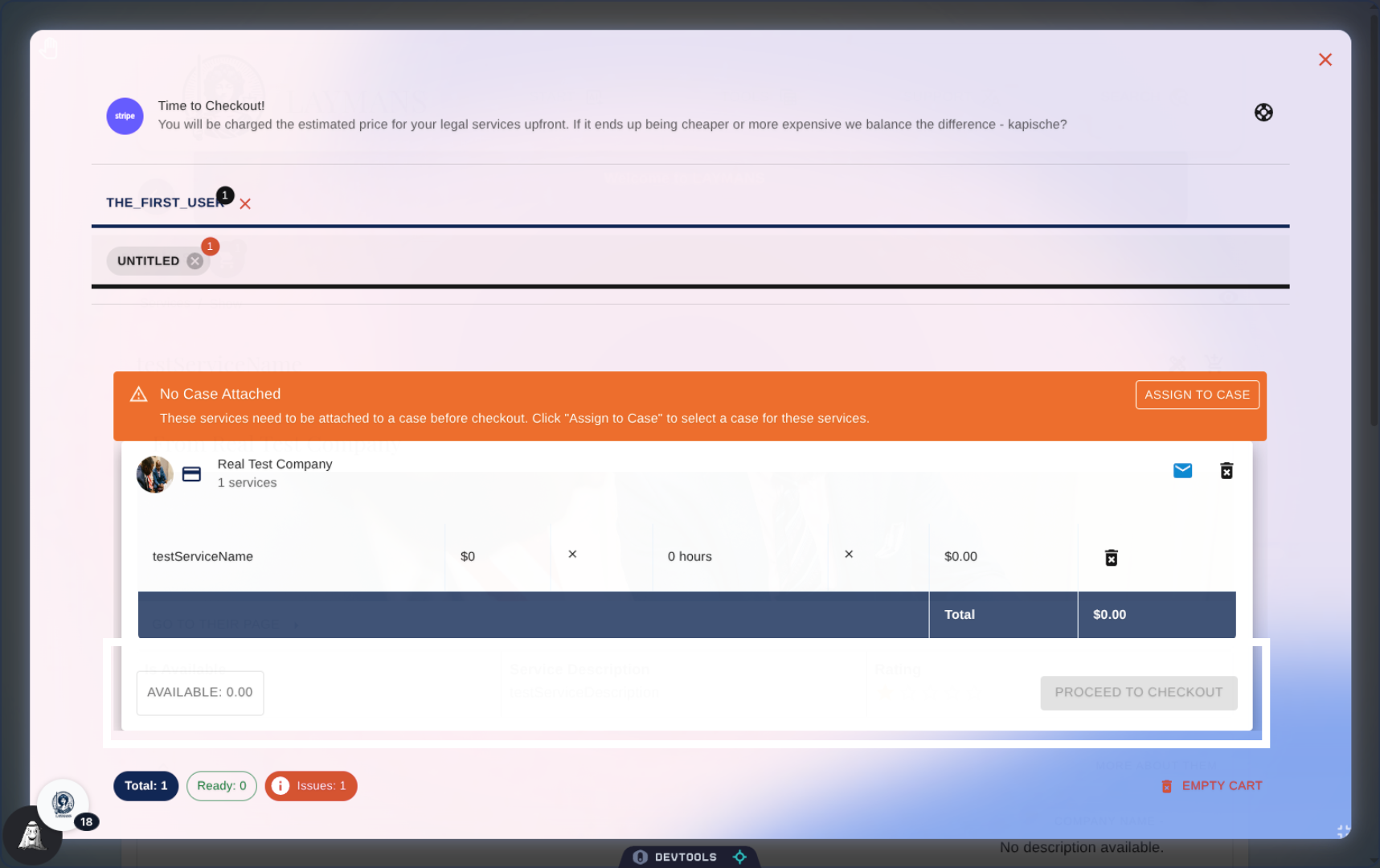
Now we're finally at the Checkout Dialog, you'll notice a couple things.
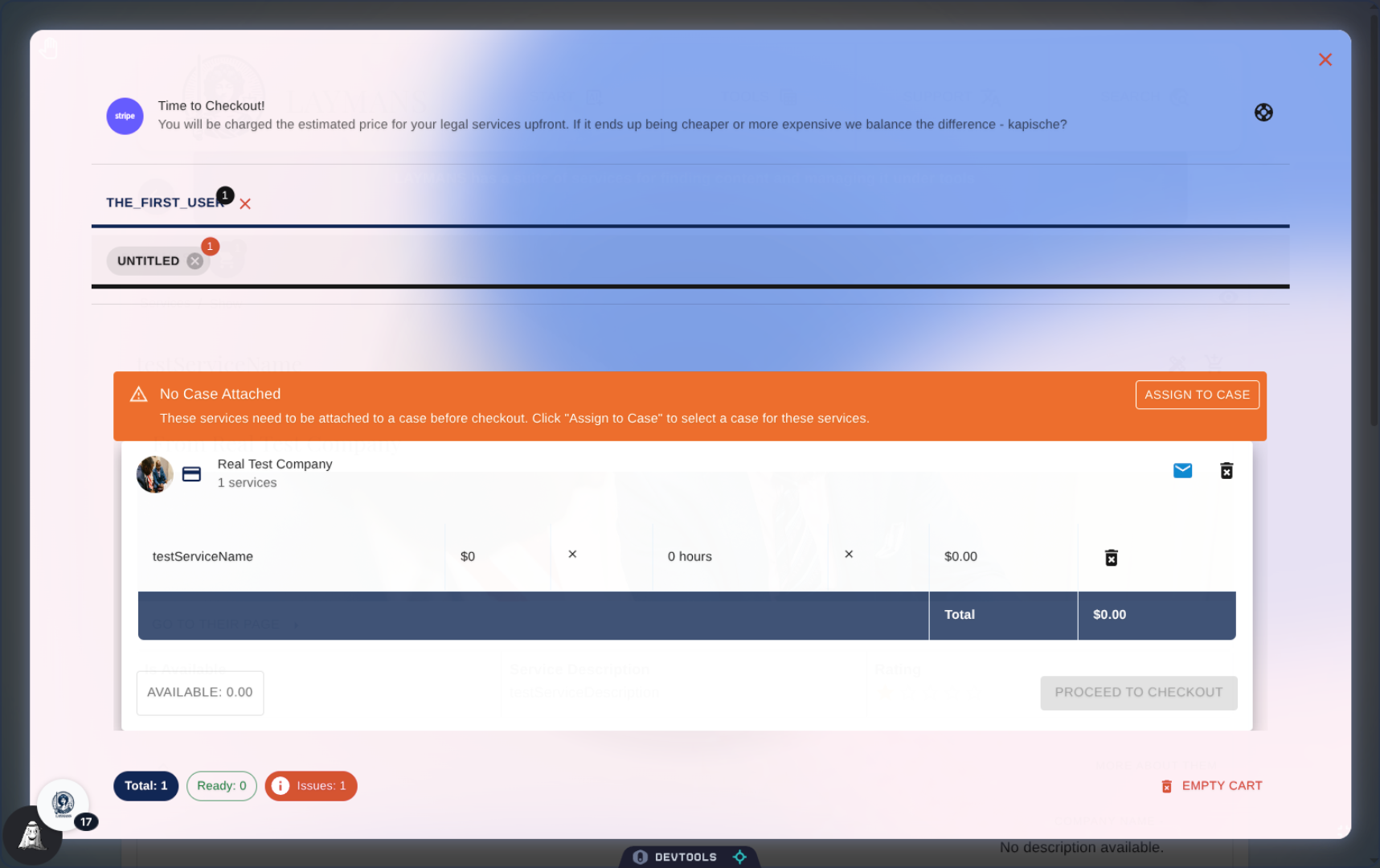
12. Purchase by Layperson and Case
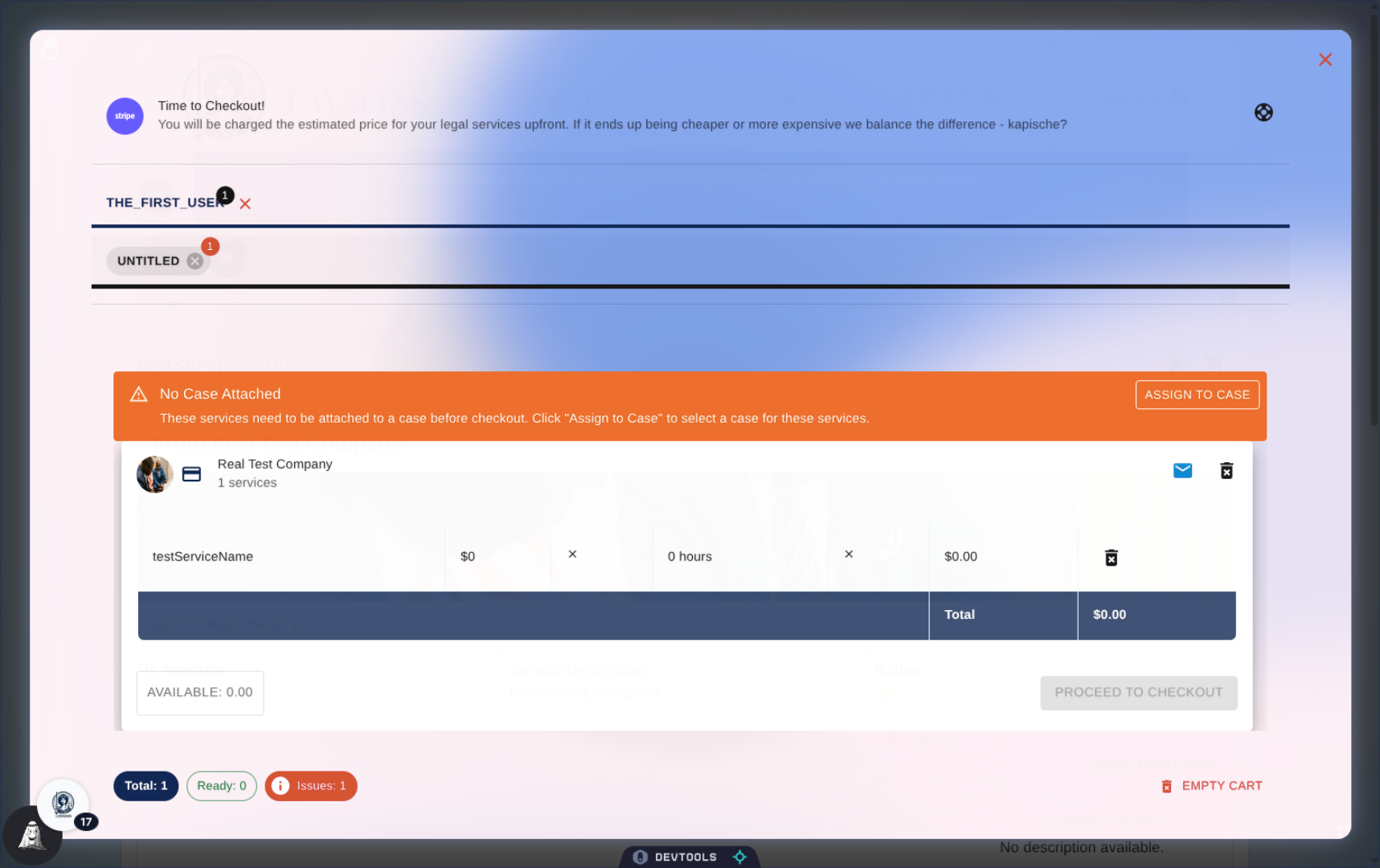
First, you'll notice that service purchases are broken up both by layperson and case. This allows you to check out separate cases and services at a time and have their context and pricing be separate for transaction reports—go to the Transactions guide for more info about invoices. For lawyers, this makes it easy to manage the services purchased for each person you're helping, compare them, and even copy them over to other laypeople.
13. Attaching a Case
However, you'll see that there's a warning here. You have to have a valid case with Laymans, draft or otherwise, to attach services to them. If you already set your working case in the case directory, we would automatically add the services to the case you are working on. But if not, don't worry! Just click "Assign to Case" to see a modal of your case options.
14. Review Service Summaries
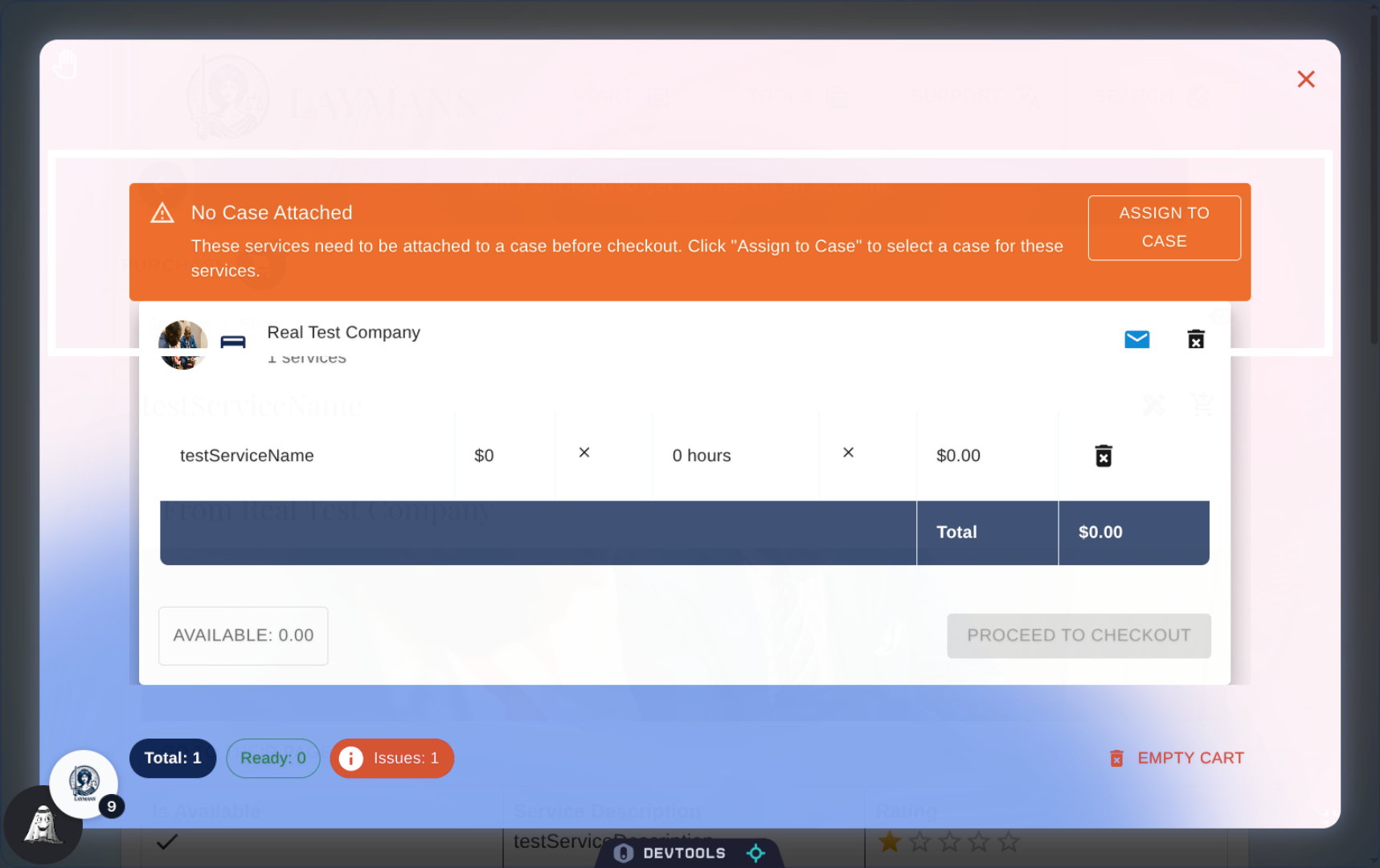
Once attached to a case, we will allow you to proceed to checkout using the service summaries below. Service summaries are grouped by organization and the services you purchased. You will notice that there are hours and dollar signs attached, equalling a total. This total is a quote. Laymans simplifies getting legal services by allowing organizations to state the expected billable hours and their cost for the service. On purchase you pay this average cost and a small transaction fee, and like Uber, you later pay any adjustments through invoices. Every case is different, and, therefore, your final cost may also be different. But expect reasonable requests, as the average time to complete is automatically maintained, and if unreasonable, we're happy to work with you and your servicer.
15. Clearing Services and Getting Help
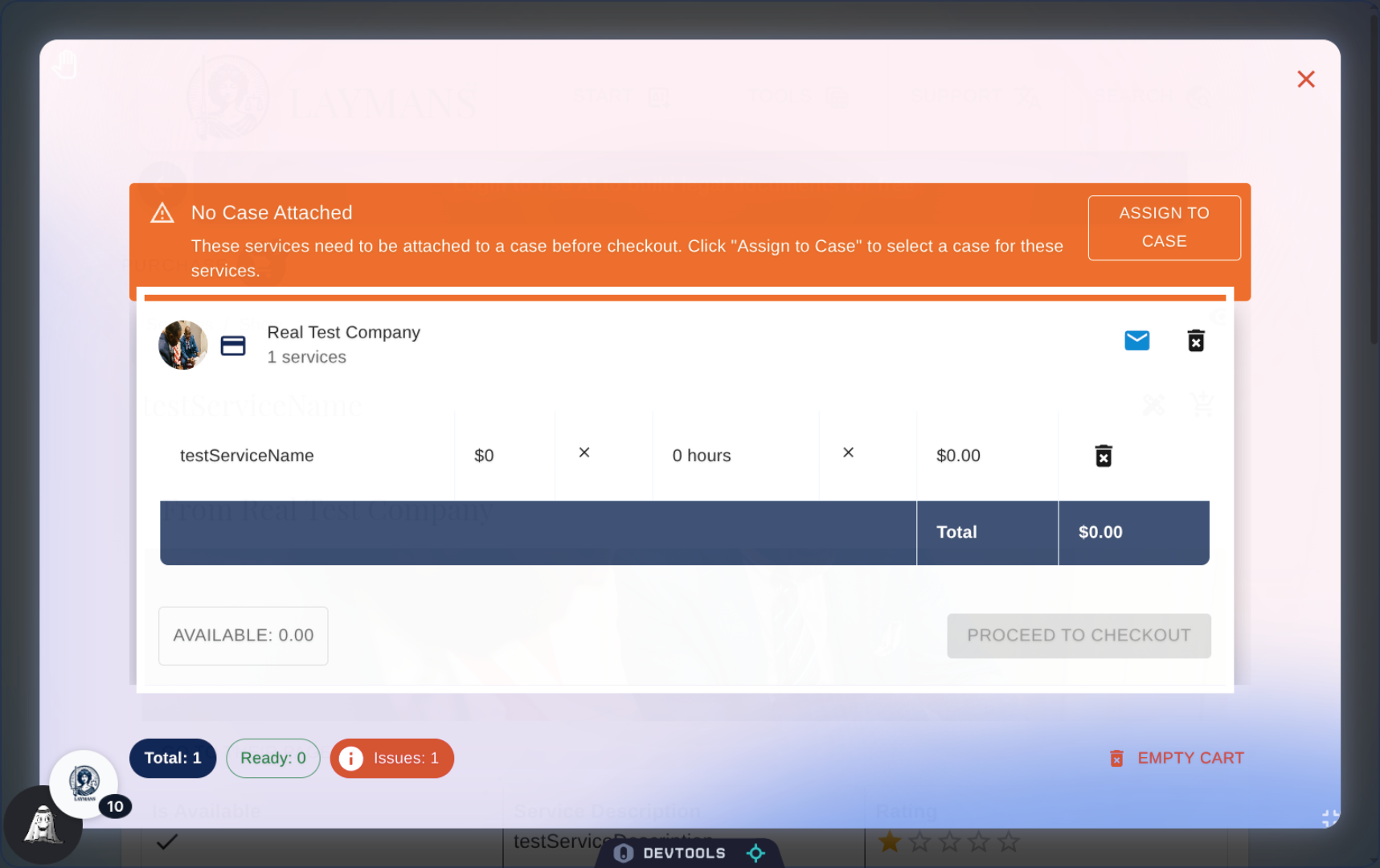
Note the trash and clear icons throughout; they allow you to remove services by organization, by case, or even by user. You can also email us if anything doesn't make sense at purchase.
16. Click "Proceed to Checkout"
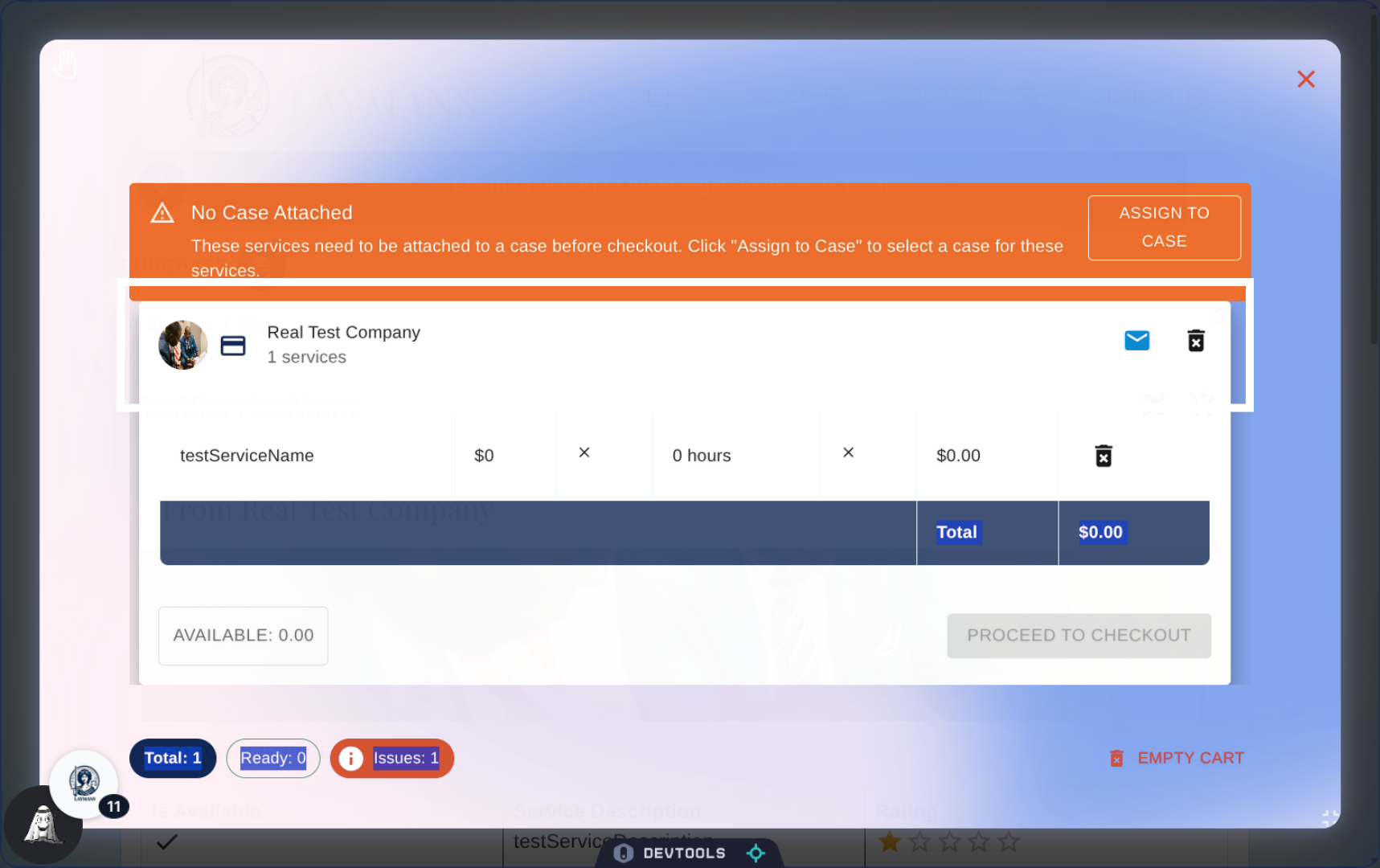
Once a case is attached, and if you're happy with the price, you can click "Proceed to Checkout" to purchase on Stripe. However, if you're not happy with the price, you still have options! Firstly, you can make a campaign to raise funds prior to making a purchase; these funds will be credited against your bill on Stripe at purchase—review our guide on "How to Fundraise with Laymans" for more info. Alternatively, we partnered with Stripe to provide payment options that make law accessible, including pay-in-four, pay-later, credit, and layaway options provided by trusted partners of Stripe like Klarna and Affirm. For any amount you pay more than the real cost of your services, you will receive a refund of the difference. And, if the adjustment proves more expensive, you or your attorney can begin a campaign or apply for case funds—even during services.
17. Conclusion
So, what's next? After purchasing a service, the legal organization will review the case that you've defined with Layla and will accept or deny your request for services by updating the service to in-progress. You will get continuous automated and conversational updates through Notifications and Co-Create in the "Power Bar." Your servicers will be able to securely communicate with you, our model, and even each other in the same place to organize logistics. If fully represented, you will get additional add-ons at the attorney's discretion, such as Noonlight whistleblower services, other clerical services, and access to unique secure chatrooms. In addition to the ability to do awesome research, make solid documents, and connect with movements, we wanted to make the process of getting legal services as easy as shopping from Amazon. No long phone calls, no exhausting commutes, no taking off from work: legal help, where you need it, as you need it, finite and financed—this is what Laymans promises.