IMPORTANT - Backup Recovery
This is your lifeline if you lose your primary device. Your master key file is the only way to restore access to encrypted messages and communications.
- Store your master key file in a secure location (password manager, encrypted drive, safe deposit box)
- Never share your master key file
- If you don't have a backup, you cannot recover encrypted messages
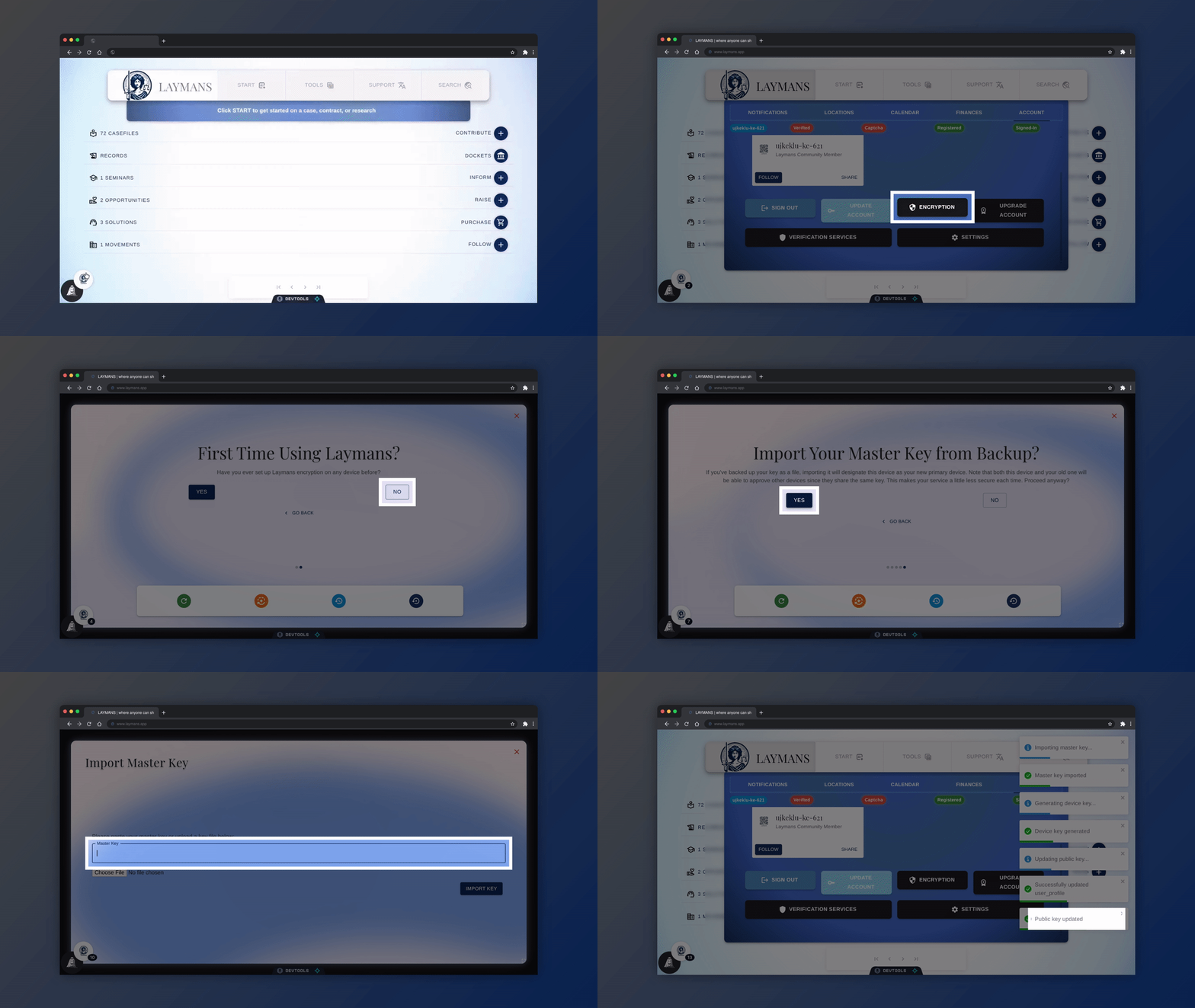
Re-Encrypt Data From File Using Laymans Encryption
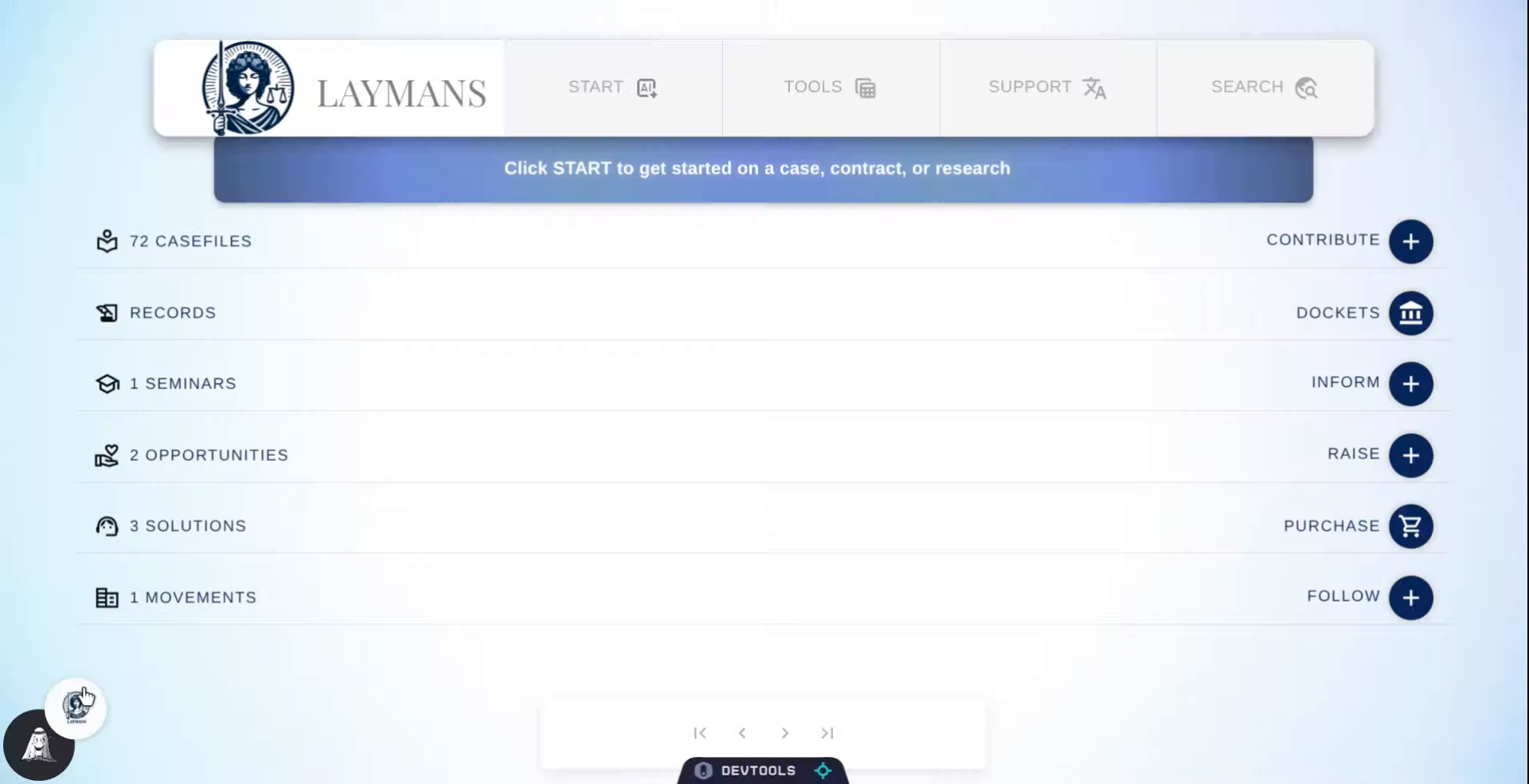
Go to www.laymans.app
1. Introduction
Did you lose access to your LAYMANS account? Not a problem, if you have your Master Keyfile then we can get back up and running in no time! Let's get started:
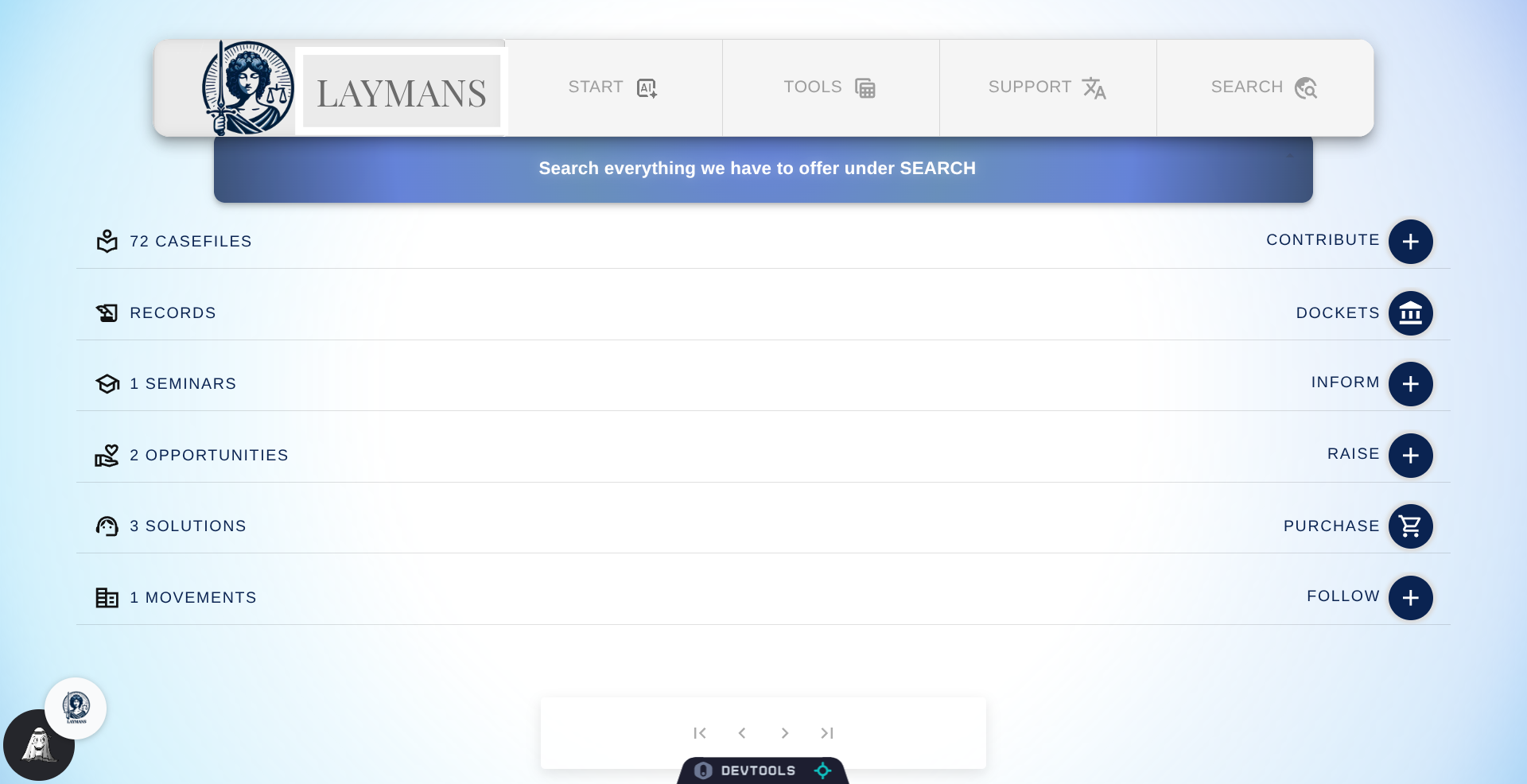
2. Click "LAYMANS"
To handle all system wide information and settings let's click on "LAYMANS"
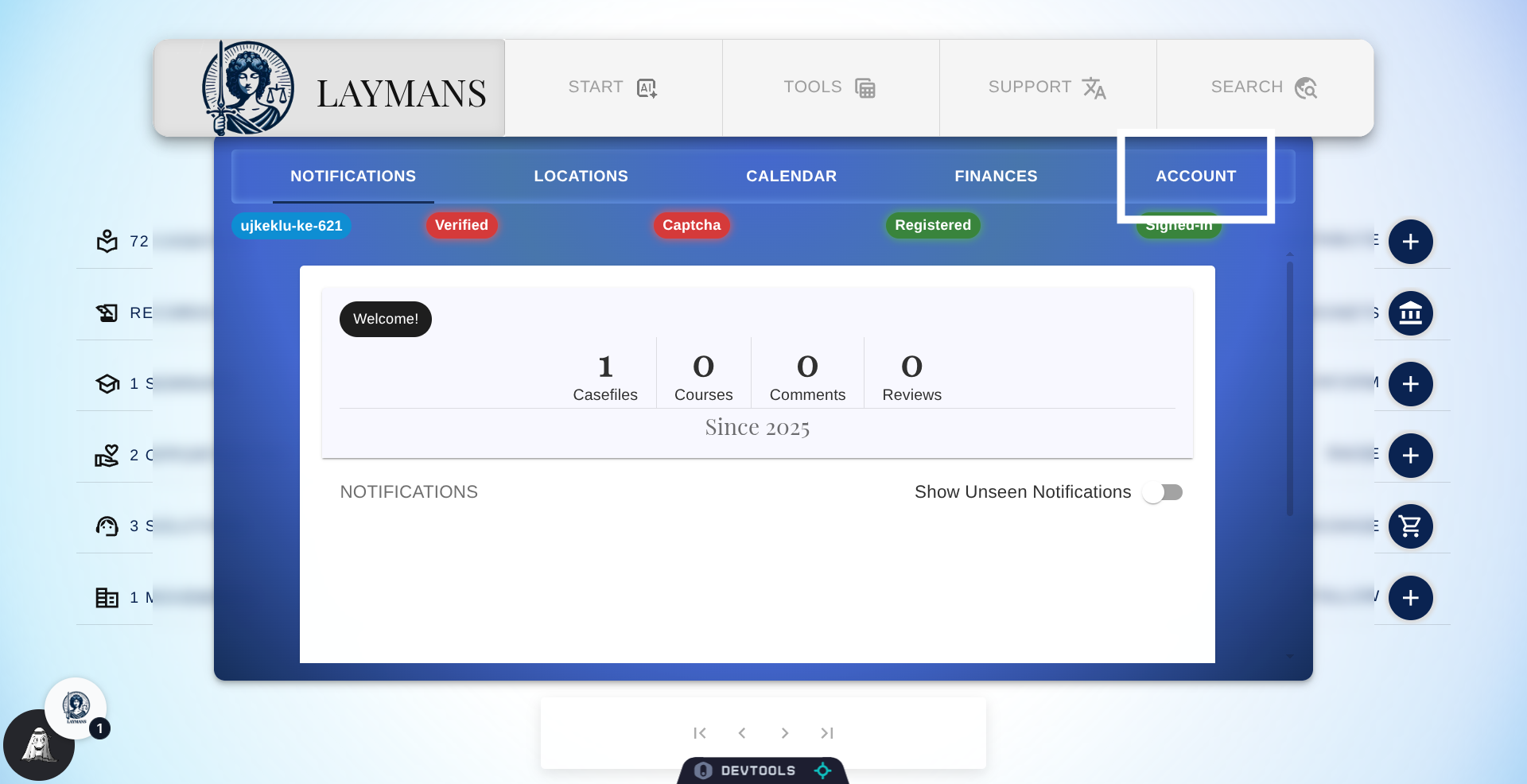
3. Click "ACCOUNT"
To get to features such as encryption and device settings, we'll click on "Account" in the new window.
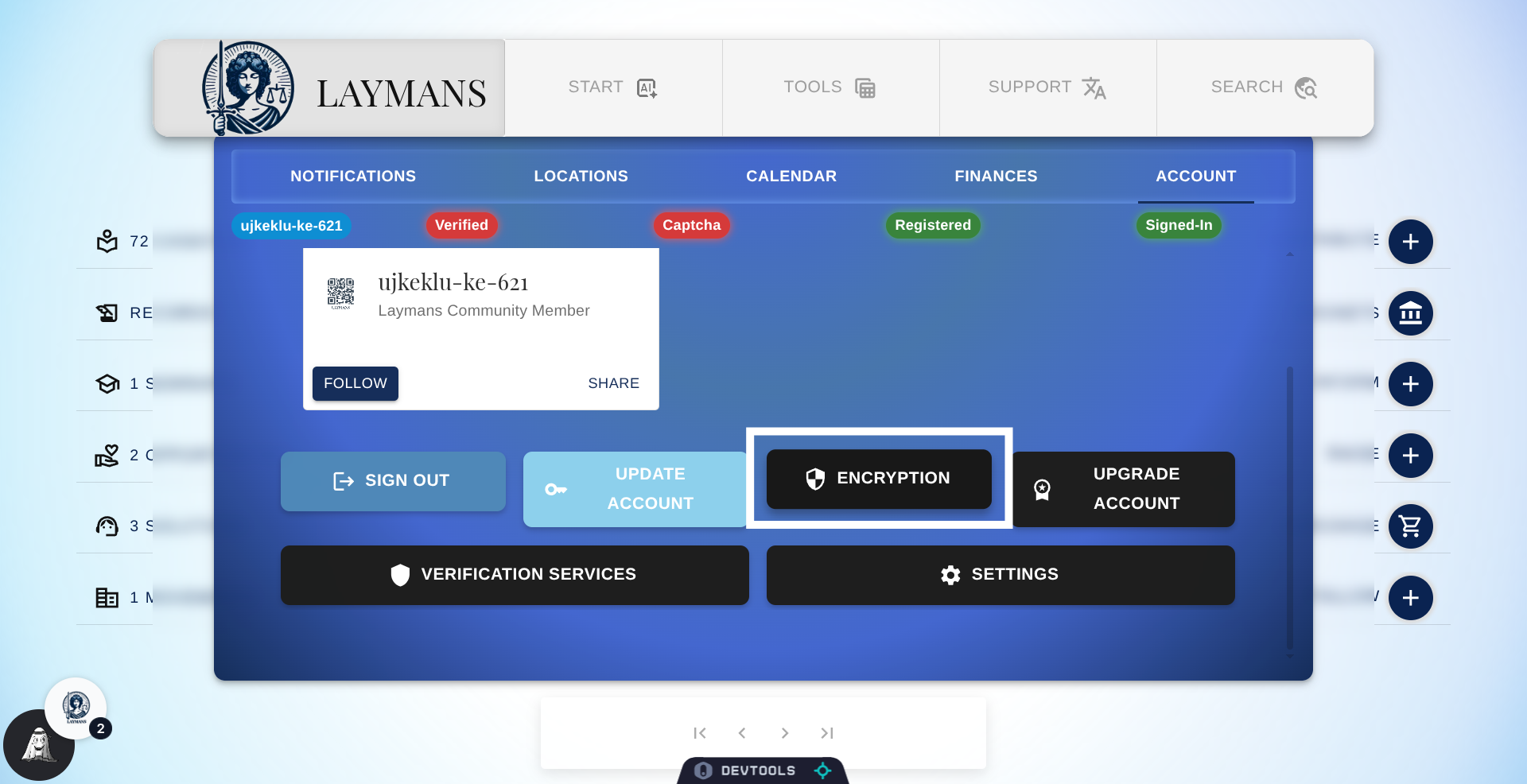
4. Click "Encryption"
Of the many options available, to access the Encryption wizard please click on "Encryption."
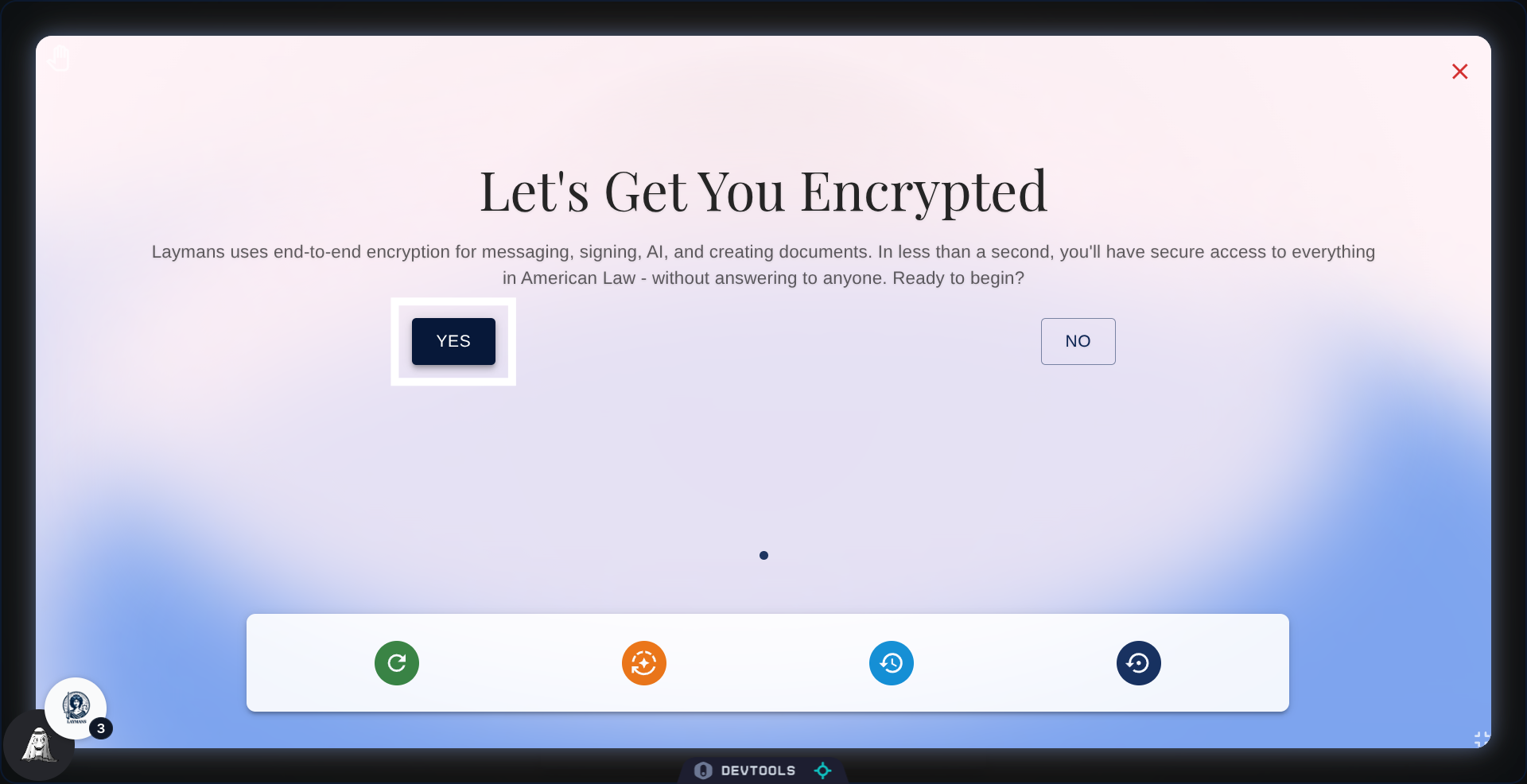
5. Start the wizard!
It's going to ask you if you want to start, let's click "Yes". However, if you want to skip ahead you can click the rightmost, dark-blue button on the quick actions row.
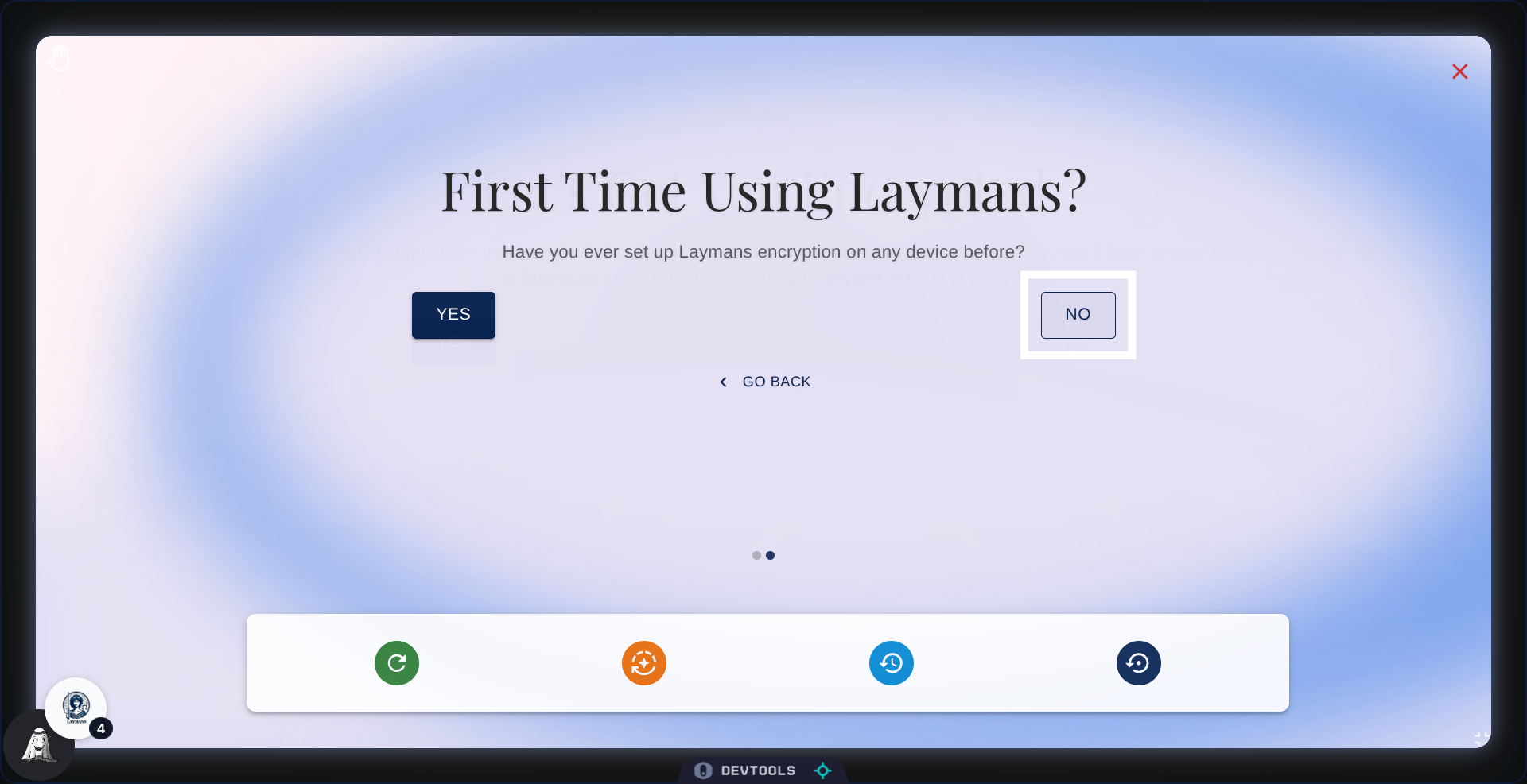
6. Not our first rodeo!
This is not our first time using Laymans as we have a master key file saved. So click "No" again.
7. No need to re-check.
We already know our device is not validated, so we'll skip right ahead and click "No" again.
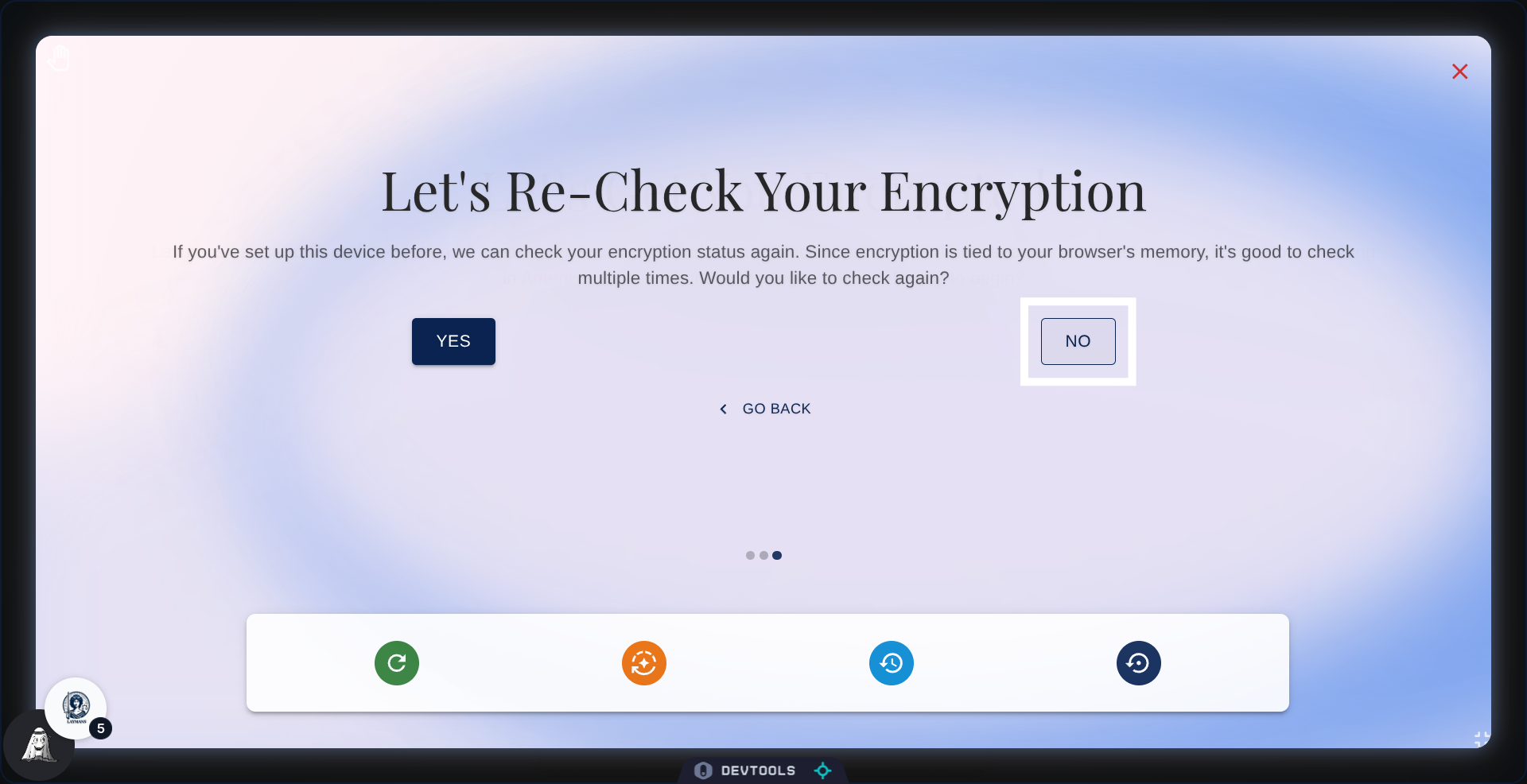
8. We don't have another device for securing 😦
If we had abother device validated we could just secure this one -- psst, you can look at the other encryption guide here -- but in this case I assume this is your primary device and therefore you need your backup keyfile.
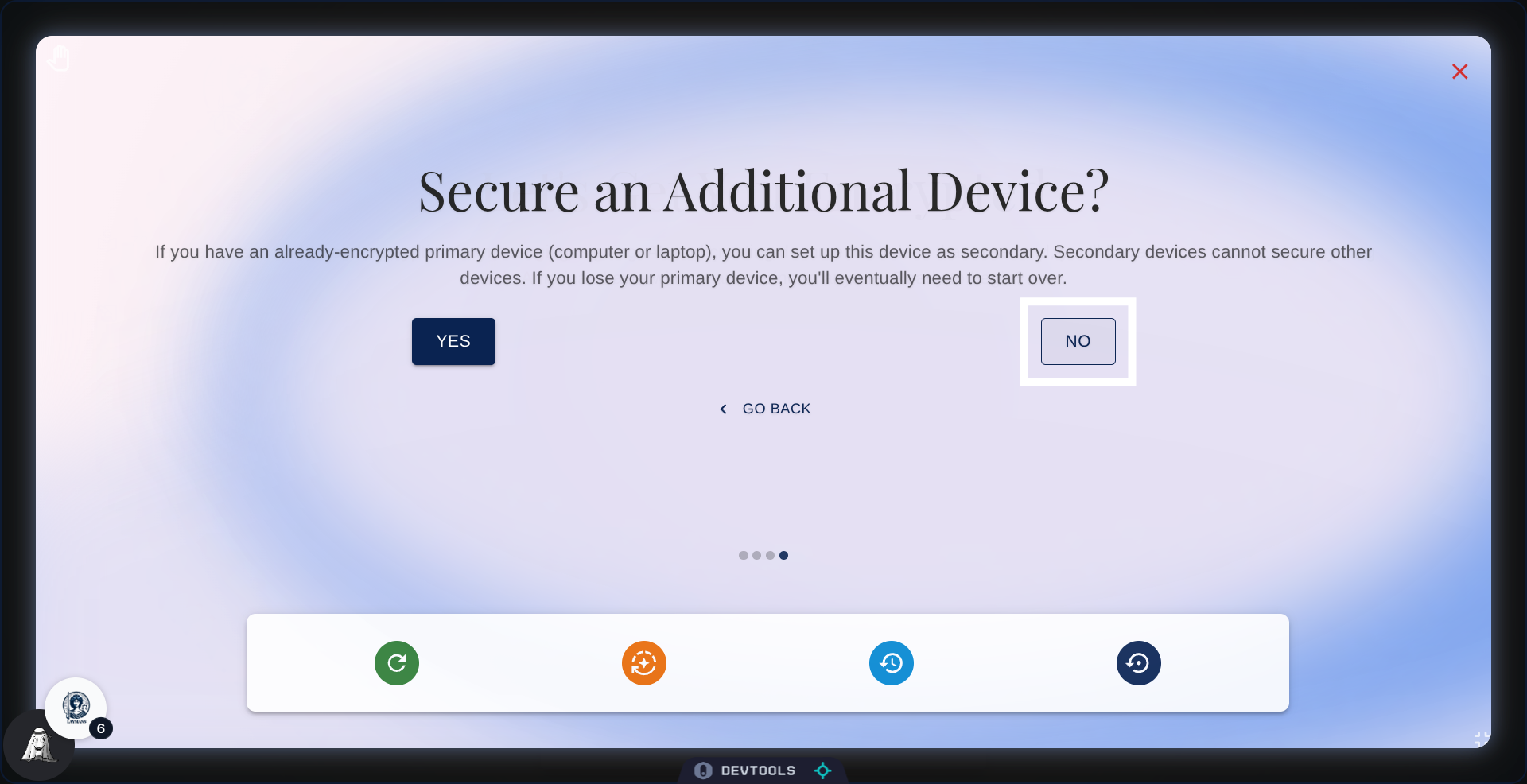
9. Finally, let's import
So here we are! The option we were looking for is "Import Your Master Key from Backup"
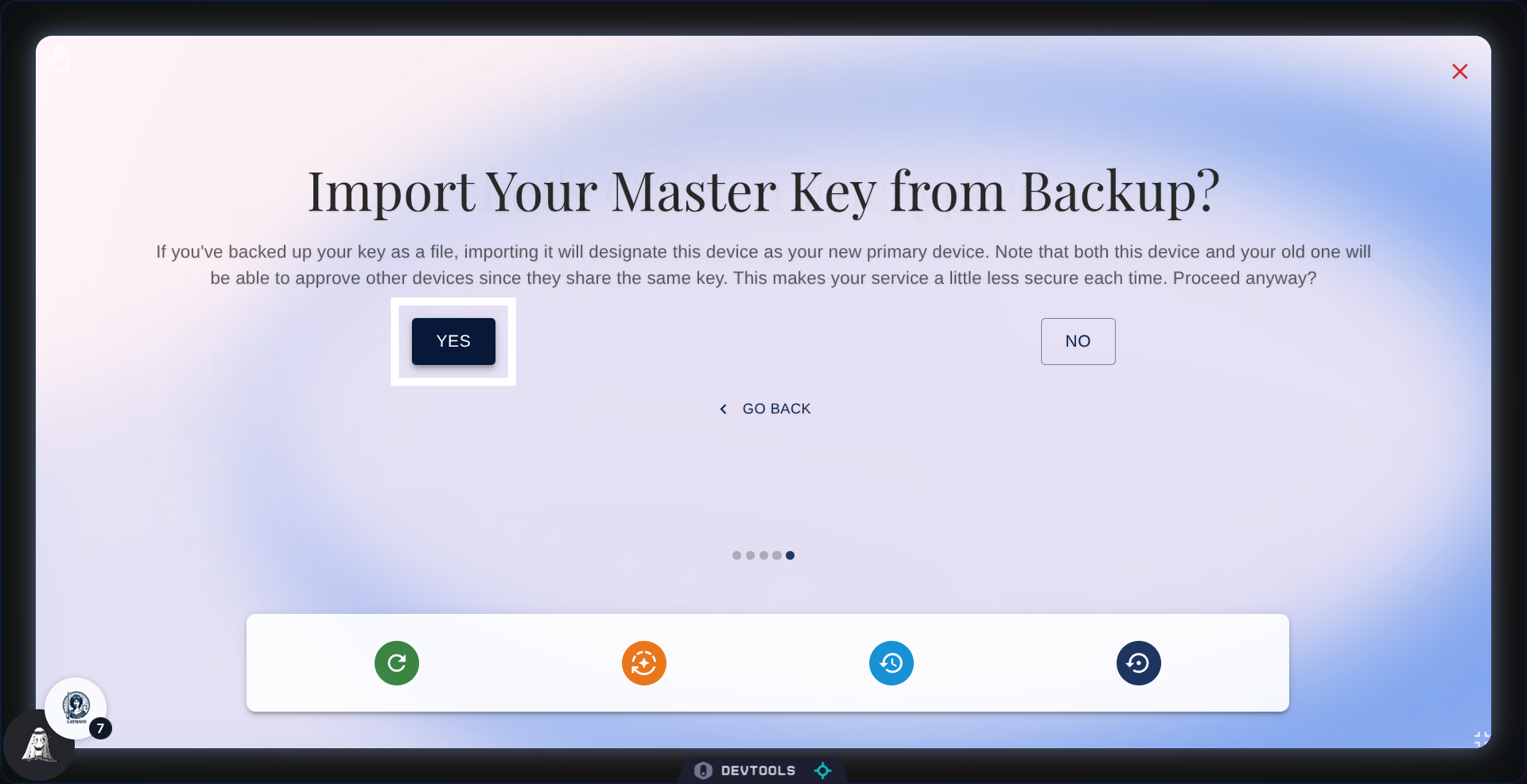
10. Confirmation
You'll be given a confirmation step, just click the button.
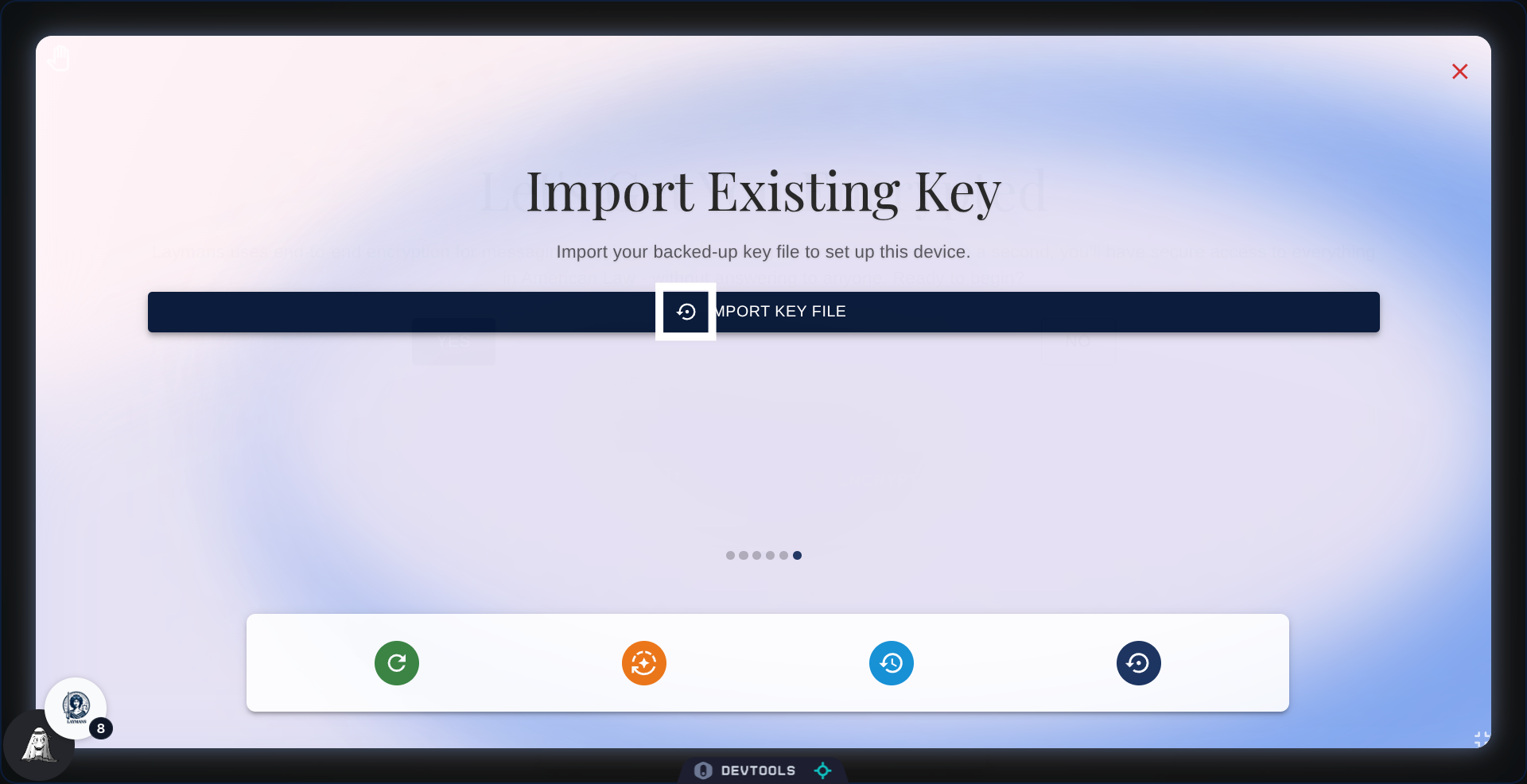
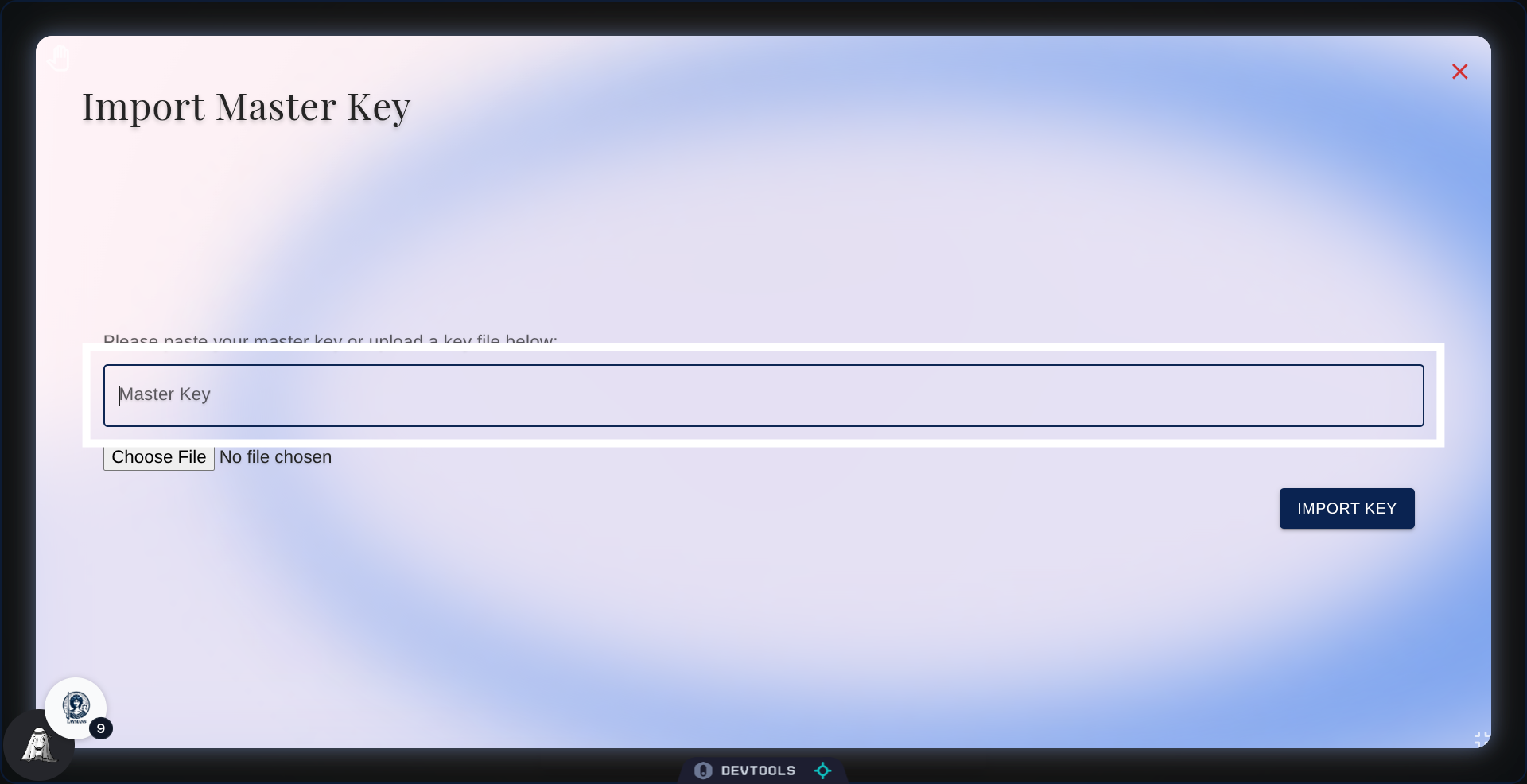
11. How to import
You can either copy-and-paste the contents of your key textfile directly into the textfield , or upload the file directly for parsing
12. Start import
Once done with either option finally click "import key", this will start the verification process.
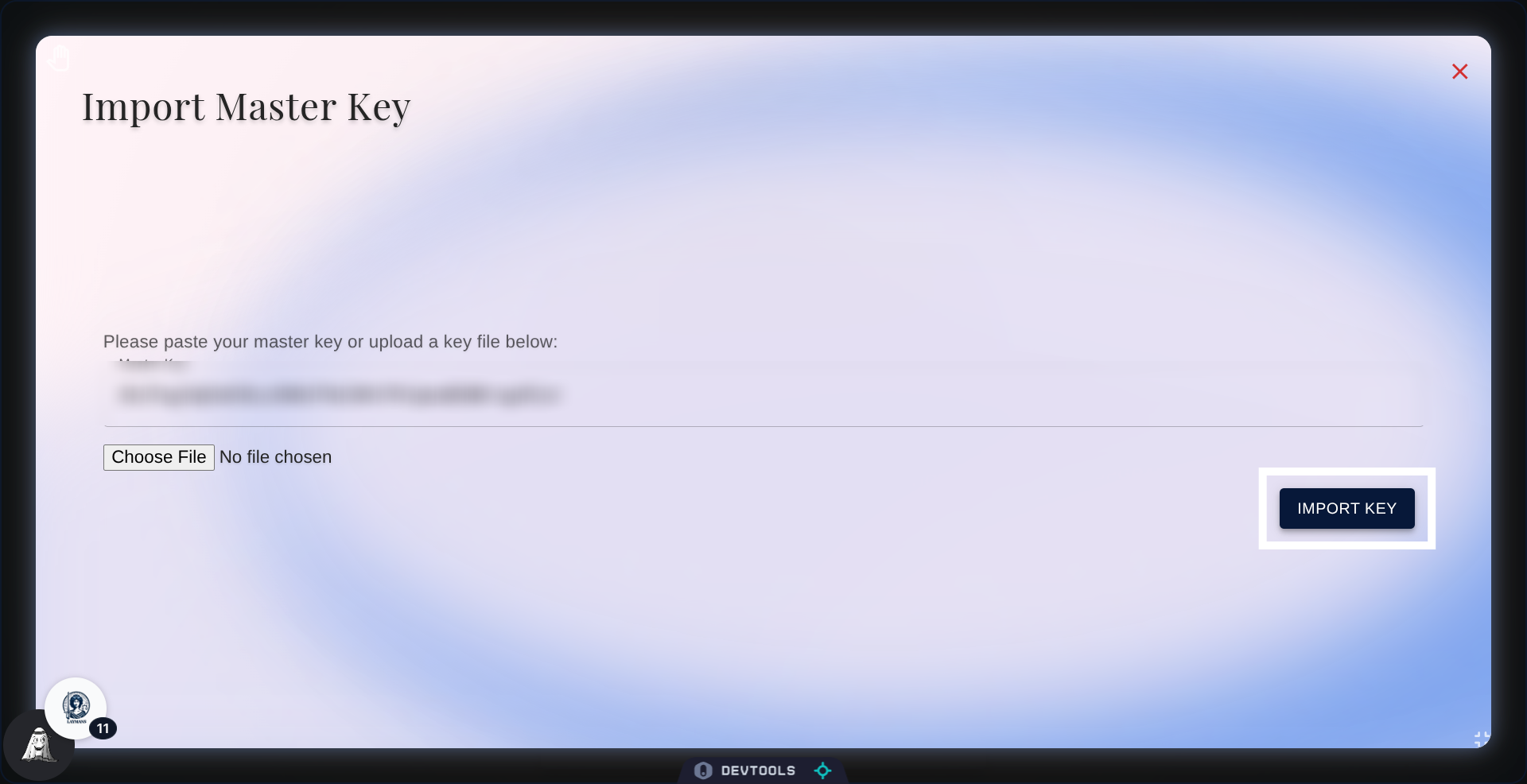
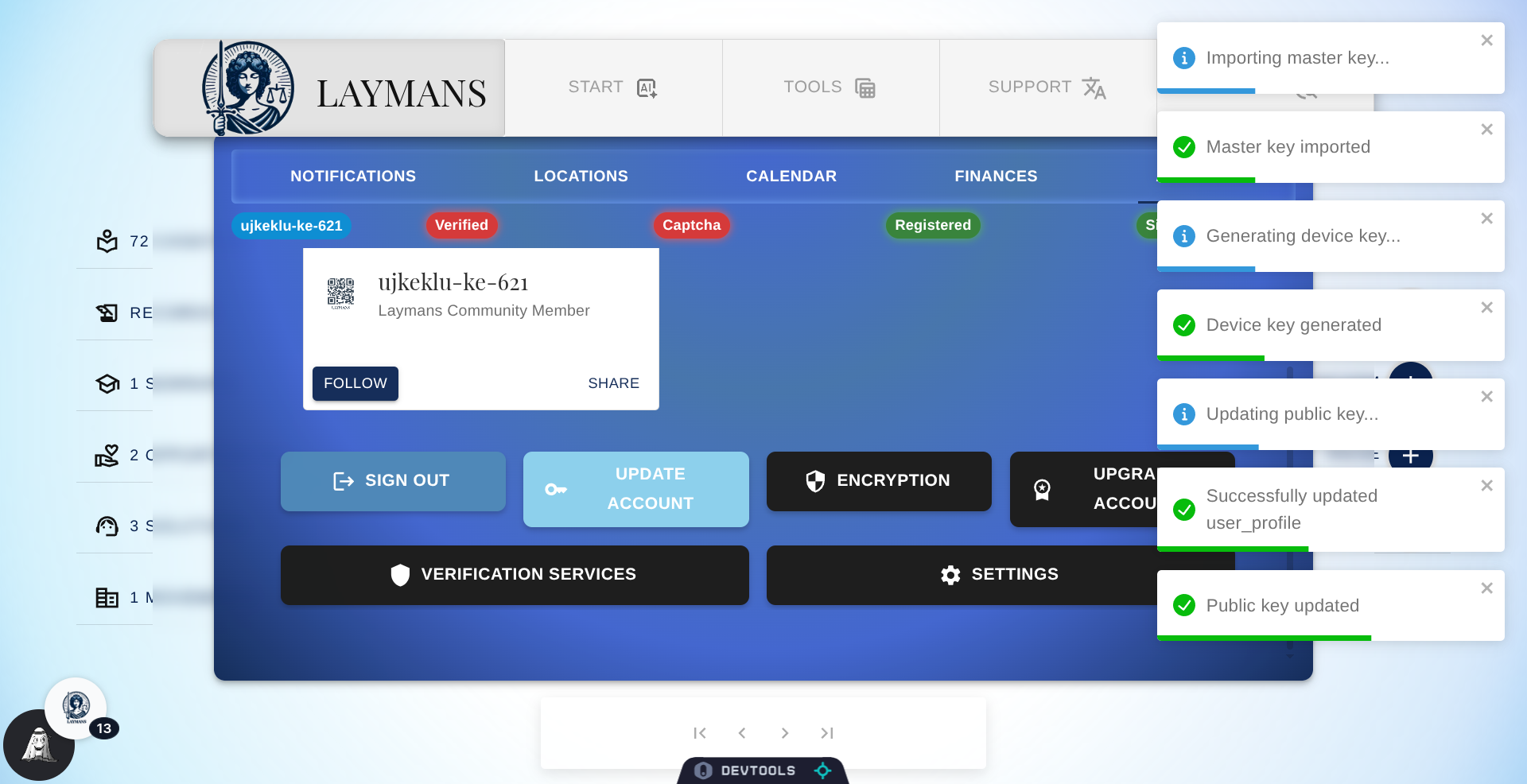
13. The process
From here the process is largely automated, you will see quite a bit of notifications as our system verifies your device against the server, but you should be all up to date. If you have any issues don't hesitate to reach out at hello+support@laymans.app.