How to localize Laymans to your County
Go to www.laymans.app
1. Introduction
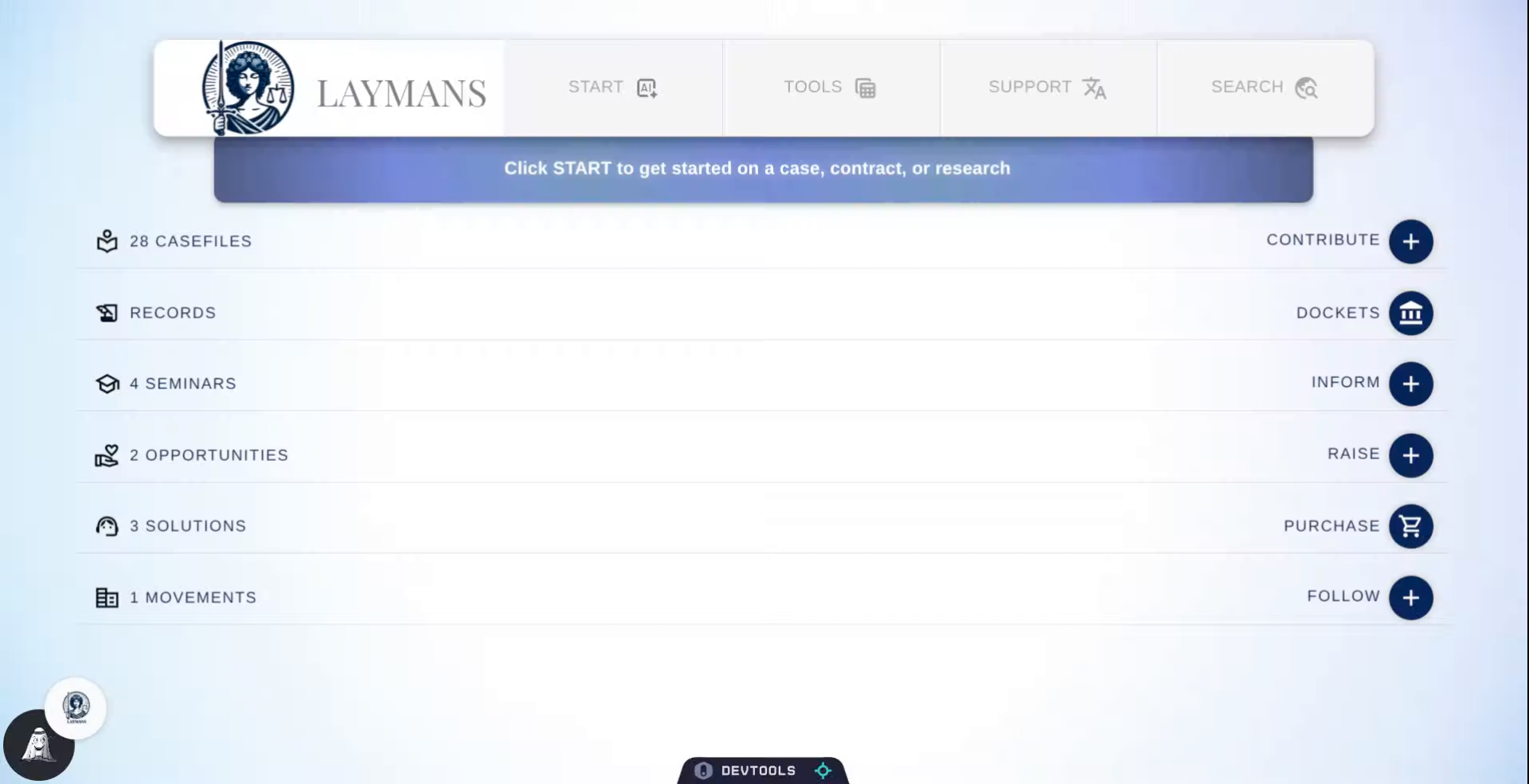
Laymans serves localized legal resources to the 3,143 counties of the United States of America and beyond. Here's how to scope laymans down to your county.
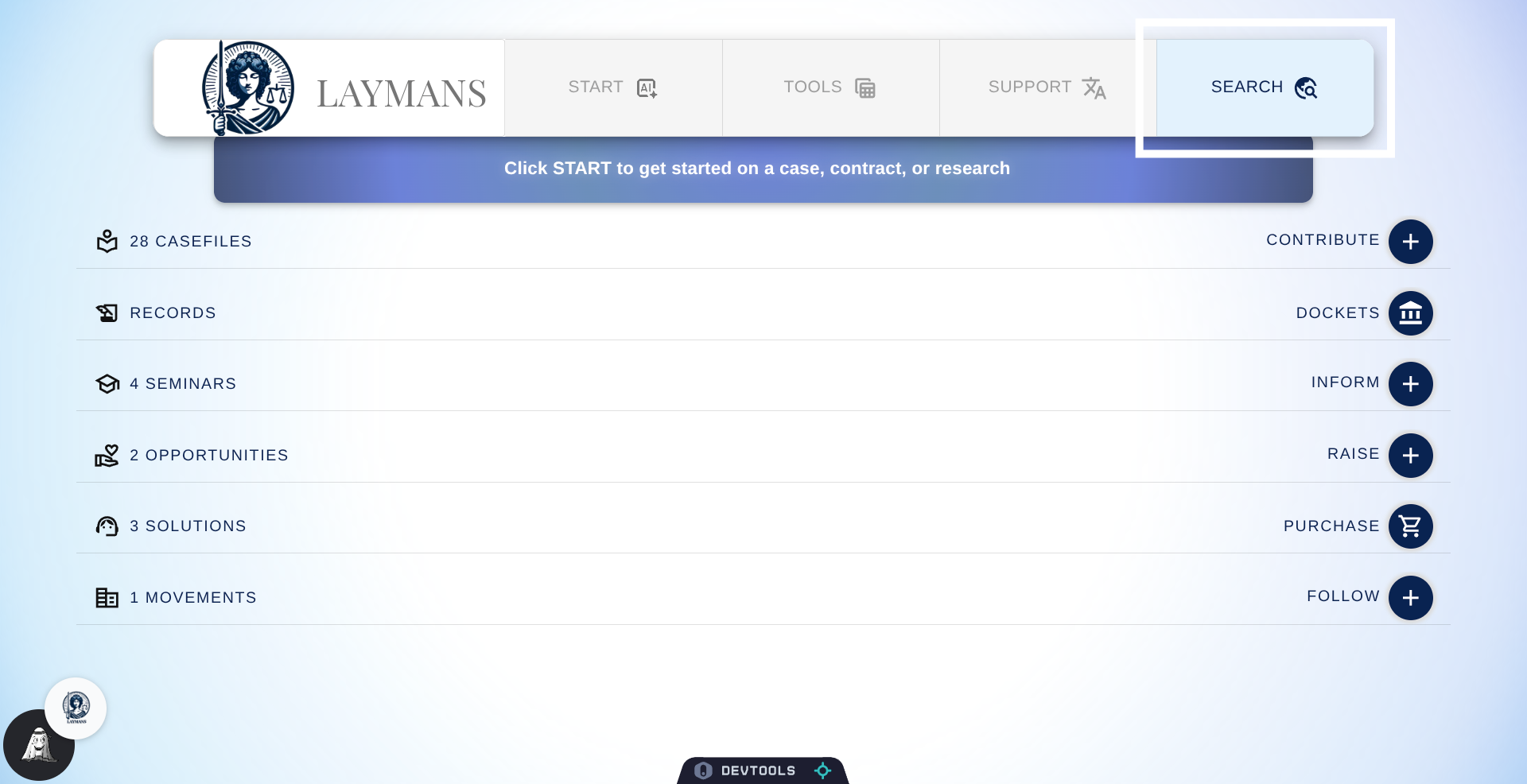
2. Click Search Button
The fastest way to get to county settings is via the Search button in the "Power Bar."
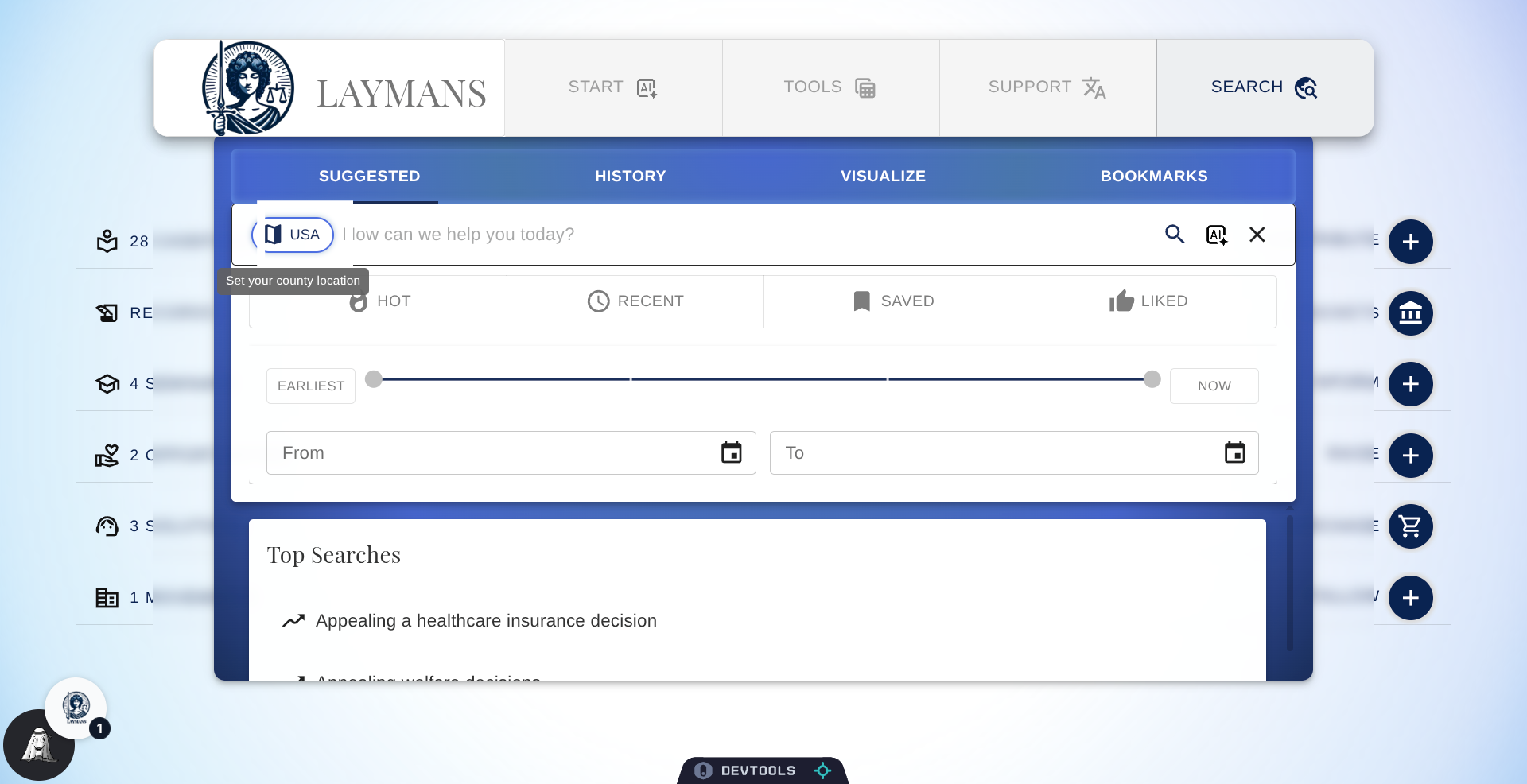
3. Click the USA chip
Then on the search bar you will find a button denoting your current location. Right now it's set to USA, but let's click it to change that.
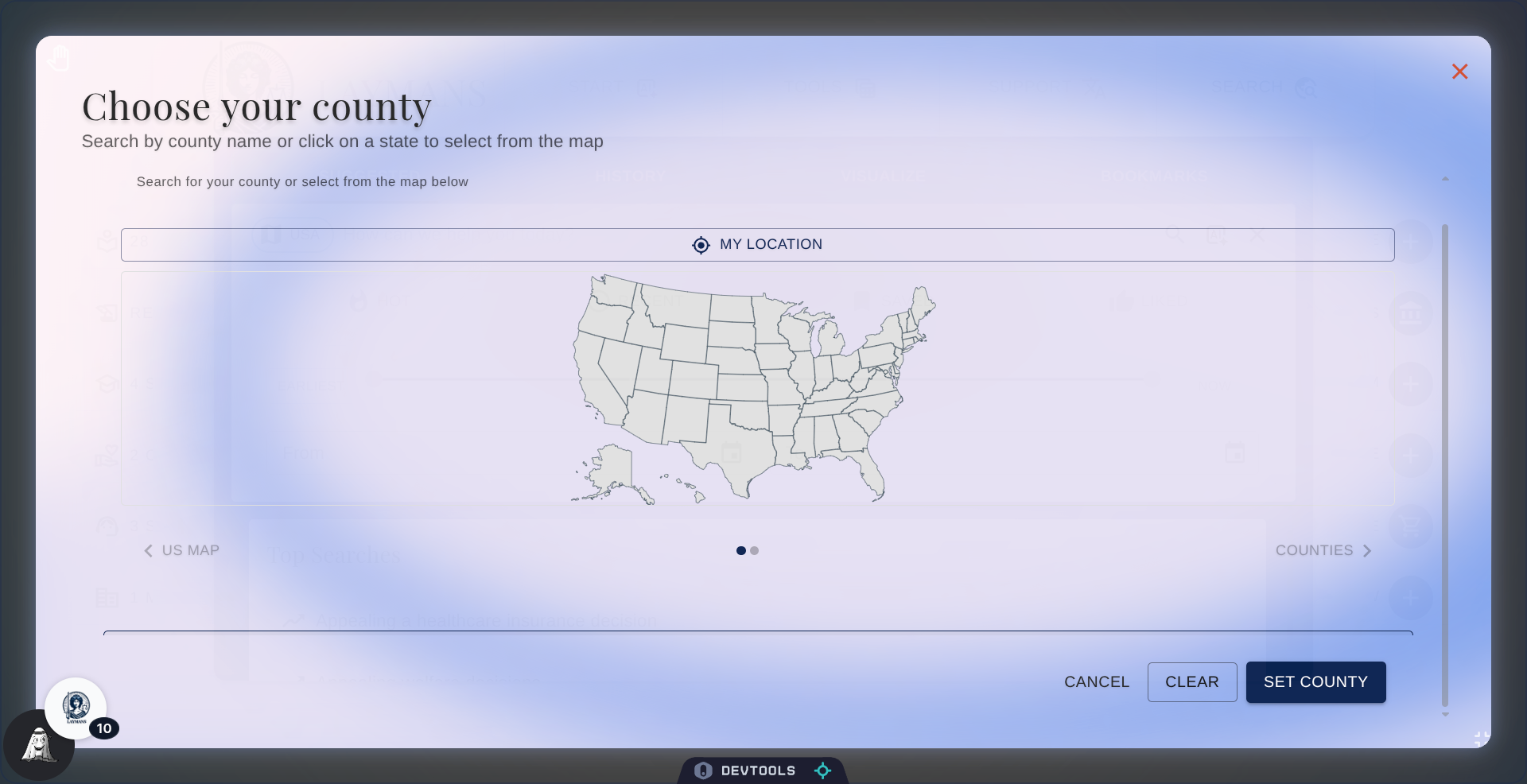
4. The County Selection Dialog
The County Selection Dialog offers you a number of ways to choose your county: you can use the search bar above, your current location, or the map below.
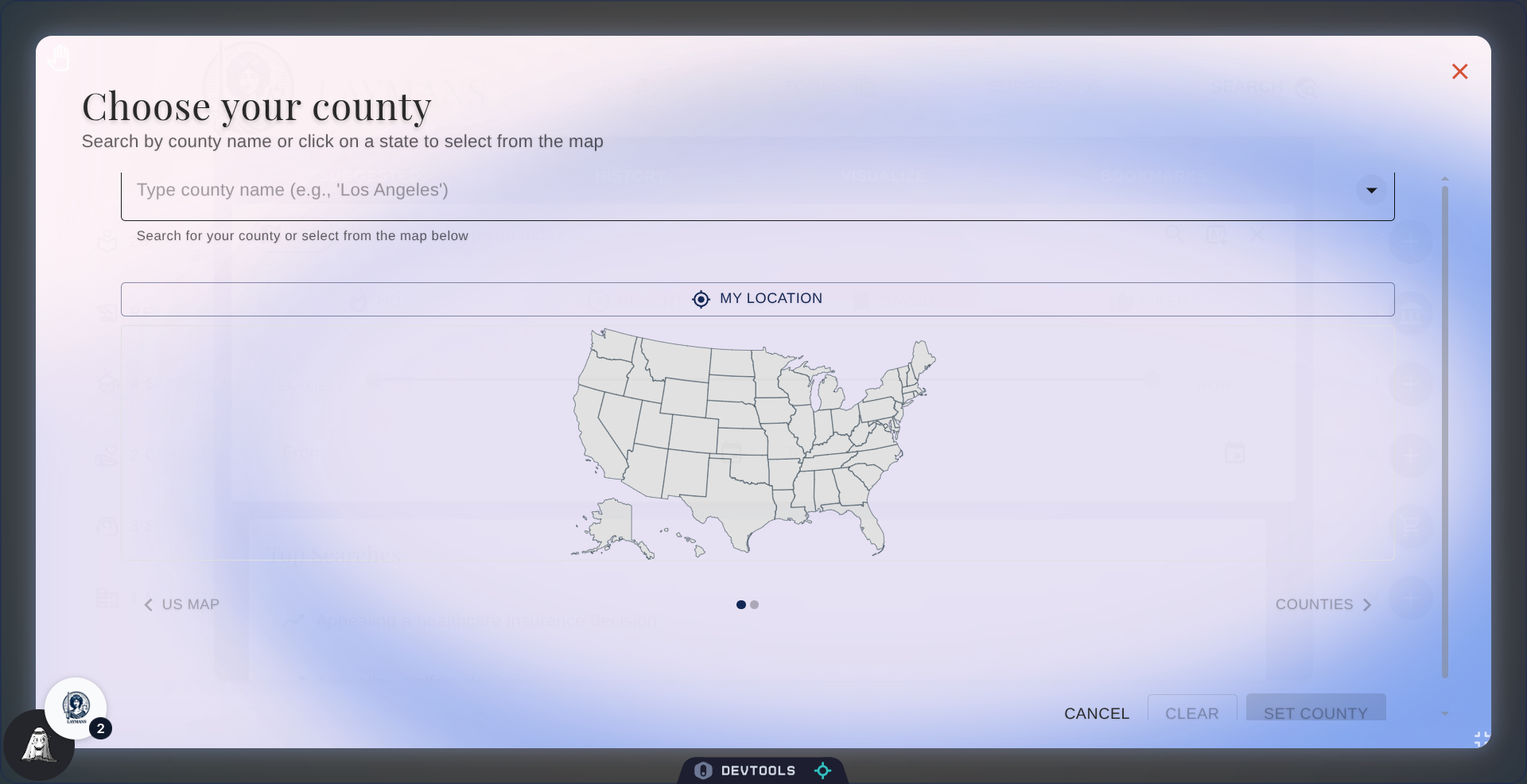
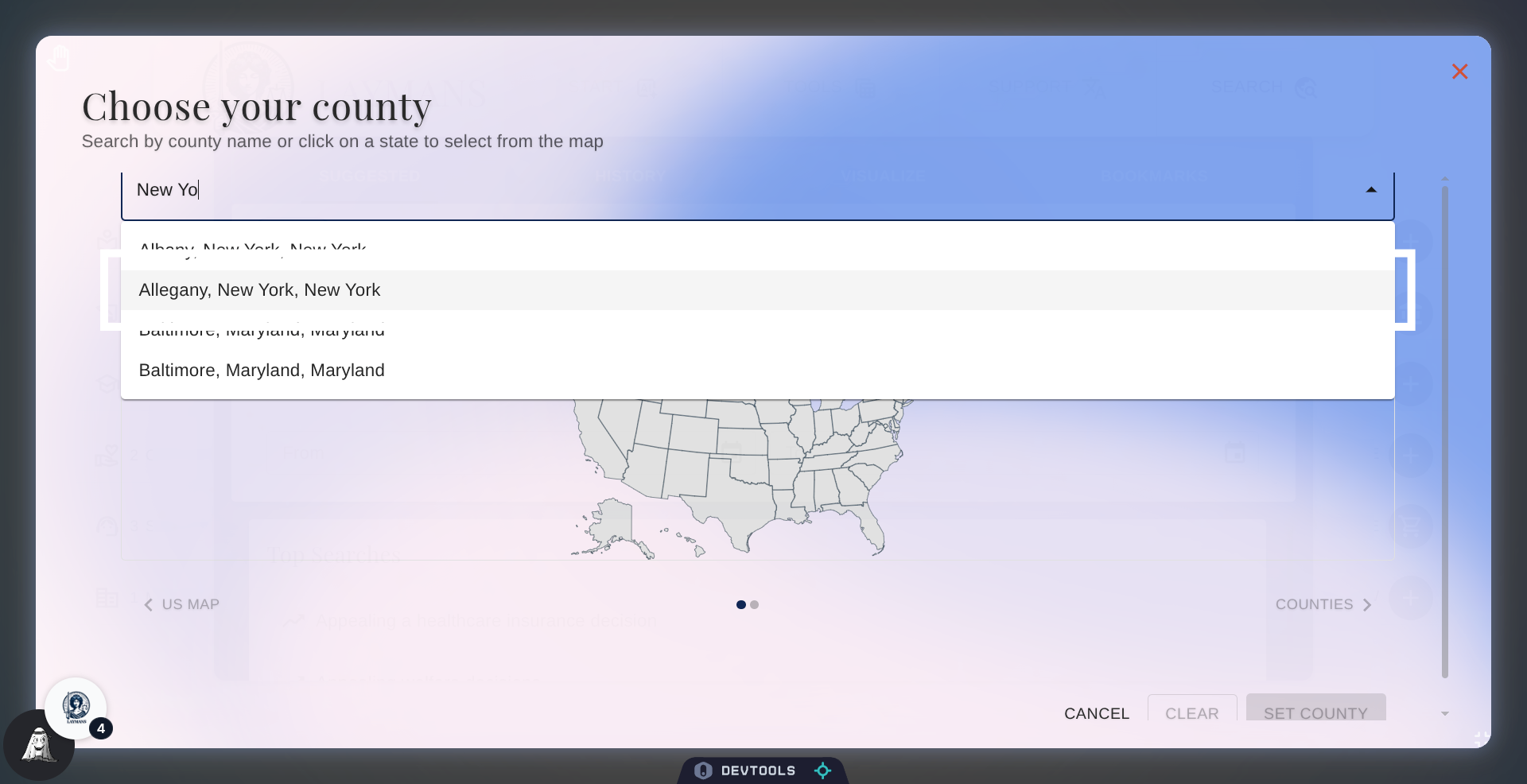
5. Enter County Name
Like, now, I'm just filtering counties down by my current state -- New York.
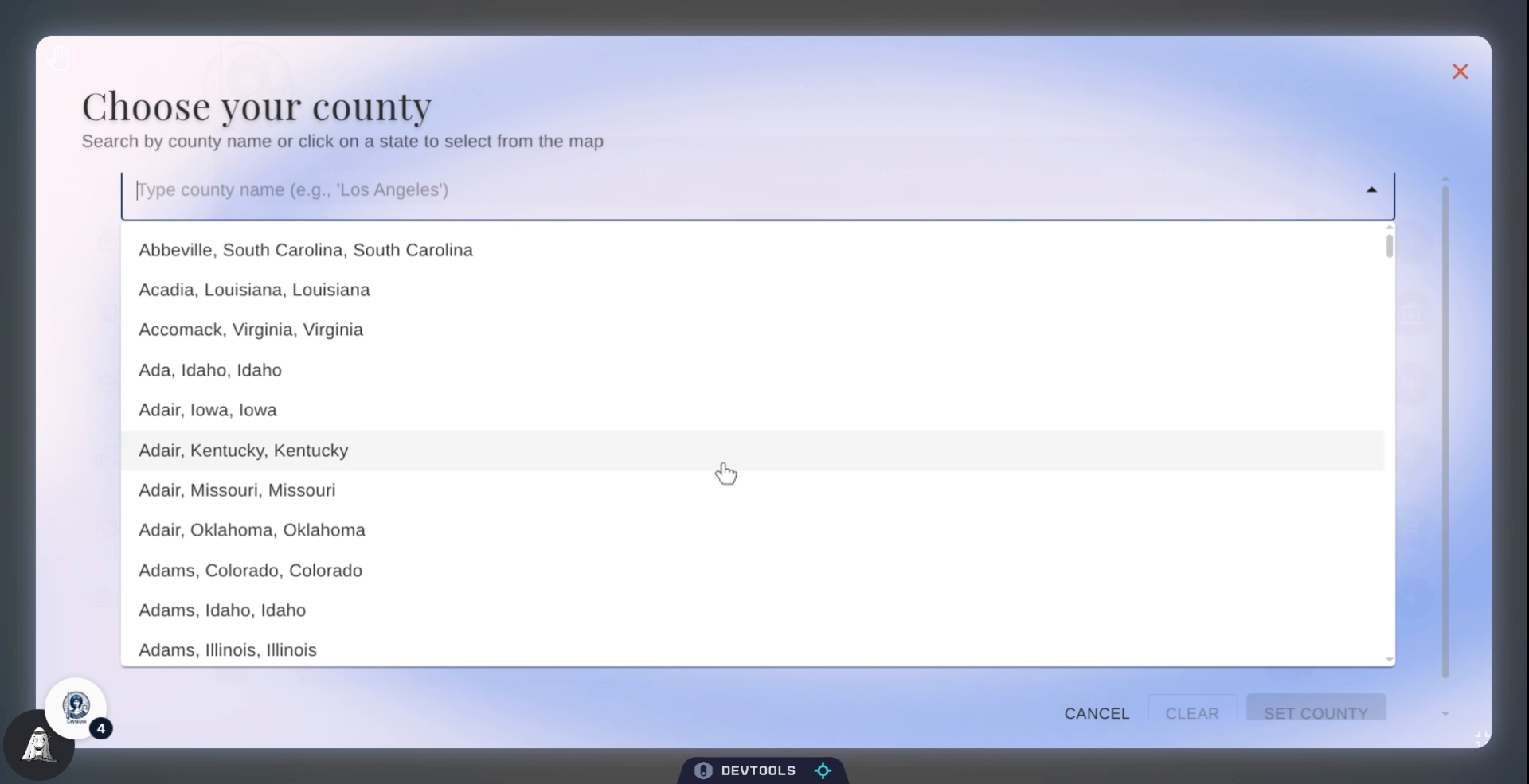
6. Select County From List
Then I can click the county to confirm it.
7. Open County Confirmation Panel
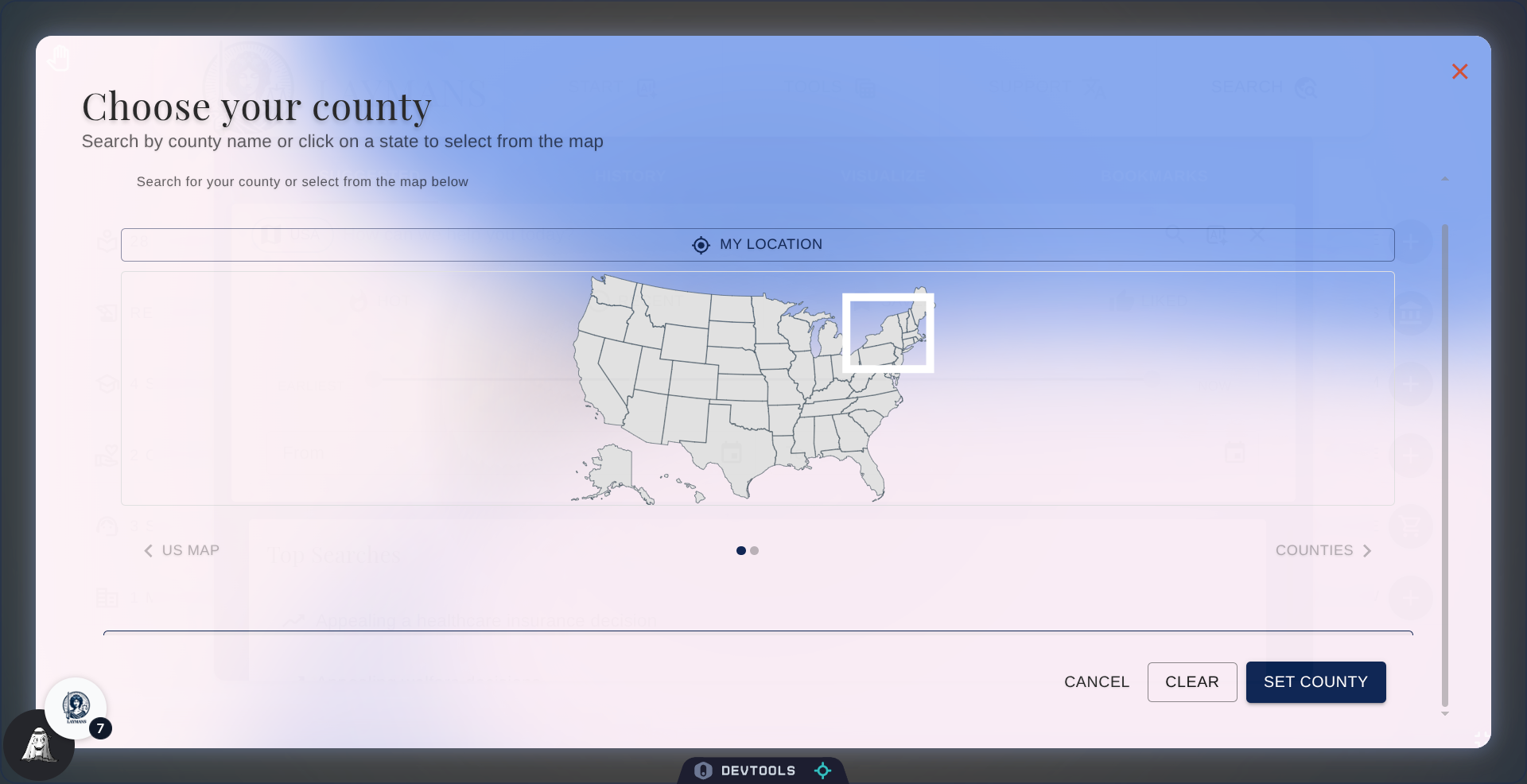
Alternatively, I can choose a state on this little map of the U.S.
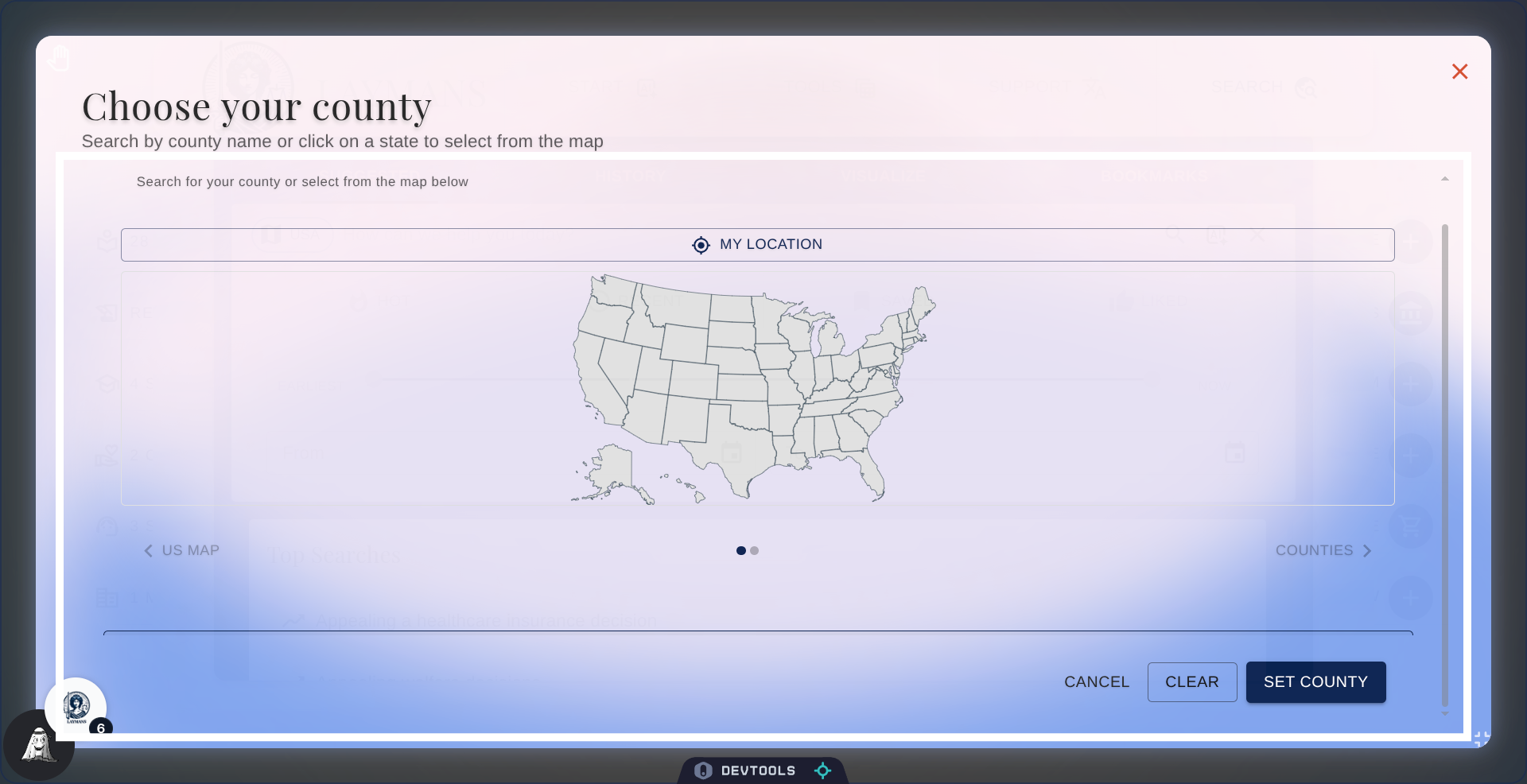
8. Confirm County Selection
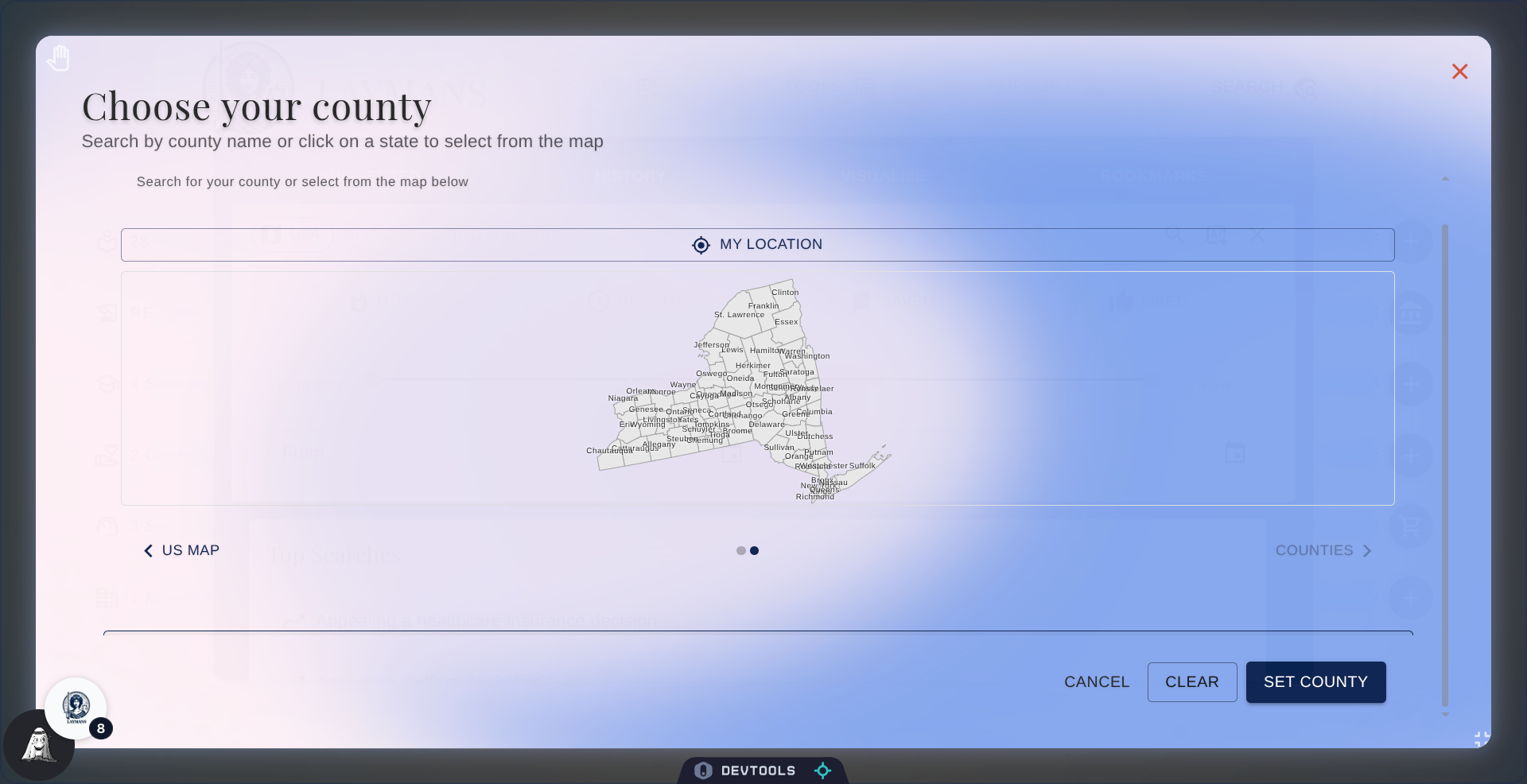
Once again I'm clicking New York, and when I do a county map should pop up...
9. Click a County
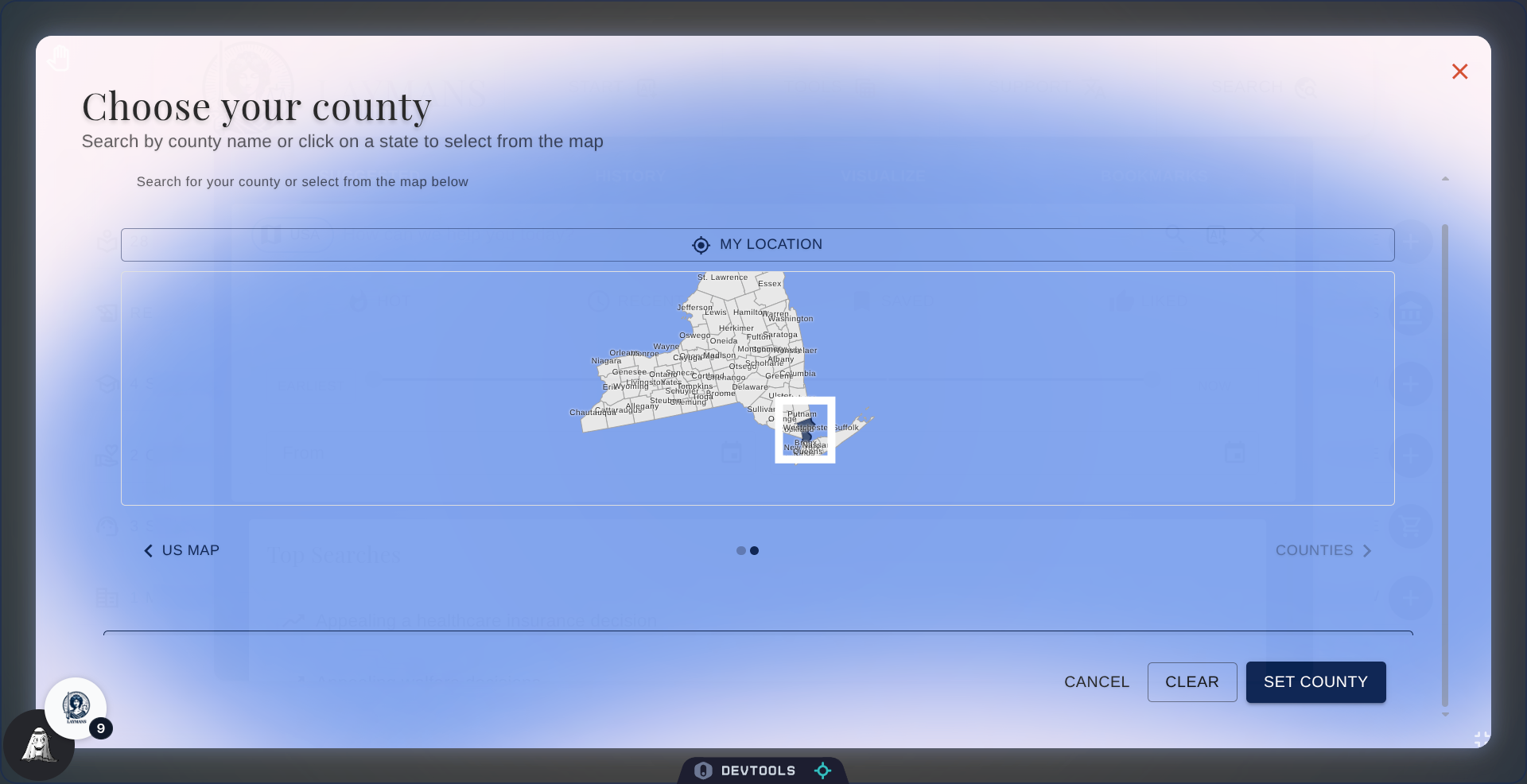
On this county map I can zoom-in or drag-around the map to find the county I think I live-in. This helps if you know where you are on a map but don't know the county's name.
10. Finalize County Selection
Ah yes! New York City, let's click it to select.
11. Set or Cancel County Selection
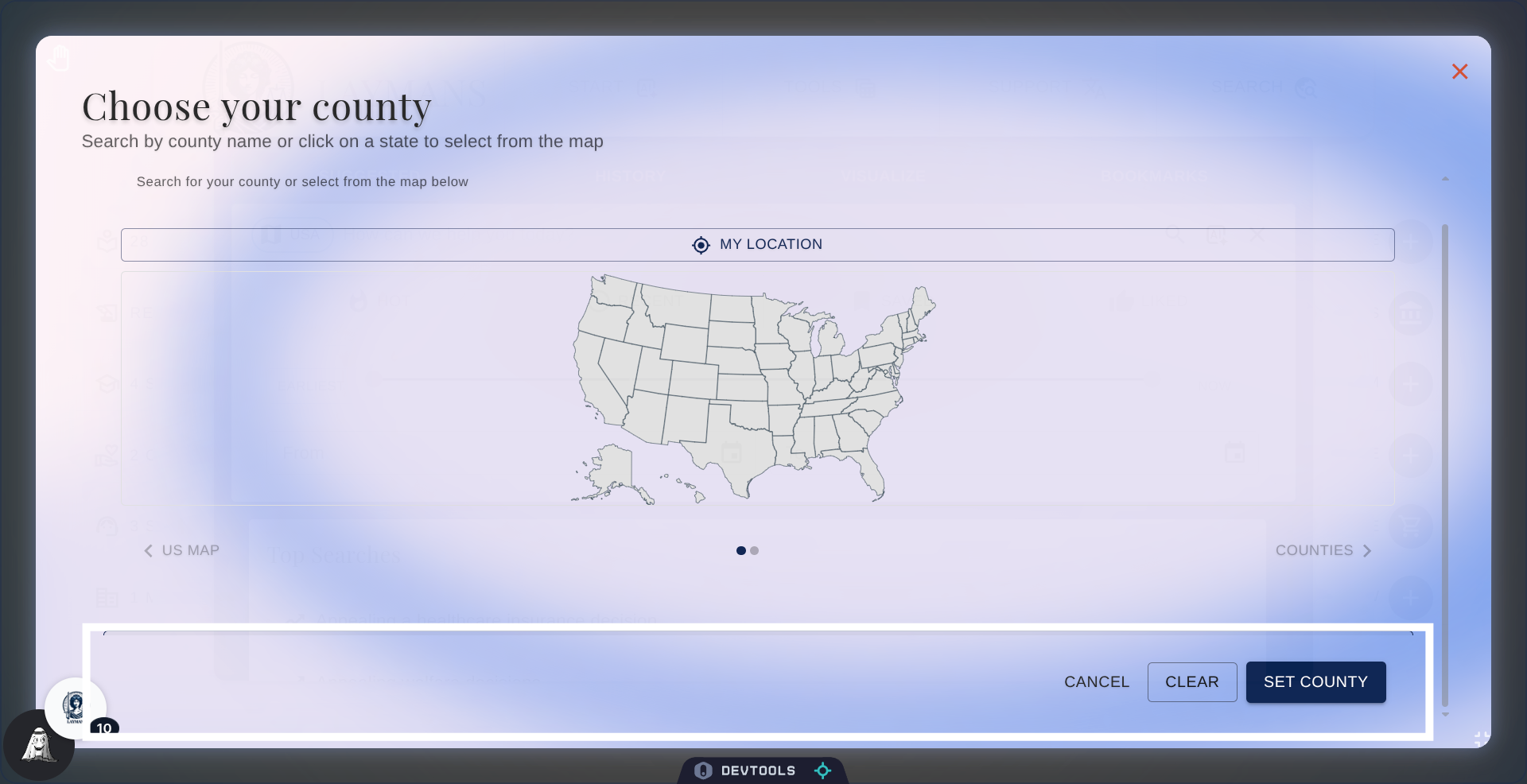
Once your county selection is made all you have to do is Set County to commit and all resources on the platform will be filtered by your current county, followed then by resources matching your state. To clear your county choice just navigate back to this dialog and click clear!
12. Conclusion
Laymans is here for all Americans and the local, specific challenges they may face with their city offices, county services, and local courtrooms. Being able to tune out the nation to focus on where you live, allows you to not only make sure the services you're receiving are accurate, but to connect more deeply with your community.