How to change your settings on Laymans
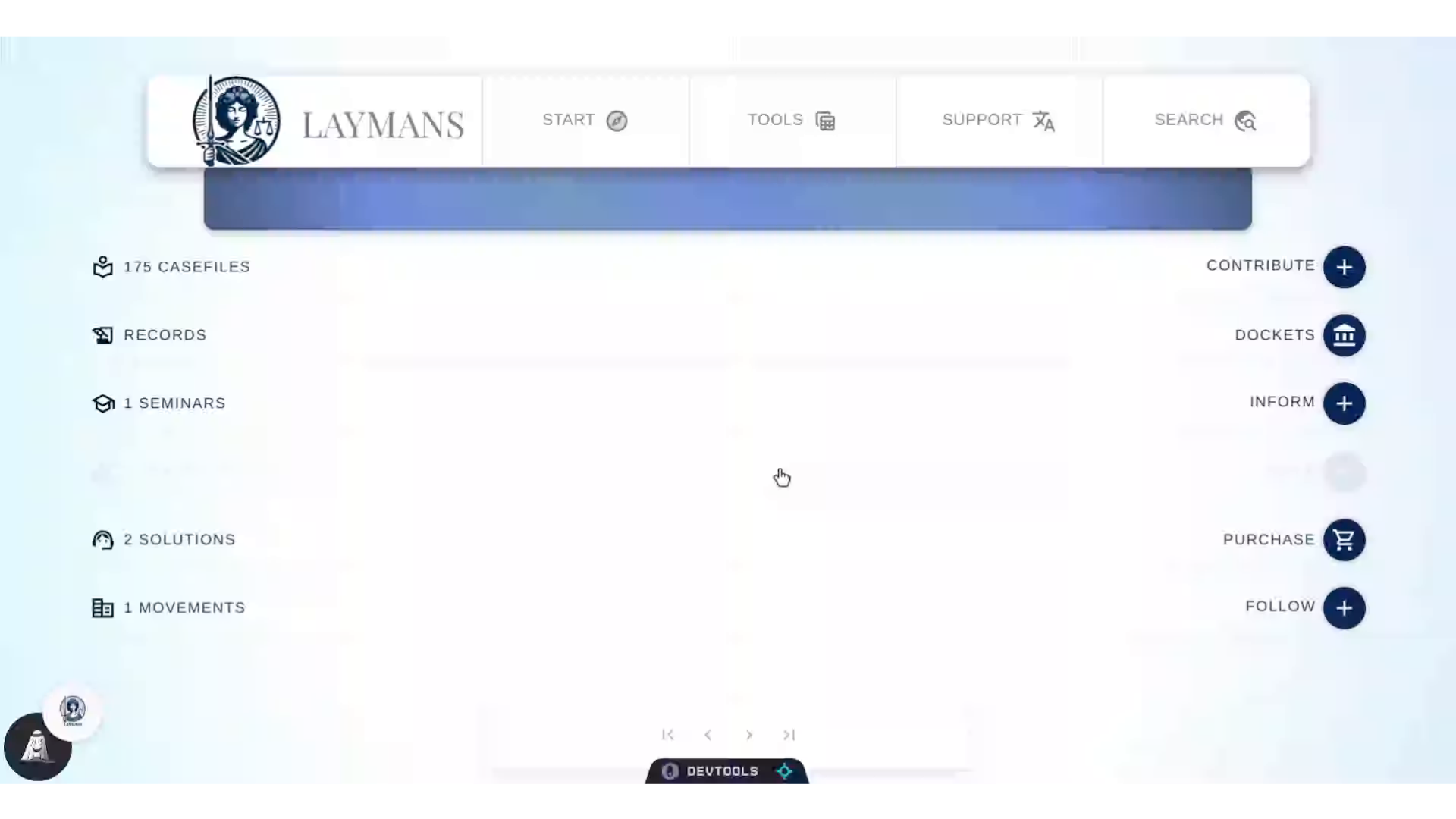
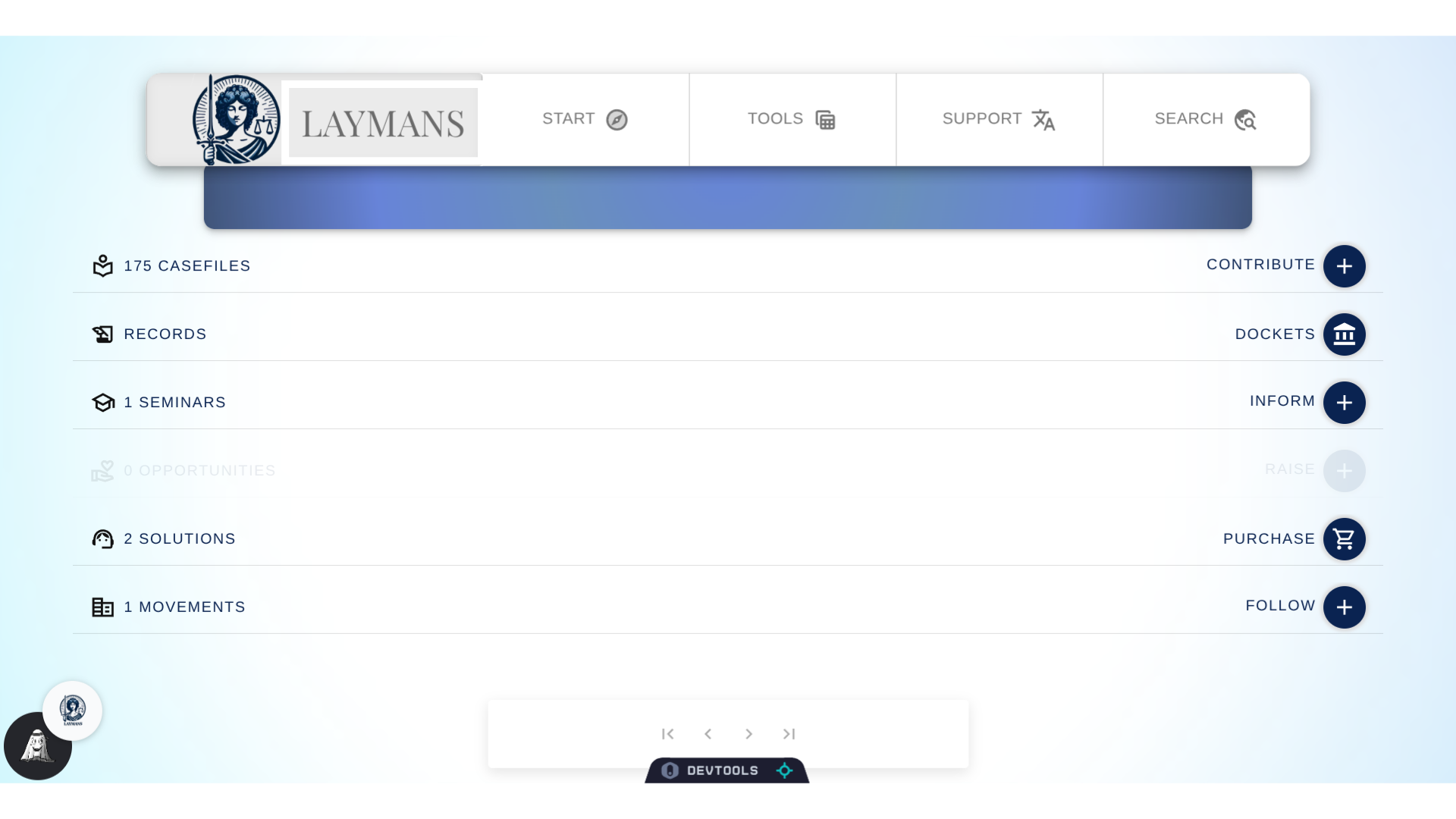
Go to www.laymans.app
1. Introduction
As of right now laymans has a number of accessibility settings that you can change to your liking, and, we hope to add more as time goes on.
2. Click "LAYMANS"
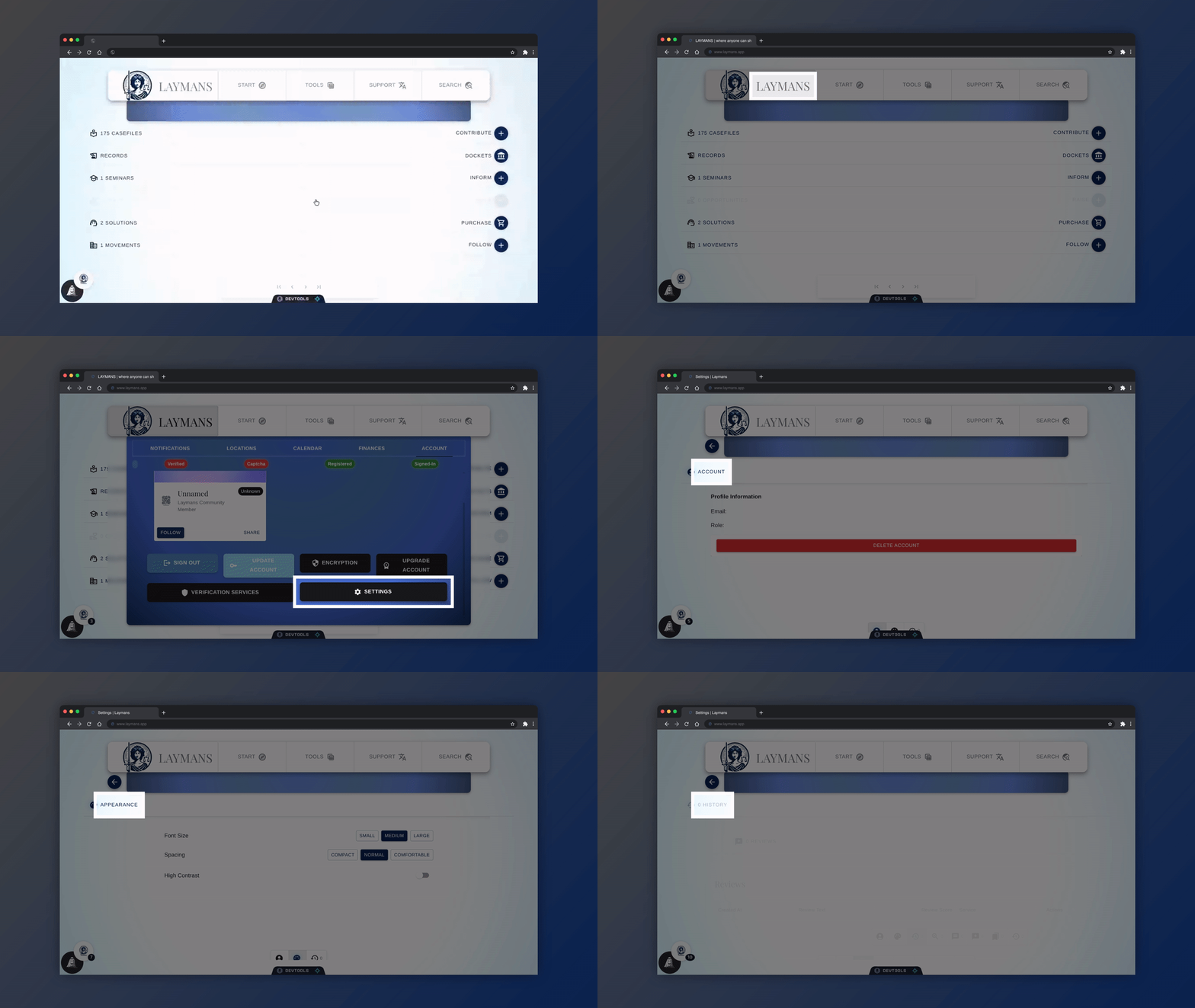
To get to them lets first click "LAYMANS"
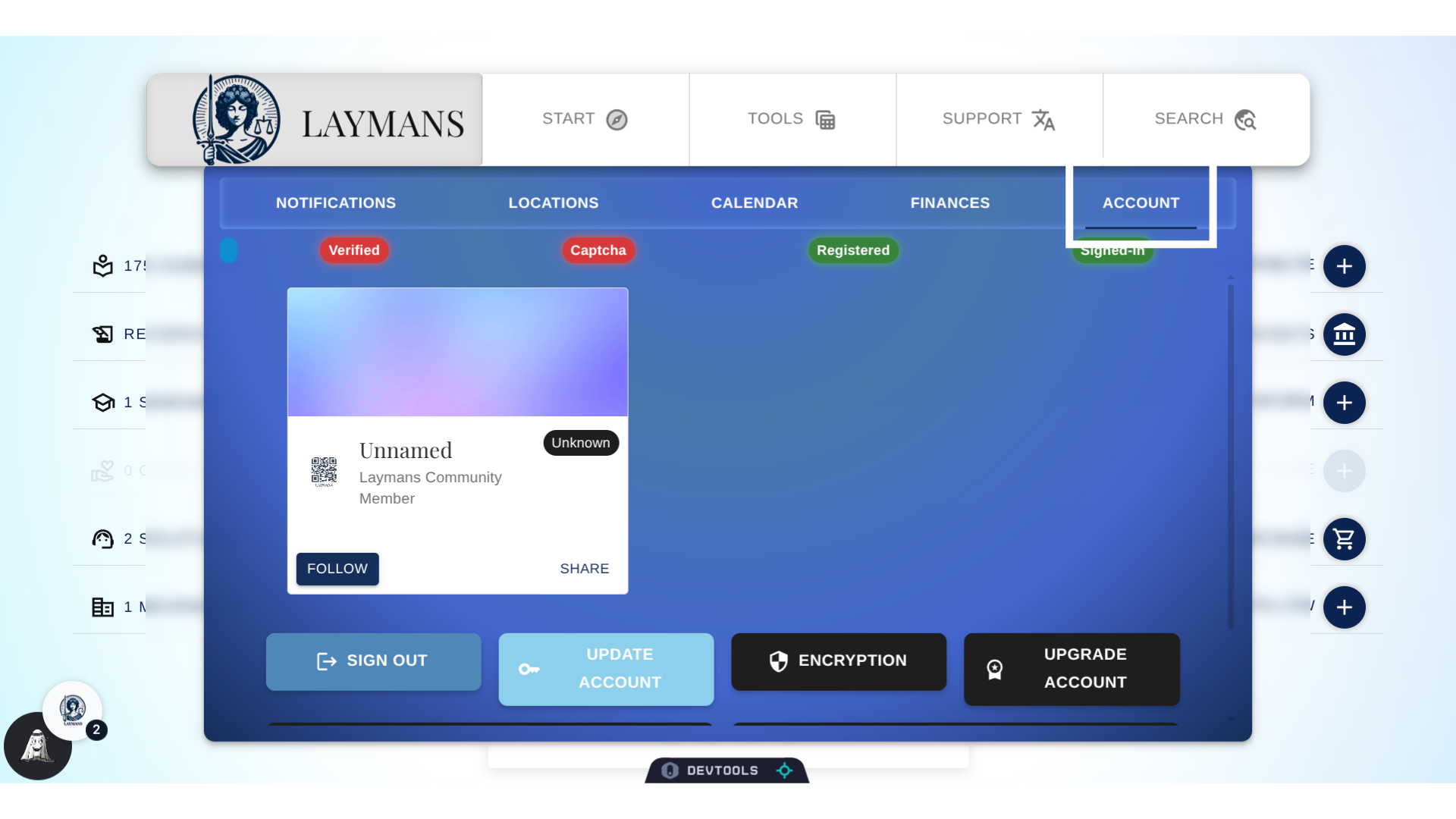
3. Click "ACCOUNT"
Then we will click the "Account" sub tab -- if it's not already open.
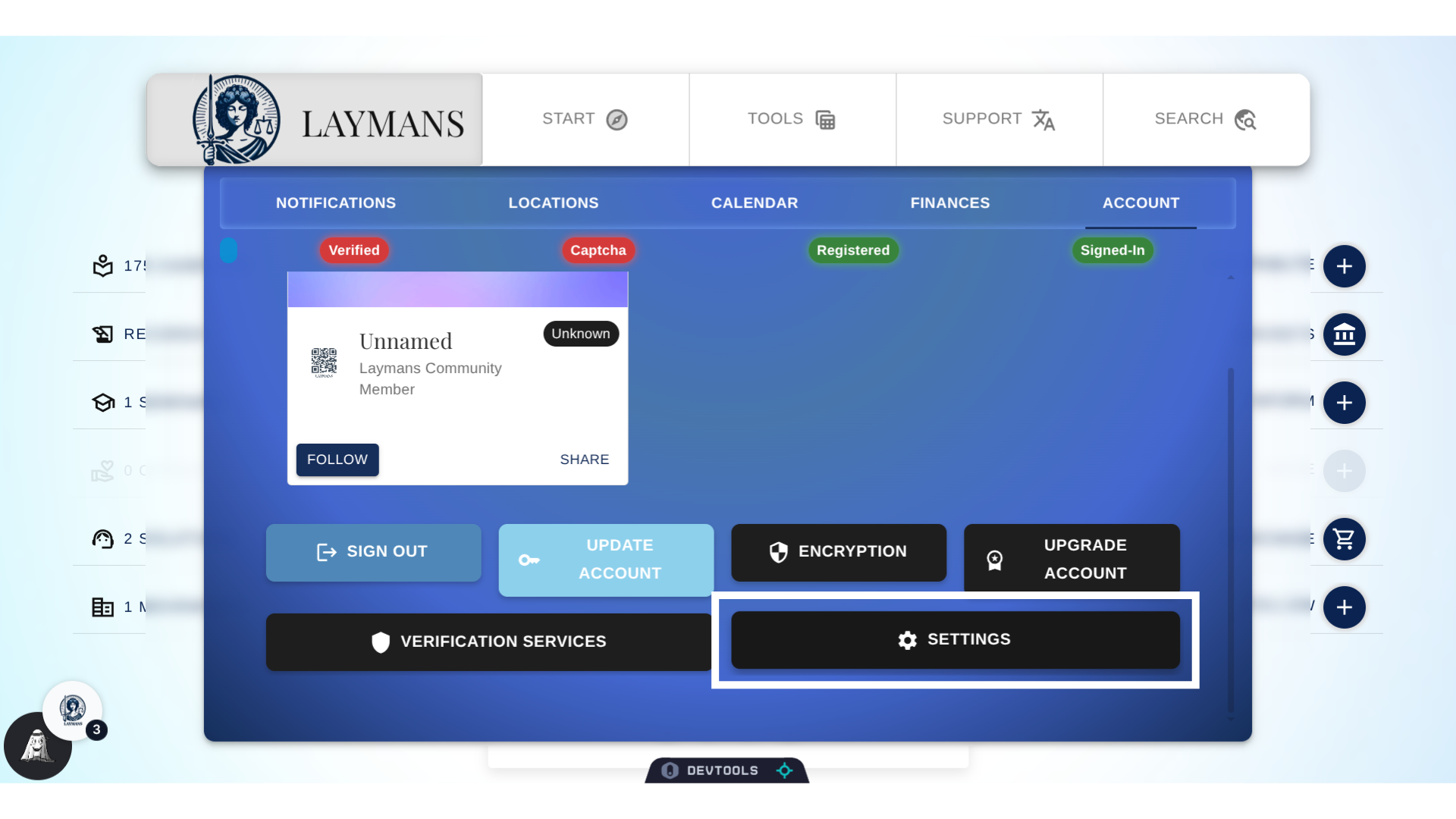
4. Click "Settings"
Scroll down just a little bit...and you will find the "Settings" button!
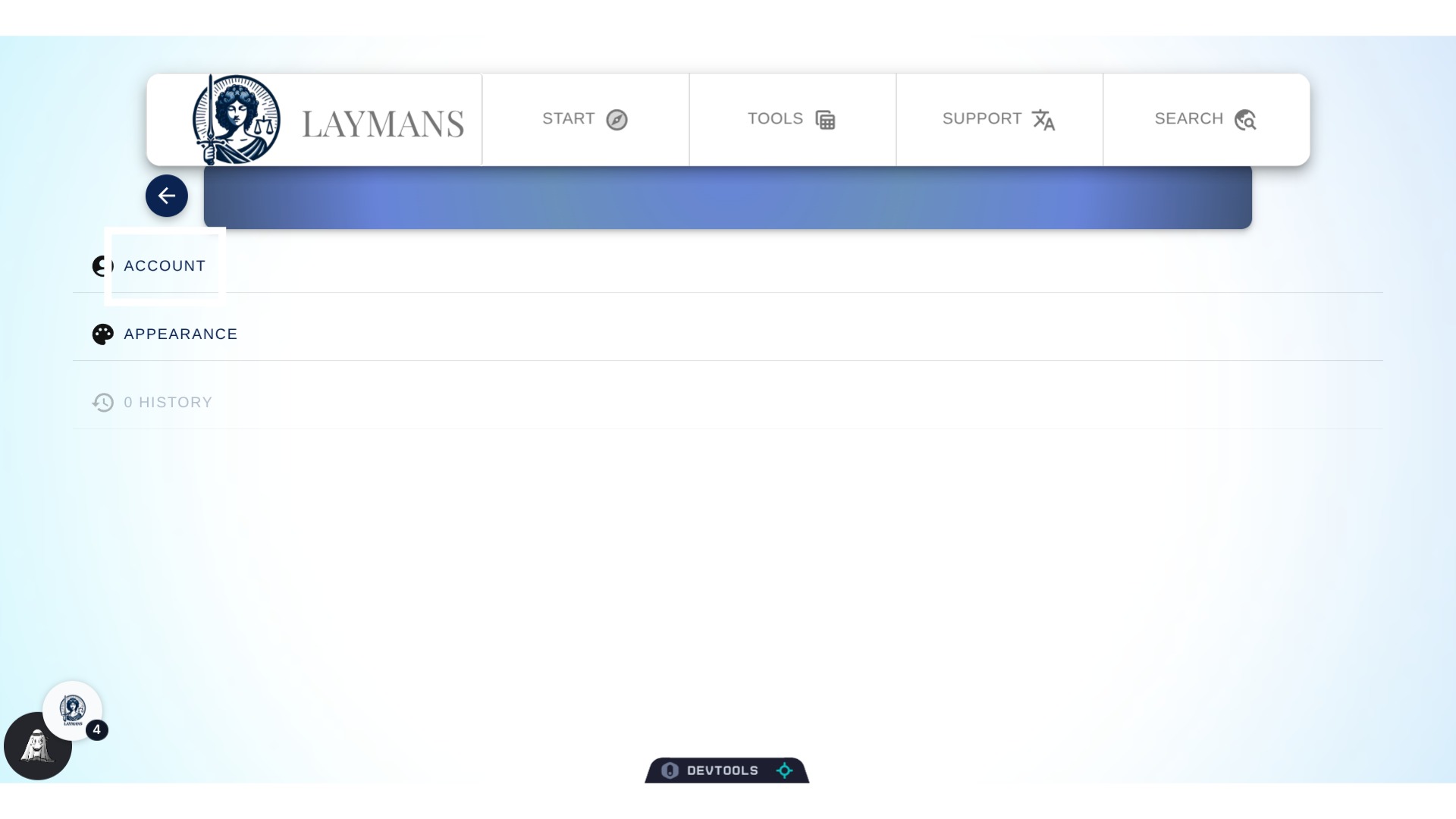
5. Click "Account"
For now, there are three main settings categories: Account wide settings such as deletion, Appearance settings, and your user history.
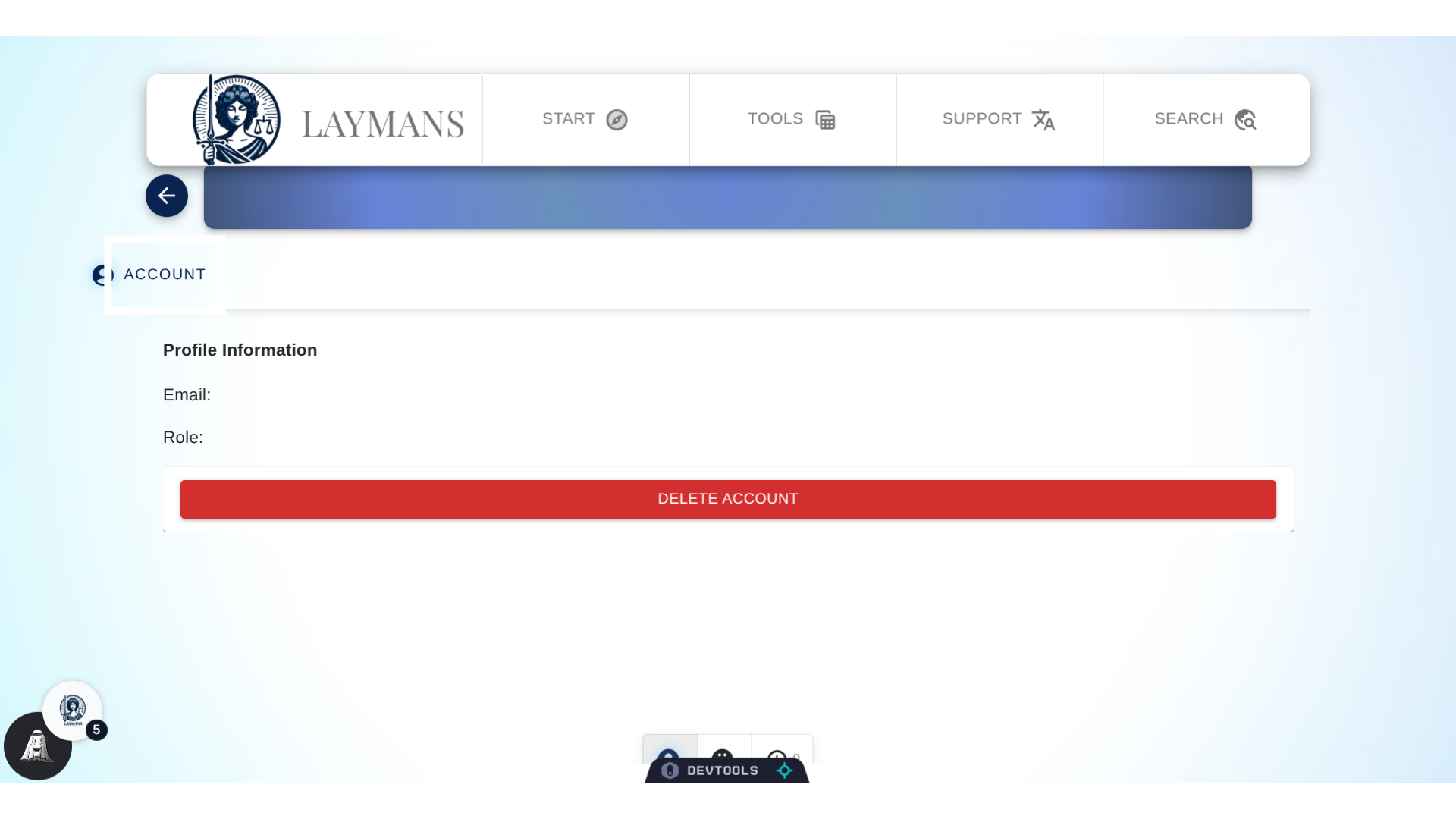
6. Click "Account"
You can delete your account here - as your data on LAYMANS is your data. However there are certain restrictions the law requires of us. For instance, the law requires us to keep a record of you once you engage in a legal action. For us, that means when you retain the services of any legal provider on our marketplace. Once you do, then your attorney or representative would have to give "the okay" to delete your account. As always if you have any questions about this you can reach out to us directly at hello@laymans.app.
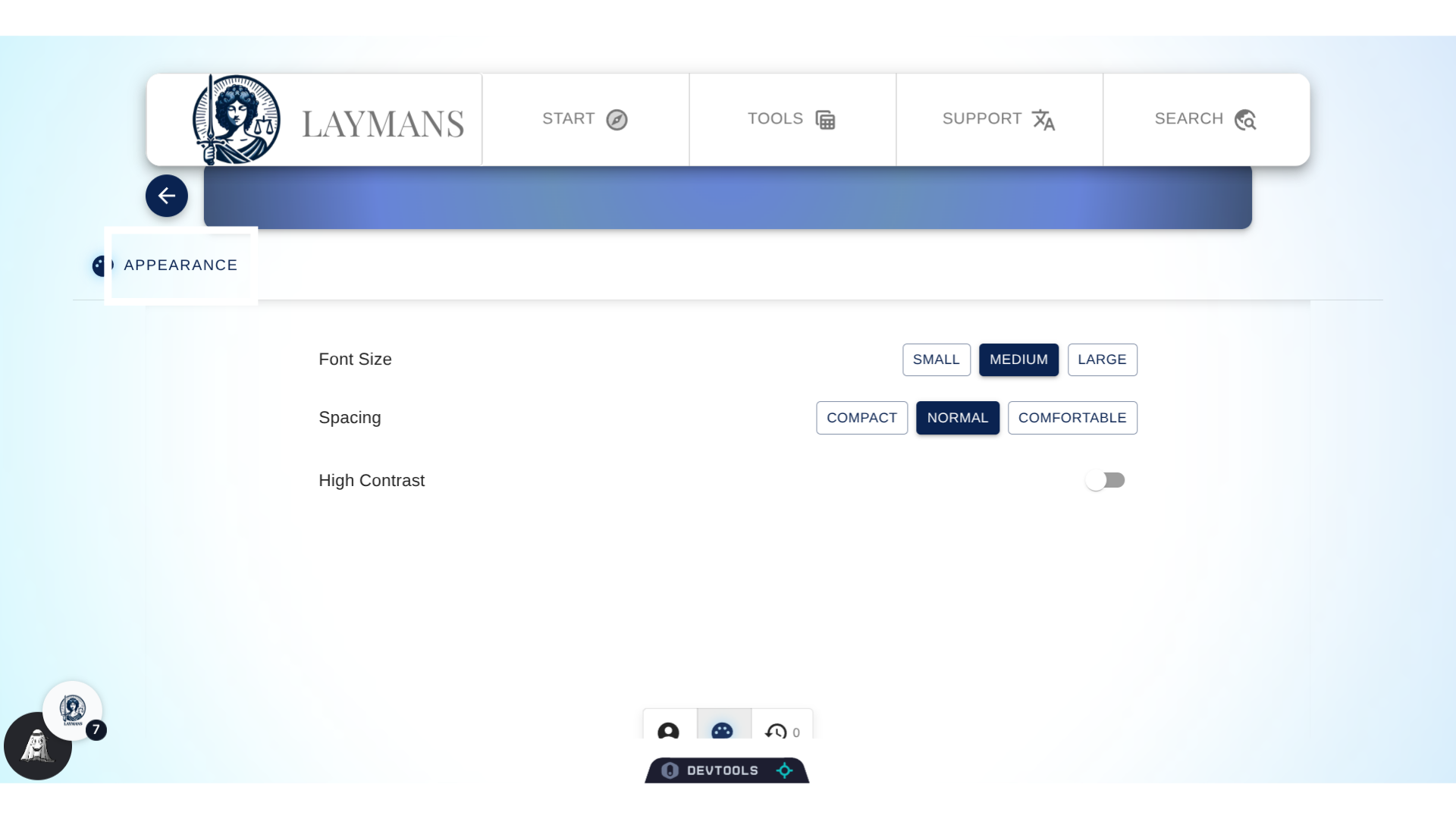
7. Click "Appearance"
In the appearance section you can handle basic theme changes such as font size, spacing, and contrast. In the future, you will find things such as dark mode. If you're looking for language features - which we support robustly - they're in the "Support" parent tab on the "Power Bar." (A subject of another guide.)
8. Click "History"
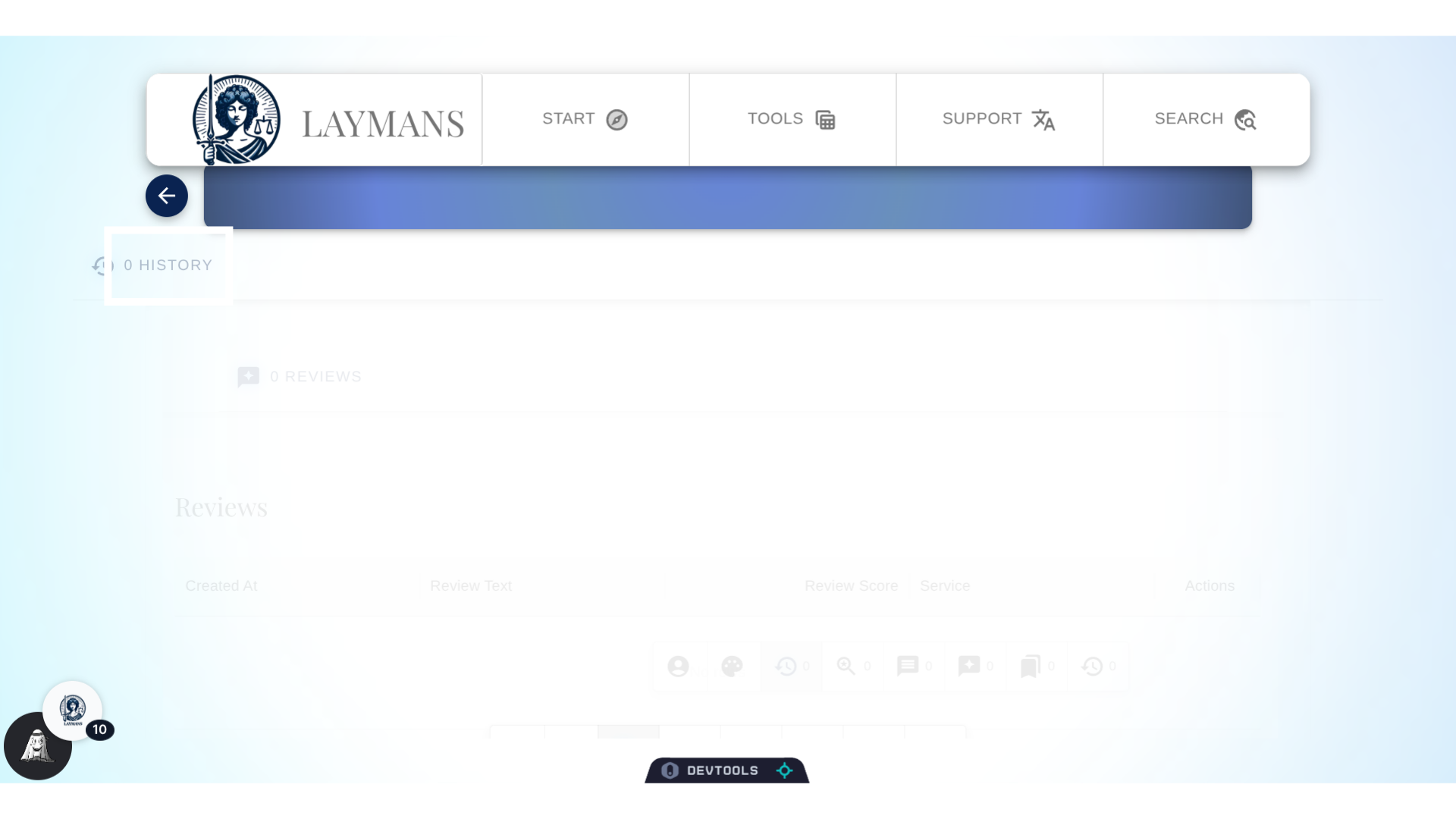
In history, you will find a record of the comments, reviews, suggestions, and all the other user interactions you've made, all in one place for your review. You can easily edit and delete them as you desire. Note, if you're looking for a history of your financial transactions or bookmarks they're not in settings - but elsewhere in the app. Please keep reviewing our "docs" website to learn more!