How to Search Laymans
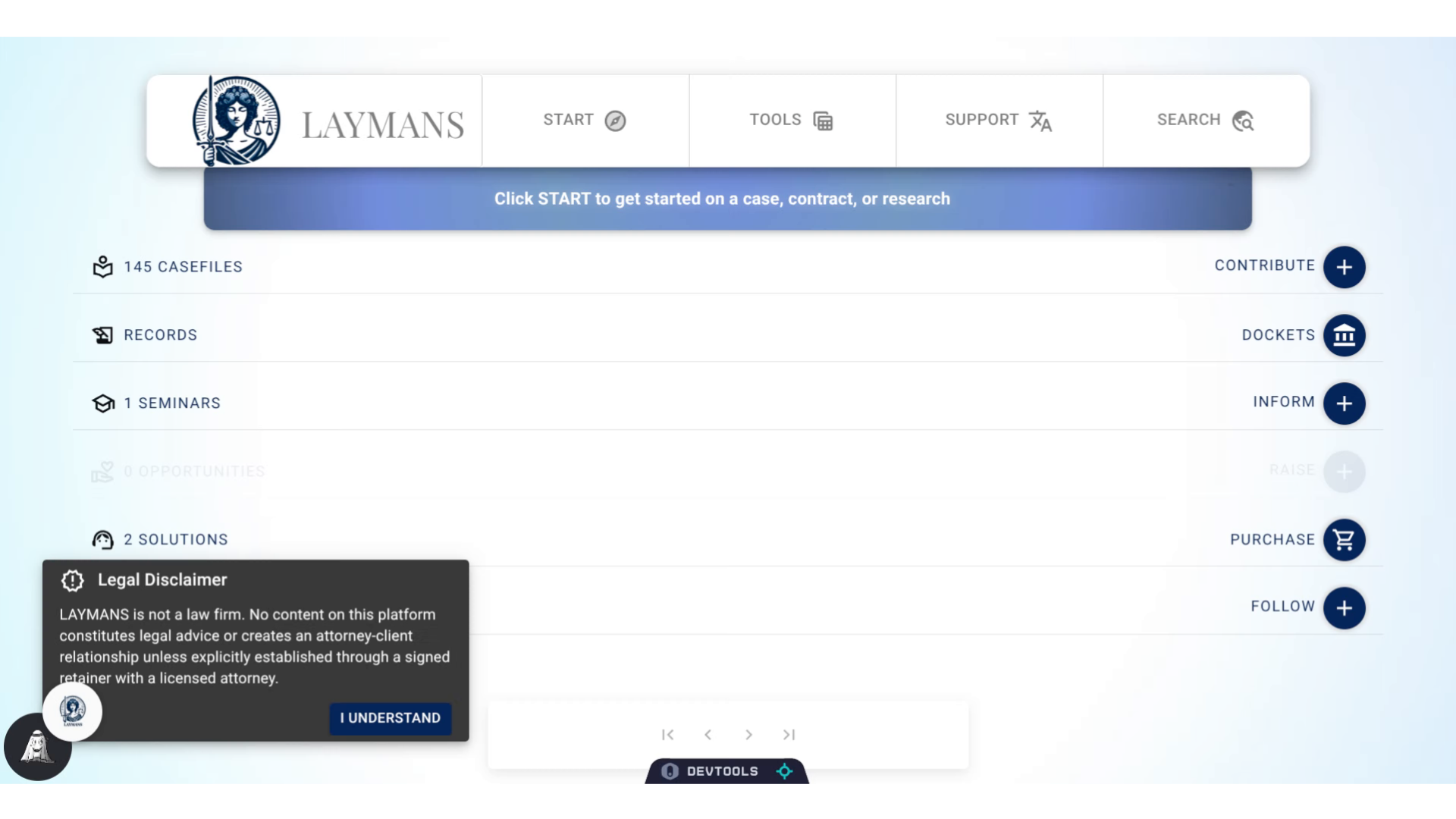
Go to www.laymans.app
1. Introduction
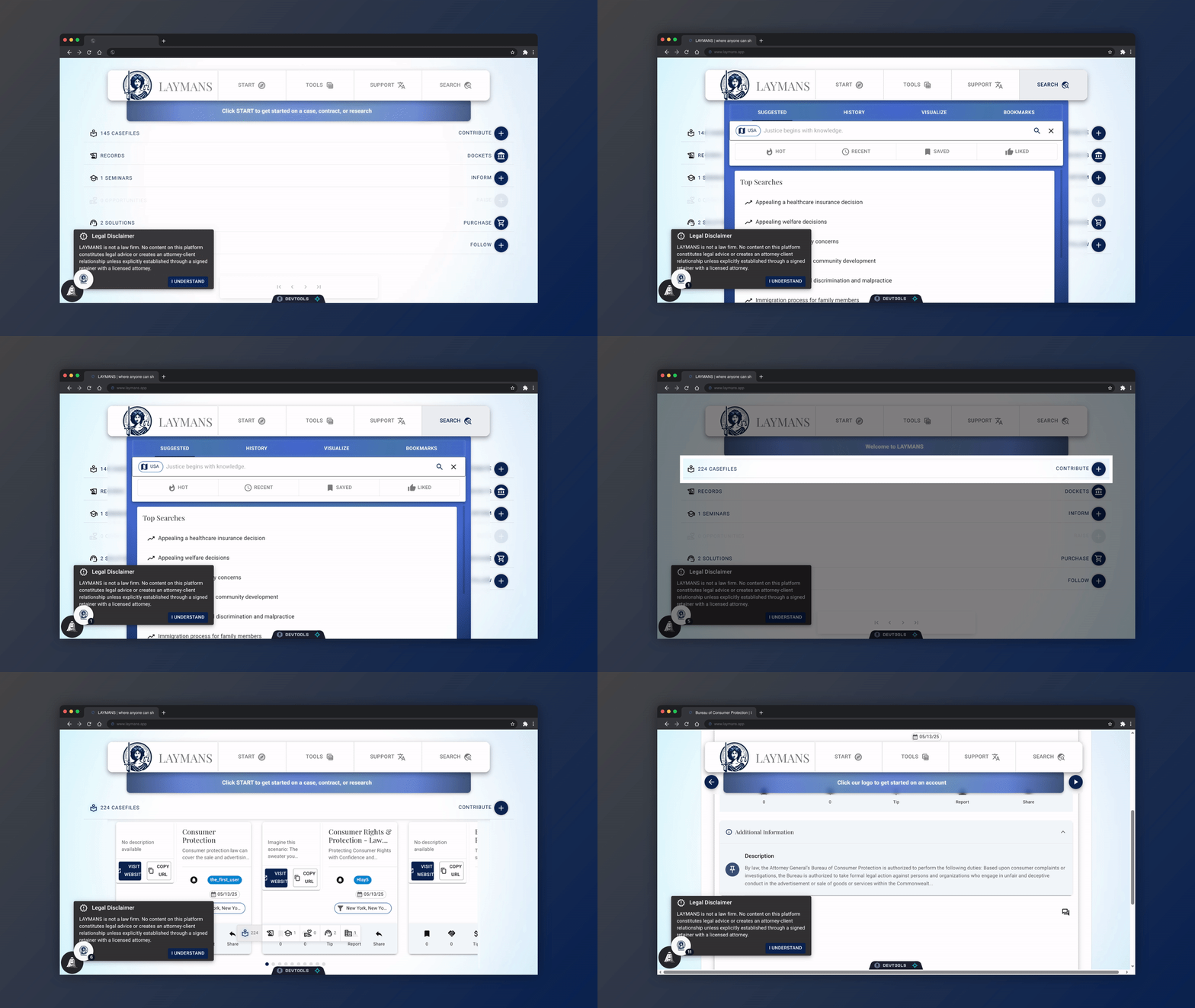
Between resources, courses, and funding, LAYMANS has a lot to offer. Luckily all these different offerings can be searched from one unified interface. Let me show you:
2. Click "SEARCH"
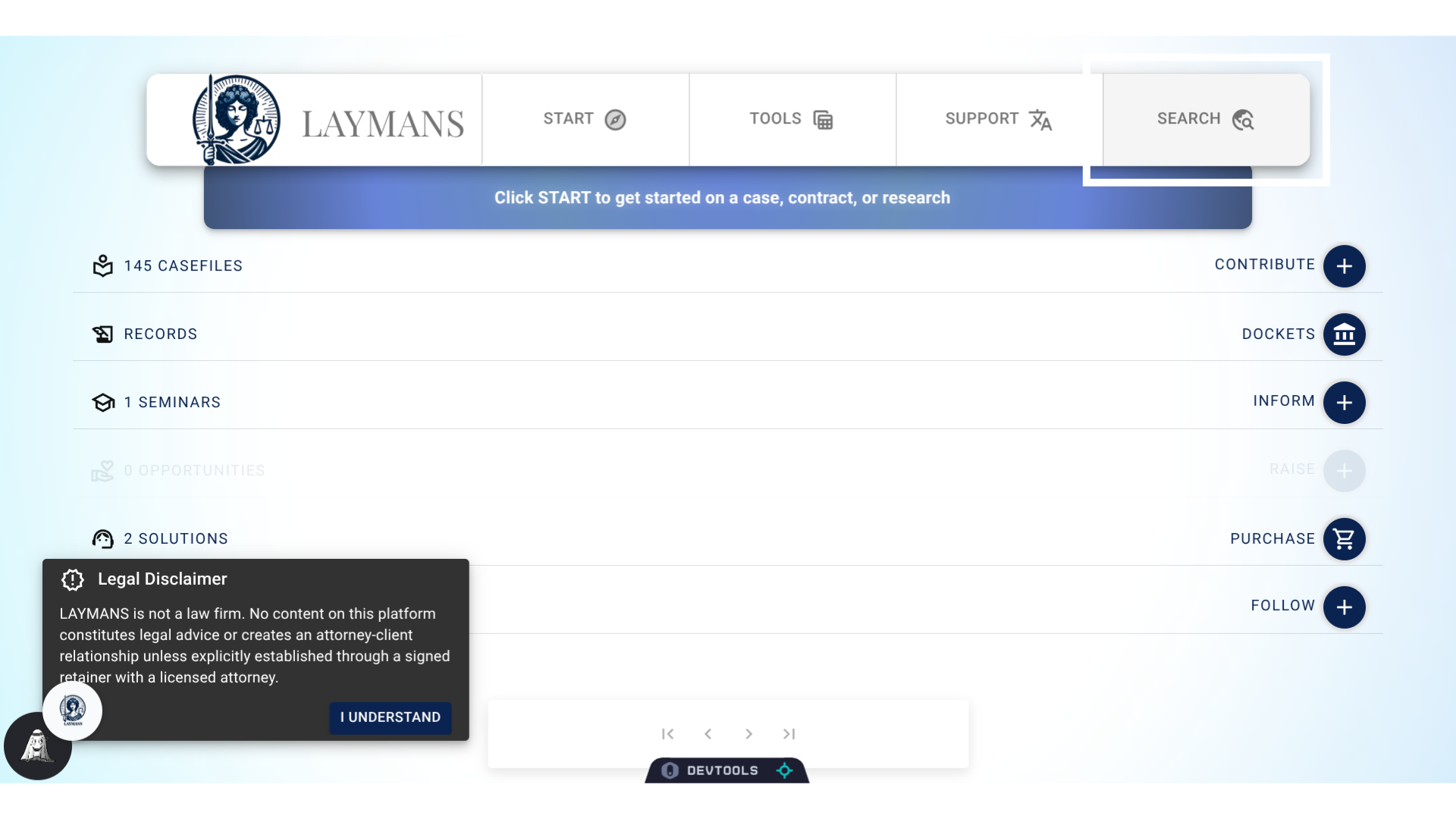
We're going to go to "Search" on the "PowerBar"...
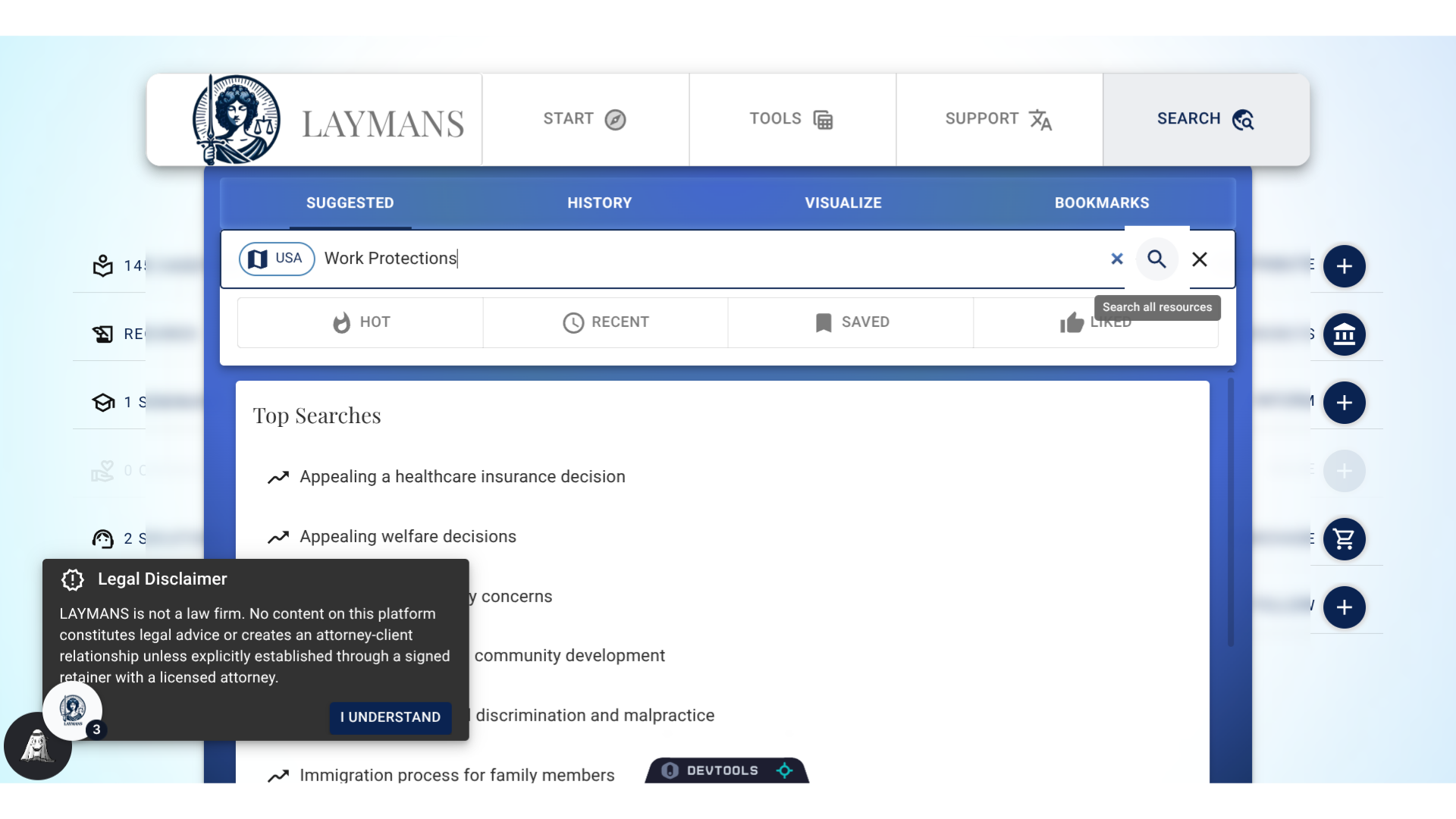
3. Click the Search Bar
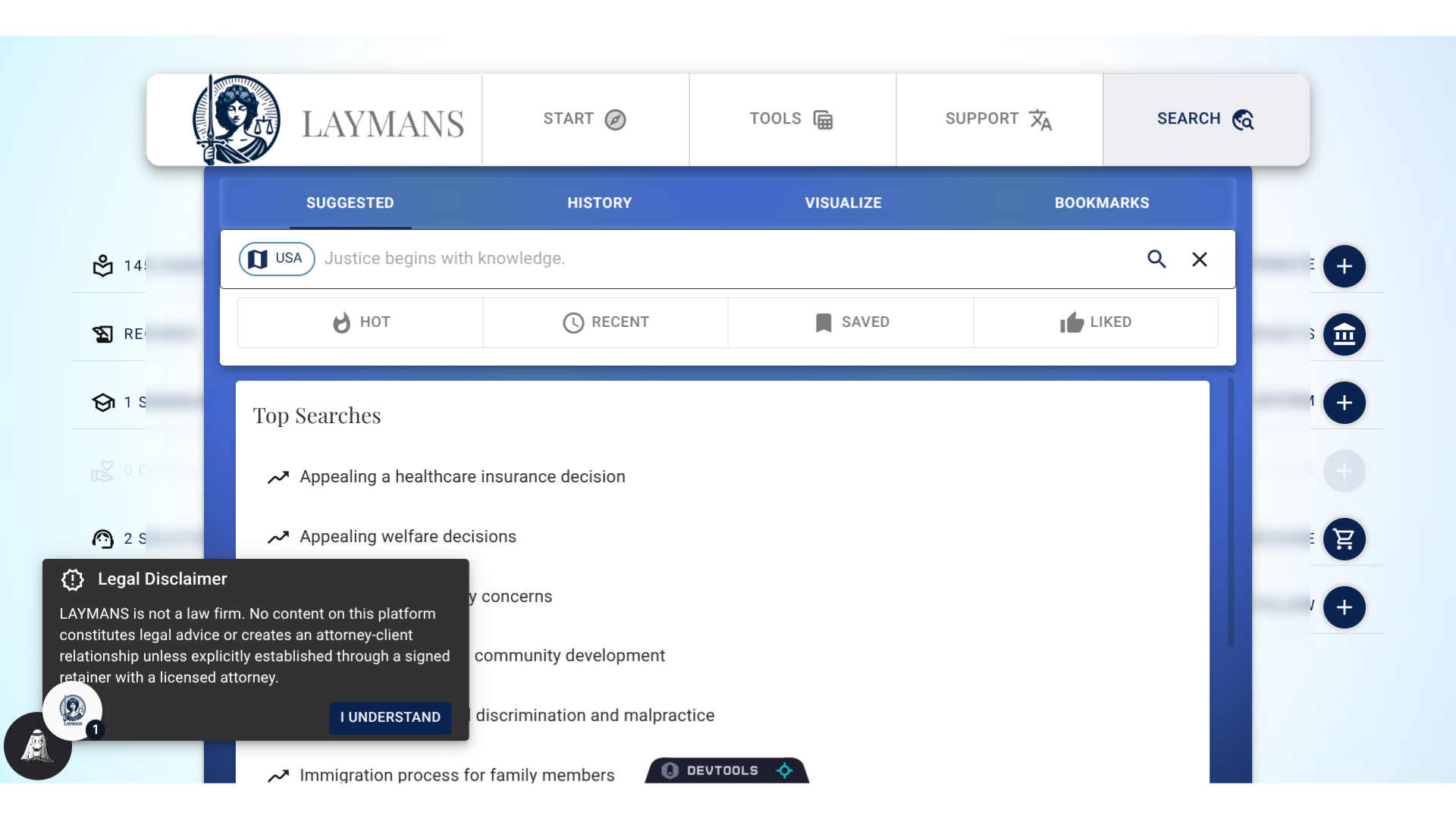
Welcome to the Search Interface. When you first log onto LAYMANS this is the first interface you see. But you can always navigate to the search bar from clicking Suggested after clicking Search.
4. Using County Filters
While here you can focus searches to your County, or...
5. Using Sort
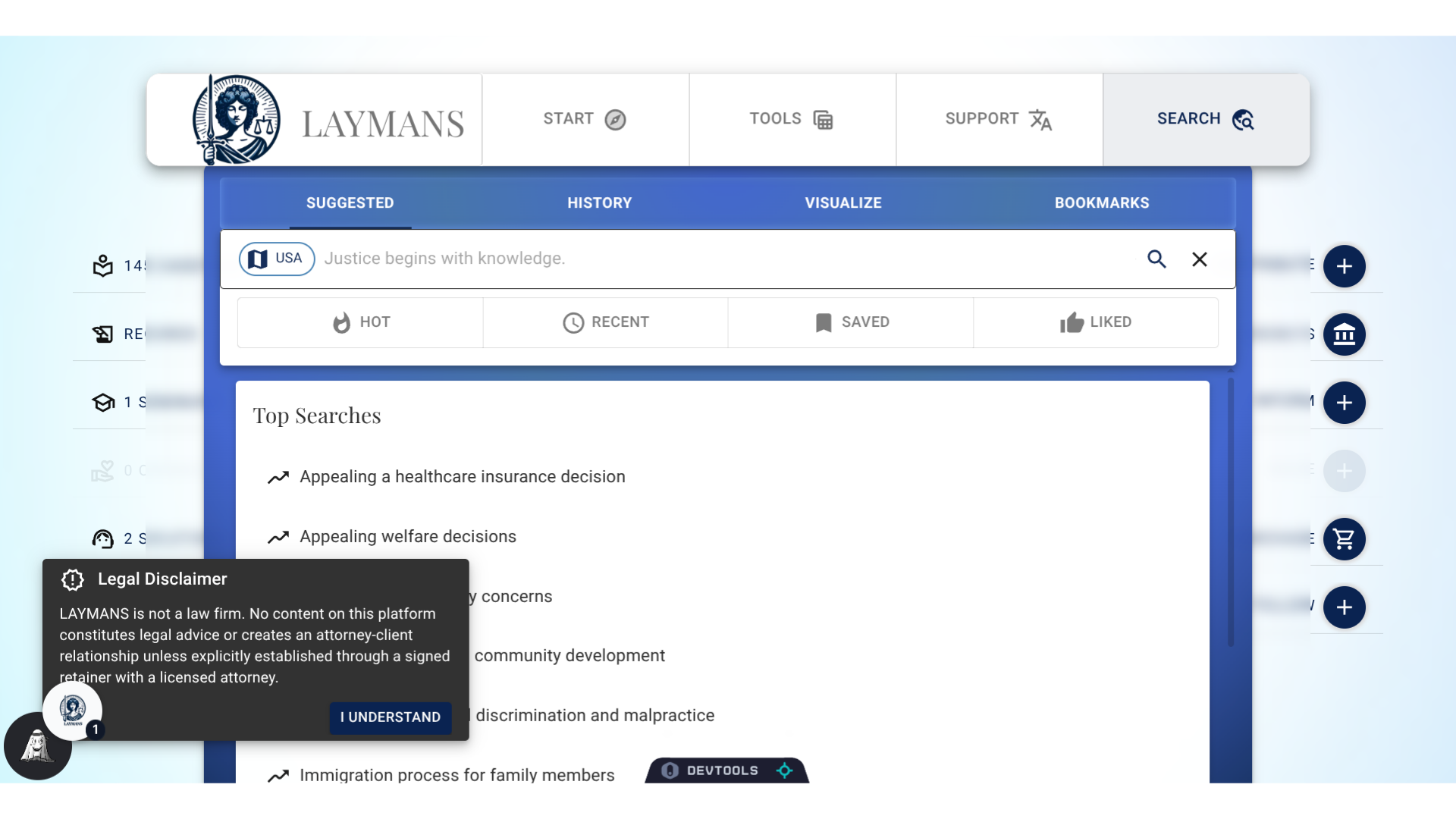
You can sort records by how popular they are, how recent they are, how often they are used, and how often they are saluted. If you don't select a sort option, records are returned by semantic similarity, meaning, we try to show you the resources with the closest meaning to your search. This is a form of AI-powered search that allows you to find what you're looking for even if you're not using the right words.
6. More about Search
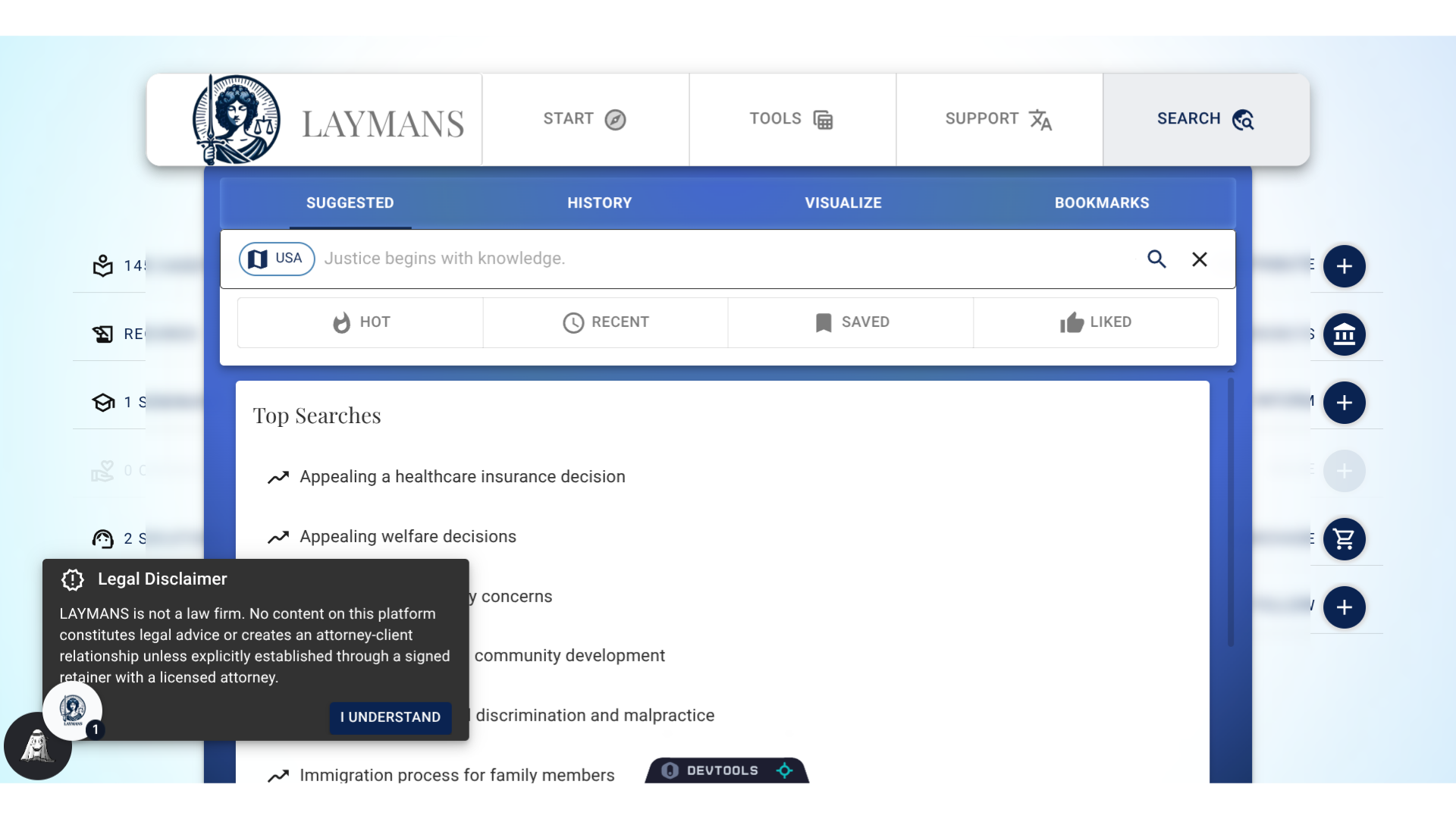
There are many other things you can do on this tab, like review and edit your Search History, Visualize the relationships between your search results, and interact with your bookmarks, but for now I am going to demonstrate using the search bar.
7. Press Enter or click the Search Icon to Search
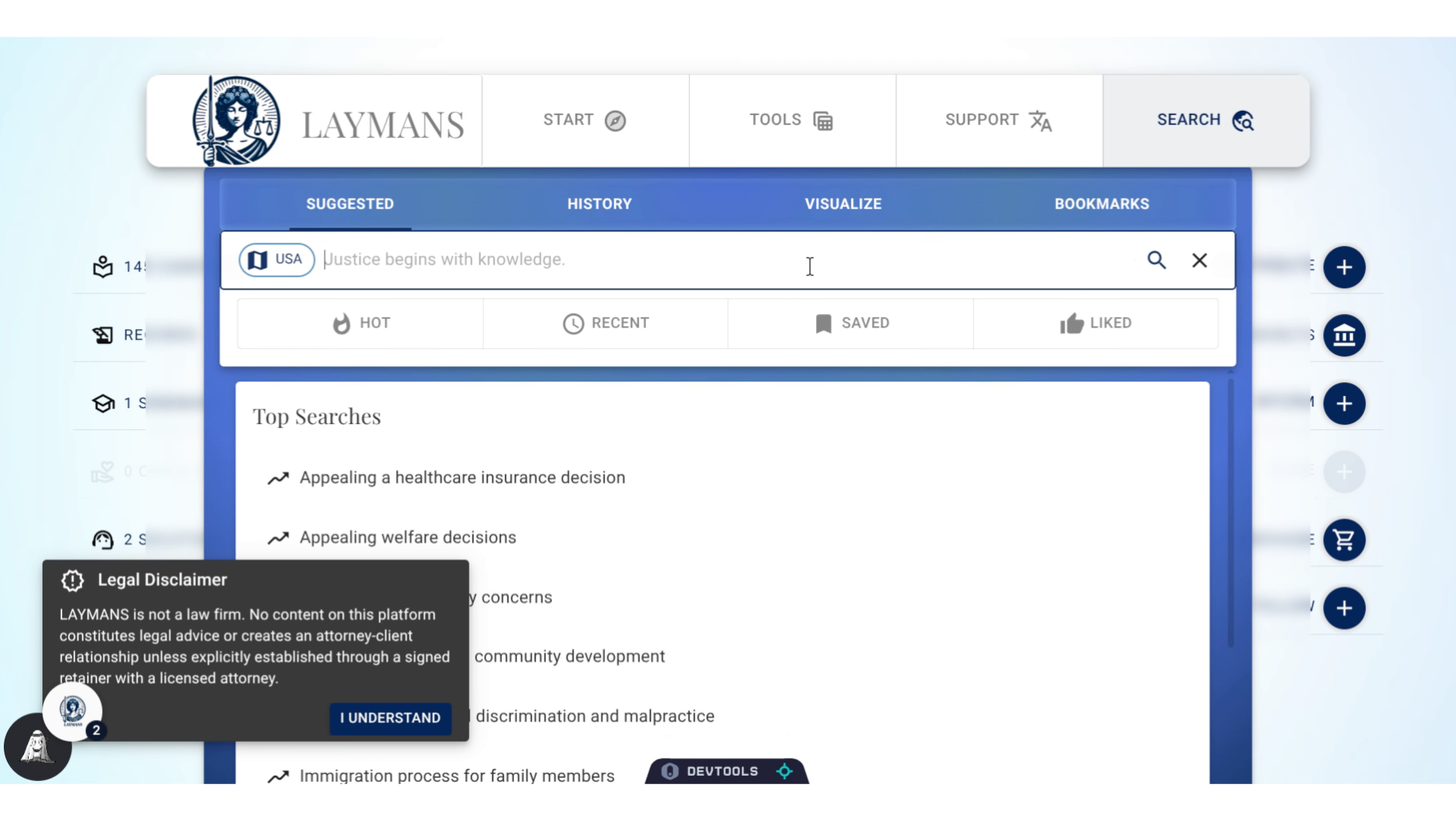
Once you're done typing in your search you just click the icon to begin a search
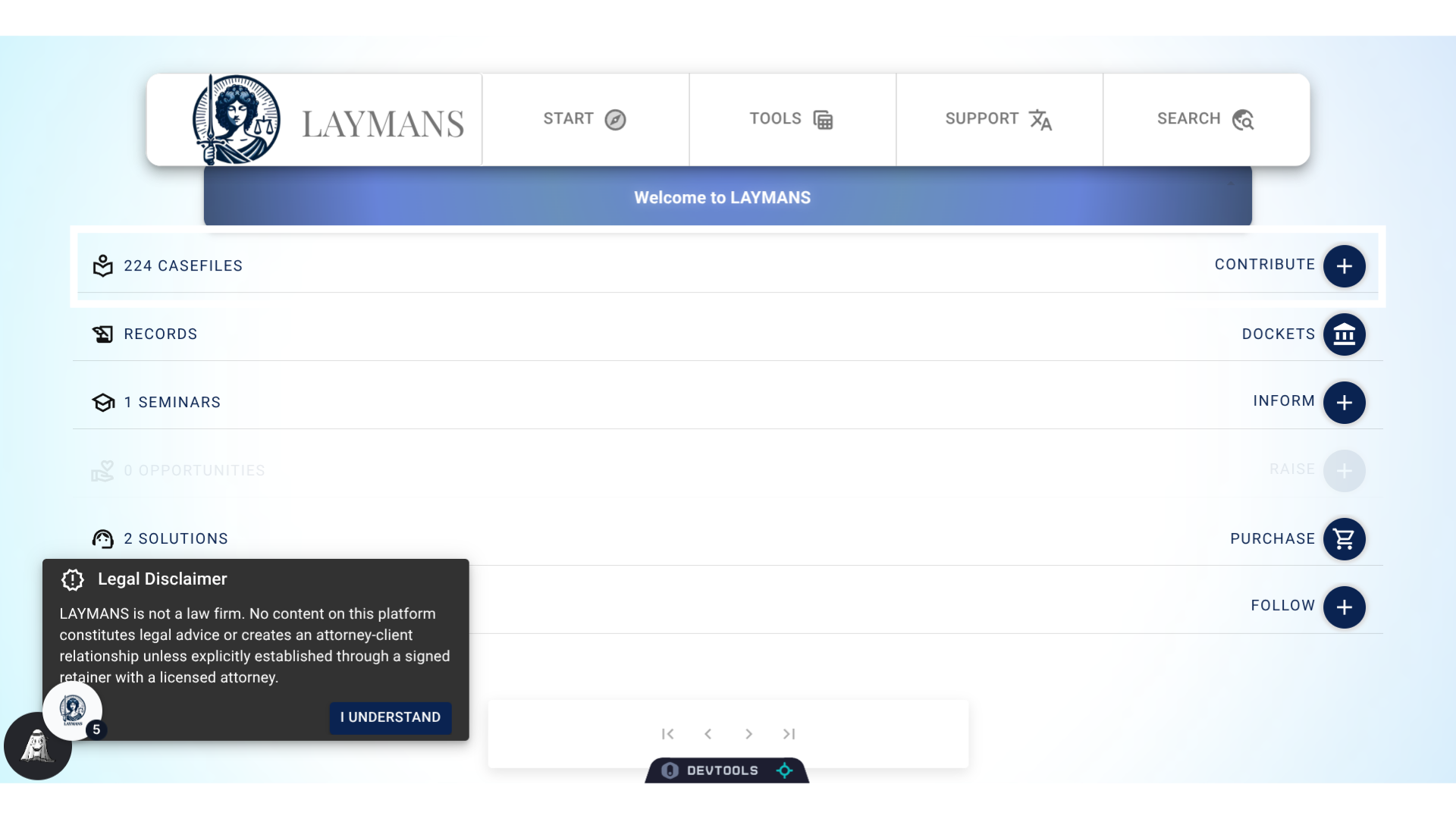
8. State will update
You'll see that the number of records for each have changed. The platform will attempt to give you the most relevant of 250 records per type.
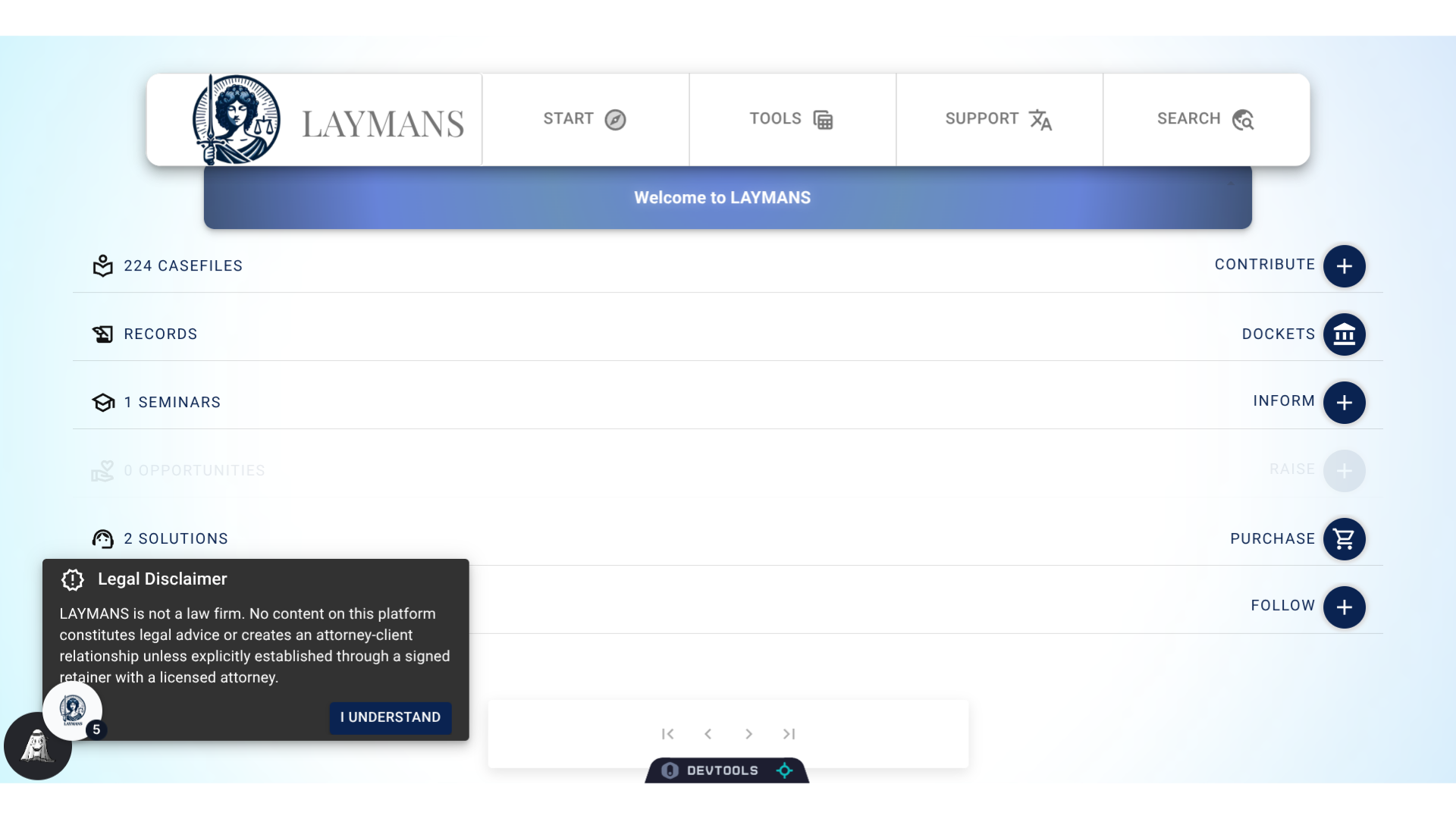
9. Pagination
However, you want to access the next page of results for all records you can click the arrows here.
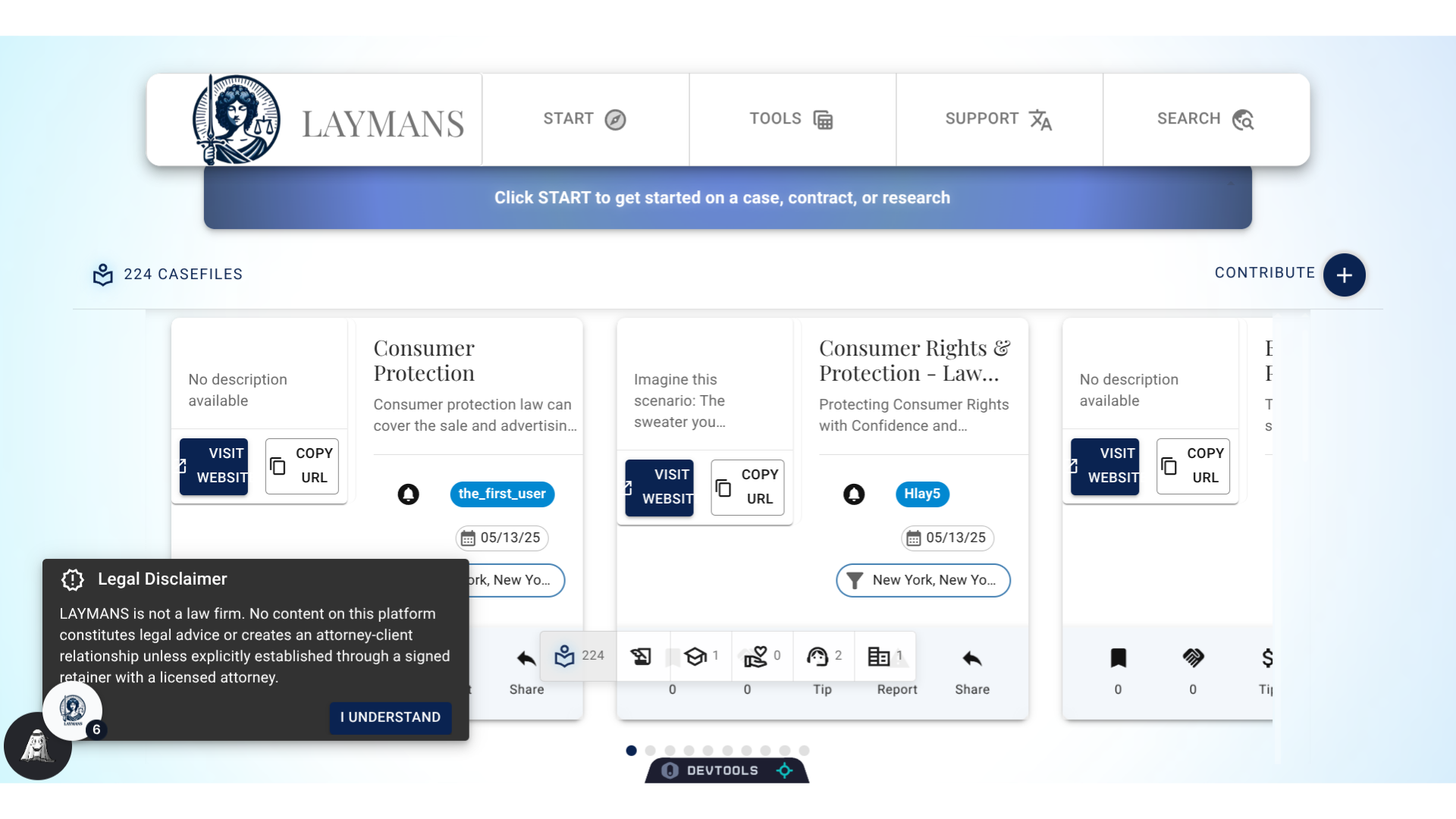
10. For example
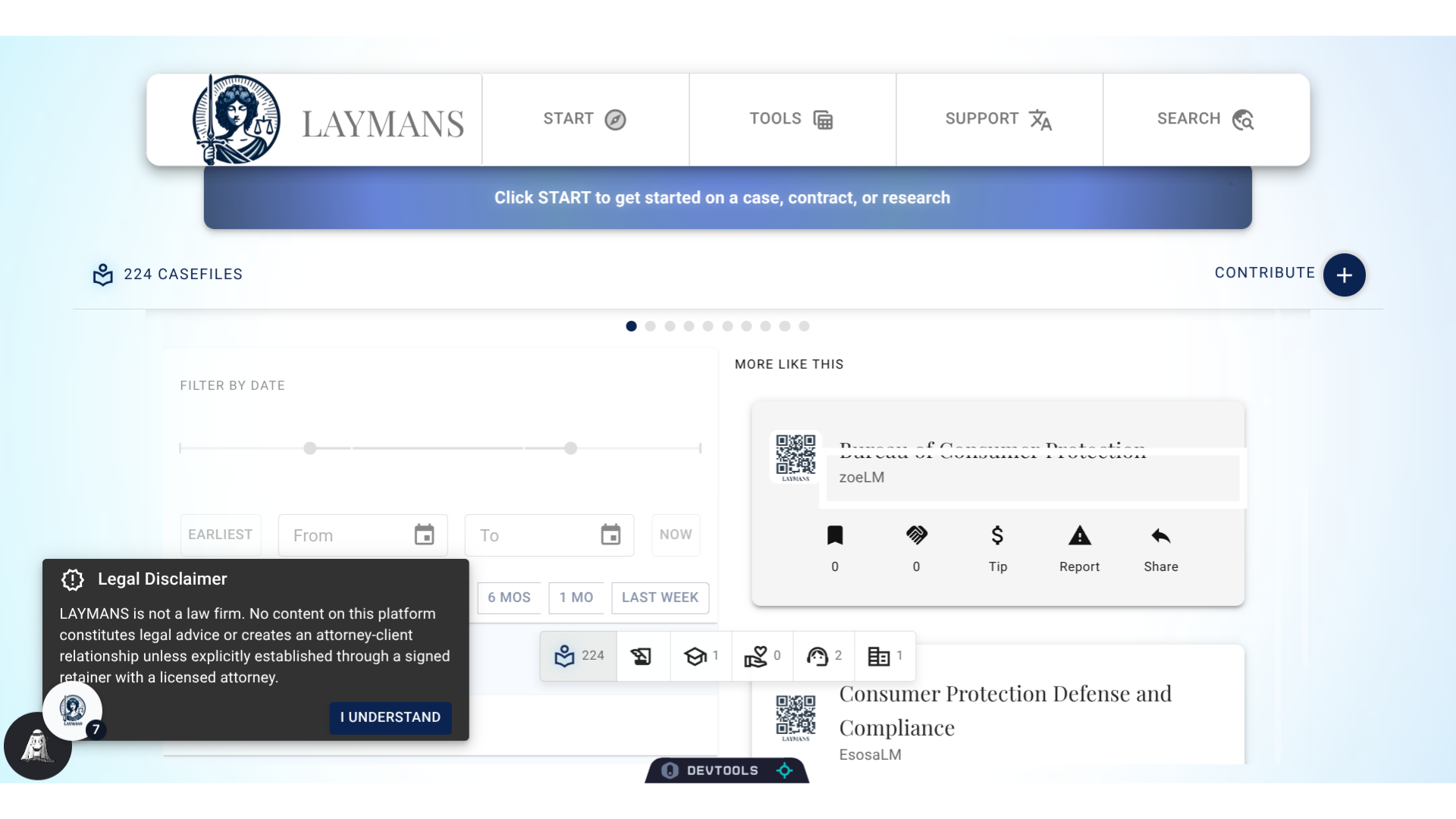
Here's the casefile records returned for my search, casefiles are the basic building blocks of laymans documents, and includes articles and resources. In my case, I'm receiving overviews on consumer protection.
11. Picking a record
Let'sgo a touch further down and interact with the infinite list. I'm going to pick a casefile from Laymans teammate Zoe.
12. Completion
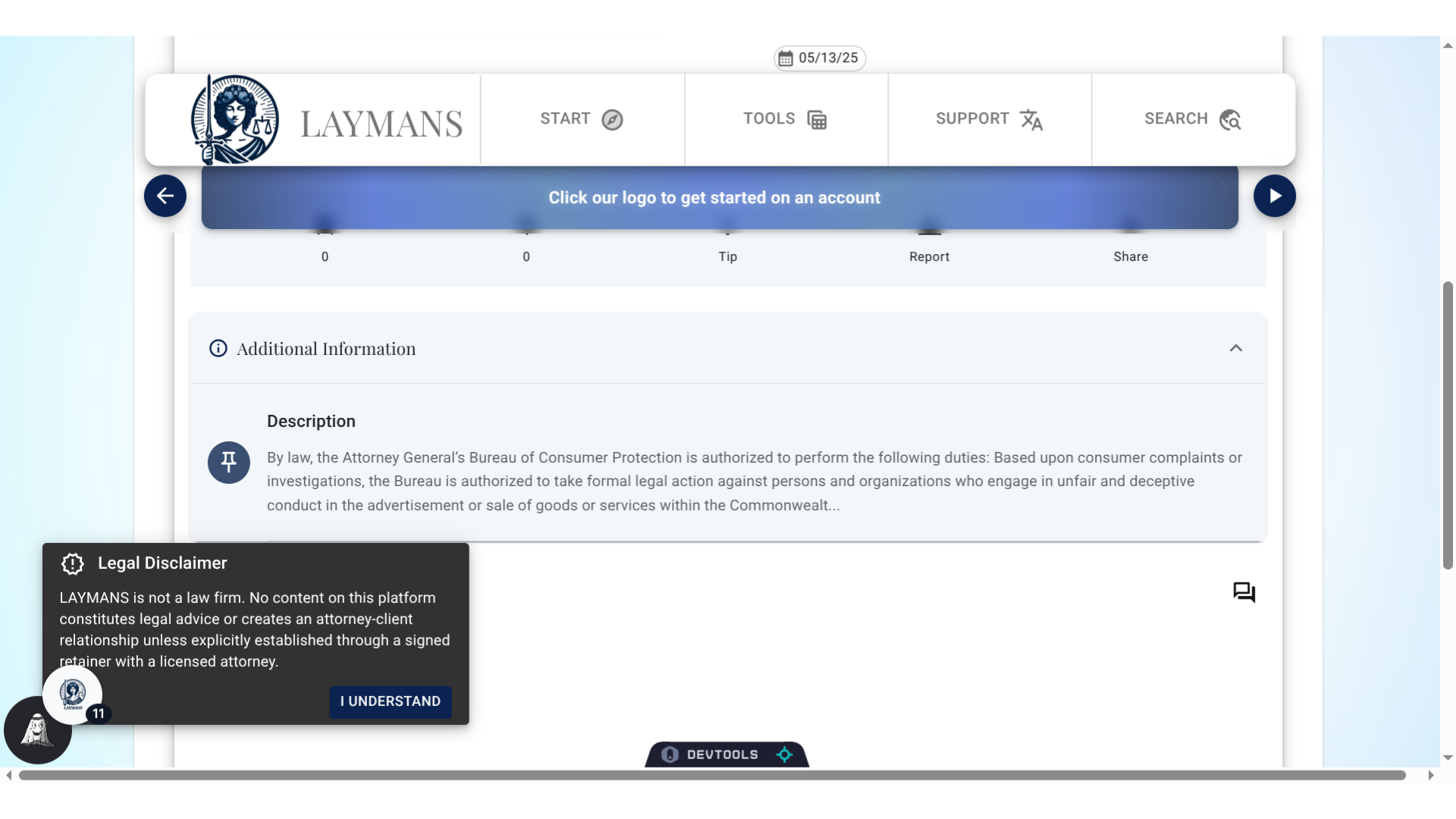
I've now found my casefile! This casefile discusses the Attorney General's Consumer Protection Office - a great resource to save in my case. There's many things you can search on LAYMANS so feel free to click around. If you ever have trouble finding what you're looking for feel free to use Start > Discuss to ask me -- LAYMANS' AI model Layla -- for help.