Getting Around with Laymans
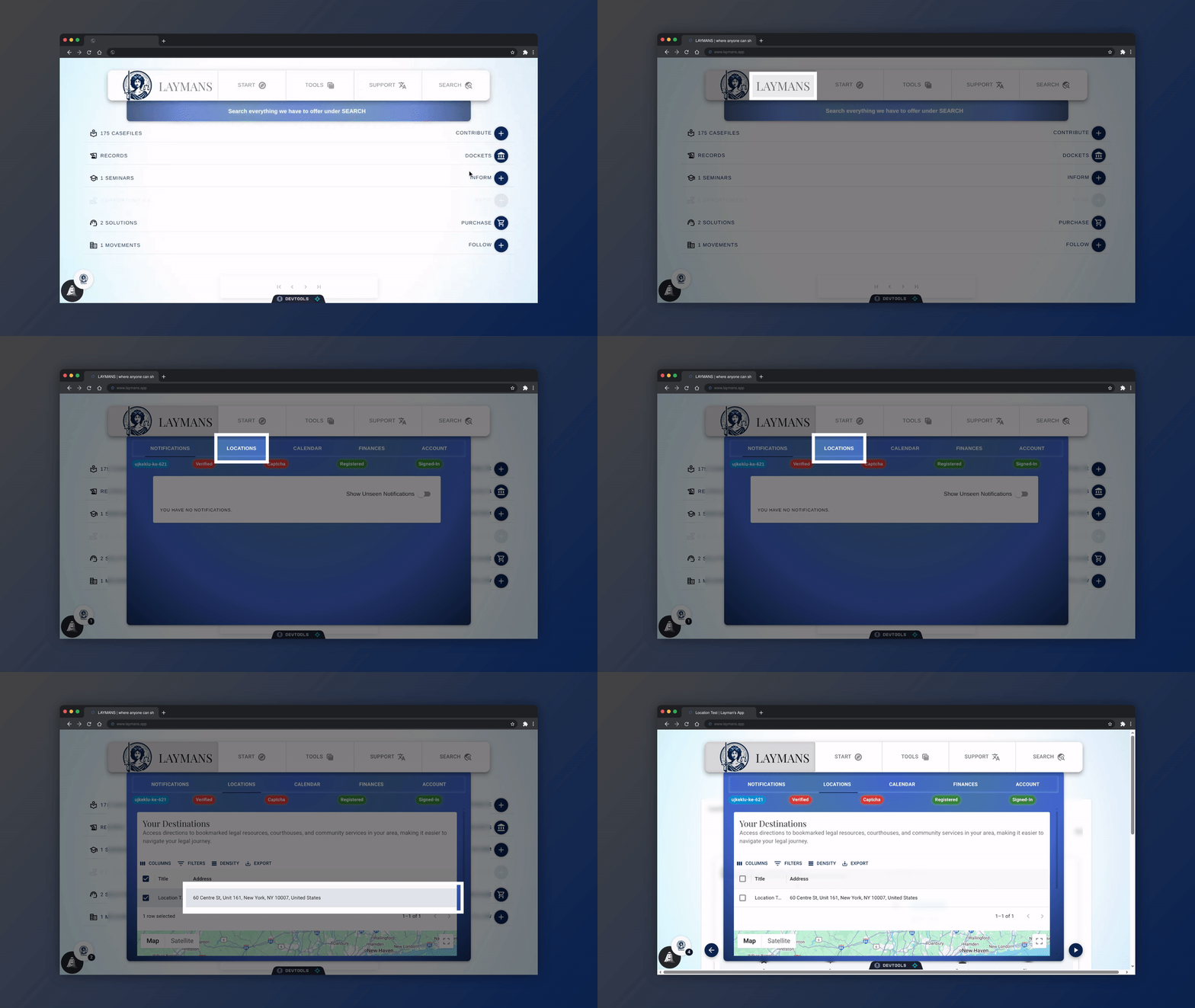
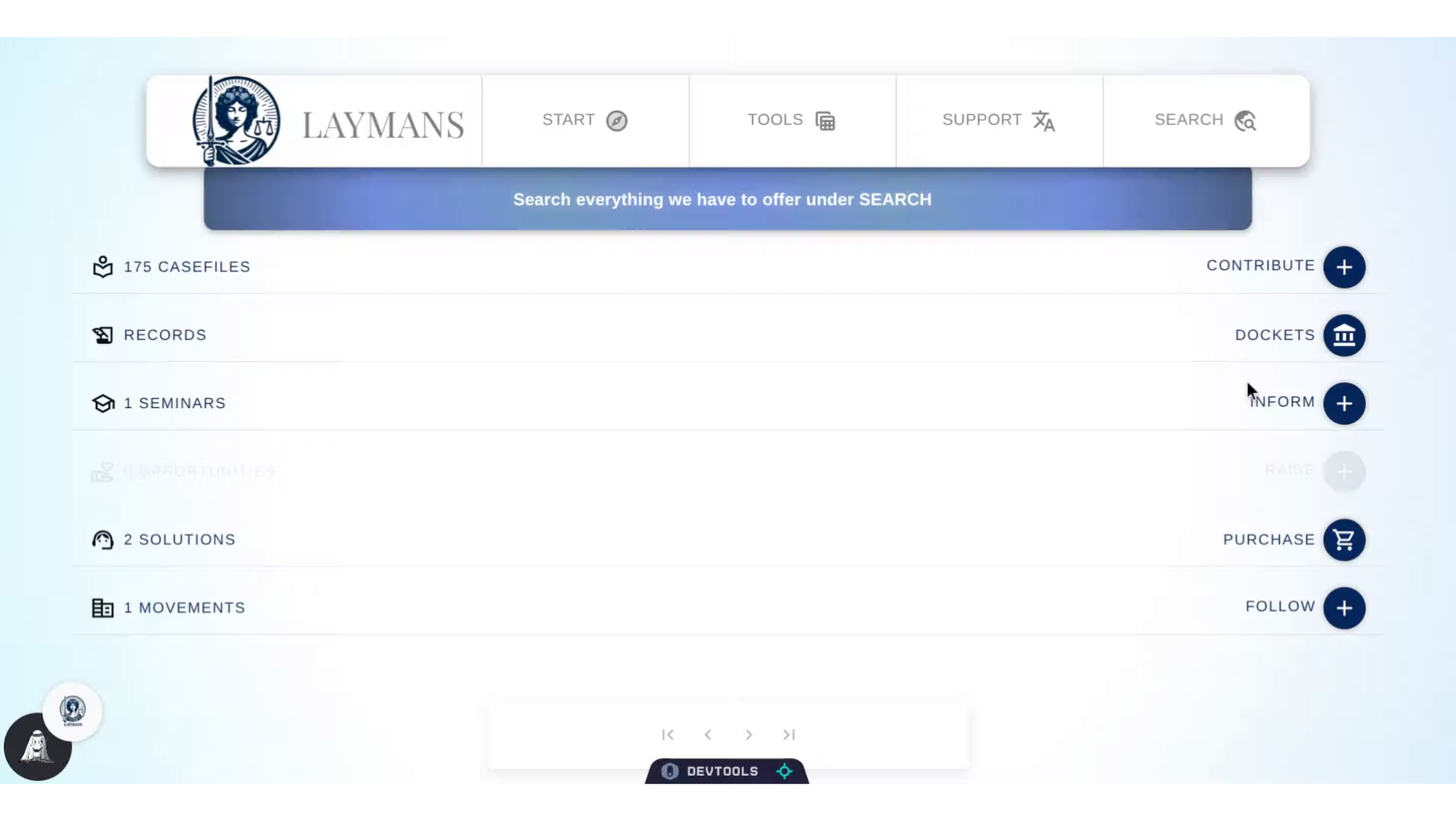
Go to www.laymans.app
1. Introduction
Hey, did you know that Laymans can help you find legal resources both online, and offline? Let's check it out:
2. Click "LAYMANS"
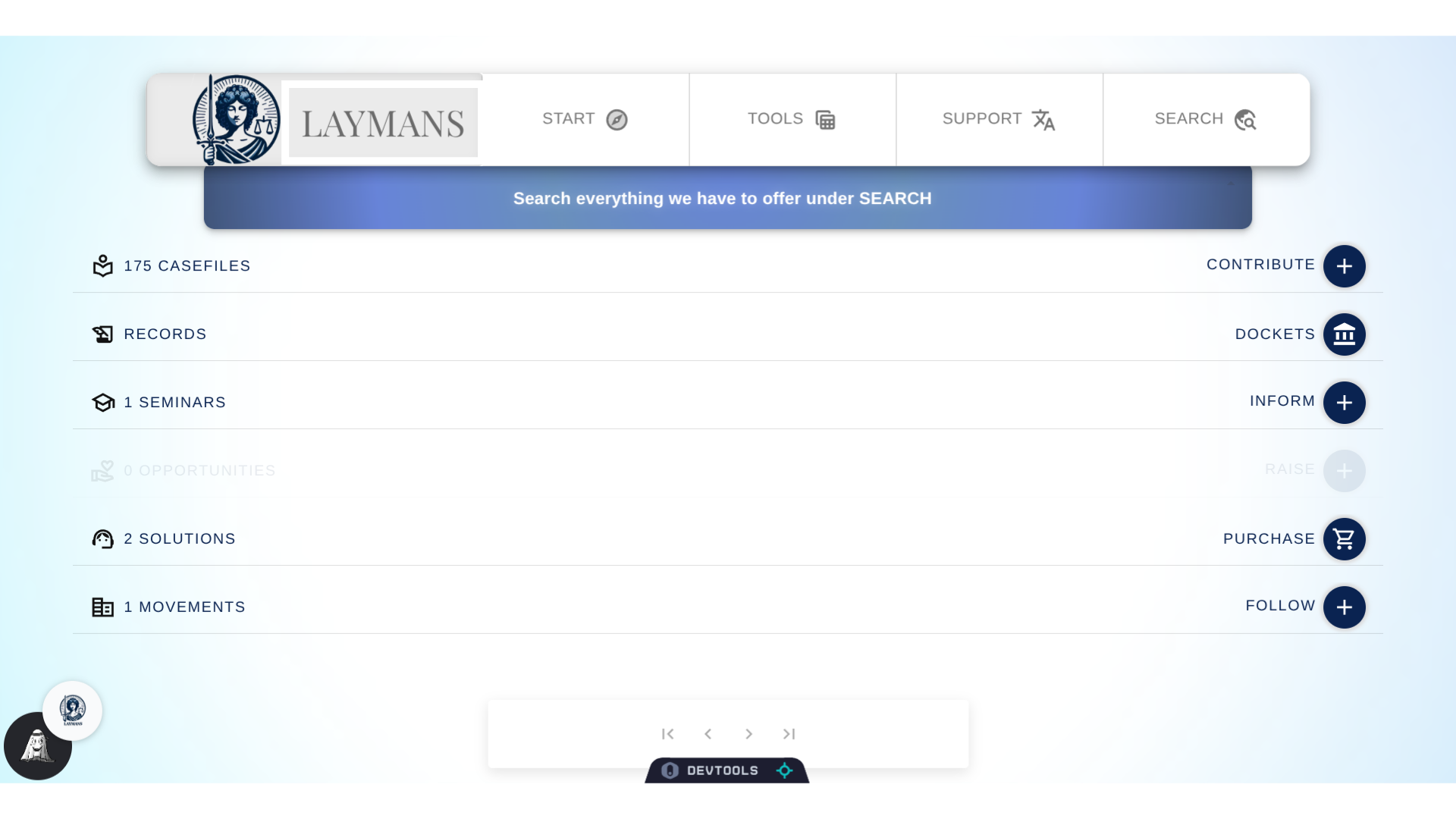
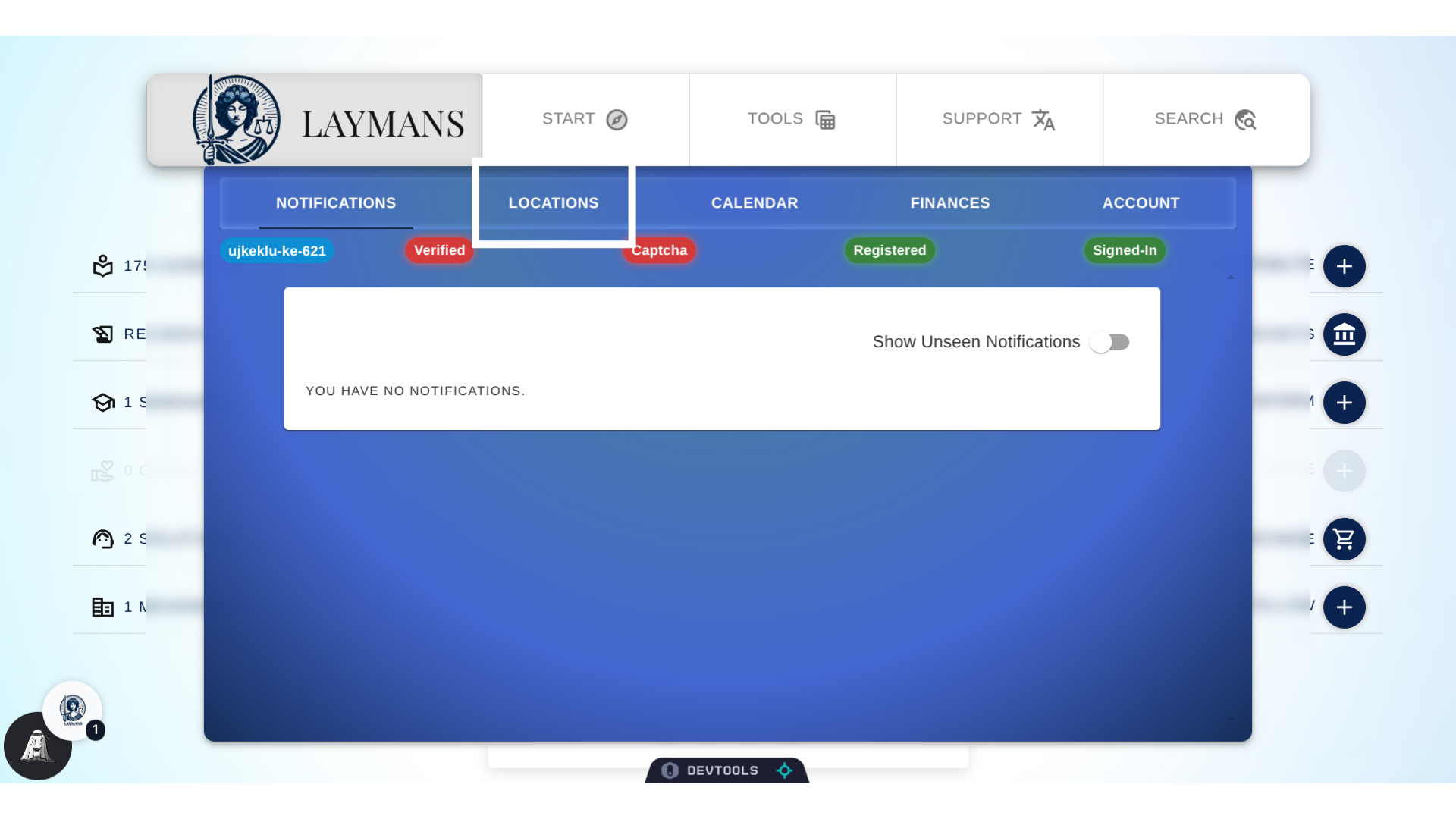
First click on LAYMANS: This is where many account-wide services are available, like directions, your calendar, and your financial records.
3. Click "LOCATIONS"
Next, you're going to wanna click on the "Locations" tab to get where you're going.
4. Click an "Address"
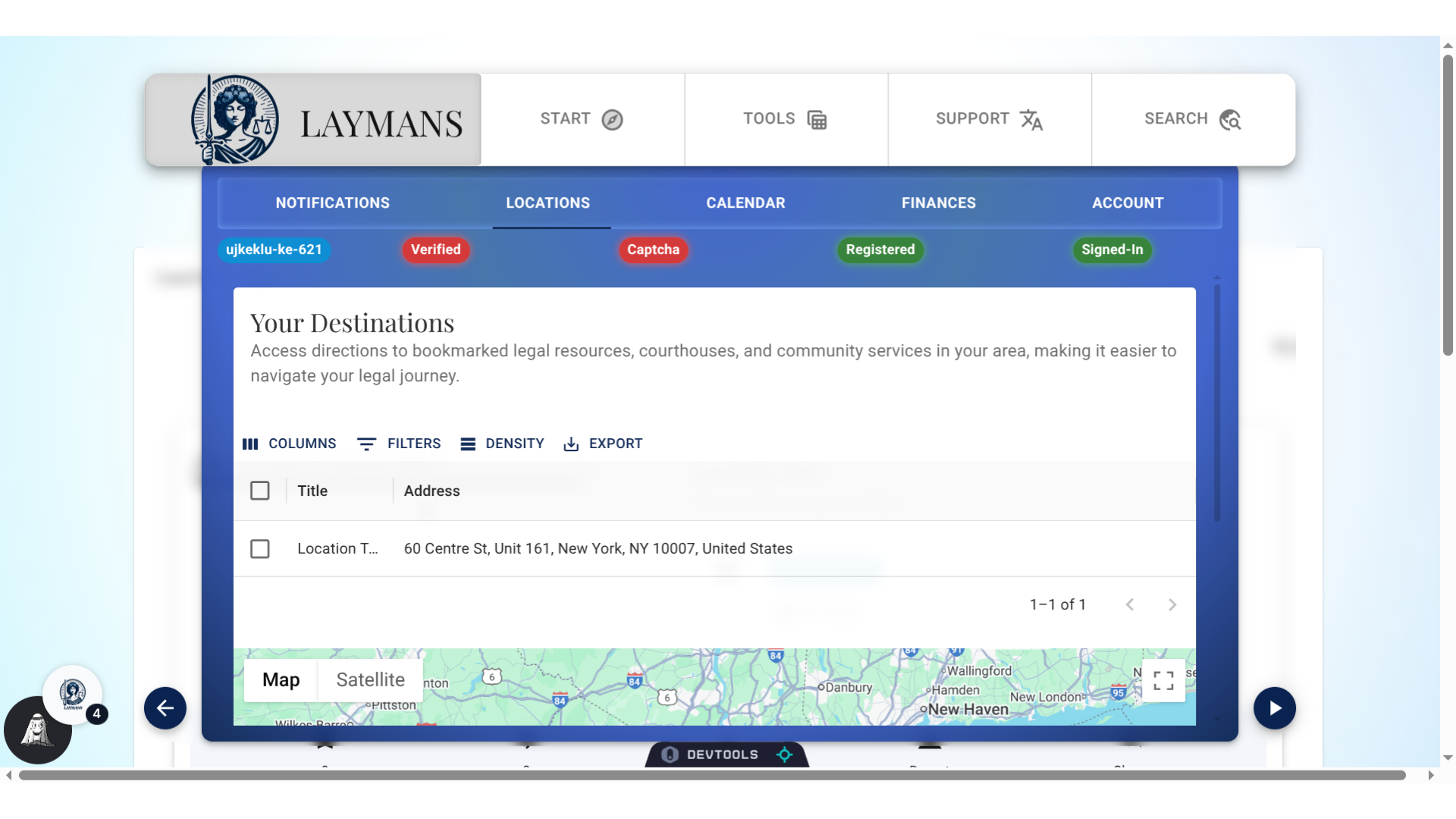
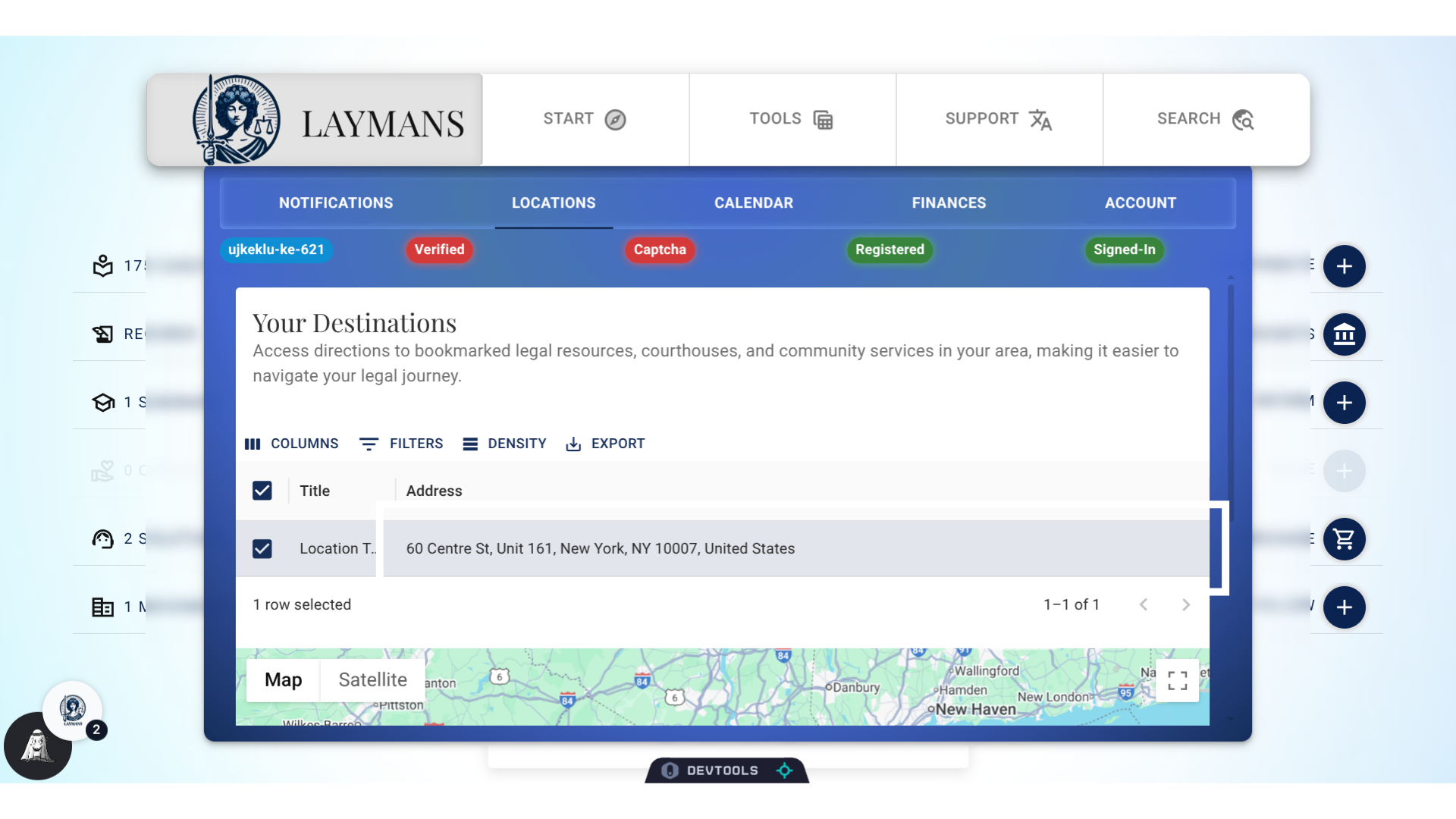
So here you will find casefiles associated with addresses you've bookmarked, made, or received while building your case: While here I can view a map, pull directions from google, or quickly export addresses to go. Laymans works both on desktop and mobile, this means we are here for you every step of the way. Forgot where that courthouse is? Need to find a notary? Don't know where to mail that? You can search with AI, have these resources bookmarked for you, and then simply navigate away.
5. Click "LAYMANS"
This is just an example to show all the things Laymans can do: Using the building blocks of casefiles you can make legal documents rich with the context of where you need to go, what you need to do, and how to do it - in addition to solving problems and winning cases.