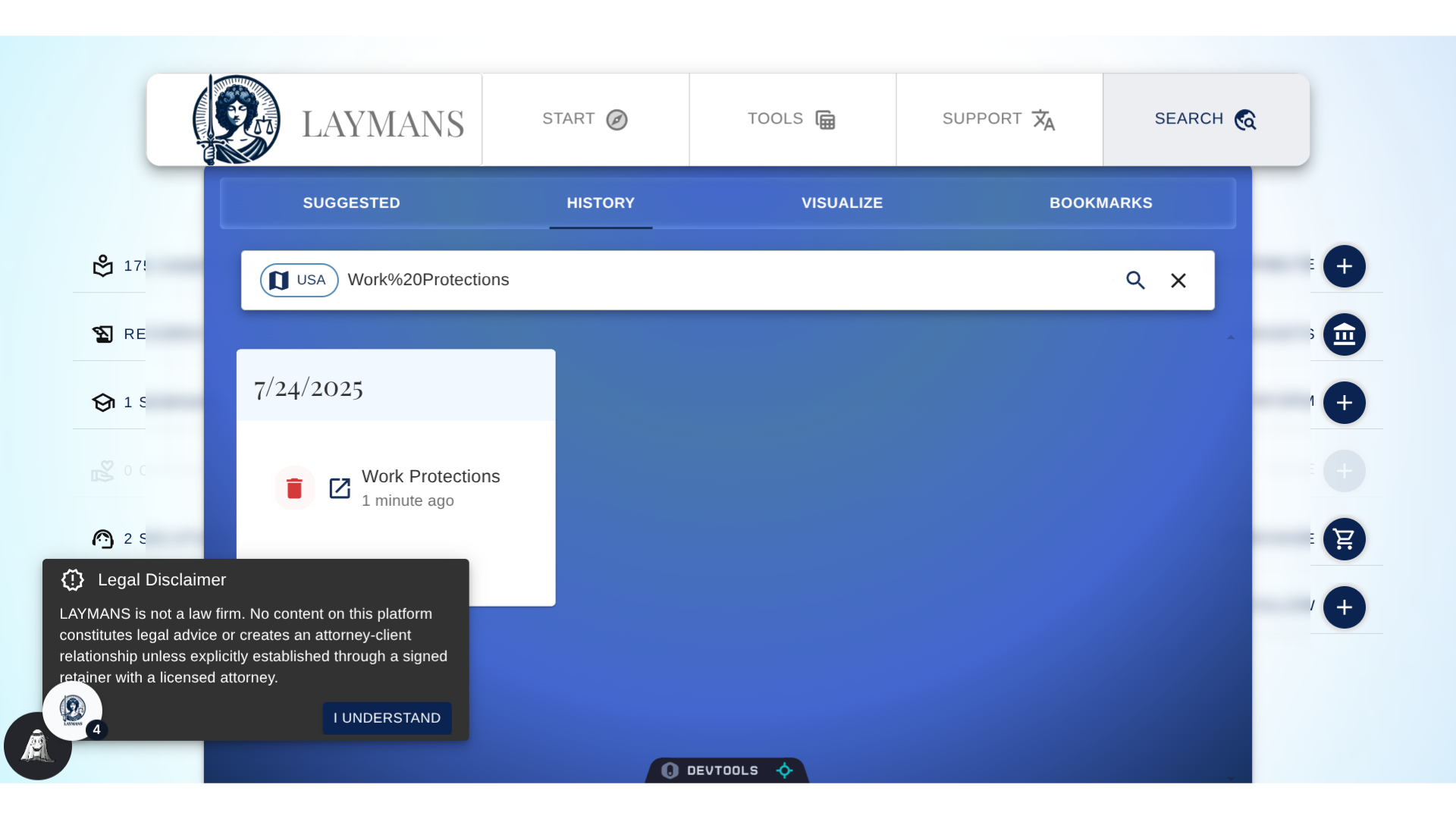
Your Search History on LAYMANS
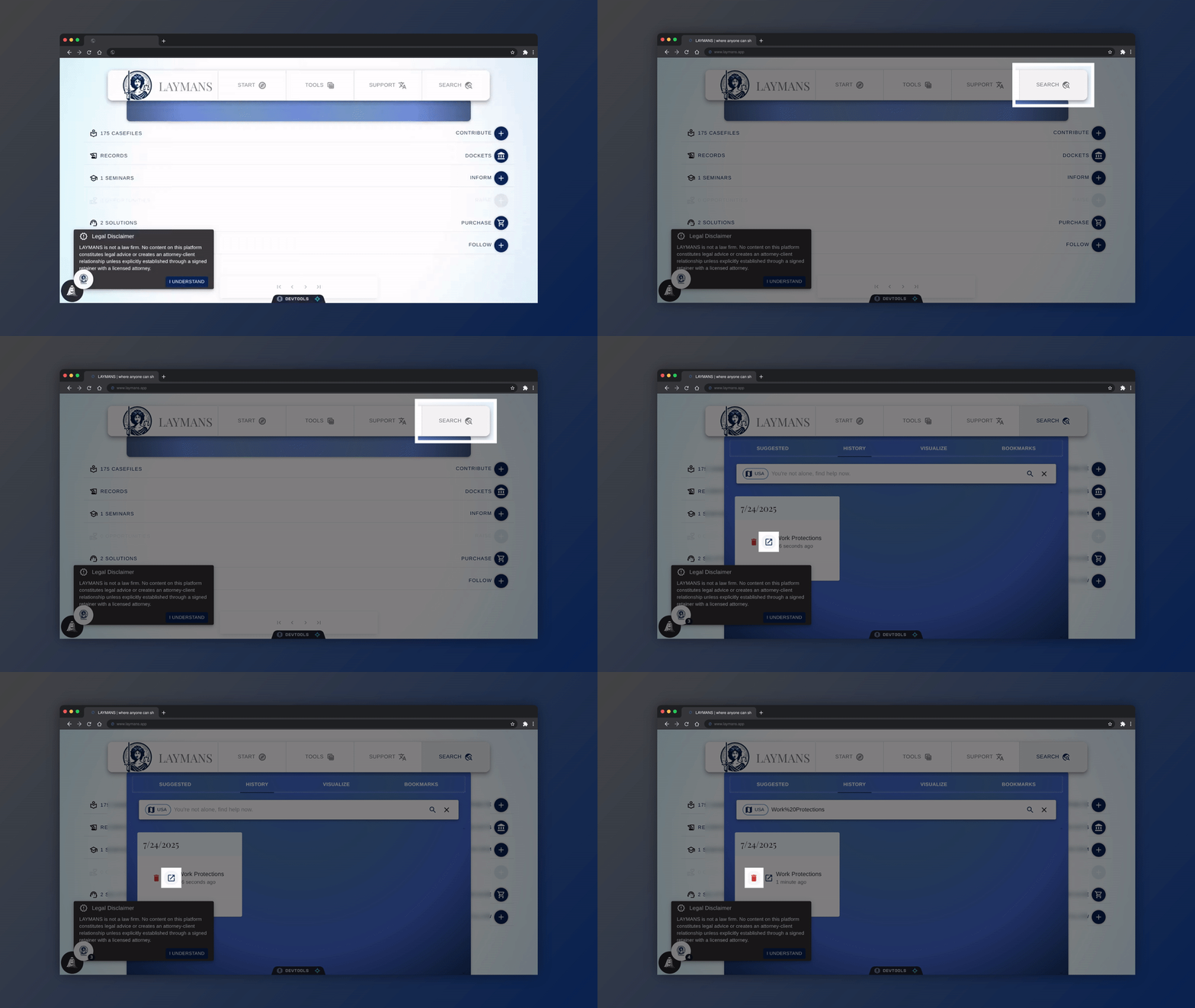
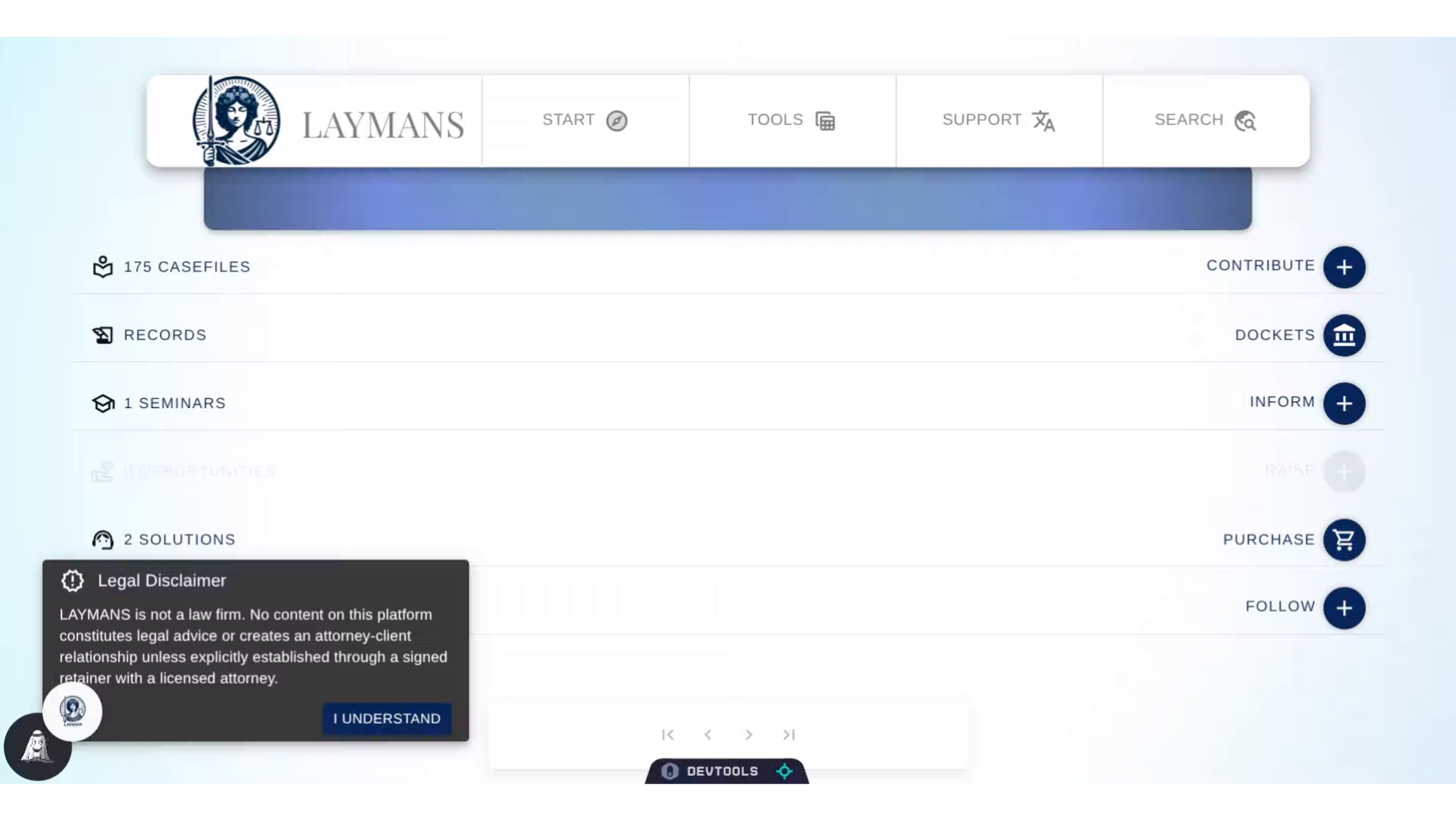
Go to www.laymans.app
1. Introduction
On LAYMANS, your data is your data. Meaning that wherever possible you can freely see and delete the data you've created with us. For instance, let's delete a search history item.
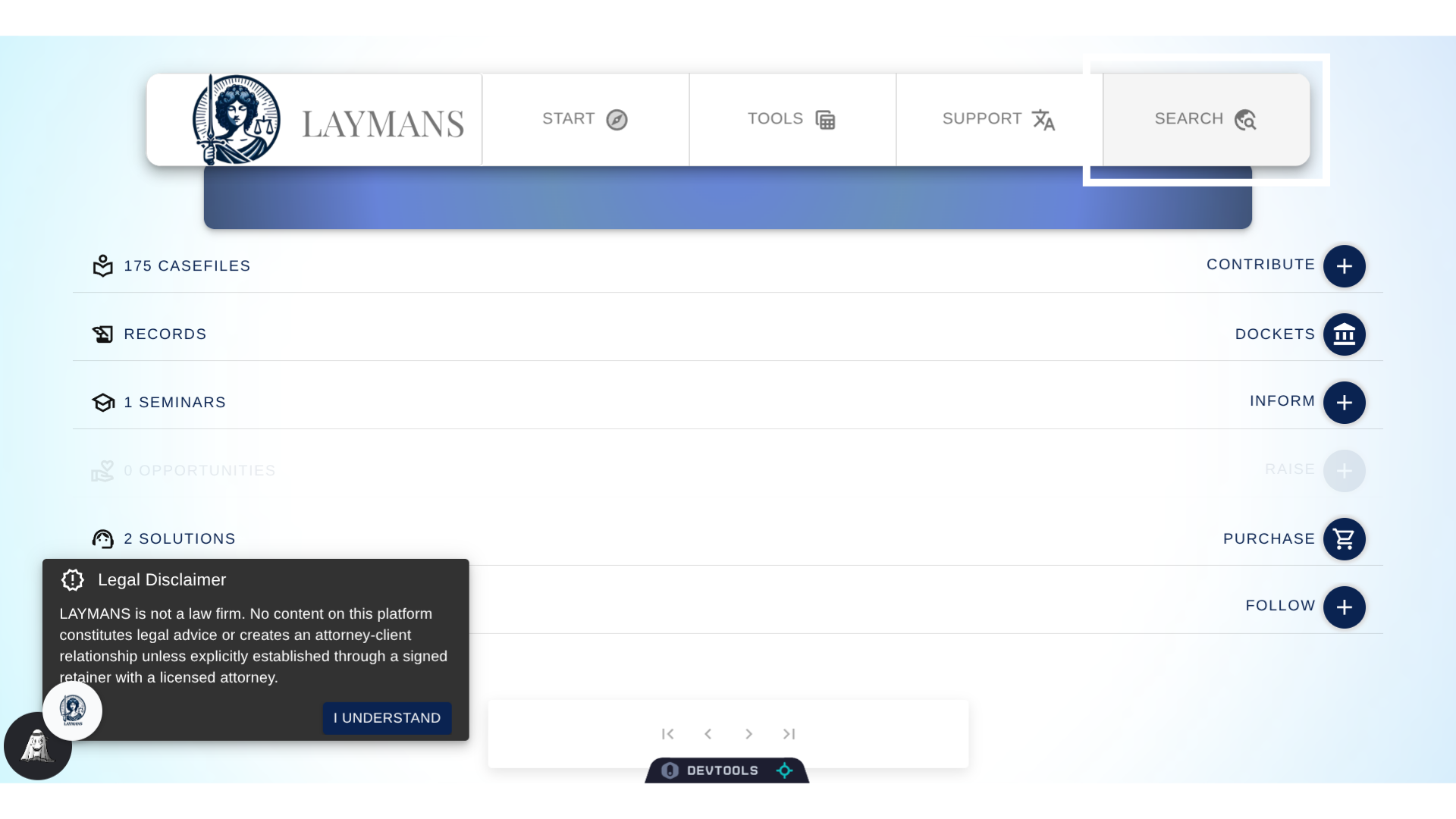
2. Click "SEARCH"
On Laymans, your Search History is conveniently available under search.
3. Click "History"
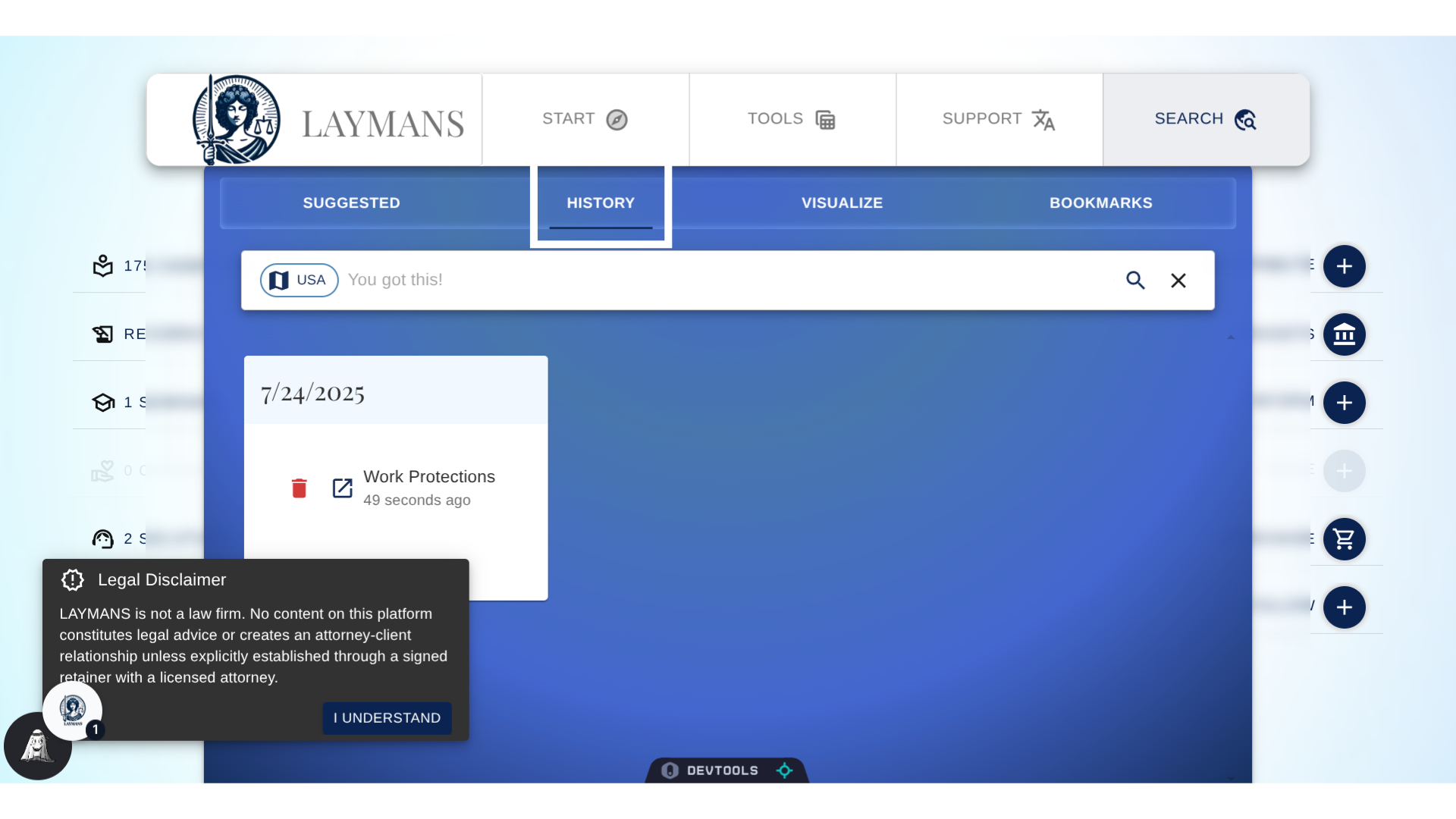
Then while on "Search" navigate to History to see your History items.
4. Setting Search from History
From here, I can set any search I've made previously as my current search, and continue from where I stopped.
5. Deleting previous Searches
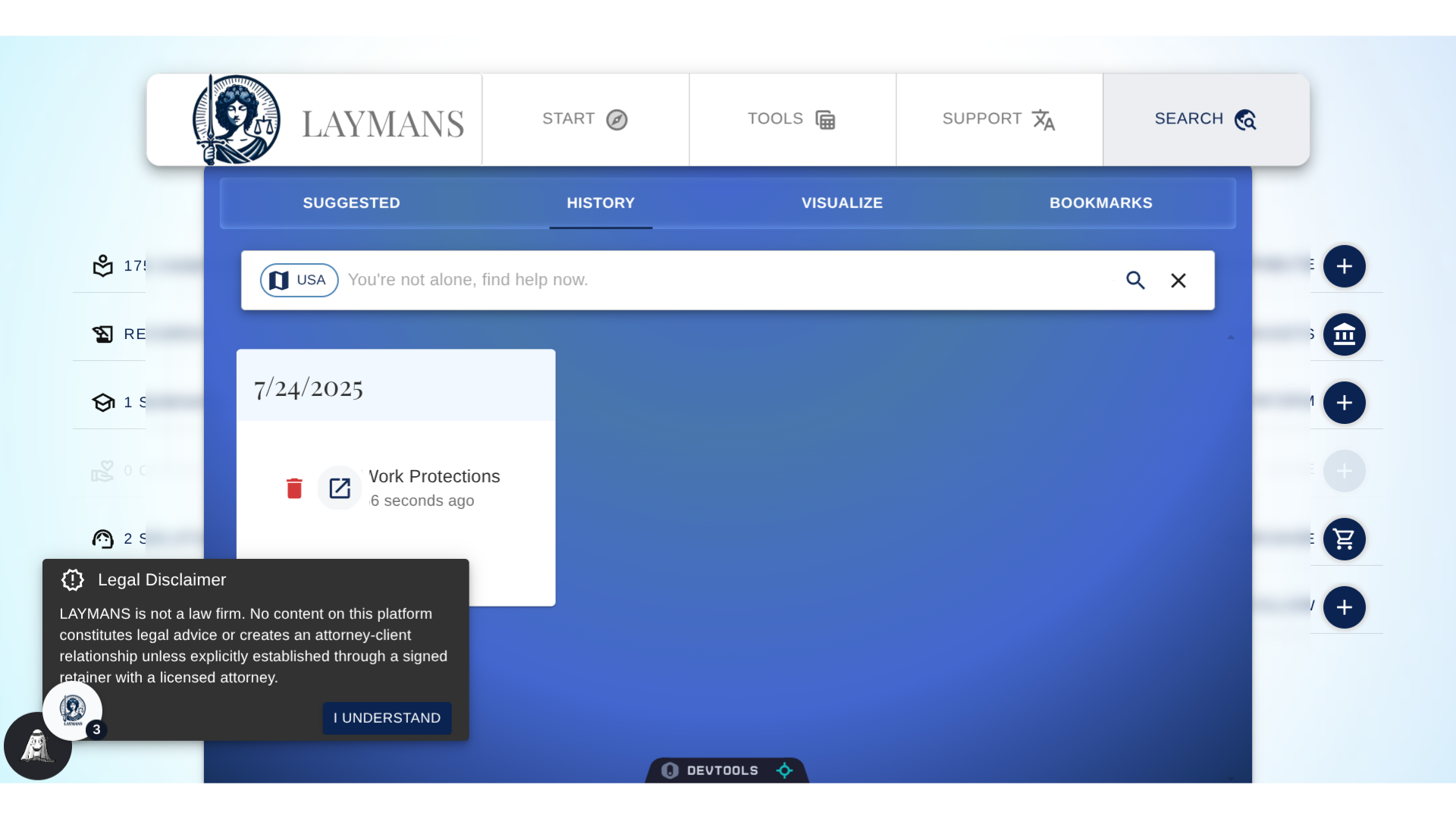
Or, I can delete my previous search records entirely. Putting me back in control of my data. And, this is not the only place where you can view and edit interactions: For more, you can go to LAYMANS > Account > Settings > History to manipulate all your History items.