How to use LAYMANS in other Languages
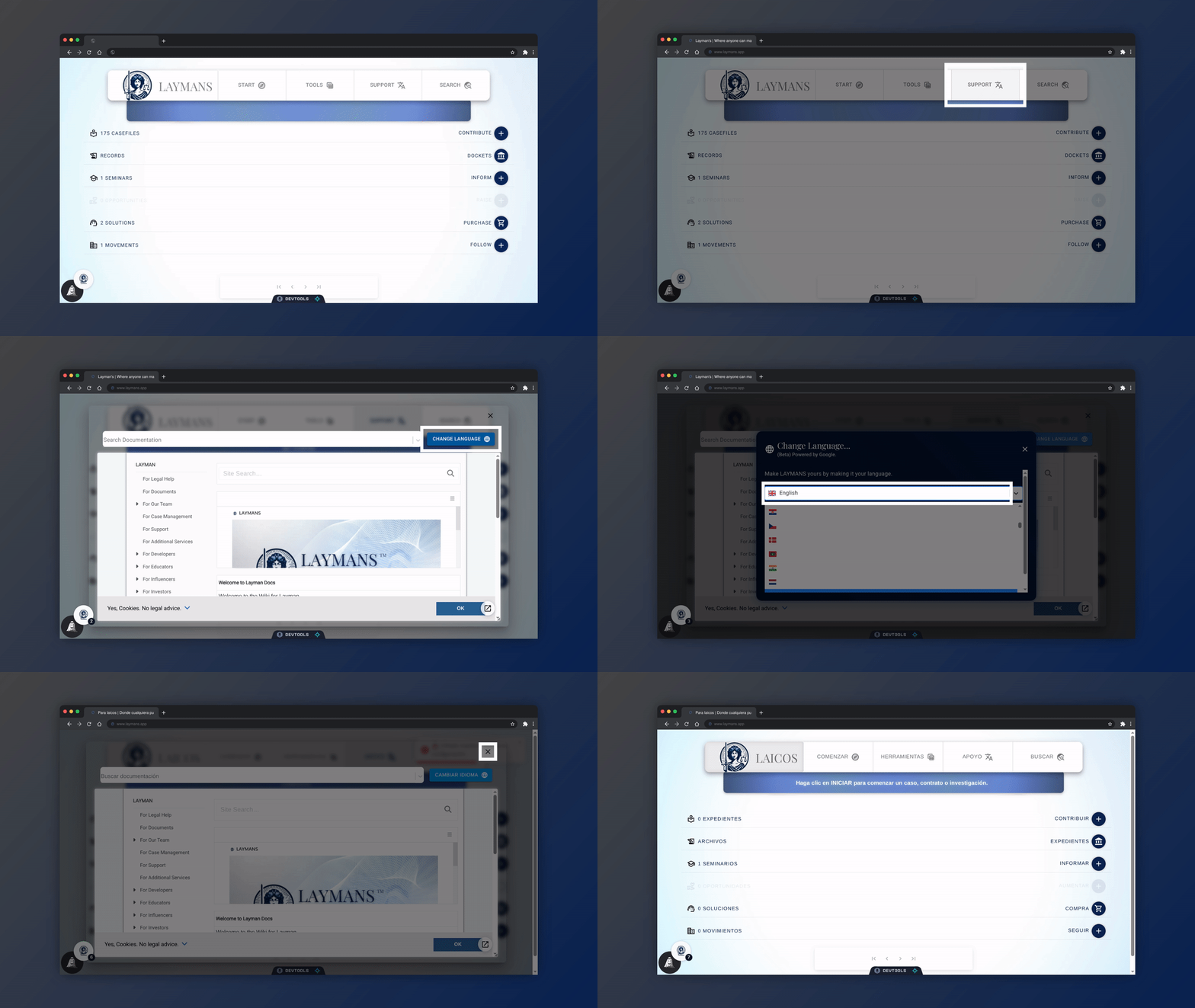
Go to www.laymans.app
1. Introduction
LAYMANS is the first legal platform built for everyone! So of course you can use it in any language:
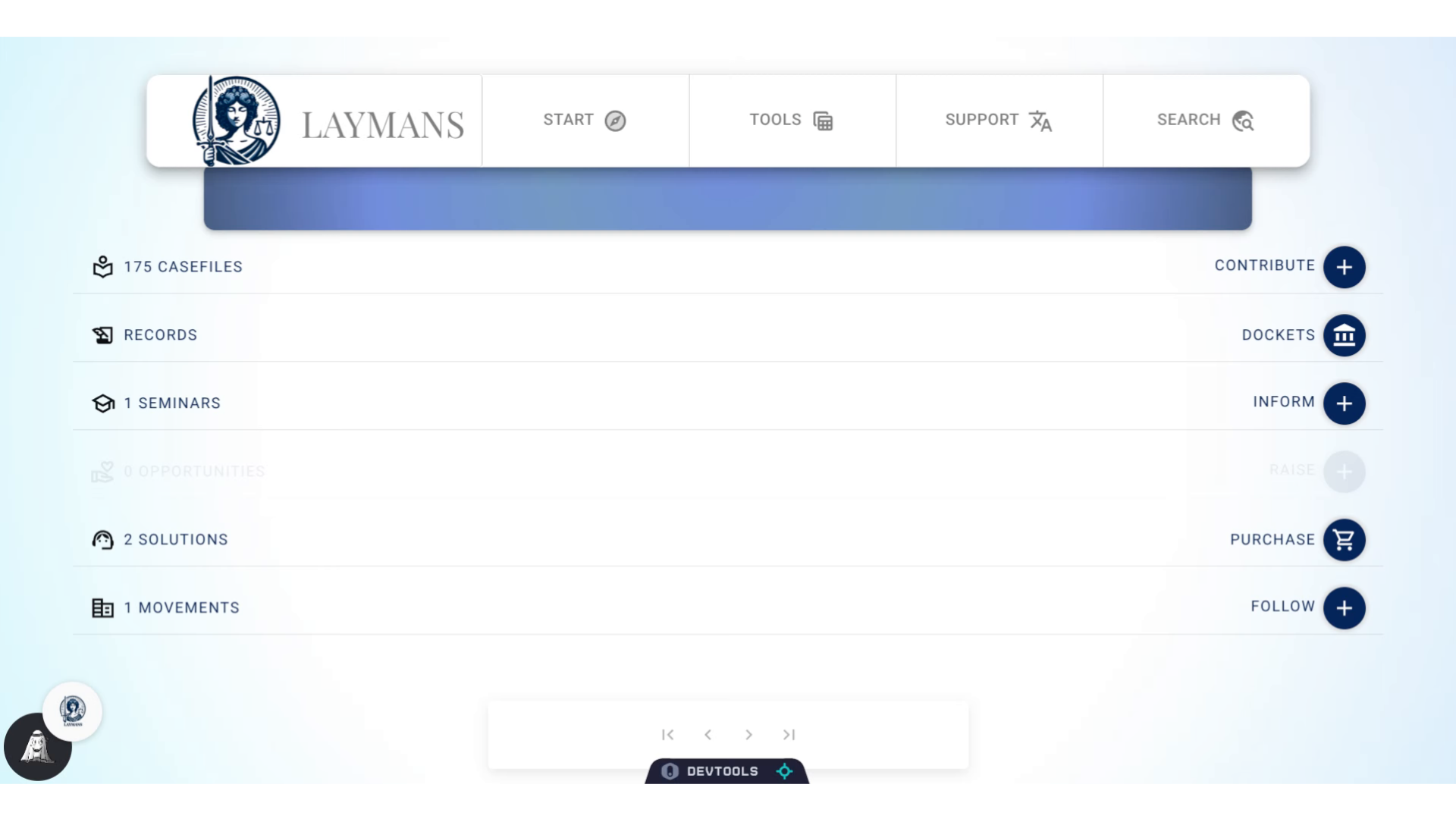
2. Click "SUPPORT"
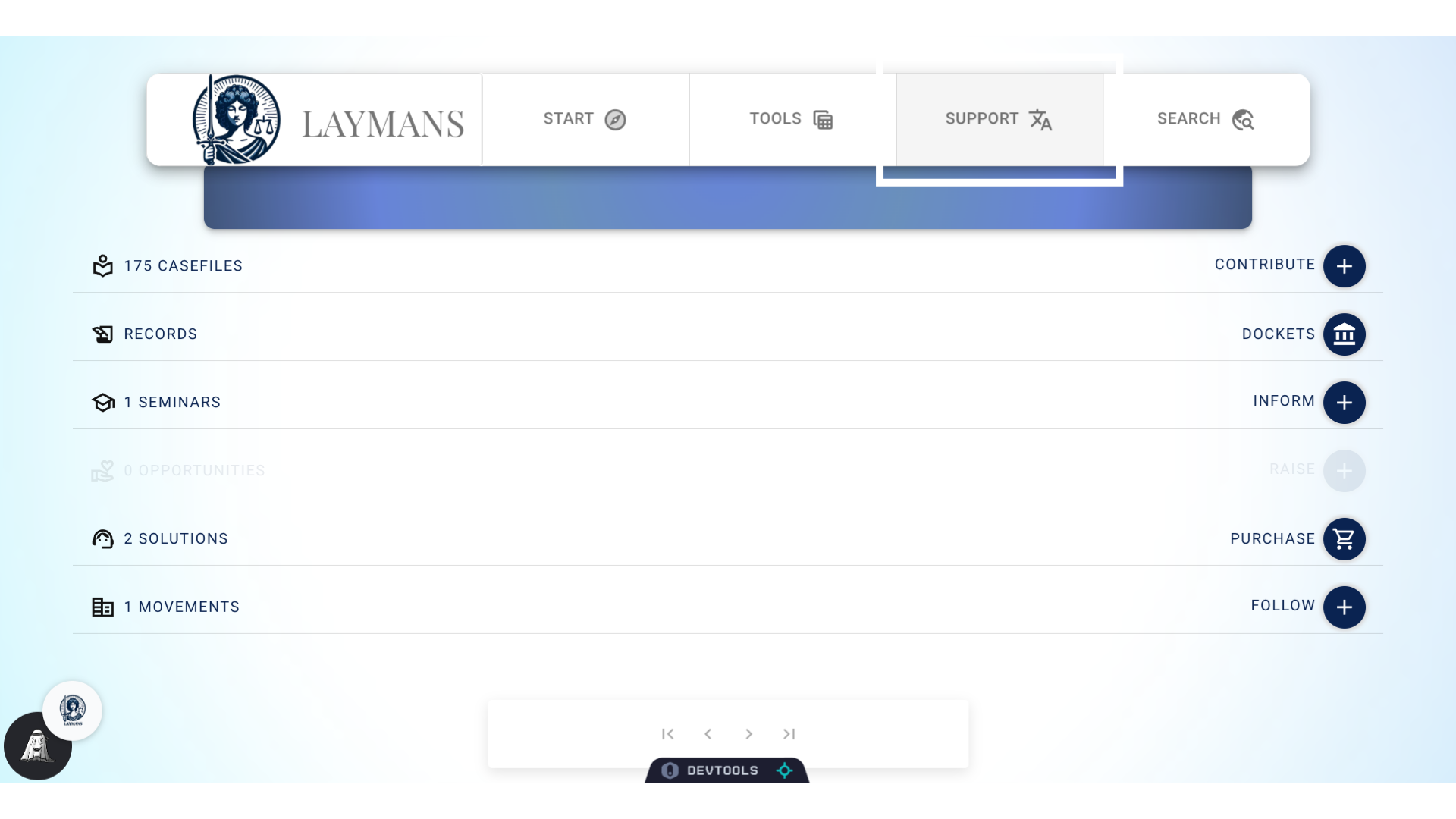
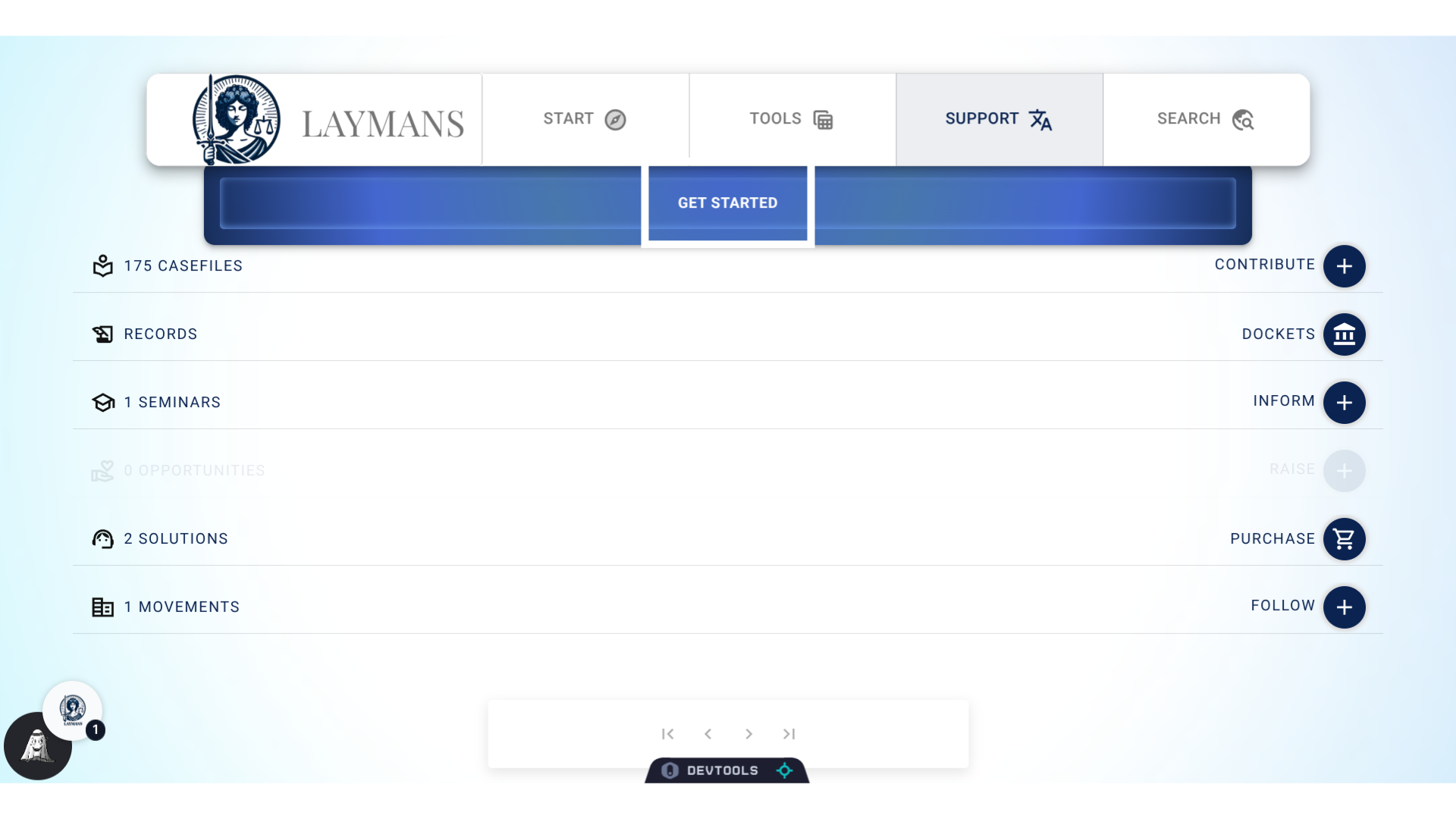
For instance, we're going to switch LAYMANS to spanish. Let's click "Support" on the Power Bar.
3. Click "GET STARTED"
Next, we're going to go to Laymans' Onboarding powerhouse - click "Get Started."
4. About "Get Started."
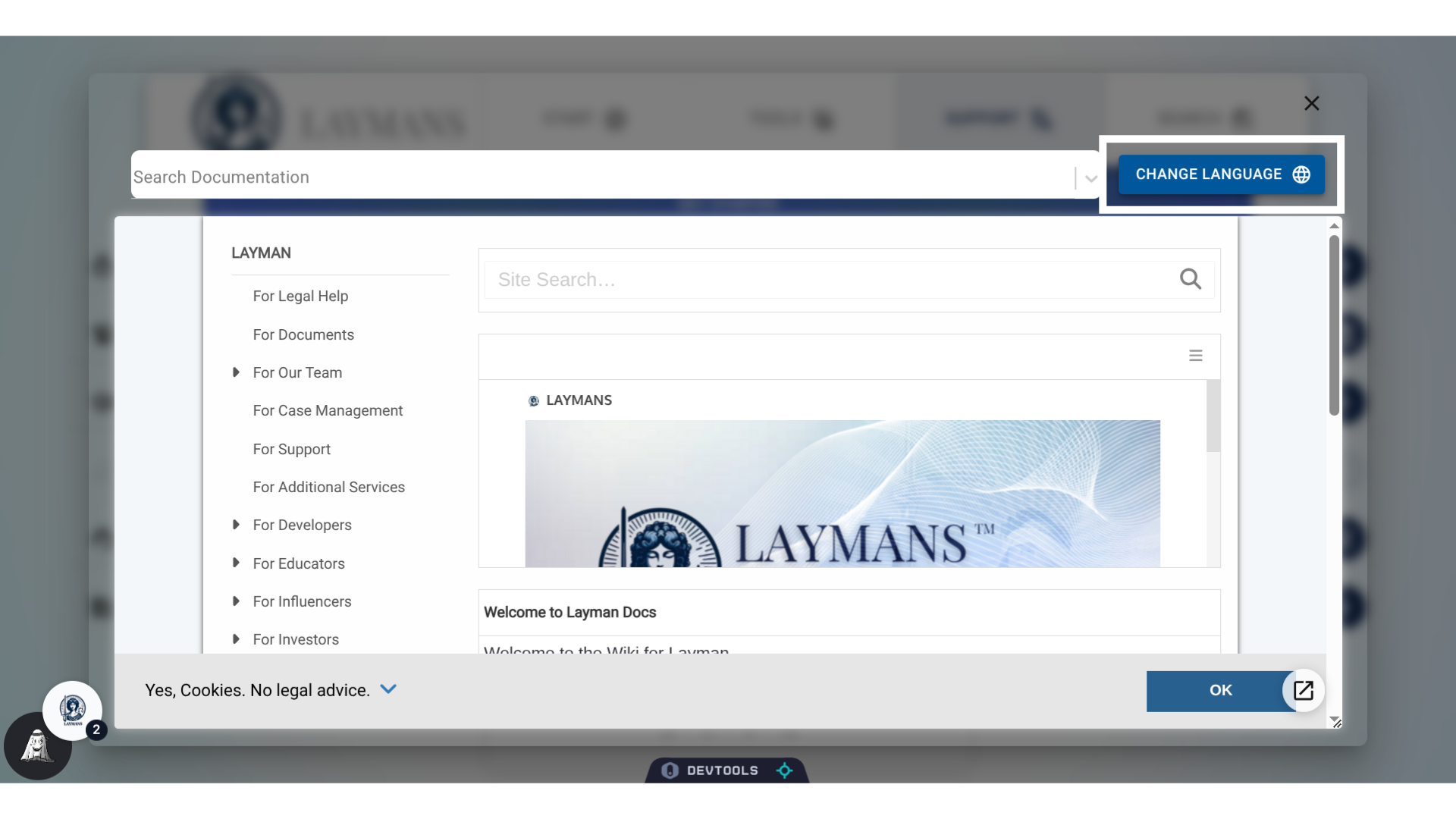
So the "Power Bar's" "Support" tab is all about how to use LAYMANS and other helpful tips. It's synced with our actual docs website - docs.laymans.app - so that you can figure out how to do anything you need, in-app.
5. Click "CHANGE LANGUAGE"
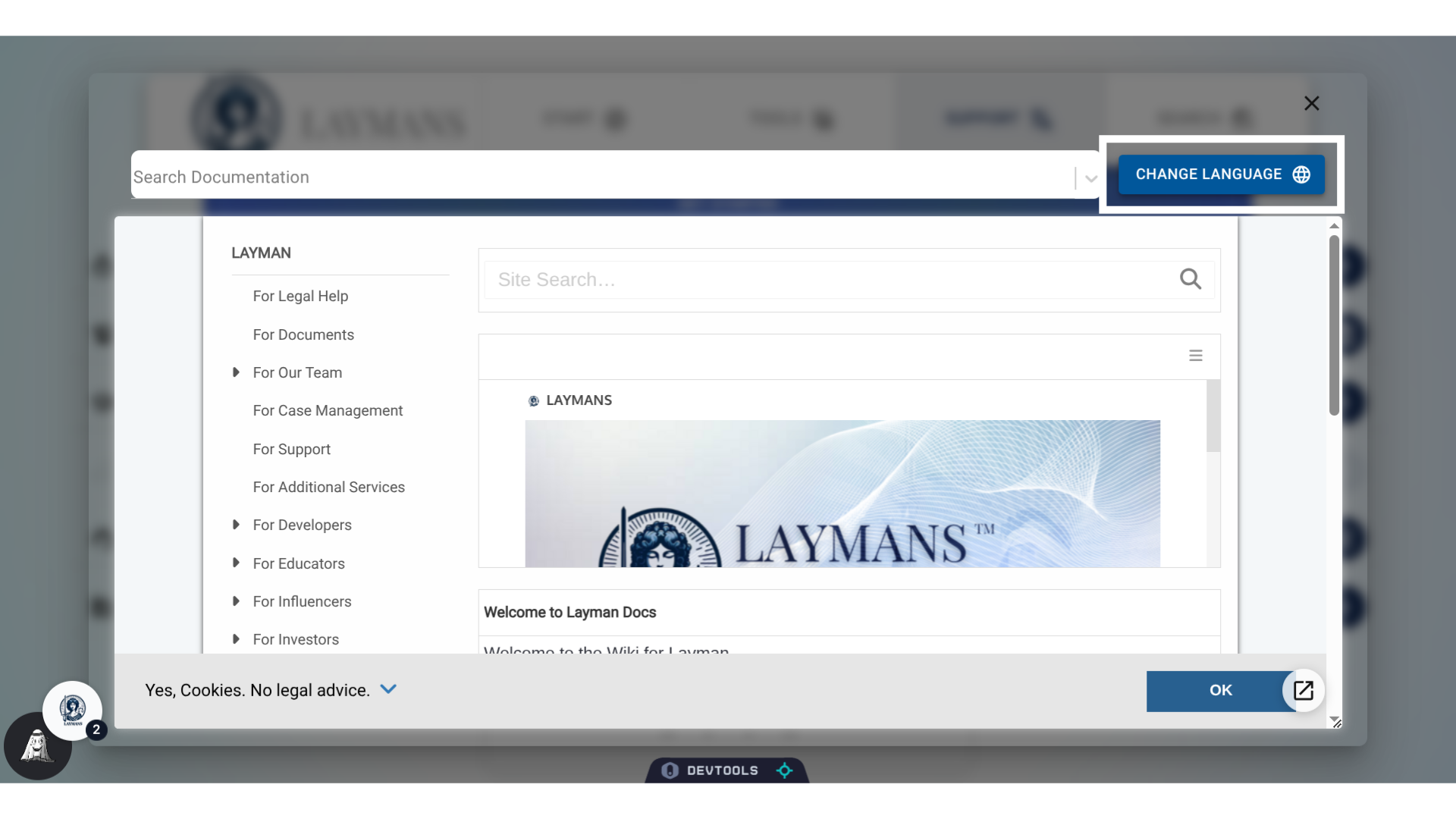
We'll talk more about the docs website later, but for now click change language to get to the magic.
6. Focus the Language Window
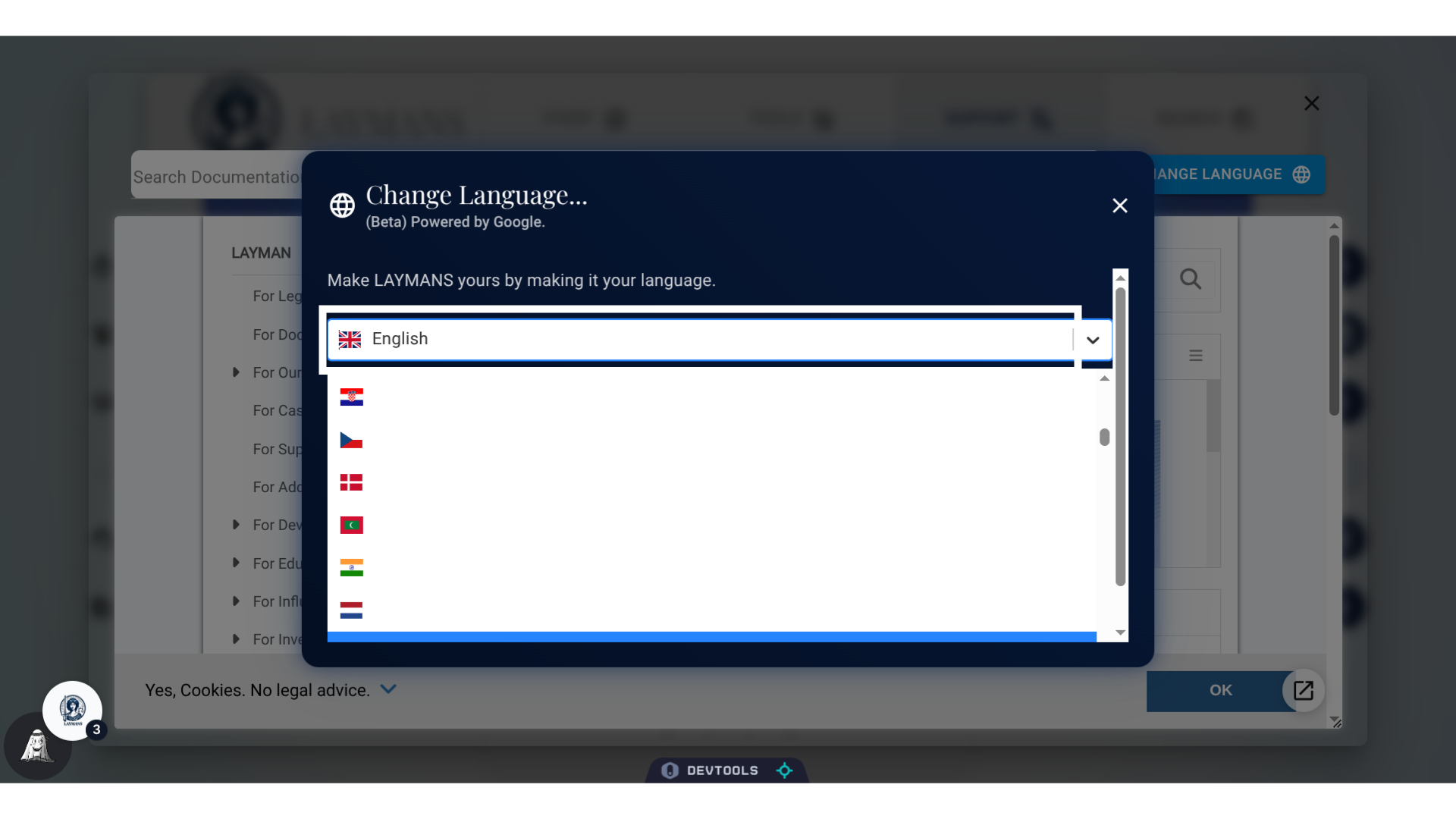
LAYMANS' translation feature is powered by Google. Meaning we support over two-hundred-and-fifty languages with the battle-tested reliability of Google Translate.
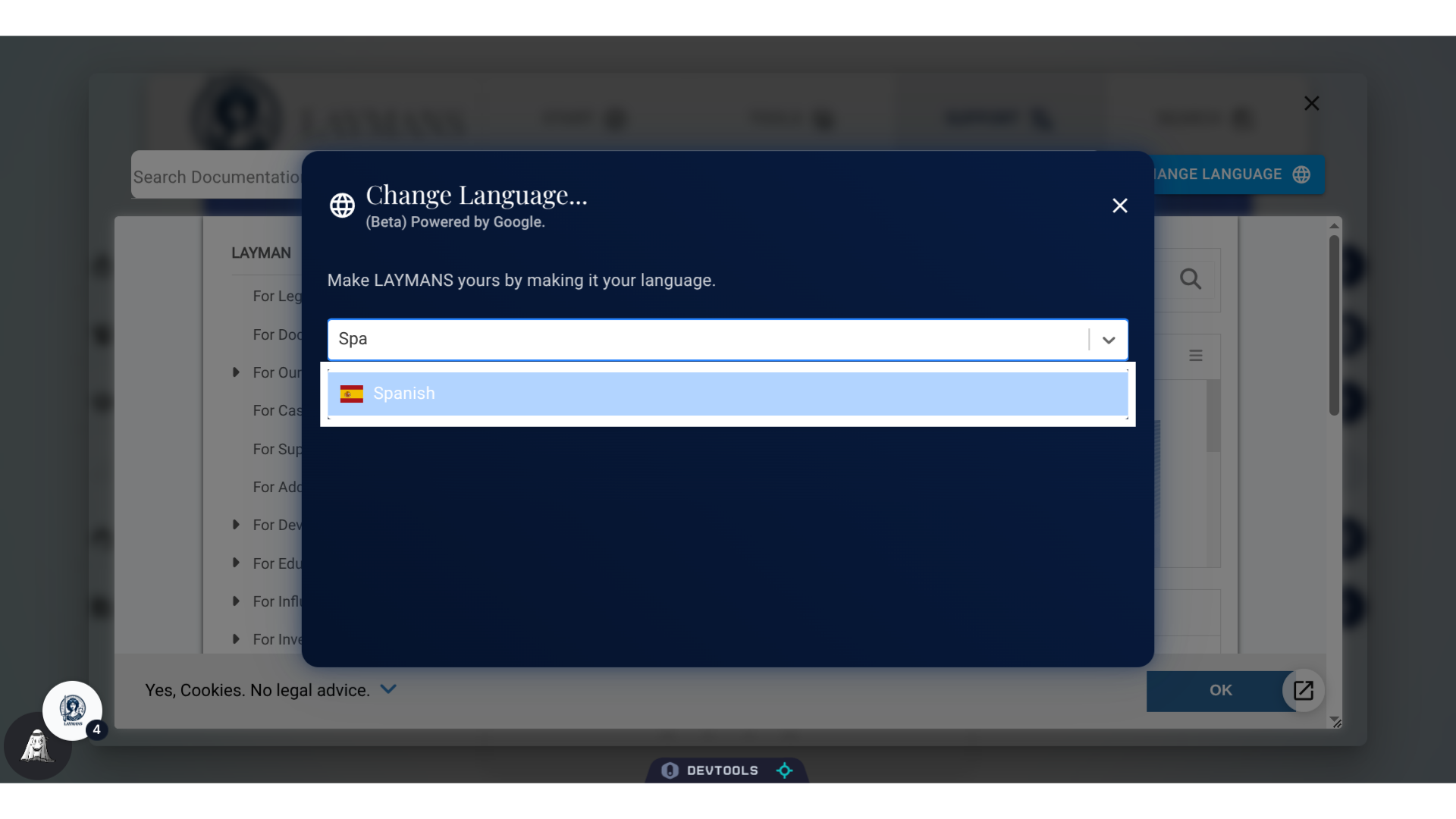
7. Type in or Click "Spanish"
Right now we are in english, but I am going to start typing in Spanish and click my desired language...
8. Click here
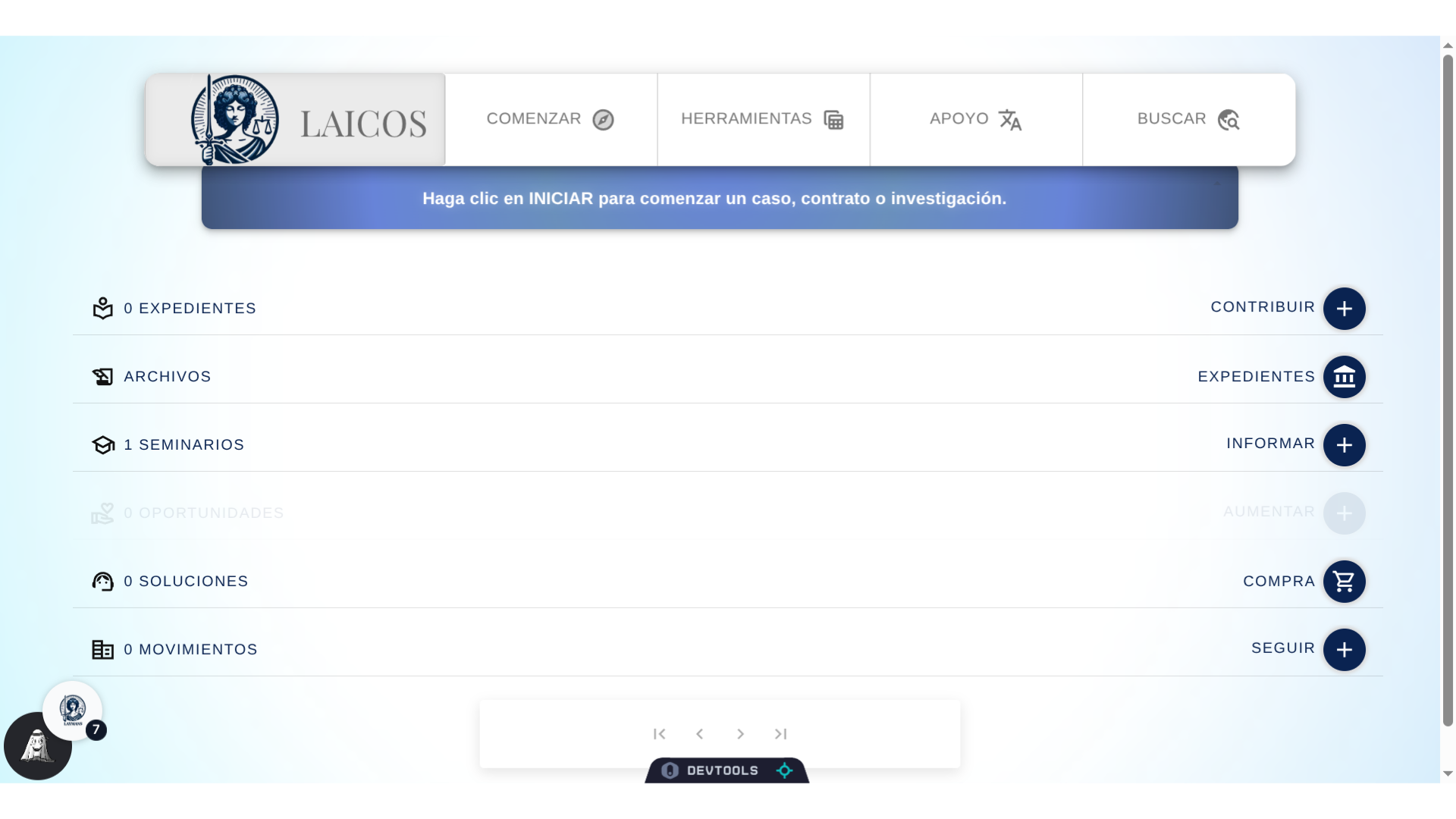
And there! Bienvenidos Laicos, a "LAYMANS" en espanol. If you're wondering, I said "Welcome to LAYMANS' in Spanish." We can close out of the Get Started window to see the updated app.
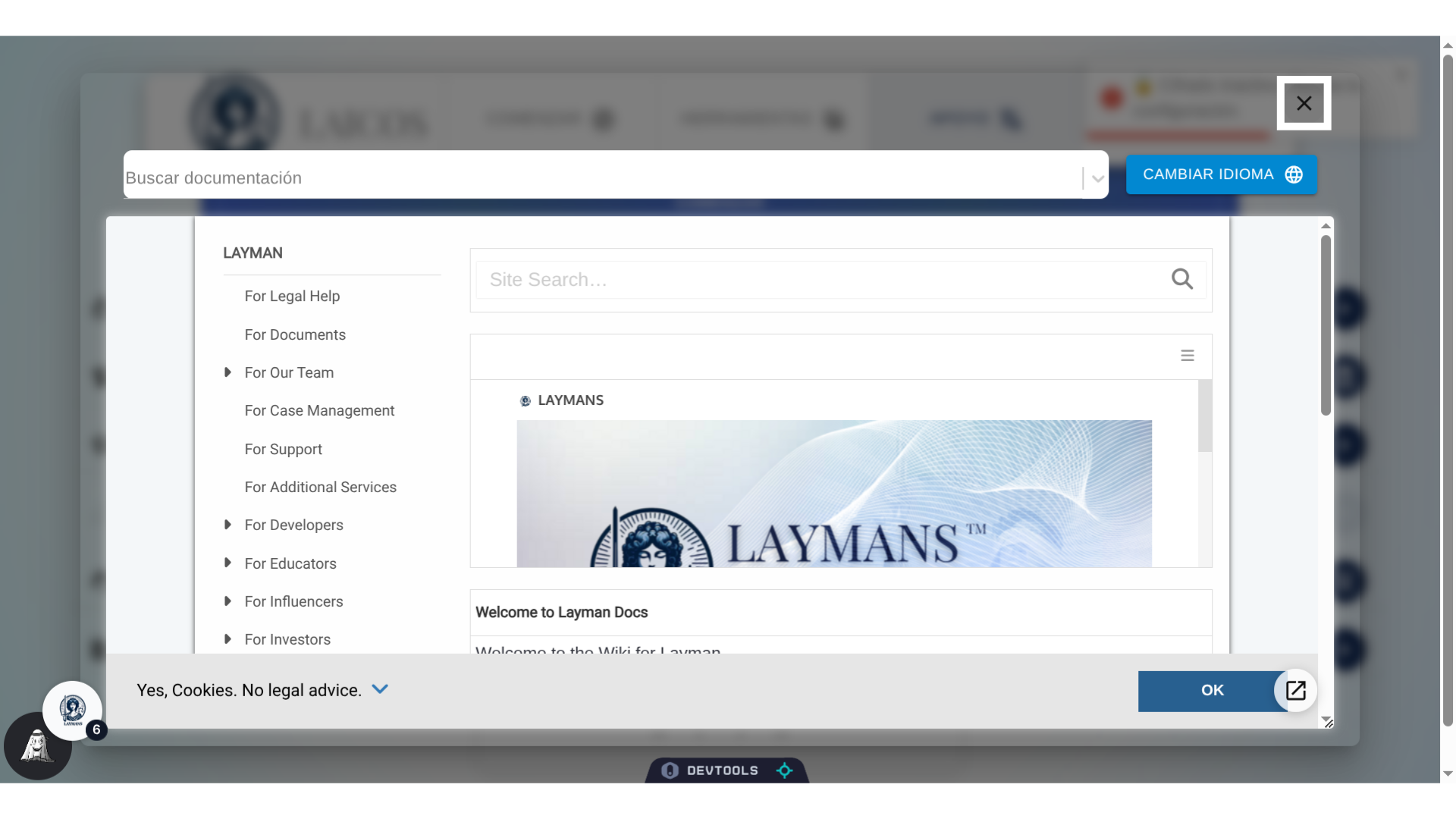
9. Closing Out
LAYMANS goal is to make law accessible to everyone and with full translation support throughout our app and AI model - we hope that language will no longer be a barrier.