How to edit your Casefiles
Go to www.laymans.app
1. Introduction
Want to change something about your casefile? No problem, note that editing a preexisting Casefile is quite limited so consider just privating one and making another.
2. Navigate to the casefile you want to edit
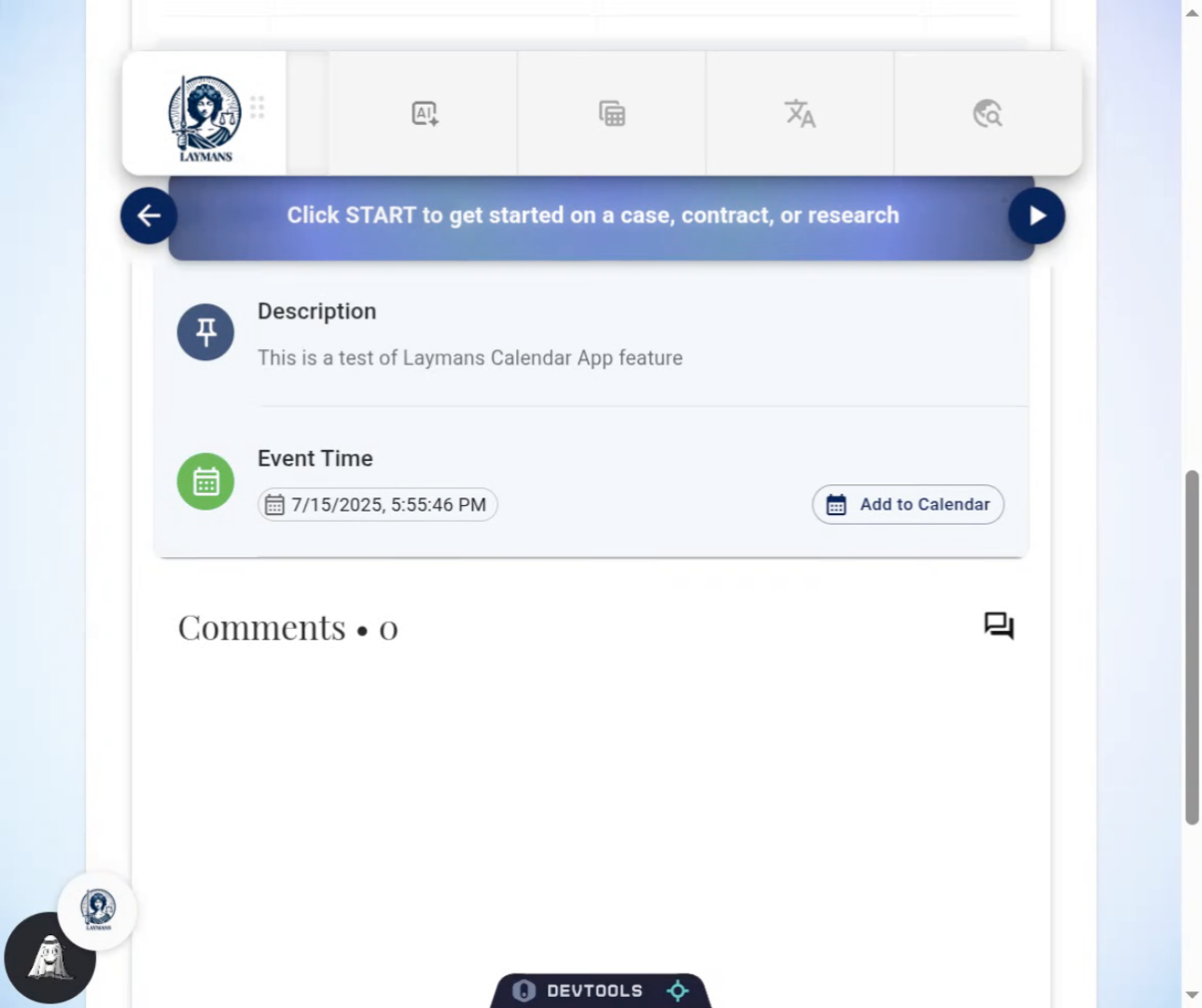
First, you must navigate to the casefile you want to edit. Go to its address through your Bookmarks or through a search, i.e. www.laymans.app/casefiles/i.d.
3. Click the Edit Icon
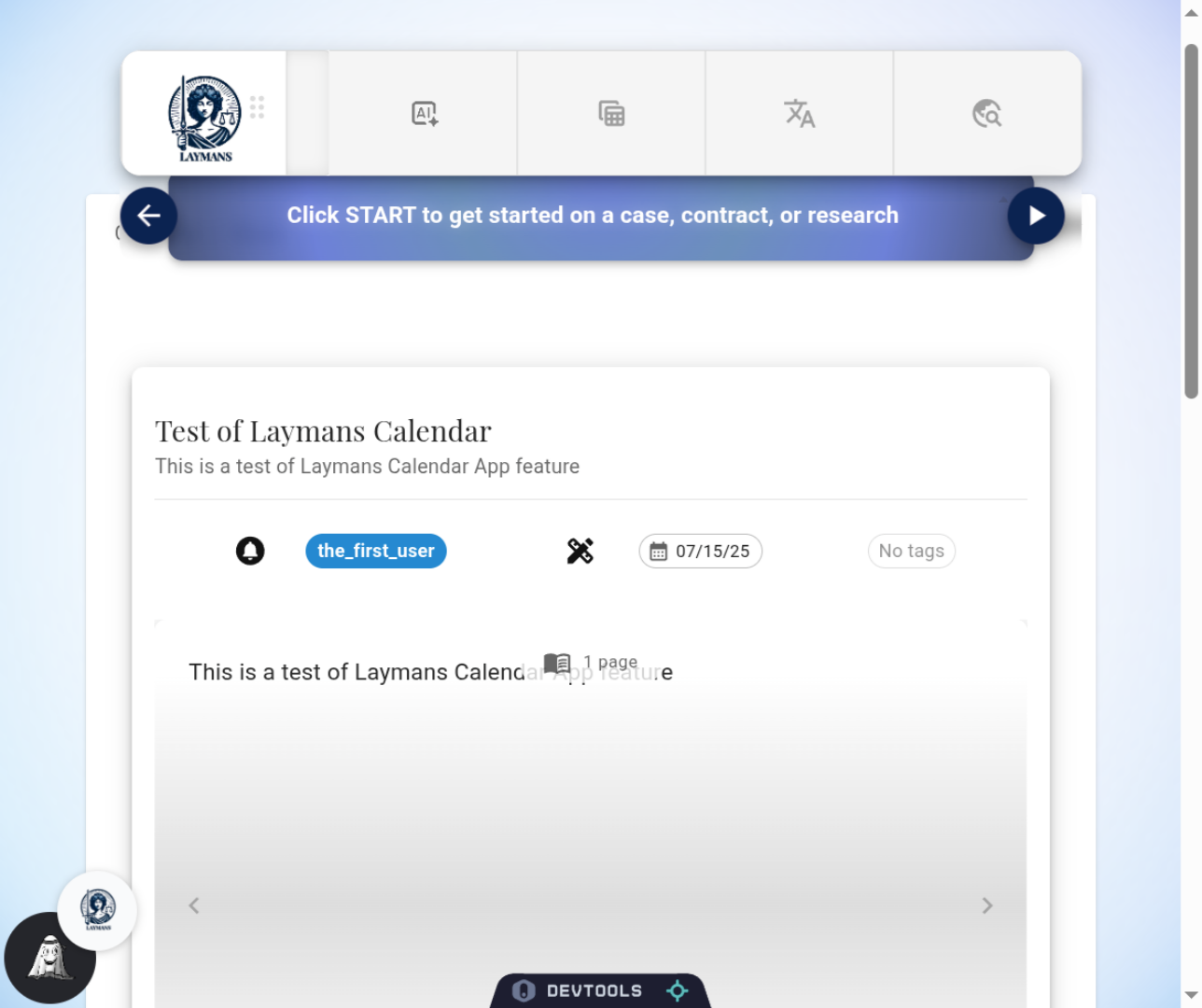
If you "own" the casefile, i.e. you made it or you're a lawyer working with another user who owns the casefile, you will see the Edit Icon Button at the top of the casefile. Click it to open the edit dialog.
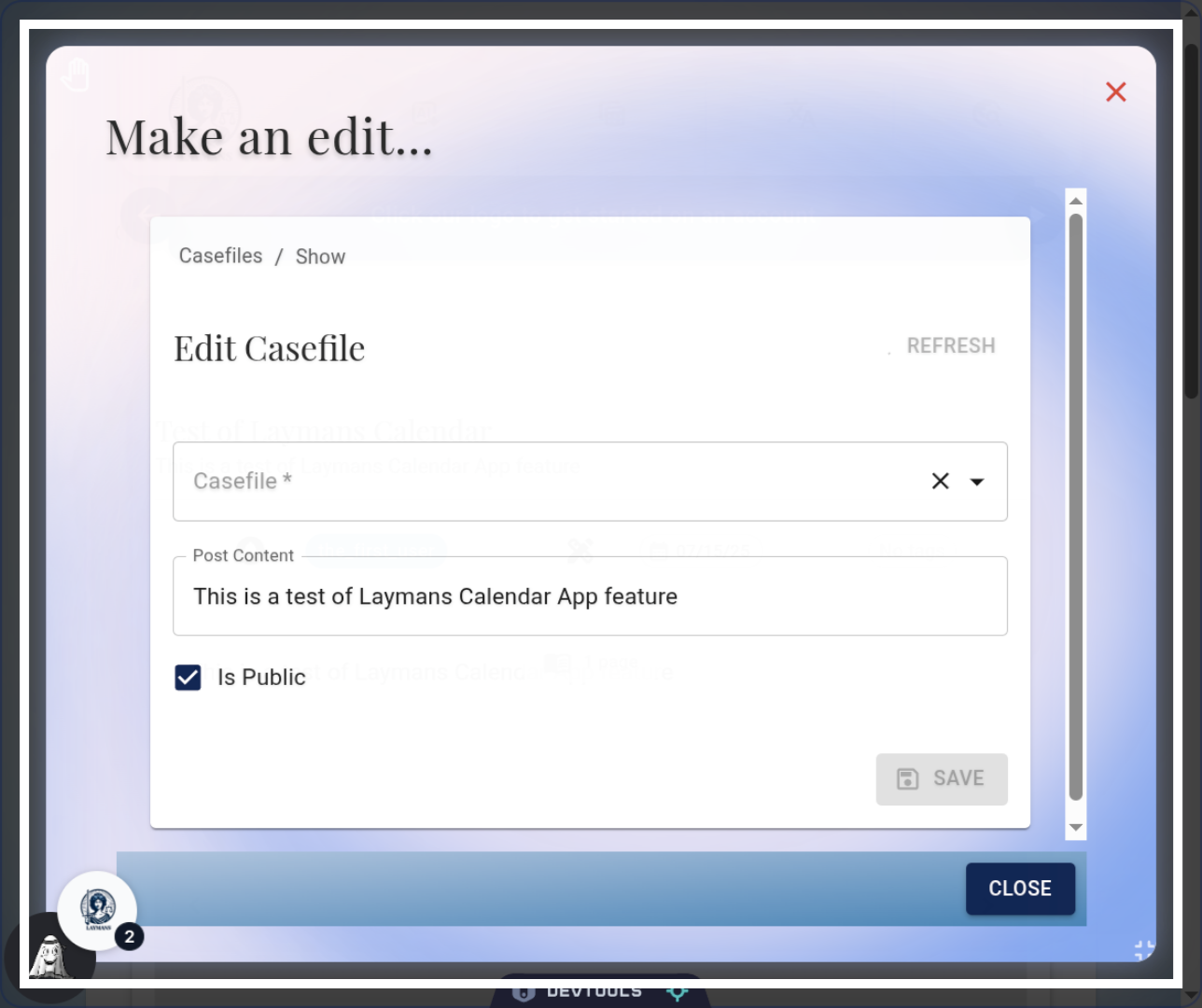
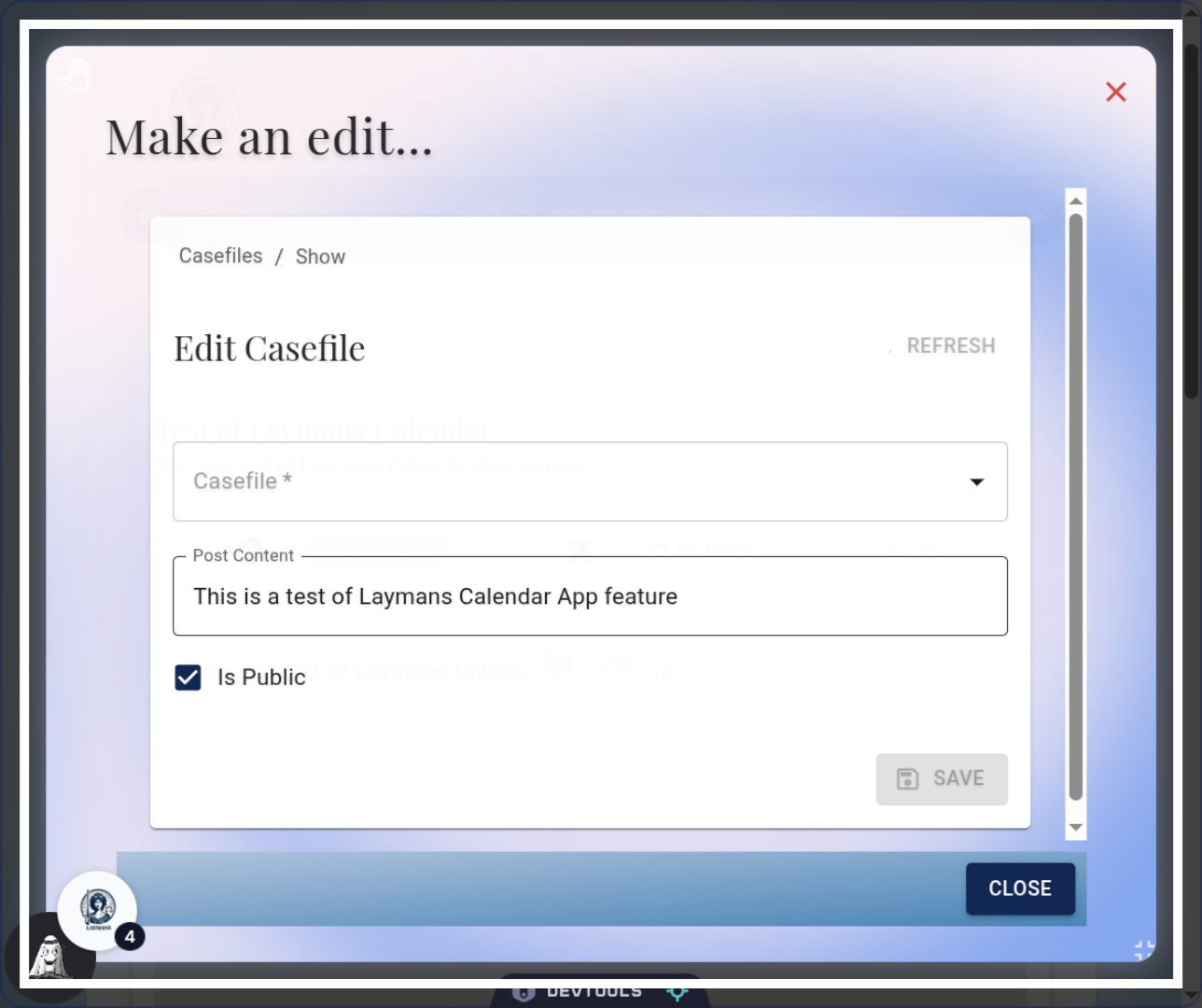
4. The Edit Dialog
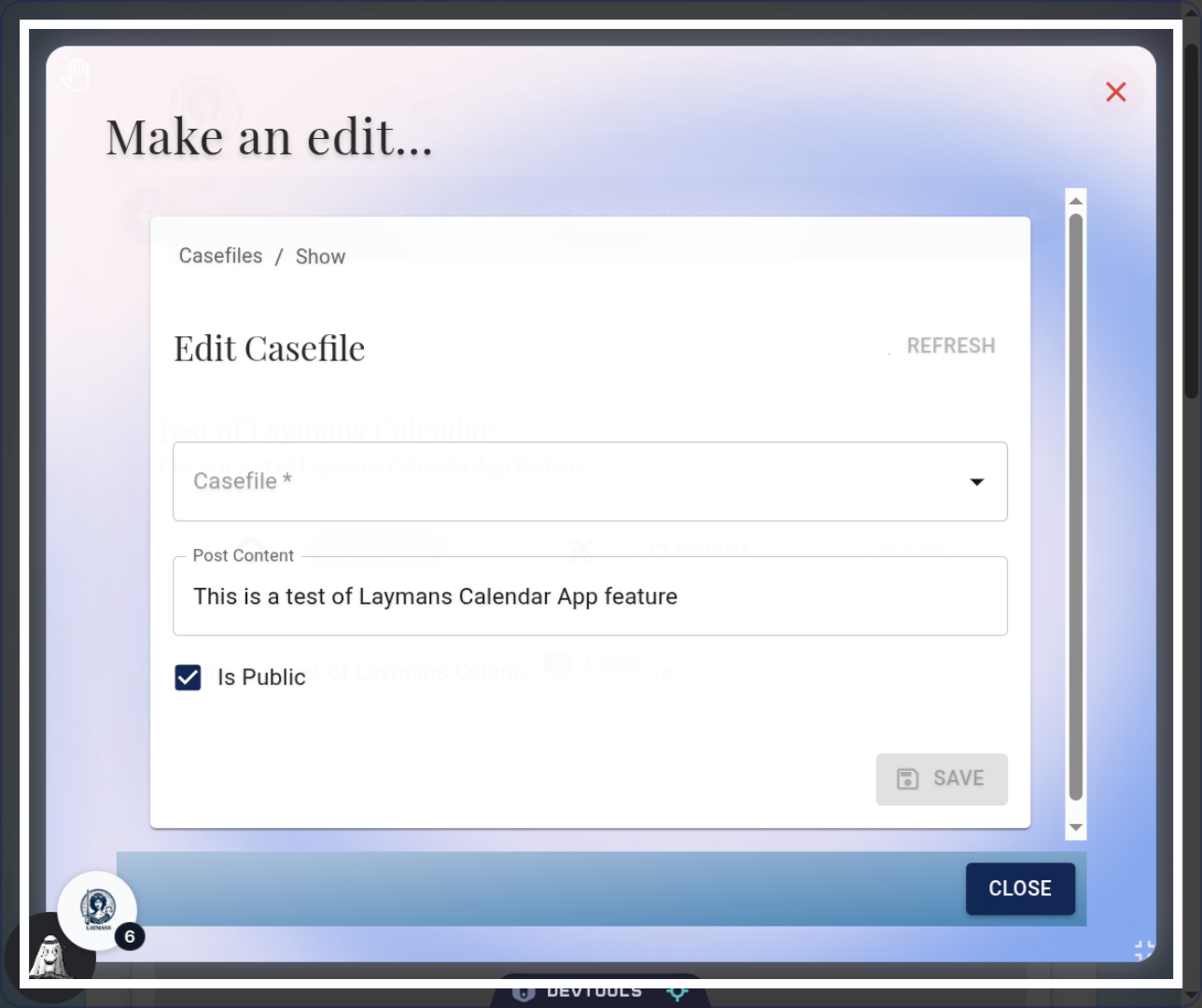
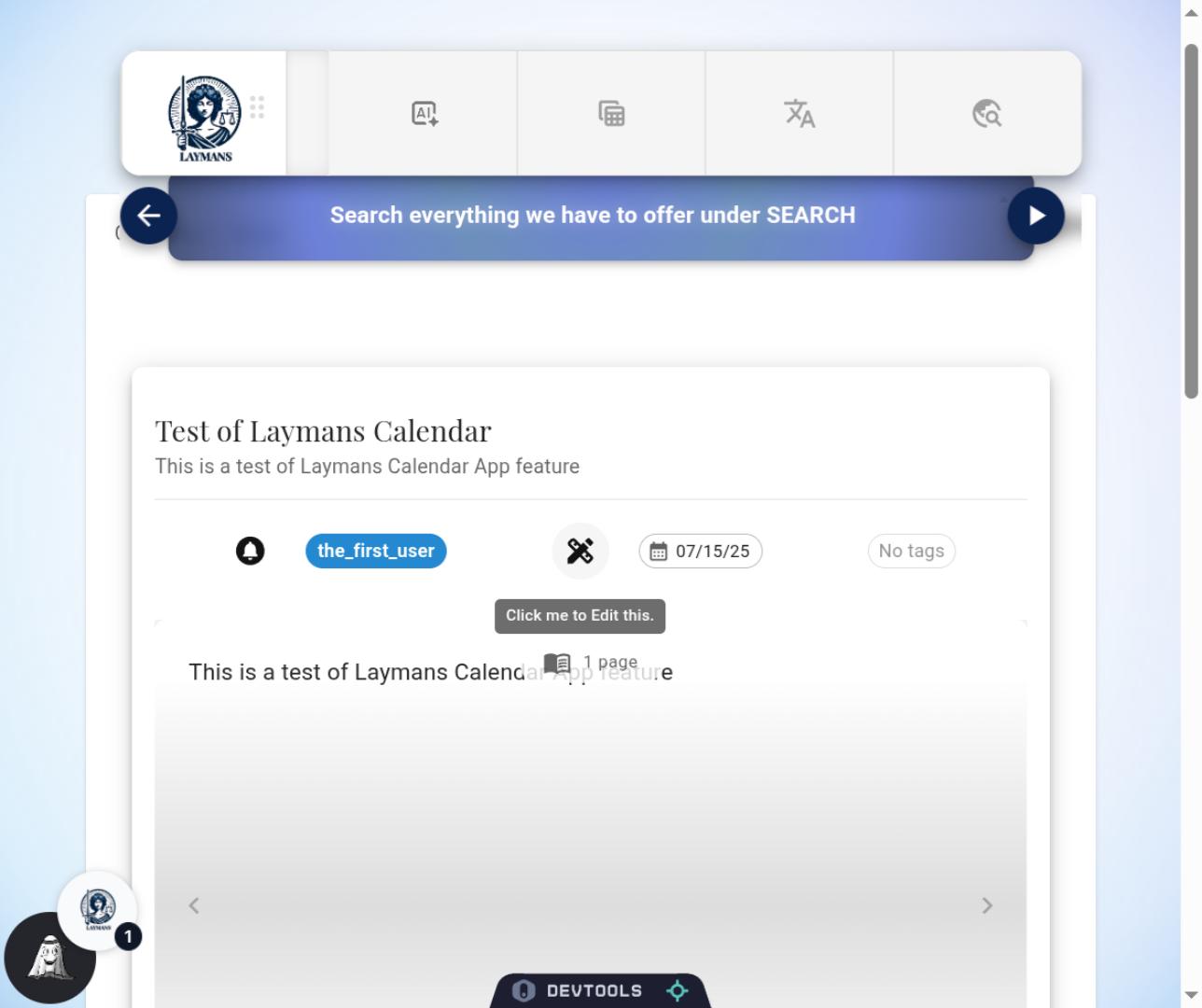
When editing a preexisting casefile you will find few options for editing, you can change start times, addresses, whether you want livestream or case watching services -- however you can't delete a casefile outright. Instead if you want to remove a casefile from public view, you can set it to Private.
5. The Casefiles Policy
Private casefiles cannot be accessed by anyone without authorization. We know that's not the same as deleting. Legal obligations require us to keep casefiles in case they are used in litigation or as evidence. Additionally, casefile storage is decentralized, meaning that if you upload a file its securely anonymized and protected with Web3 technology, this makes it hard to lose your files and hard to steal or access them, and hard to delete. However, Casefiles finally dedicated to a case ARE deleted when the case is nominated for deletion, so keep that in mind. We attempt to unpin and burn the file from the cloud. Note, this is not surefire but its a heck of a lot safer than your computer or google drive.
6. Most resources can be edited
Was this helpful? You can edit most resources in LAYMANS, with some having more editing options than others. Review the docs for more information.