How to create a Laymans Briefcase
Go to www.laymans.app
1. Introduction
The Laymans Briefcase is another point where all the magic of Laymans coalesces. Briefcases are organizations of casefiles, cases, seminars, funds, and movements that are reproducible and sharable between laypeople. Whenever a case on laymans has a successful outcome, I, Layla Layman's AI model, will anonymously evaluate the case and create a Briefcase sharing the tools that led to a successful outcome so that other laypeople can reuse it—for free. Let's show you how to make one manually for your friends, family, or practice:
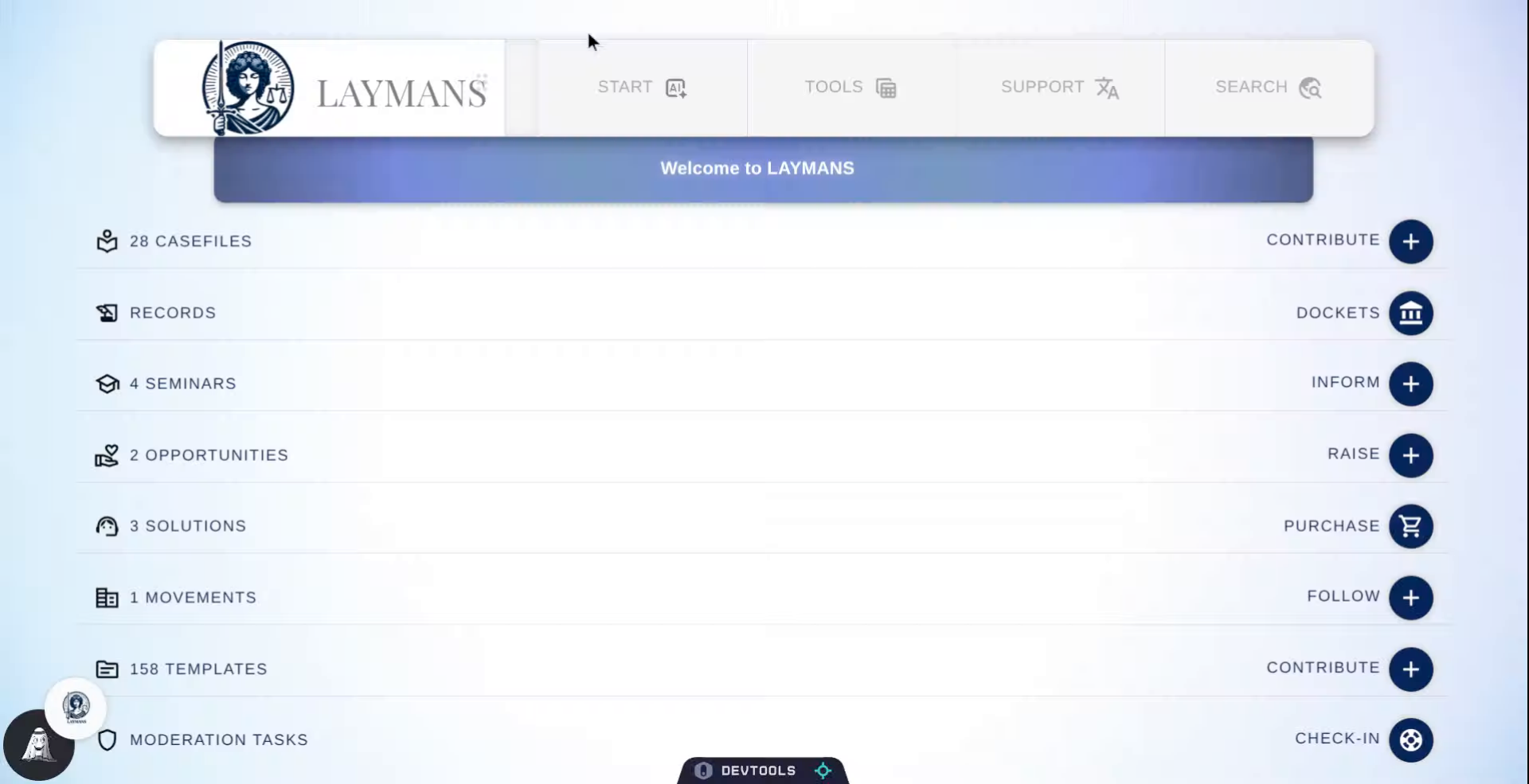
2. Click Start Button
So, first we'll go to "Start" on the "Power Bar" you can create most things here -- and this is the only place to create a Briefcase.
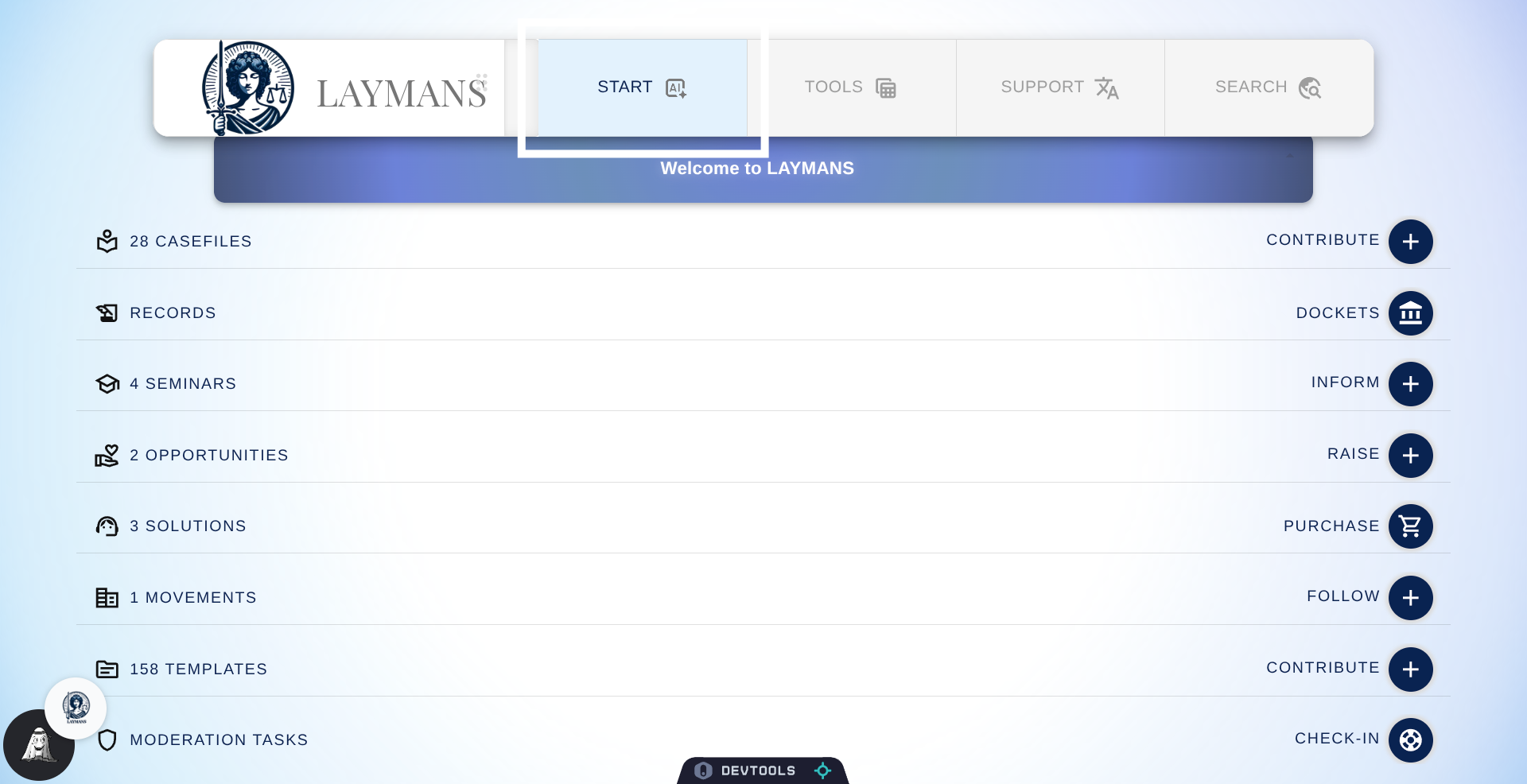
3. Select Co-Create Option
Once there we're going to go to Co-Create, LAYMANS' AI-powered control center for creating anything on our platform. Note, you can also create Briefcases directly from cases, on "OVERVIEW" when you are working on a case.
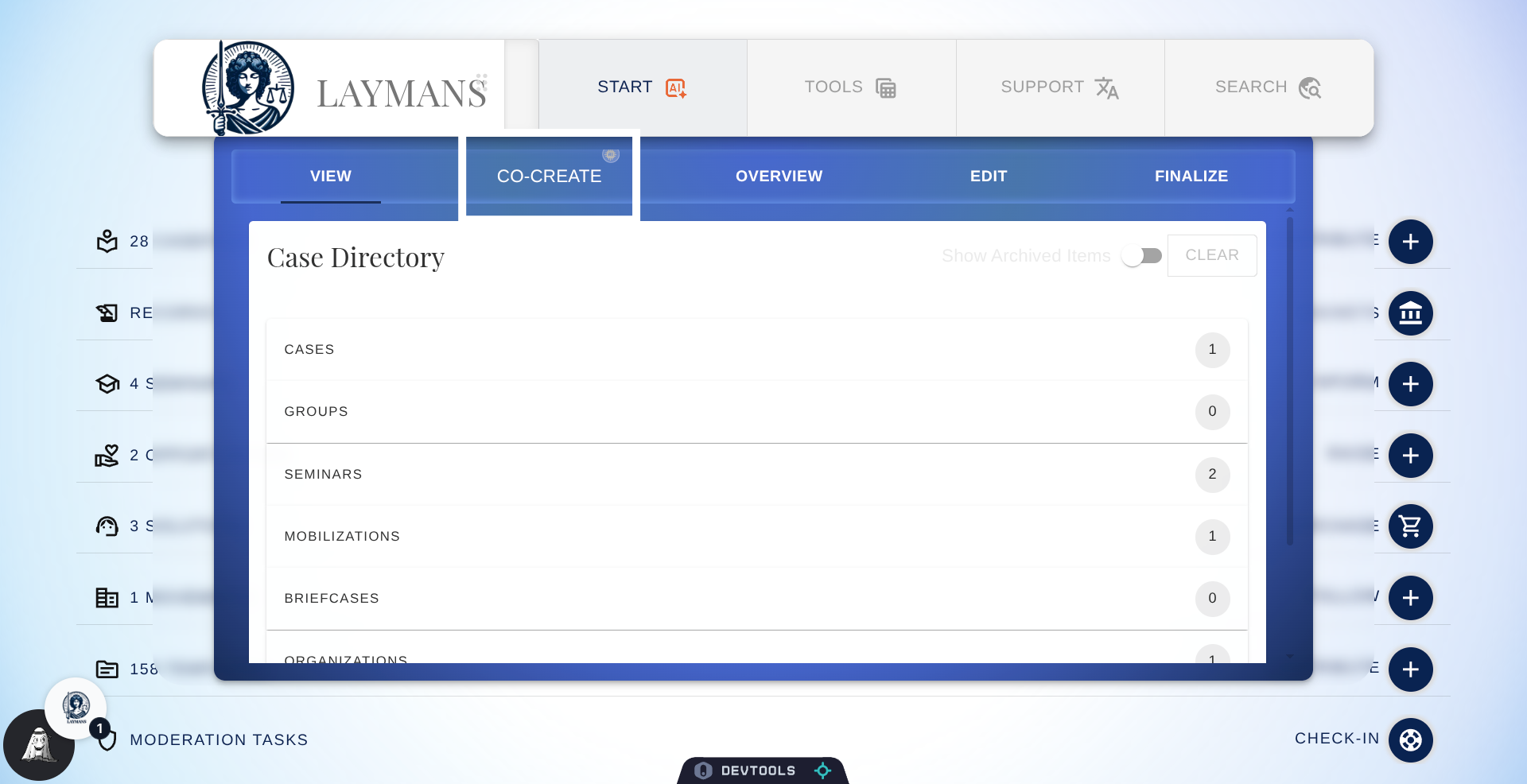
4. The Co-Create Center
Welcome to Co-Create! Oft mentioned, rarely explained, co-create is the location where you can use either form or AI to create anything on our platform with my help. If you're not currently working on a case, you'll see a form first instead of a chatbox. But, you can exit out to talk to me directly. For now, lets' focus on making our briefcase.
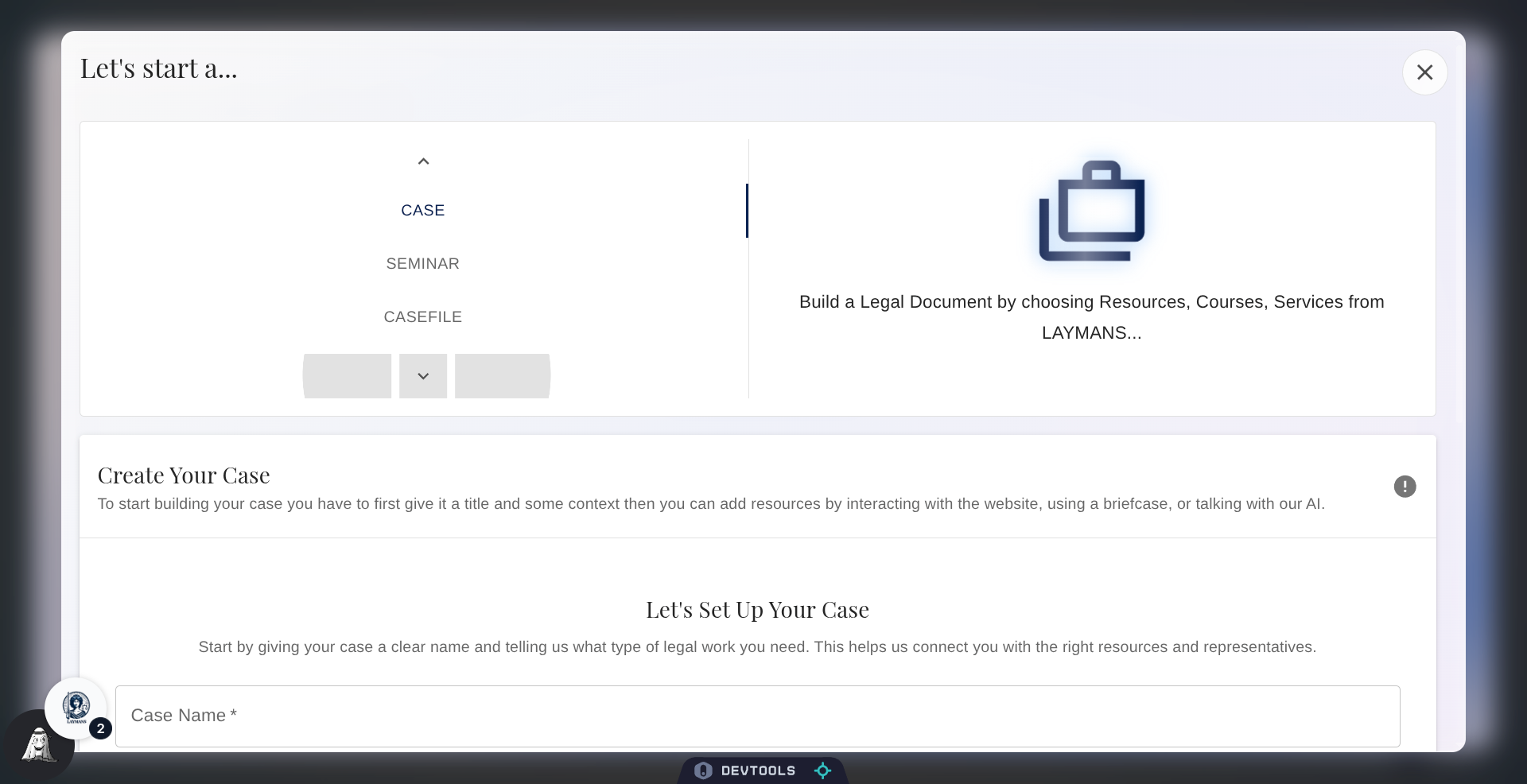
5. Access Creation Menu
Click here to get to the Briefcase option.
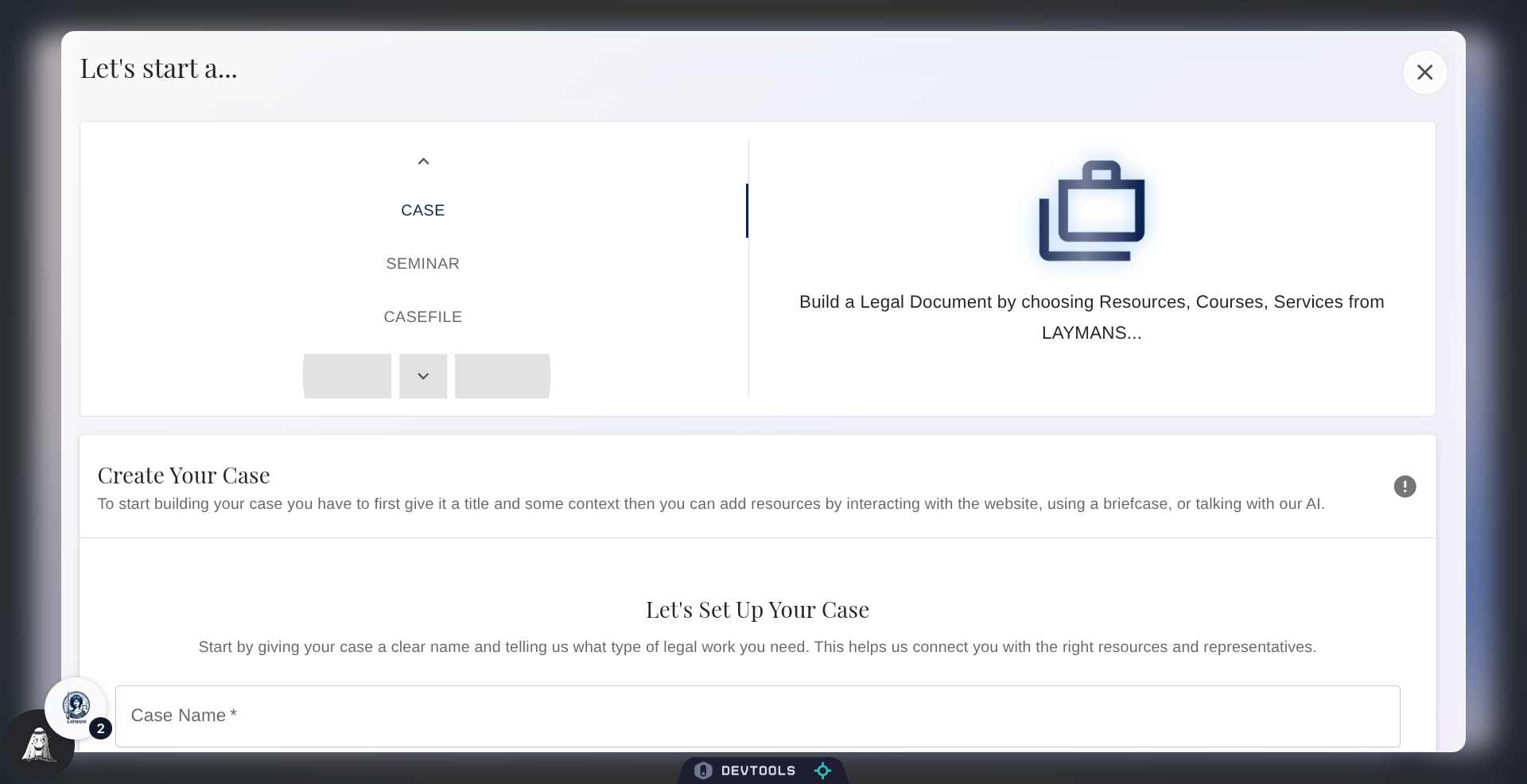
6. Choose Briefcase Type
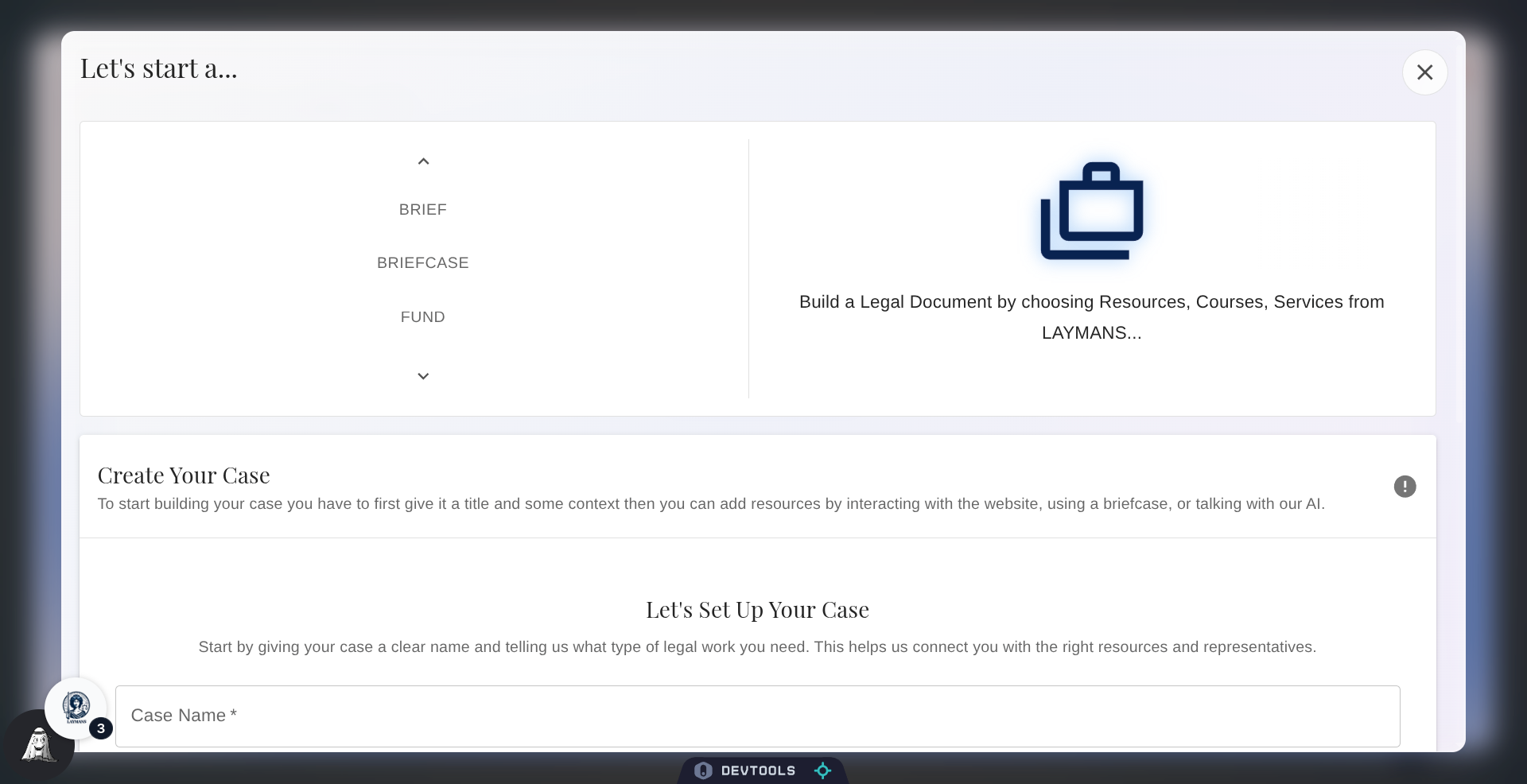
Once it's visible, choose briefcase—you will see other options not necessarily relevant to you right now. Just note that if you're a non-lawyer, you can make most things like Seminars, Cases, Briefcases, Campaigns, and Casefiles; but you have to be a professional—and have a paid account—to make things like Briefs, Funds, Services, and Mass Actions.
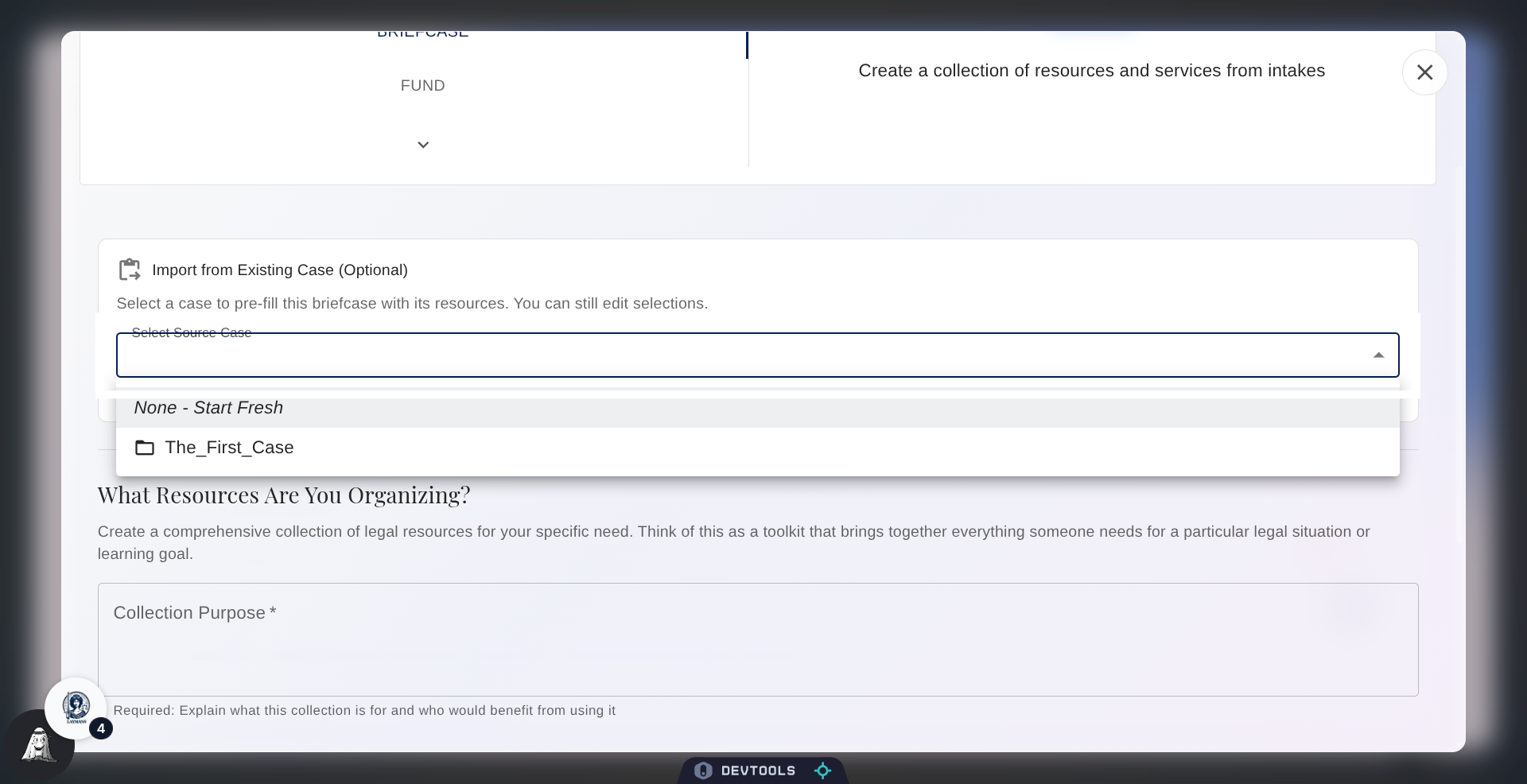
7. Open Additional Options
Once selected, navigate to the Briefcase creation form below; you will see a number of relevant options as you progress. Firstly, you can make a Briefcase from a preexisting case you have. For professionals, this can be really useful, as you can take a successful current case and share this template with current or incoming clients for them to quickly approve and integrate. We will autopopulate everything for your client's review. Otherwise, you can make multiple selections for every dropdown until the resource is complete.
8. Select your engagement option
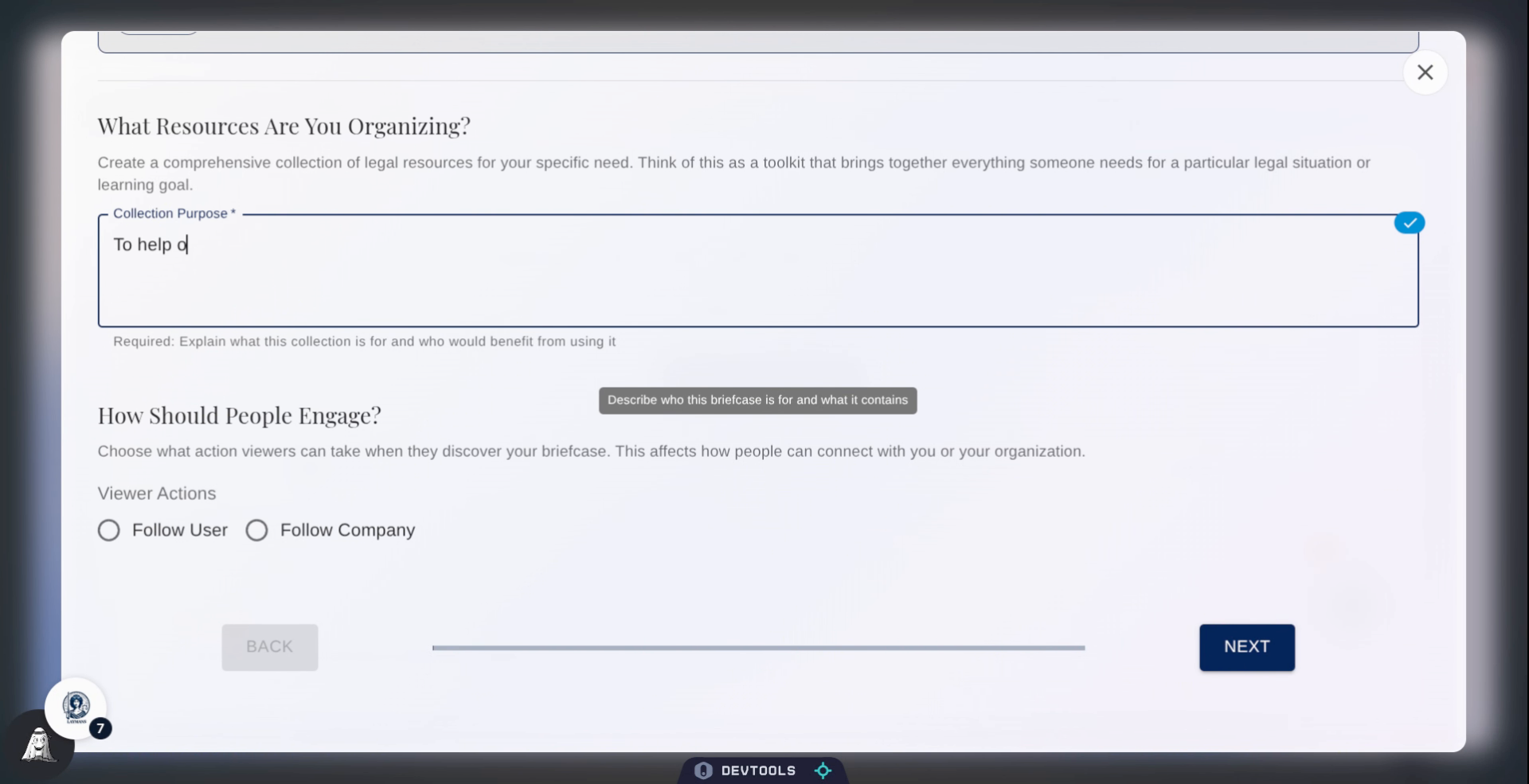
Share a nice quick "collection purpose" to help other users understand how to use this Briefcase.
9. Select an Engagement Option
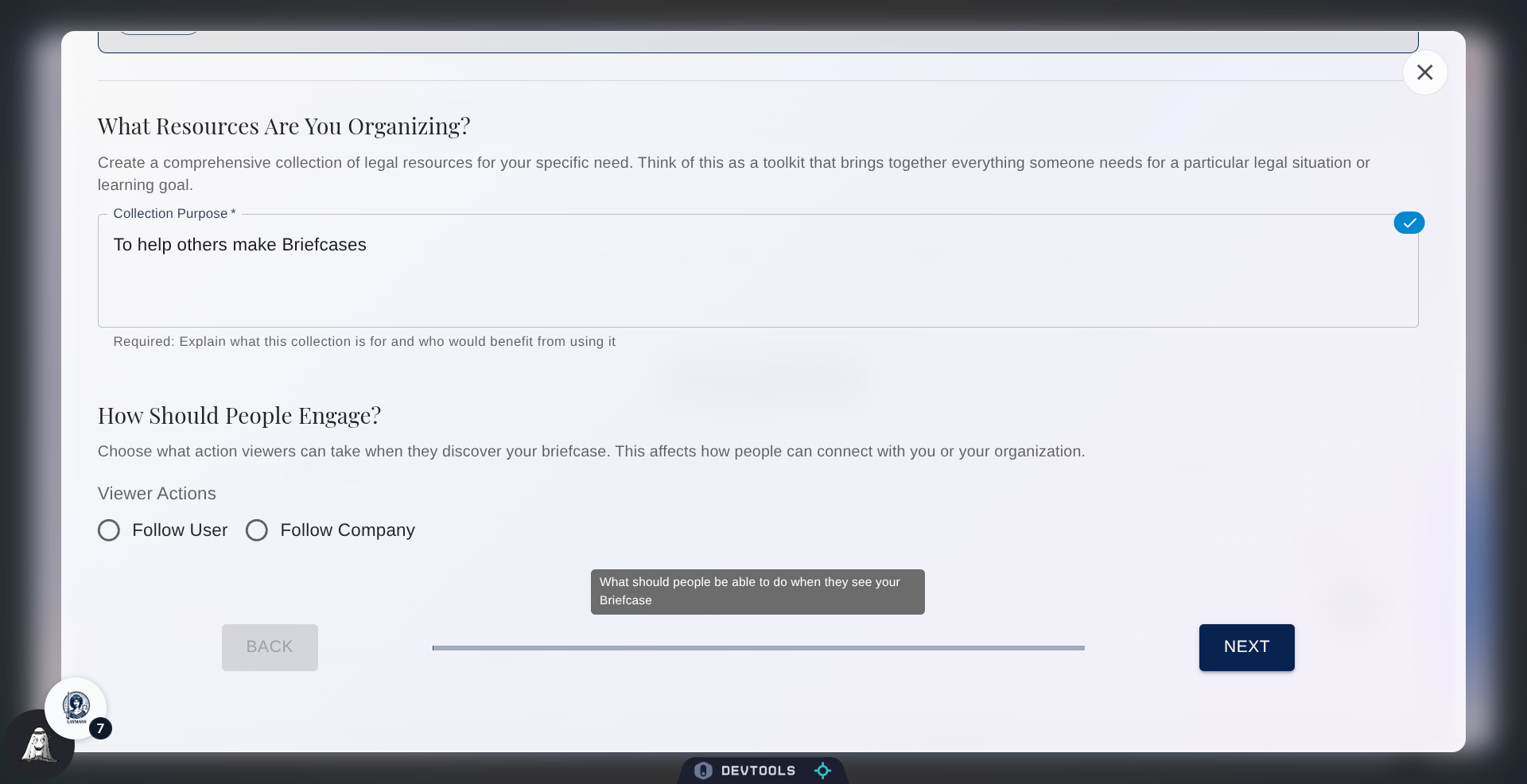
You can also specify how you want to receive engagement, you can receive engagement as an individual or to your organization. This is a great way for your Briefcases to generate additional income for you.
10. Proceed to Next Step
Let's move on.
11. Add Personal Resources
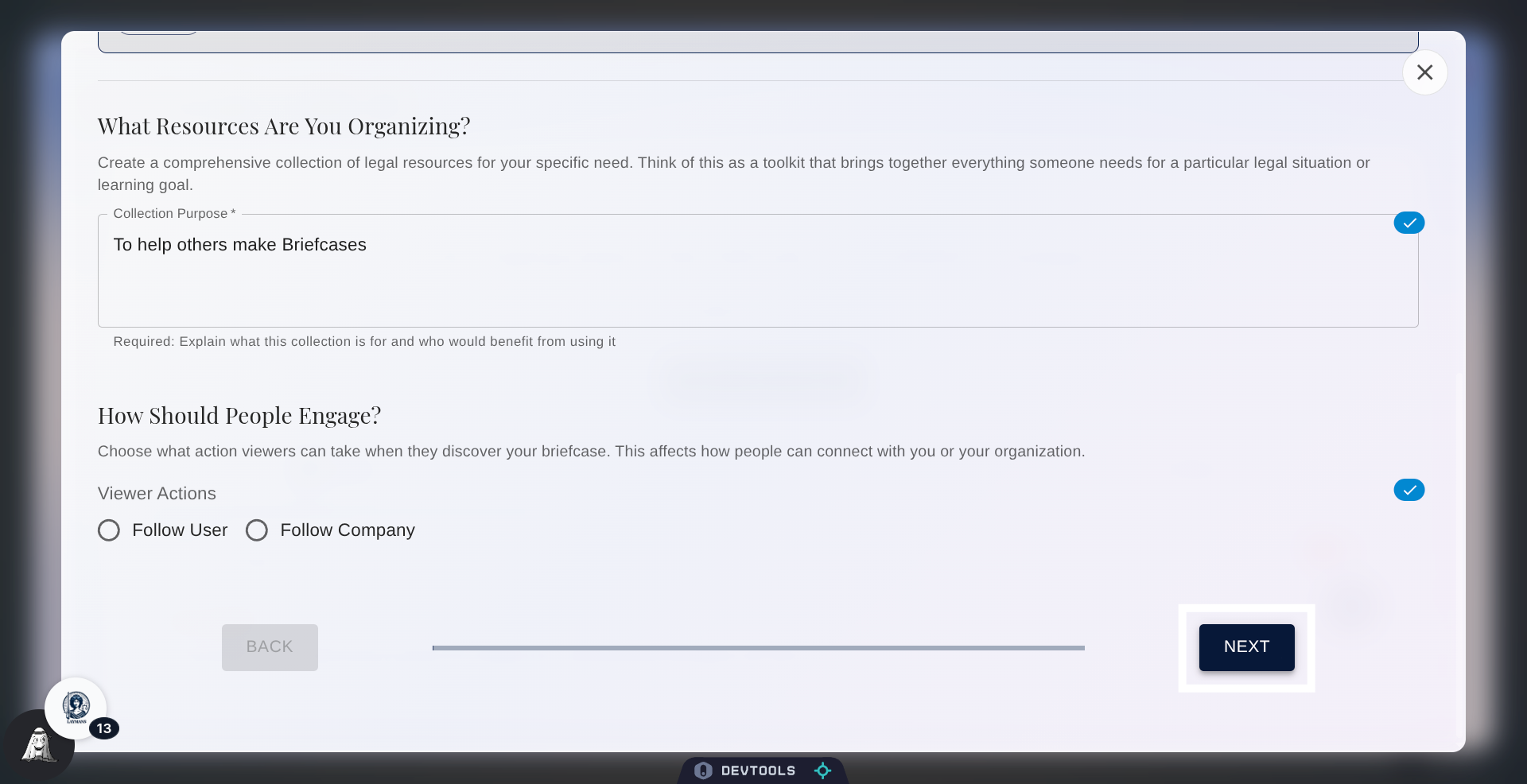
To any Briefcase you can add Casefiles, Templates, and Courses you are personally connected to, that is, resources you've made or bookmarked. Luckily, if you're in an organization with a paid account, these resources are shared and will be available for edit and for use for Briefcases even if you didn't make or bookmark them yourself.
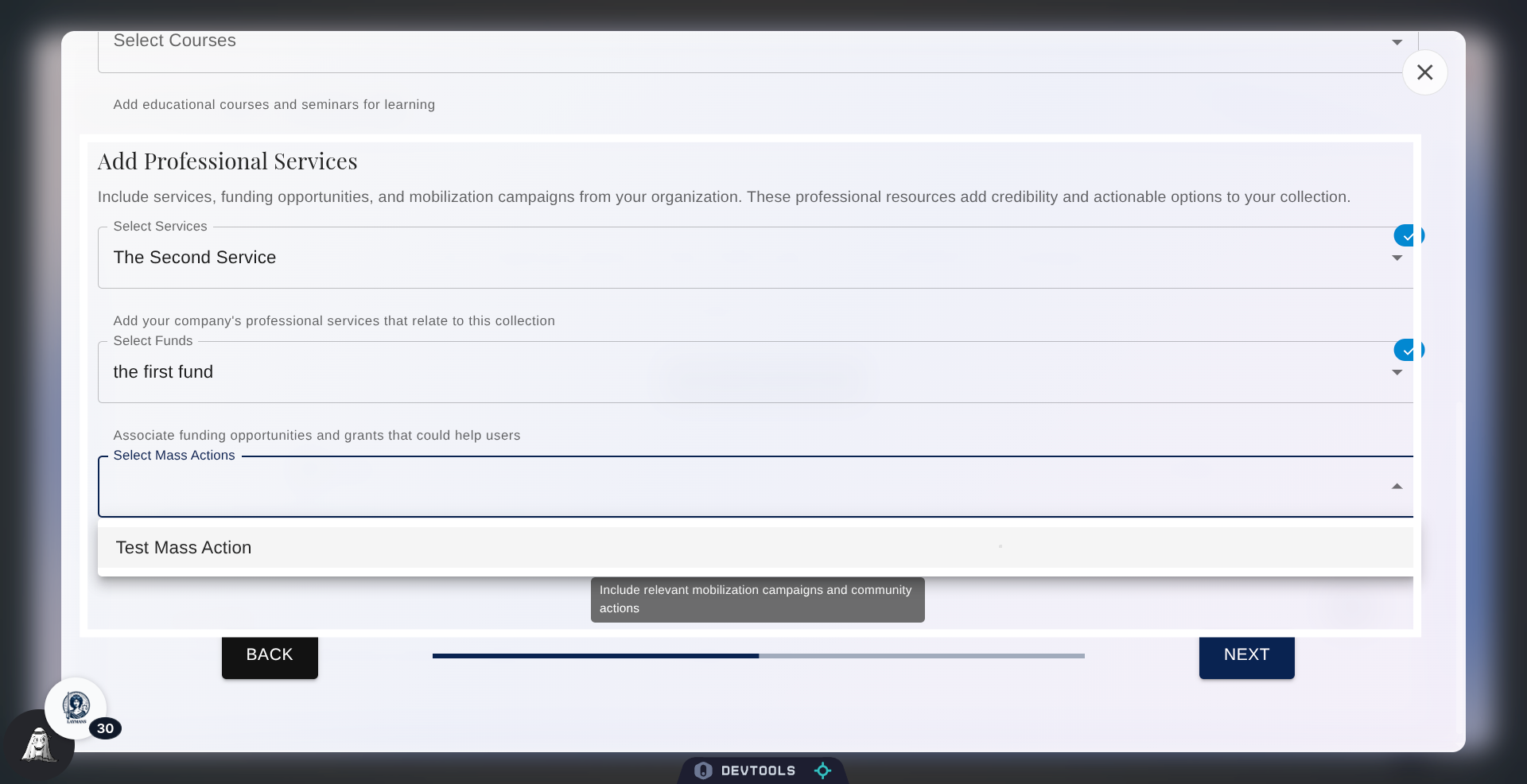
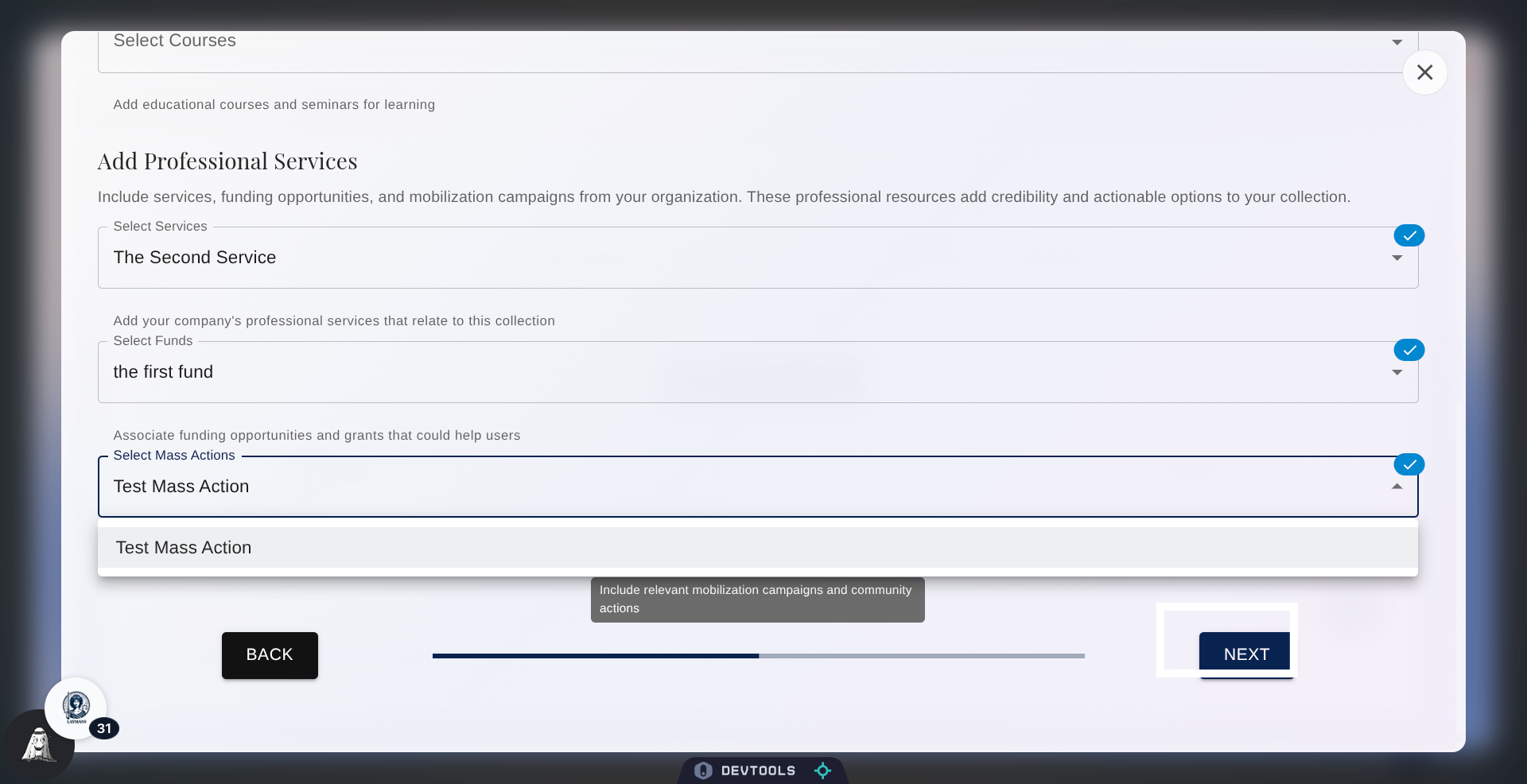
12. Add Professional Services
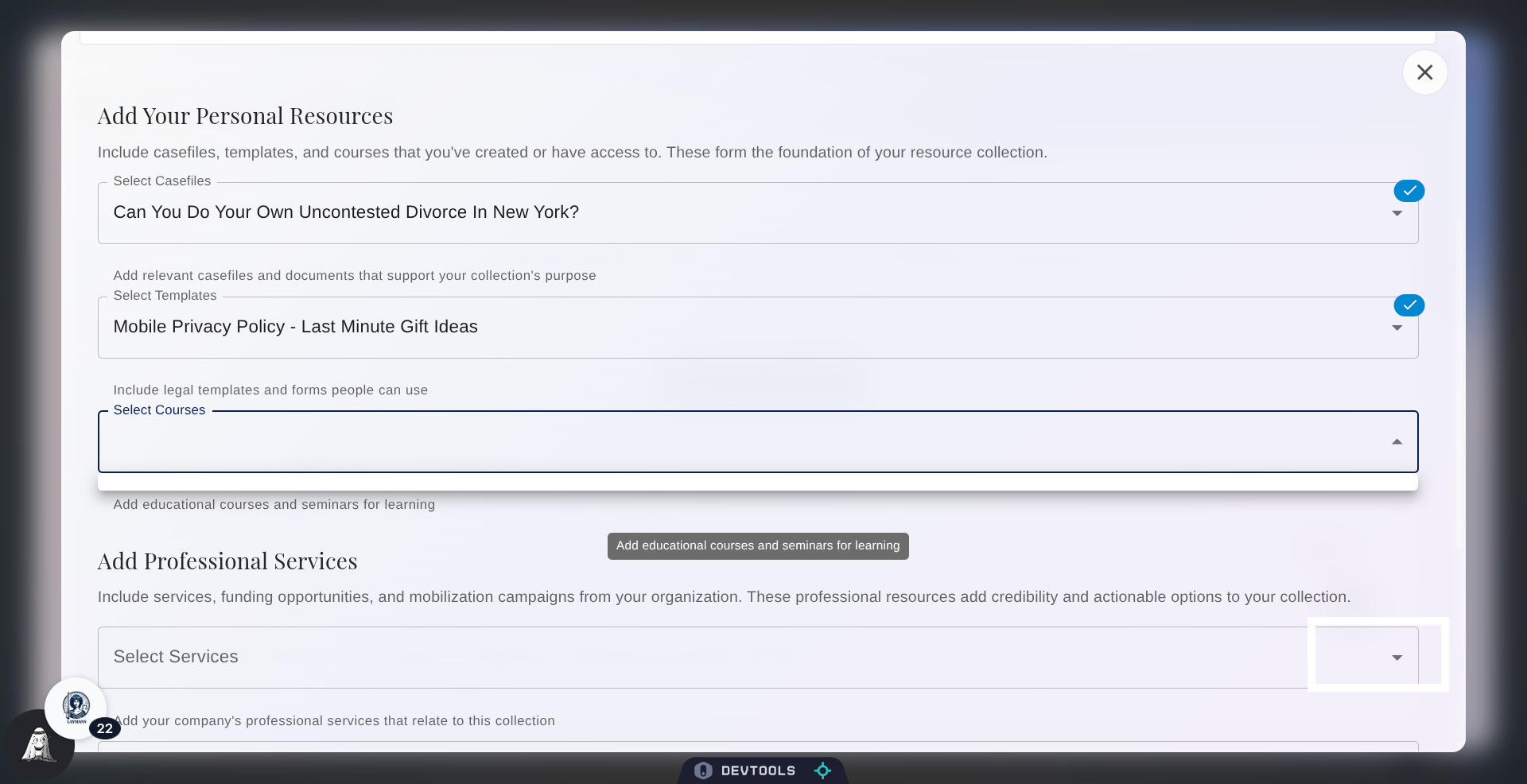
Then you can add professional services you are related to. If you're not a professional you will find this limiting as the only professional services you can add are those directly related to a case you've made. But if you're a professional, you can add Services, Funds, and Mass Actions your team has created or bookmarked.
13. Proceed to Final Step
Click Next to continue to the final step of setting up your briefcase.
14. Conclusion
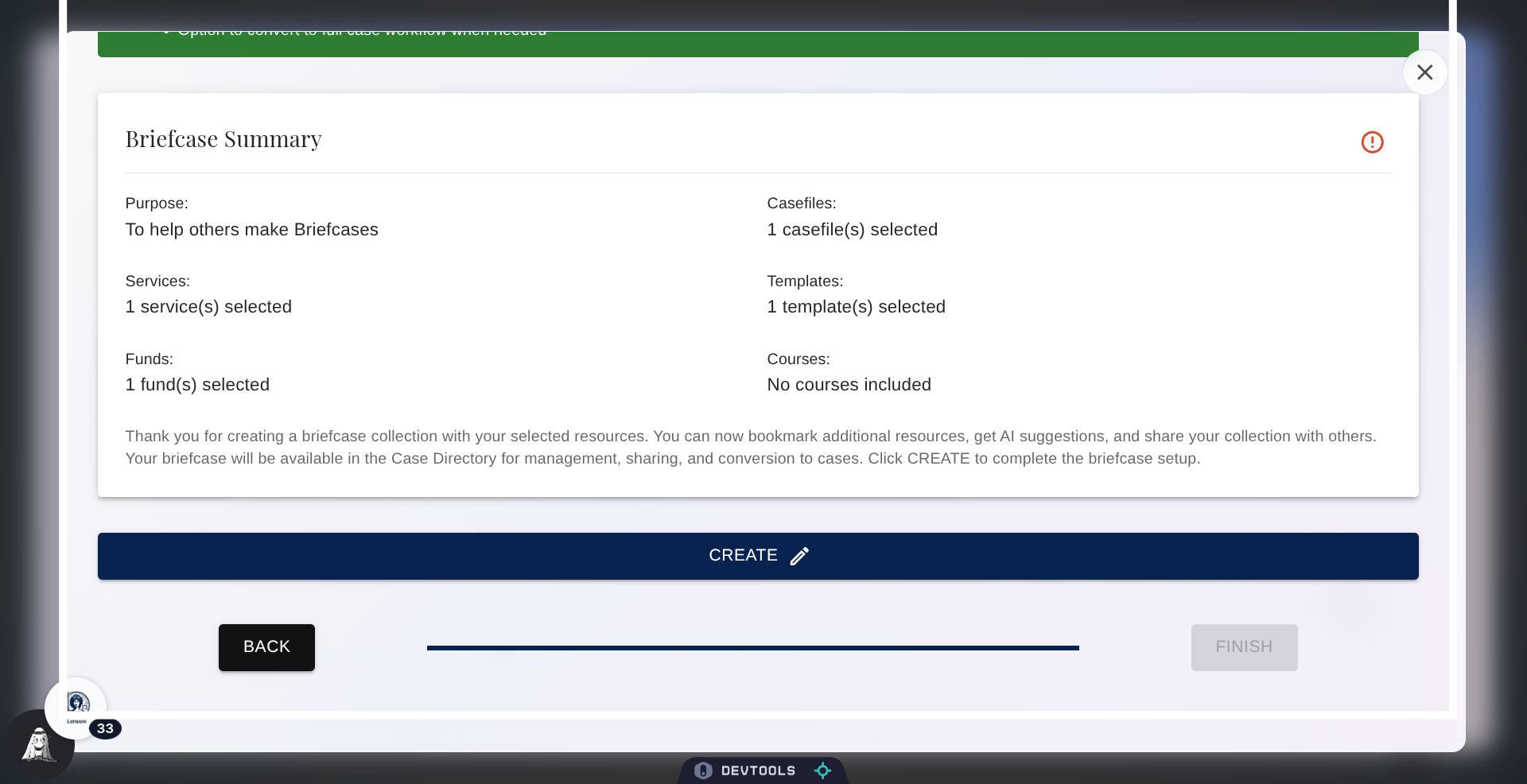
Click Create ... and great! We're done. That was easy, huh? Just like Movements, Briefcases are a bright-point of all that is possible thanks to Laymans decentralized, encrypted, templated system: Strong, advocate-made reusable templates for legal cases that allow for cases to be made in seconds rather than days. Once your Briefcase is made, you can get a link to the Briefcase in "Finalize" under "Start" in the "Power Bar." This link will allow anyone using it to make a legal case from these resources using my guidance and potentially your connections and services. Thank you for using this important cornerstone of a new civil justice system that includes everyone.